



Mimicit
A Chrome extension that turns any web image into new AI-generated art with a right-click.
What is Mimicit?
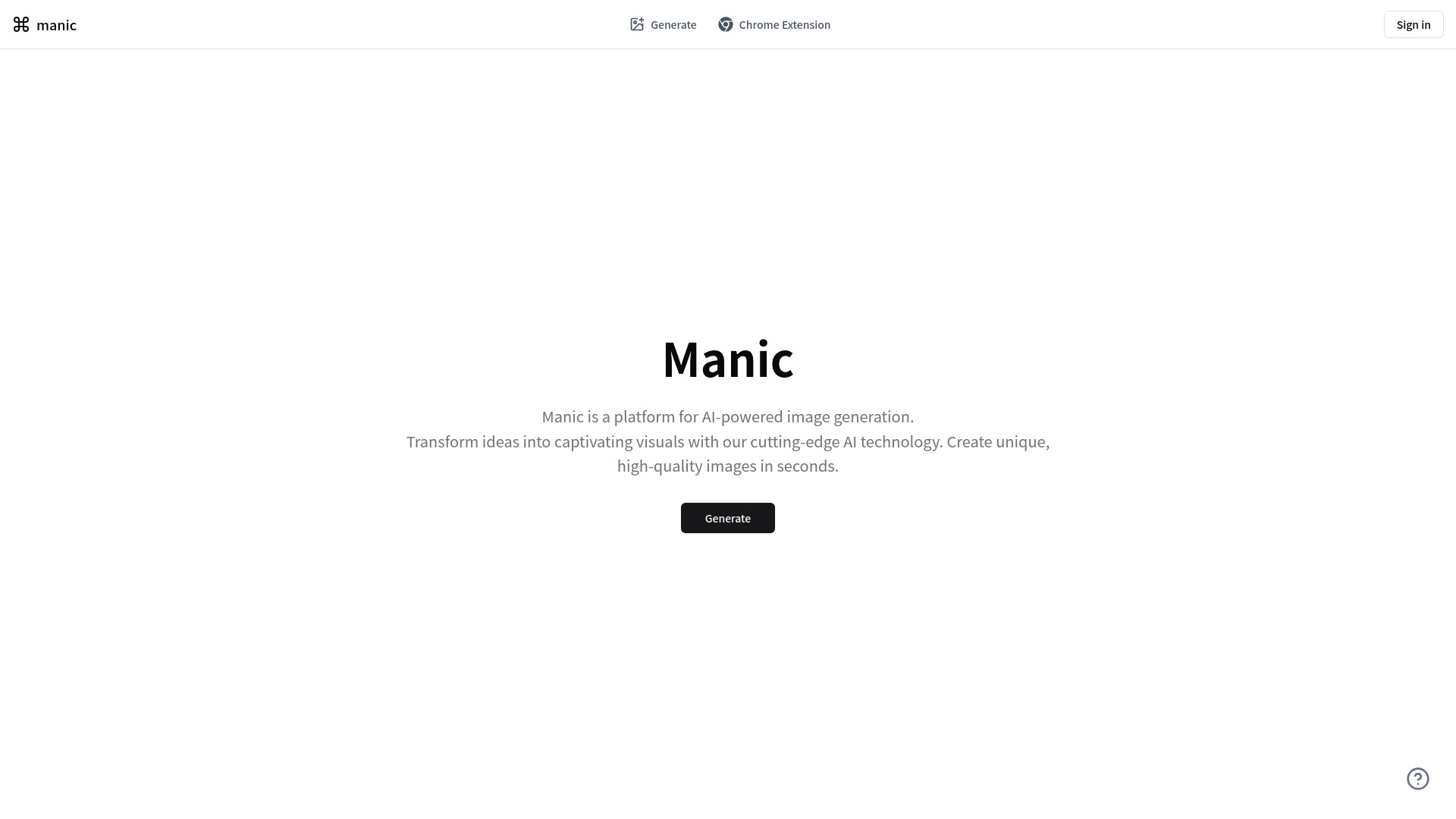
Mimicit is a Chrome extension that turns any image on the web into a fresh piece of AI-generated artwork. Instead of manually saving, uploading, and describing a picture, users simply right-click an image on any webpage and choose "Generate with Mimicit." The image is pulled directly into the extension's side panel, where a state-of-the-art vision model such as Gemini analyzes it and automatically writes a detailed generation prompt. Users can then edit, translate, or refine that prompt before creating new images. A key strength of Mimicit is its flexibility across image generation models. Users can choose among options including Imagen, FLUX, and GPT to render their prompt, and the tool supports img2img reference images so that generated results can stay closer to a visual starting point. Generation history is stored in the cloud, making it easy to revisit and iterate on earlier outputs across sessions. Mimicit is aimed at creators, designers, marketers, and curious everyday users who want to remix visual inspiration they find online without juggling multiple tools. Because it works entirely inside the browser and requires no credit card to start, it lowers the barrier to experimenting with AI image generation. It is most useful for ideation, moodboarding, and quick variations rather than as a replacement for professional design workflows.
SpecificationsAI-estimated
Key Features of Mimicit
Use Cases for Mimicit
Remixing inspiration
Turn an image you find online into a new variation in a different style or composition.
Moodboarding
Quickly generate related visuals from reference images to build creative direction for projects.
Marketing concepts
Explore alternative visual concepts for social posts, ads, or campaign imagery.
Illustration ideation
Use existing artwork as a starting point for new illustrations and iterate on the results.
Prompt learning
See how AI describes an image and use the generated prompt to learn better prompt writing.
Quick experimentation
Test how different generation models interpret the same prompt without leaving the browser.
How to use Mimicit?
Install the extension
Add Mimicit to Chrome for free from the Chrome Web Store.
Right-click an image
On any webpage, right-click an image and select "Generate with Mimicit."
Generate and refine a prompt
Let the AI analyze the image, then edit or translate the auto-generated prompt as needed.
Create new images
Choose a generation model, optionally add a reference image, and generate new artwork.
Pros & Cons of Mimicit
Pros
- One-click capture: right-click any web image and it loads straight into the side panel with no screenshots or copy-paste
- AI-generated prompts from a vision model like Gemini that you can edit, translate, and refine
- Choice of multiple generation models including Imagen, FLUX, and GPT
- Supports img2img reference images to guide results toward a visual starting point
- Free to start with no credit card required
Cons
- Only available as a Chrome extension, so other browsers and devices are not supported
- Output quality and style depend on the selected third-party models and the quality of the source image
- Cloud generation history implies data is stored off-device, which may concern privacy-conscious users
- Limited public detail on usage caps or pricing tiers beyond the free start
Frequently Asked Questions
Is Mimicit free to use?
Yes, it is free to start and no credit card is required.
Which browsers does Mimicit support?
It is a Chrome extension and is installed through the Chrome Web Store.
Which AI models can I use?
The site lists Gemini for prompt analysis and options such as Imagen, FLUX, and GPT for image generation, along with other models.
Can I use a reference image?
Yes, img2img reference images are supported to guide generation.
Is my generation history saved?
Yes, generation history is stored in the cloud so you can access it later.
Do I need to set anything up?
No setup is required beyond installing the extension.
Reviews & Ratings0.0
No reviews yet. Be the first to write one!
Top Alternatives & Similar Software
View all alternatives & similar software→No alternatives available yet.
People also viewed


Related searches
Is this your tool?
Claim this page to update details, reply to user reviews, and drive more traffic to your product.
Claim this Product →
Tags
Explore Related Topics
Keep up with Mimicit alternatives
New alternatives, pricing changes and the week's biggest movers - one email every Tuesday.