


MiriCanvas
Free design tool with unique templates
What is MiriCanvas?
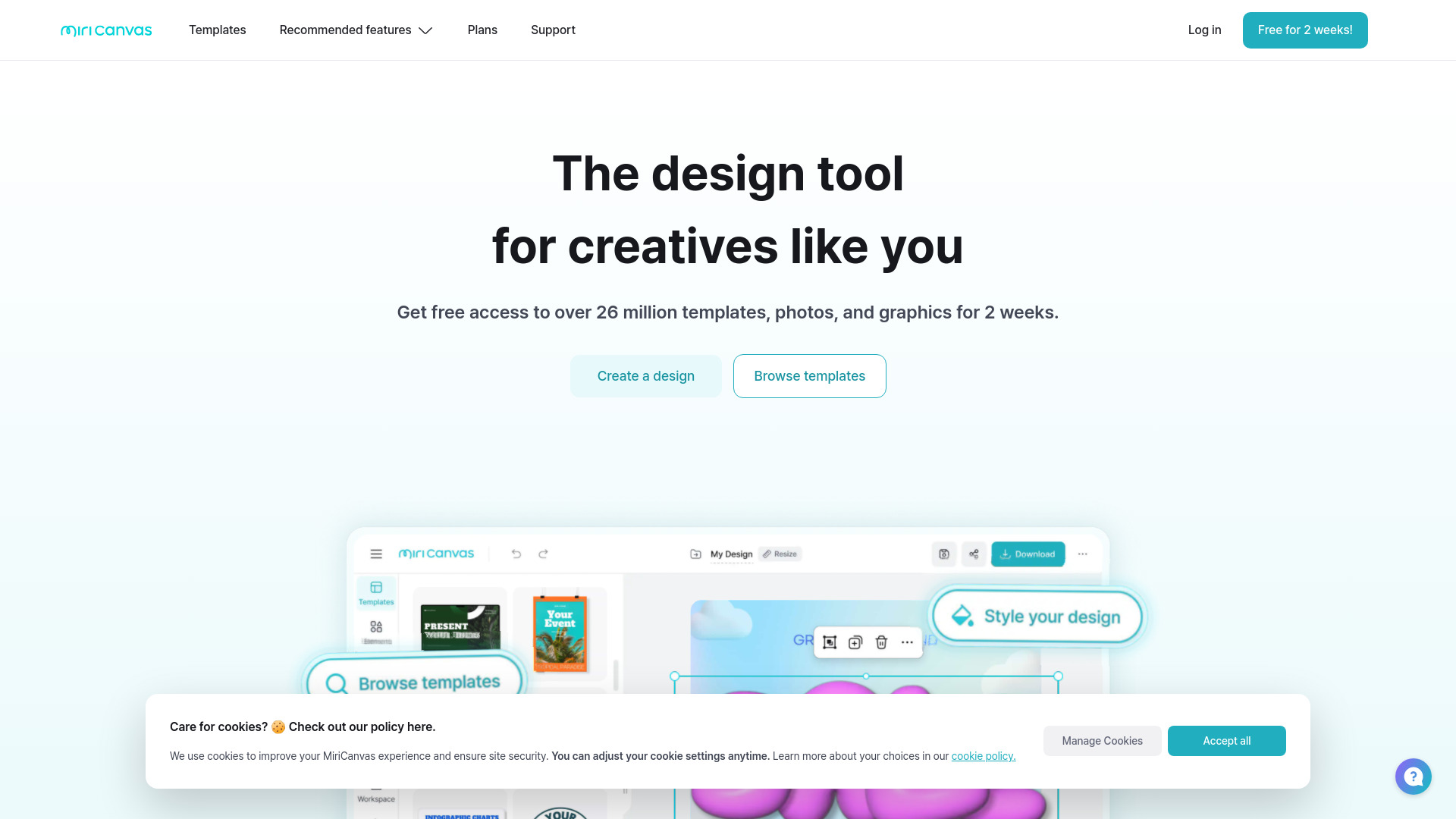
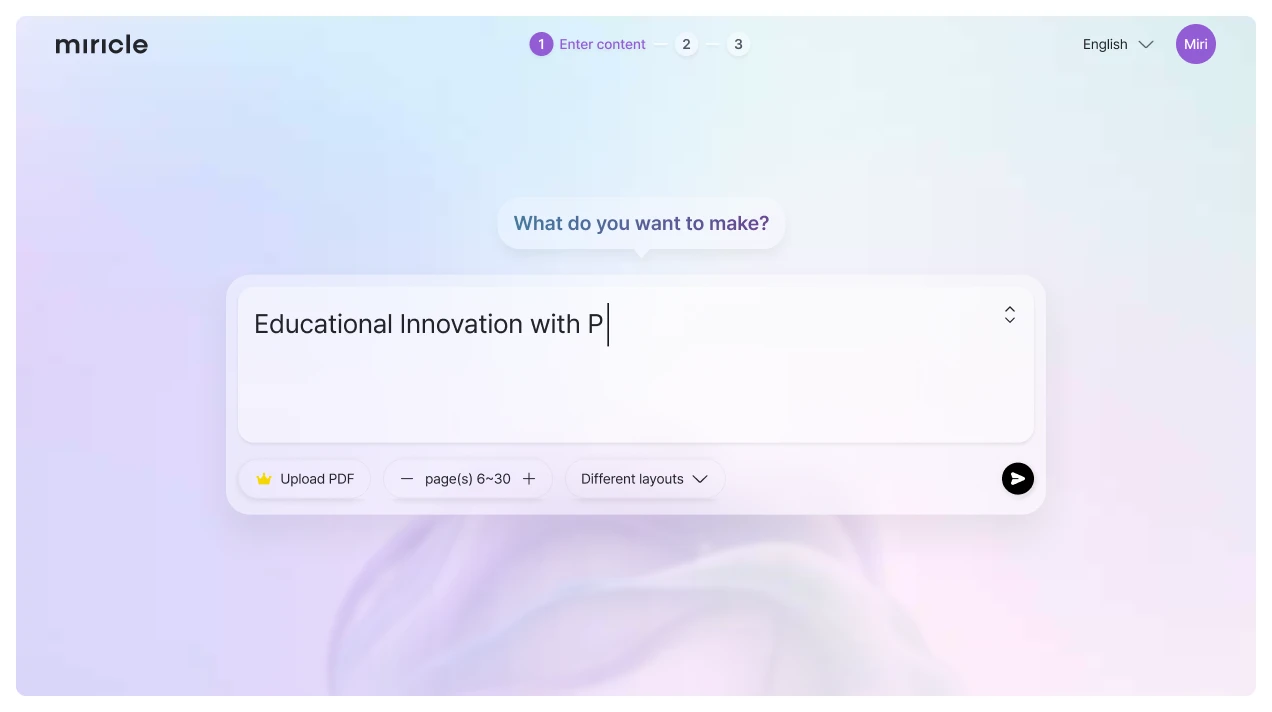
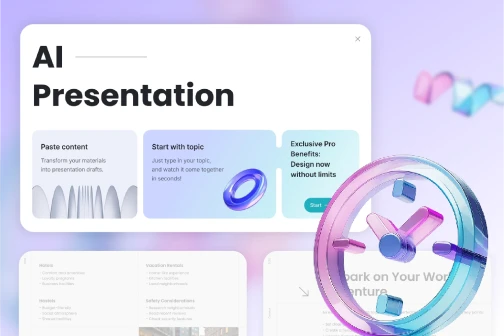
MiriCanvas is a free online design tool that helps users turn ideas into visuals using a vast library of templates for presentations, social media posts, posters, videos, and more. It includes built-in AI tools for presentation creation, video generation, image redesign, product photography, and text-to-image generation, making design accessible for both beginners and professionals.
Key Features of MiriCanvas
Use Cases for MiriCanvas
Presentations
Quickly create polished, editable slides using AI and templates.
Social Media Content
Design posts, YouTube thumbnails, and engaging quizzes for social channels.
Marketing and Business Visuals
Create product photos, posters, and detail pages that grab customer attention.
Video Creation
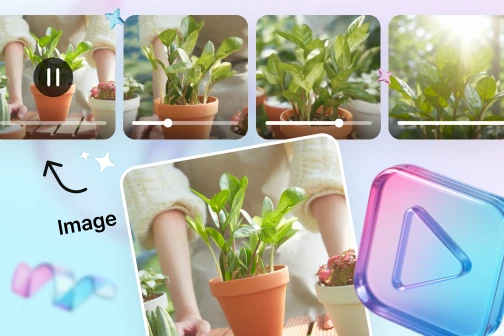
Turn text or images into ready-to-share videos with built-in AI tools.
How to use MiriCanvas?
Choose a template or start from scratch
Browse 800K+ templates for presentations, social posts, posters, videos, and more, or begin with a blank canvas.
Customize with AI or manual tools
Use AI tools to generate presentations, images, or videos, or edit with photos, text, icons, animations, and audio.
Download and share
Export your finished design and share it directly to your audience or download it for further use.
Pros & Cons of MiriCanvas
Pros
- 800K+ templates covering many design use cases
- Built-in AI tools for presentations, images, videos, and product visuals
- Large library of 10M+ photos, icons, videos, and audio elements
- Easy-to-use animation effects
- Works across desktop, tablet, and mobile devices
- One-click background removal feature
Cons
- May require a paid subscription for premium templates and features
- Heavily template-driven designs may feel less unique
- Advanced customization may be limited compared to professional design software
- Potential language or regional limitations outside supported regions
Frequently Asked Questions
Is MiriCanvas free to use?
MiriCanvas is described as a free design tool, though premium templates and advanced features may require a paid subscription.
What can you create with MiriCanvas?
You can create presentations, social media posts, YouTube thumbnails, posters, videos, product visuals, and other graphic design content.
Does MiriCanvas work on mobile devices?
Yes, MiriCanvas works seamlessly on desktops, tablets, and mobile devices.
Pricing Overview
View full pricing →Free plan: $0.00 (free for life)
Reviews & Ratings0.0
No reviews yet. Be the first to write one!
Top Alternatives & Similar Software
View all alternatives & similar software→


People also viewed




Related searches
Is this your tool?
Claim this page to update details, reply to user reviews, and drive more traffic to your product.
Claim this Product →
Tags
Explore Related Topics
Keep up with MiriCanvas alternatives
New alternatives, pricing changes and the week's biggest movers - one email every Tuesday.