



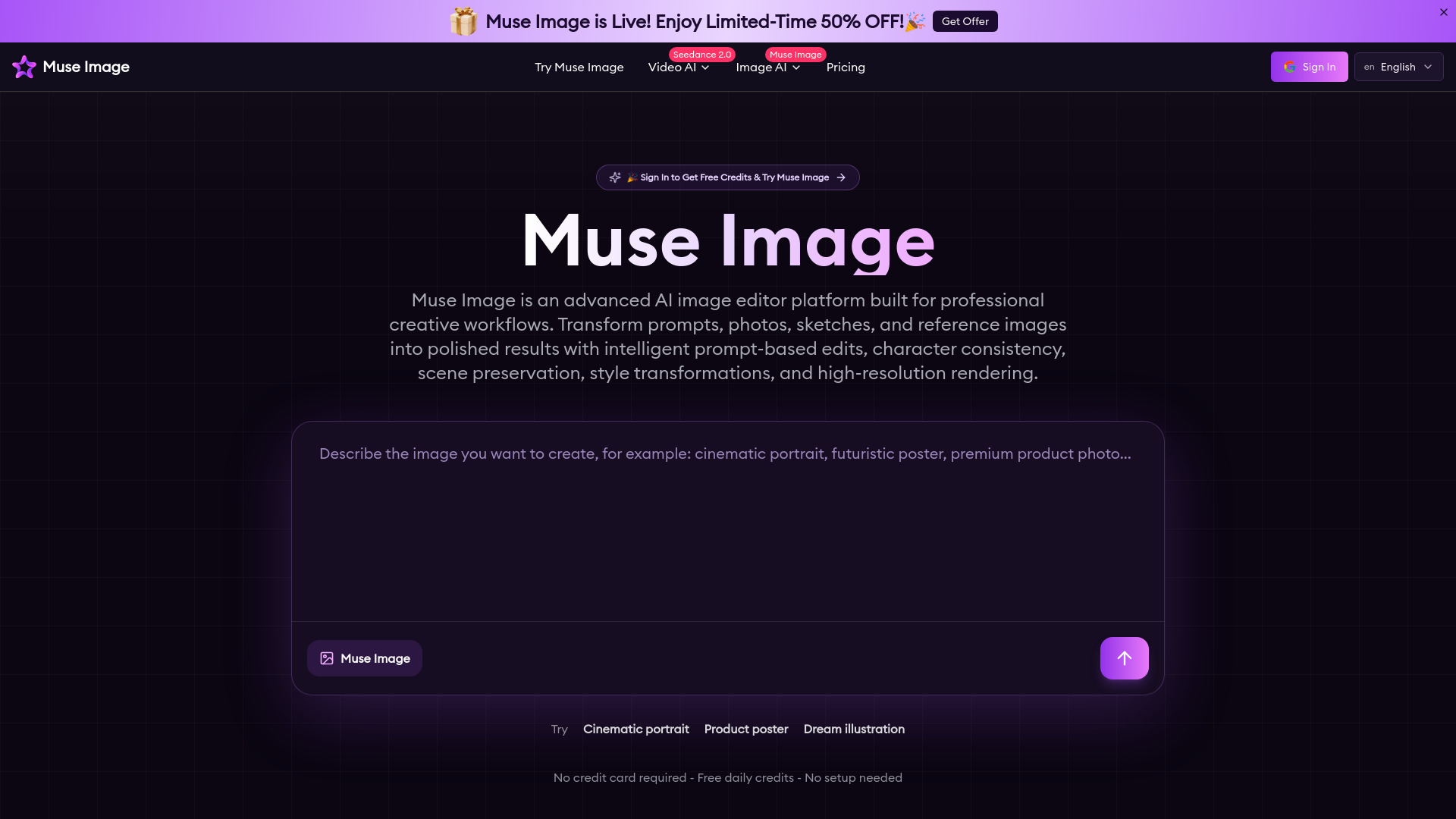
Muse Image
An AI image editor that turns plain-language instructions into precise, high-resolution edits while keeping characters and scenes consistent.


What is Muse Image?
Muse Image is a professional AI-powered image editing platform built for creative workflows. It lets creators transform prompts, photos, sketches, and reference images into polished results using plain-language instructions. Capabilities include intelligent prompt-based edits, photo enhancement, style transformations across 50+ visual styles, character consistency across multiple edits, and scene preservation that keeps the layout and environment of an original image intact while applying targeted changes. Outputs are rendered at high resolution, with the platform advertising 4K output, a 99.5% success rate, and average generation times of around 10 seconds. The product is aimed at content creators, designers, artists, marketers, and digital teams who need fast, production-ready visuals without learning traditional editing software. Users start from an uploaded image or a text prompt, describe the change they want in natural English, and export results suitable for social media, product mockups, advertising campaigns, client presentations, and concept work. The platform is accessible without a credit card, offers free daily credits, and requires no setup. Muse Image is presented as a model from Meta's Superintelligence Labs, with early public reception on X highlighting strong instruction following, precise editing, and multi-reference composition. It is positioned as a more controllable alternative to basic AI image generators, emphasizing realism, character identity, and scene coherence across iterative edits.
SpecificationsAI-estimated
Key Features of Muse Image
Use Cases for Muse Image
Social media content
Create eye-catching visuals and stylized posts quickly from existing photos or prompts.
Product visuals and mockups
Generate clean product imagery and campaign-ready variations without a studio shoot.
Advertising campaigns
Produce branded creative and multiple style variations for ad testing.
Character-driven storytelling
Keep a recurring character visually consistent across a series of illustrations or scenes.
Photo restoration and enhancement
Improve blurry, old, or low-quality photos for personal or commercial use.
Concept art and design exploration
Rapidly iterate on sketches and reference images into polished concept visuals.
How to use Muse Image?
Upload an image or start with a prompt
Begin with a photo, sketch, reference image, or a text description of the scene you want.
Describe the edit in plain language
Tell the tool what to change, enhance, preserve, or restyle using natural English.
Generate and refine
Review the result and run follow-up edits to adjust style, details, or composition.
Export high-resolution output
Download the final image for use in social posts, design projects, or client deliverables.
Pros & Cons of Muse Image
Pros
- Edits images through natural-language prompts, with no traditional editing software needed
- Maintains character identity and scene structure across multiple edits
- Offers free daily credits and requires no credit card or setup to start
- Supports a wide range of styles, from photorealistic enhancement to illustration
Cons
- Advertised performance metrics such as the 99.5% success rate and 4K output are self-reported and not independently verified
- Detailed pricing tiers and credit limits beyond the free daily allowance are not clearly described on the landing page
- Output quality and consistency may vary depending on prompt complexity and source image quality
Frequently Asked Questions
Do I need a credit card to try Muse Image?
No. The platform offers free daily credits and requires no credit card or setup to get started.
Can I edit an existing photo or only generate new images?
Both. You can upload a photo, sketch, or reference image and apply prompt-based edits, or start from a text prompt for fresh generation.
How does character consistency work?
Muse Image is designed to keep the same person or subject recognizable across multiple edits and variations, which helps with storytelling and branding projects.
What output resolution is supported?
The platform advertises high-resolution output up to 4K.
Will the original scene be preserved when I make edits?
The tool is built to preserve layout, environment, and visual context while applying targeted changes to specific parts of the image.
What kinds of styles can I apply?
The platform lists more than 50 visual styles, spanning cinematic, editorial, illustrative, and product-focused looks.
Pricing Overview
View full pricing →Muse Image offers free daily credits with no credit card required, but the provided page content does not list any specific paid plan prices.
Reviews & Ratings0.0
No reviews yet. Be the first to write one!
Top Alternatives & Similar Software
View all alternatives & similar software→No alternatives available yet.
People also viewed


Related searches
Is this your tool?
Claim this page to update details, reply to user reviews, and drive more traffic to your product.
Claim this Product →
Tags
Explore Related Topics
Keep up with Muse Image alternatives
New alternatives, pricing changes and the week's biggest movers - one email every Tuesday.