


O/Page Website Builder
The AI Website Builder You Actually Own
%20(1).webp)
%20(1).webp)
%20(1).webp)
What is O/Page Website Builder?
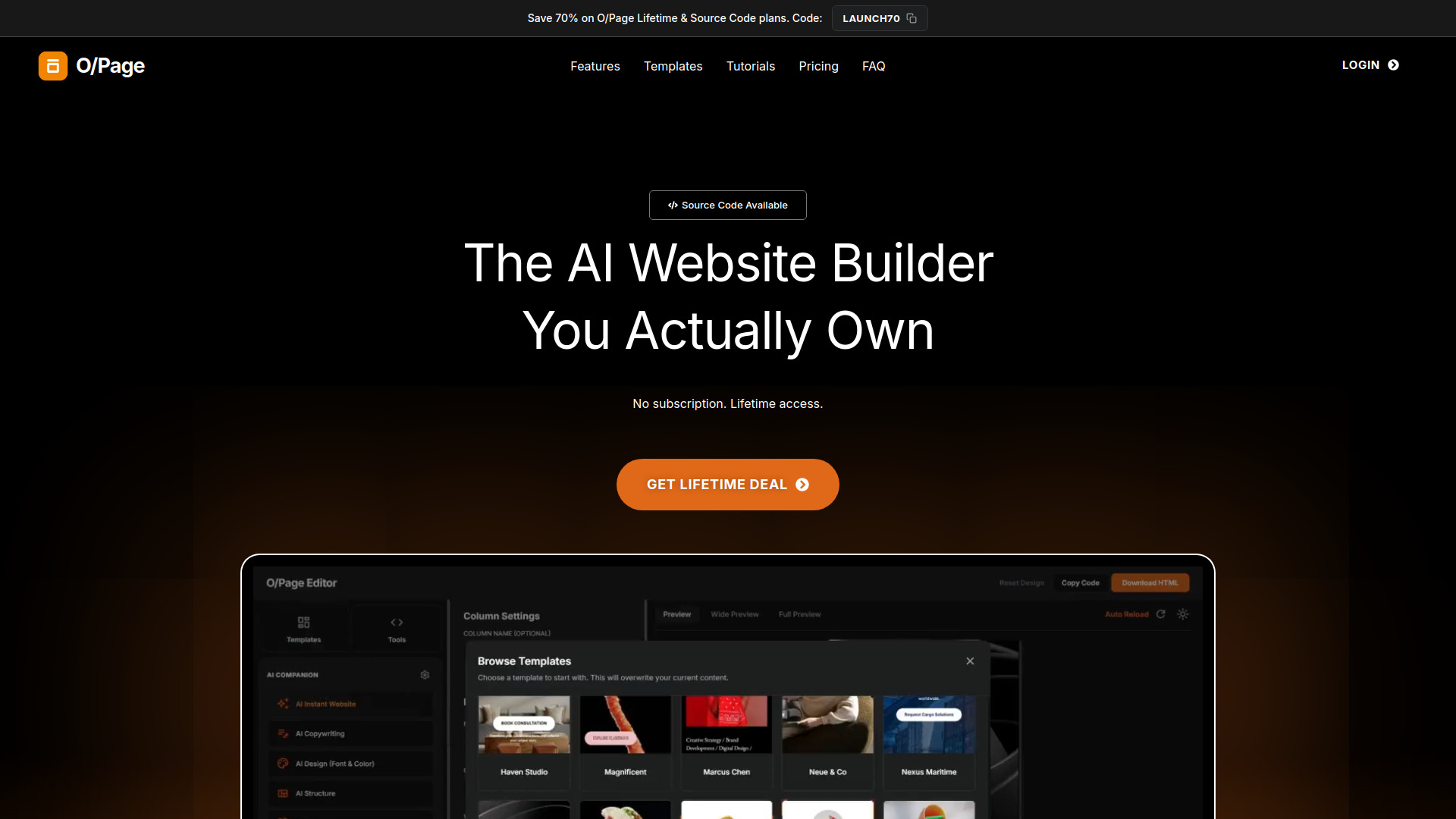
O/Page is a browser-based AI website builder that lets users generate responsive HTML websites, export clean single-file code, and host anywhere. It offers lifetime access, drag-and-drop editing, custom CSS, live preview, AI integration via OpenRouter/Groq, and optional white-label source code for rebranding as a SaaS product.
SpecificationsAI-estimated
Key Features of O/Page Website Builder
Use Cases for O/Page Website Builder
Freelancers & agencies
Build client websites quickly with AI and export clean HTML to any hosting provider.
SaaS founders
Purchase the white-label source code to launch a rebranded website builder and keep 100% of profits.
Mobile creators
Create and edit responsive websites from an Android phone using the browser-based editor.
How to use O/Page Website Builder?
Sign in to the editor
After purchase, access the editor via your web browser.
Connect AI
Add your OpenRouter or Groq API key. Keys are stored locally in browser cache.
Generate or design
Use AI to generate a site or build with drag-and-drop, custom CSS, and O/Tools.
Export and host
Export a single HTML file and host it on Netlify, GitHub, WordPress, shared hosting, or anywhere.
Pros & Cons of O/Page Website Builder
Pros
- No subscription or recurring fees
- Portable single-file HTML export with no vendor lock-in
- AI-powered content generation and editing using your own API keys
- Works on mobile browsers, especially Android Chrome
- Includes built-in O/Tools: WhatsApp Forms, Gallery, YouTube Playlists
- White-label source code option for starting your own SaaS
- Lightweight codebase (~600KB, ~10,500 lines) that is AI-editable
Cons
- AI features require separate OpenRouter or Groq API keys
- Mobile optimization is primarily for Android Chrome, not iOS
- White-label source code is a significant one-time investment
- No official plugin ecosystem or CMS-like backend
- Updates are not included with the source code purchase
Frequently Asked Questions
Can I use O/Page on my phone?
Yes, the editor is optimized for Android Chrome browser.
Can I collect forms?
Yes, O/Tools includes WhatsApp Forms that send submissions directly to WhatsApp without a backend.
Can I import HTML websites?
Yes, if they are O/Page compatible, you can load previously exported HTML files or demo templates back into the editor.
Can I resell the source code?
You can sell access to the platform you build, but you cannot resell the raw source code itself.
Pricing Overview
View full pricing →No pricing data found.
Detailed plans are not listed. Visit the official website for pricing information.
Reviews & Ratings0.0
No reviews yet. Be the first to write one!
Top Alternatives & Similar Software
View all alternatives & similar software→No alternatives available yet.
People also viewed



Related searches
About the Product
Is this your tool?
Claim this page to update details, reply to user reviews, and drive more traffic to your product.
Claim this Product →
Tags
Explore Related Topics
Keep up with O/Page Website Builder alternatives
New alternatives, pricing changes and the week's biggest movers - one email every Tuesday.