



Best for
Rhythm gamers wanting free, multi‑mode, community‑driven experience
Skip if
Players with weak PCs or needing official customer support






What is Osu!?
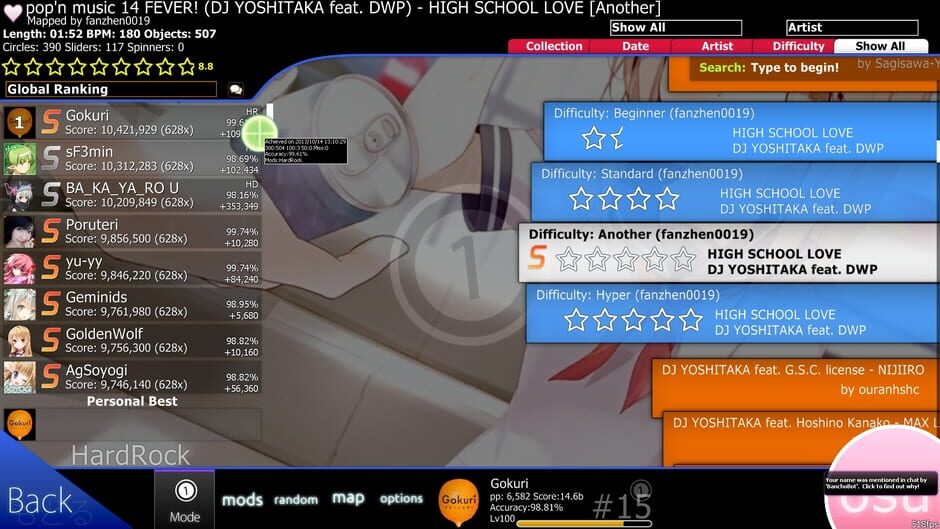
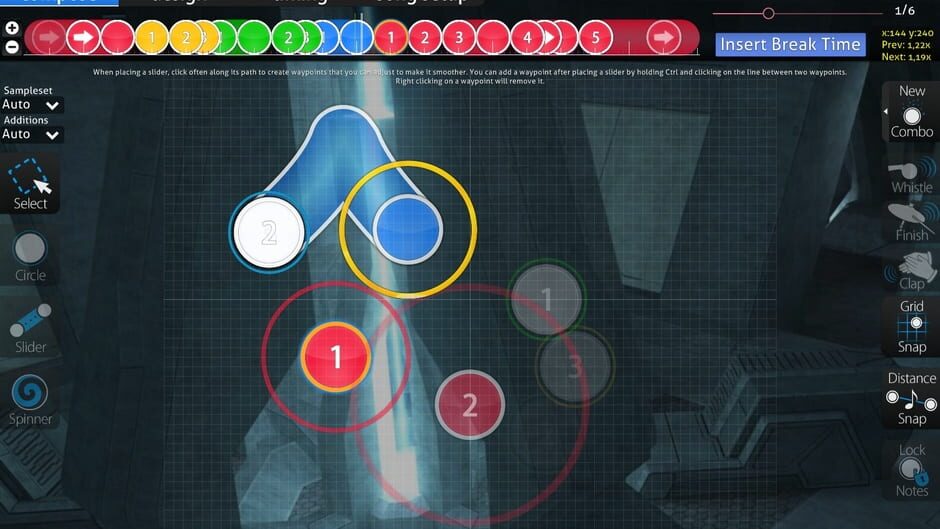
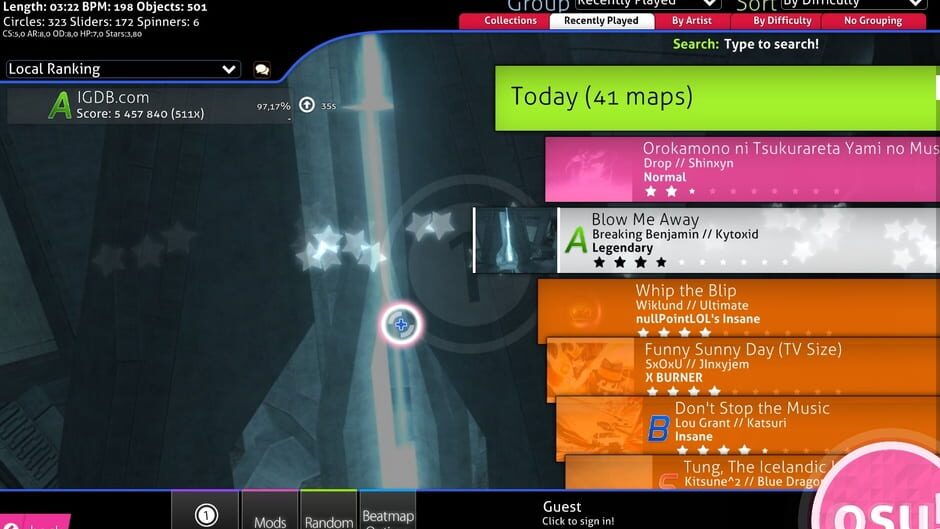
Osu! is an open‑source rhythm game created by Dean Herbert in 2007. Players click circles, slide, spin, or hit notes in time with music using a cursor, tablet, keyboard, or touch input. The game offers four distinct rulesets—standard, taiko, catch, and mania—each providing a different style of play. Community‑made beatmaps keep the library constantly expanding, and global leaderboards track performance points across single‑player and multiplayer modes.
SpecificationsAI-estimated
Key Features of Osu!
Use Cases for Osu!
Practice Rhythm Skills
Improve timing and coordination by playing community beatmaps.
Competitive Play
Climb global leaderboards and challenge friends in multiplayer.
Content Creation
Create and share custom beatmaps for any song.
Casual Gaming
Enjoy quick, bite‑size sessions on mobile or desktop.
Pros & Cons of Osu!
Pros
- Free to download and play
- Cross‑platform support
- Large, constantly expanding beatmap library
- Multiple distinct rulesets for varied gameplay
Cons
- Steep learning curve for advanced maps
- Performance can vary on low‑end hardware
- Limited official support; relies on community
Frequently Asked Questions
Is Osu! really free?
Yes, the core game and all beatmaps are free to download and play.
What input devices are supported?
Mouse, keyboard, graphics tablet, and touch input on mobile devices are all supported.
Can I create my own beatmaps?
Absolutely; the editor is included and community maps can be uploaded to the official server.
Do I need an internet connection to play?
You need internet to download beatmaps and access leaderboards, but offline play is possible with locally saved maps.
Pricing Overview
View full pricing →Detailed plans are not listed. Visit the official website for pricing information.
Reviews & Ratings0.0
No reviews yet. Be the first to write one!
Top Alternatives & Similar Games
View all alternatives & similar games→

People also viewed



Best For
Related searches
About the Product
Is this your tool?
Claim this page to update details, reply to user reviews, and drive more traffic to your product.
Claim this Product →
Keep up with Osu! alternatives
New alternatives, pricing changes and the week's biggest movers - one email every Tuesday.