



PaintPlanner
A LiDAR-powered paint calculator that scans your rooms and subtracts doors and windows for accurate paint estimates.
What is PaintPlanner?
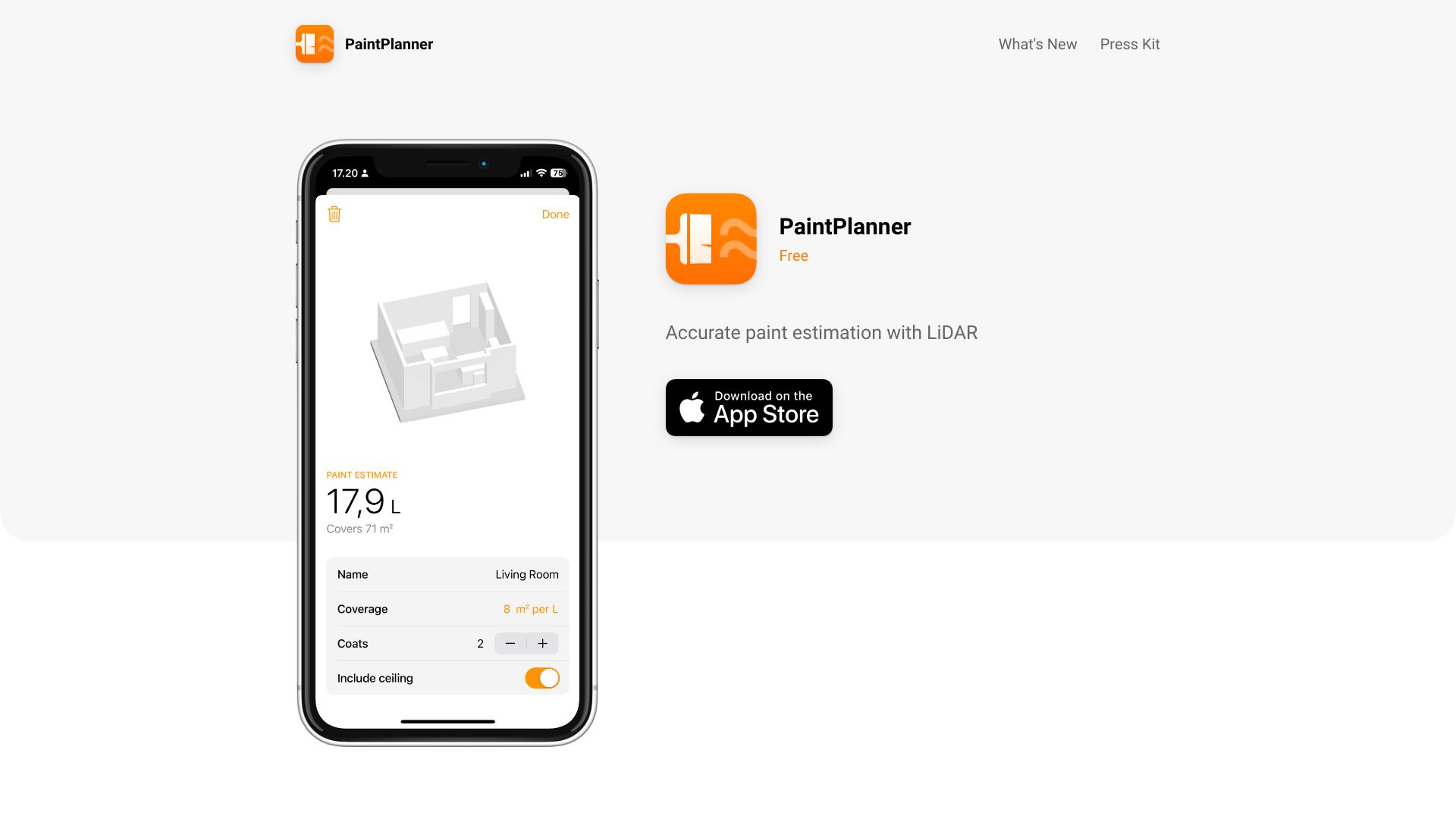
PaintPlanner is a paint estimation tool that helps homeowners, painters, and contractors calculate how much paint a project will require. Its standout capability is LiDAR-based room scanning: on a supported device, users can scan a space instead of measuring walls by hand or entering dimensions manually. The app then subtracts doors, windows, and other openings from the wall area so the estimate reflects the paintable surface as closely as possible. Beyond the initial calculation, PaintPlanner is built around project planning. Users can save estimates for later reference, and adjust variables such as the number of coats and the coverage rate of the paint they plan to use. This makes it possible to compare scenarios, for example checking how many gallons a two-coat versus three-coat job would need, before purchasing materials. The product is aimed at anyone who wants to avoid overbuying or running short mid-project, including DIY renovators, small painting businesses, and property managers. Because the core scanning feature depends on LiDAR hardware, the experience is strongest on newer compatible devices, while manual entry remains the fallback for other users.
SpecificationsAI-estimated
Key Features of PaintPlanner
Use Cases for PaintPlanner
Planning a home repaint
Homeowners can scan each room and get a paint quantity estimate before heading to the store.
Quoting painting jobs
Contractors can produce quick, consistent paint estimates to include in client quotes.
Avoiding overbuying paint
Accurate calculations help users buy the right amount and reduce leftover cans.
Comparing coat options
Users can adjust the number of coats to see how material needs change for each scenario.
Budgeting renovation projects
Saved estimates help track paint costs across multiple rooms or properties.
Estimating for rental or property management
Property managers can quickly estimate paint needs between tenants across units.
How to use PaintPlanner?
Open the app
Launch PaintPlanner on a compatible device.
Scan the room
Use LiDAR to scan the walls, or enter dimensions manually if your device is not supported.
Adjust coats and coverage
Set the number of coats and the coverage rate for your chosen paint.
Review the estimate
Check the calculated paint quantity, with doors and windows already subtracted.
Save your project
Store the estimate to revisit or compare later.
Pros & Cons of PaintPlanner
Pros
- Room scanning with LiDAR removes the need for manual measuring or data entry
- Automatically subtracts doors, windows, and openings for more accurate estimates
- Free to use with the ability to save and revisit project estimates
- Adjustable coats and coverage settings let users plan for different paint products
Cons
- Room scanning requires a LiDAR-equipped device, limiting access for many users
- Accuracy of the estimate depends on the quality of the scan and user-supplied coverage figures
- Limited information available about advanced features beyond the core calculator
Frequently Asked Questions
Is PaintPlanner free?
Yes, the app is listed as free to use.
What device do I need for LiDAR scanning?
Room scanning requires a LiDAR-supported device. Other devices can still use the calculator with manual entry.
Does it account for doors and windows?
Yes, the app subtracts doors, windows, and other openings from the total wall area.
Can I change how many coats I plan to apply?
Yes, the number of coats is adjustable within each estimate.
Can I adjust the paint coverage rate?
Yes, you can modify the coverage figure to match the specific paint you plan to use.
Can I save my estimates?
Yes, estimates can be saved to plan and revisit projects.
Reviews & Ratings0.0
No reviews yet. Be the first to write one!
Top Alternatives & Similar Software
View all alternatives & similar software→No alternatives available yet.
People also viewed



Related searches
Is this your tool?
Claim this page to update details, reply to user reviews, and drive more traffic to your product.
Claim this Product →
Tags
Explore Related Topics
Keep up with PaintPlanner alternatives
New alternatives, pricing changes and the week's biggest movers - one email every Tuesday.