


Paragraph
An AI media engine that turns your company's context into owned content, shipped only after you approve it.
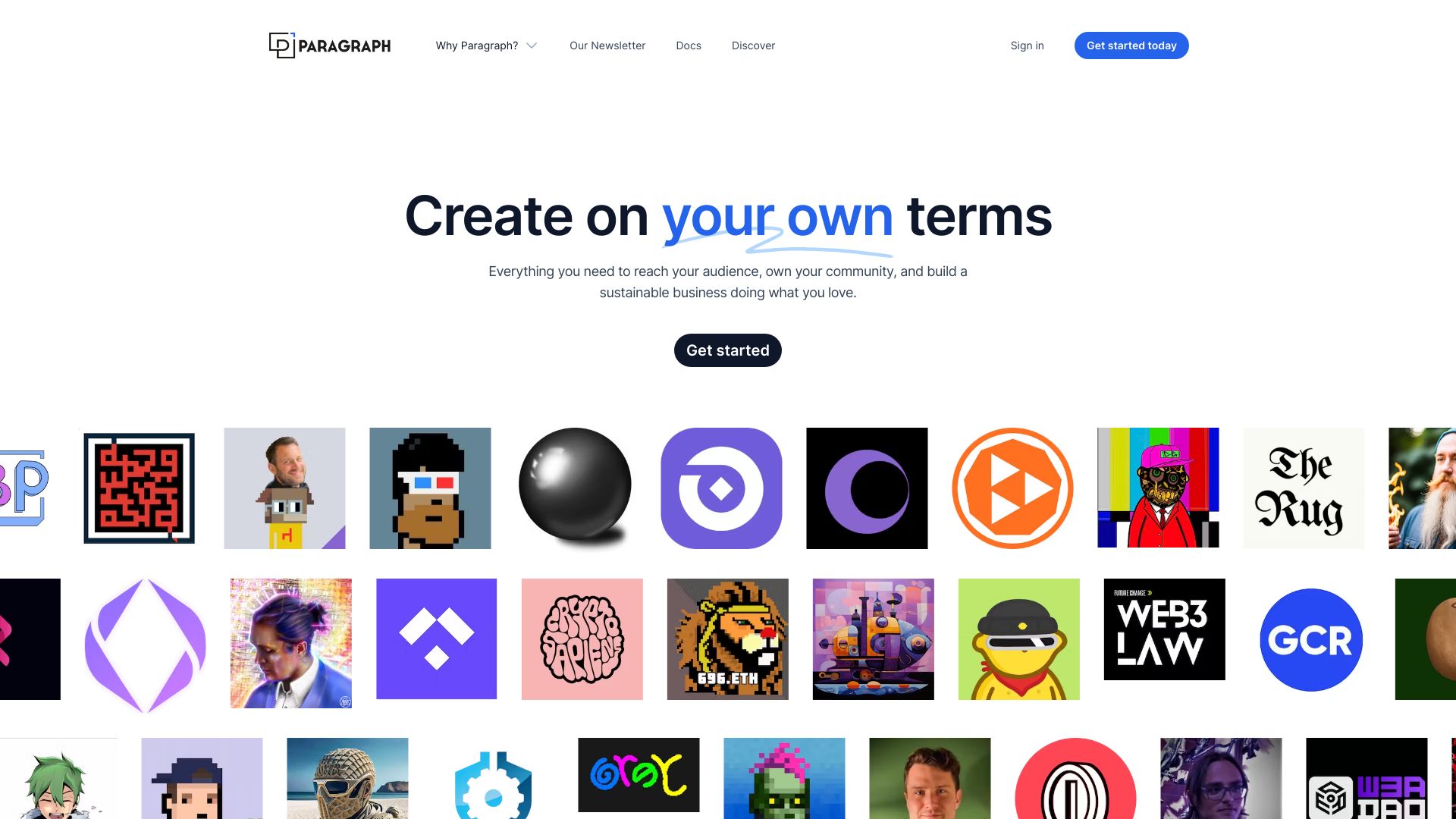


What is Paragraph?
Paragraph is a media engine built for companies that want to publish consistently without assembling a content team from scratch. It connects to the tools a company already uses, such as Slack, Linear, Notion, GitHub, Stripe, and HubSpot, pulls in product context, founder notes, and customer learnings, and turns them into blog posts, newsletters, social campaigns, landing pages, and lifecycle emails. Specialized agents propose next steps, draft the assets in the company's voice, and run recurring workflows within boundaries the team sets. The platform is organized around owned channels. Instead of renting attention from social feeds, companies build a blog, newsletter, and subscriber list they control. Analytics on traffic, signups, and new customers feed back into the agents, which refresh underperforming posts, add internal links, re-send to non-openers, and turn customer learnings into new angles as the product changes. One post can be distributed as a blog article, an X thread, a LinkedIn post, and a newsletter, with each asset sent only after a human approves it. Paragraph is best suited to startups, developer-focused companies, and crypto/web3 teams that need a steady publishing cadence but lack dedicated marketing staff. Access is available through the web app, an API, an MCP server for AI assistants like Claude and ChatGPT, a CLI, and Slack and Telegram bots, with a free tier and no credit card required to start.
SpecificationsAI-estimated
Key Features of Paragraph
Use Cases for Paragraph
Product launches
Draft a launch post, newsletter, and social copy together from release notes and specs, then approve and ship them across channels.
Founder thought leadership
Turn founder notes and calls into long-form posts that build an audience around the company's point of view.
Customer stories
Convert customer call notes and feedback into case-study style content and new content angles.
Changelog and product updates
Transform shipped GitHub work and product changes into articles and social posts announcing what's new.
Newsletter operations
Run a recurring newsletter with suggested topics, drafts, and re-sends to subscribers who didn't open.
Landing pages and site refreshes
Redesign hero sections, add testimonials, and update internal links on a company site with agent-proposed changes.
How to use Paragraph?
Sign up and connect your tools
Create a workspace and connect the apps your team already uses, such as Slack, Notion, Linear, or GitHub.
Set your voice and context
Share your product positioning, audience, and brand voice so Paragraph can draft in your company's style.
Choose agents and start a draft
Pick the agents you need, then ask for a post, newsletter, or campaign based on recent work or customer calls.
Review and approve
Edit the drafts and approve what should ship. Nothing goes live or gets sent without your sign-off.
Schedule and let analytics guide the next move
Schedule publishing across channels and use the analytics feedback loop to refine future content.
Pros & Cons of Paragraph
Pros
- Connects to 900+ tools so drafts come from real specs, issues, and call notes
- Human approval gate on every page, send, and campaign before anything ships
- Owned blog, newsletter, and subscriber list instead of dependence on social algorithms
- Agents learn from analytics and refresh or redistribute content on an ongoing basis
Cons
- Output quality depends heavily on the richness of connected context and brand voice setup
- Breadth of channels and agents may be more than very small teams need at first
- Pricing beyond the free tier is not shown on the landing page
Frequently Asked Questions
Does Paragraph publish content without my approval?
No. Every draft, page, send, and campaign waits for your approval before it goes anywhere.
Do I need a credit card to try it?
No. Paragraph offers a generous free tier and does not require a credit card to get started.
Can I keep my blog on my own website?
Yes. You can write and send from Paragraph while readers and search engines land on the site you already run.
Which tools does Paragraph integrate with?
It lists more than 900 integrations, including Slack, Linear, Notion, GitHub, Stripe, HubSpot, Mailchimp, Shopify, and PostHog.
Can I use Paragraph from ChatGPT or Claude?
Yes. The Paragraph MCP server lets AI assistants such as Claude, ChatGPT, and Cursor draft and publish posts, manage subscribers, and answer analytics questions.
What kinds of content can it create?
Blog posts, newsletters, social posts for X and LinkedIn, landing pages, lifecycle emails, images, and video.
Pricing Overview
View full pricing →Paragraph offers a free tier plus paid Launch ($167/month billed yearly, $1,999/year) and Team ($417/month billed yearly, $4,999/year) subscriptions, with annual billing saving 16%, and a Managed plan starting at $2,500/month.
Reviews & Ratings0.0
No reviews yet. Be the first to write one!
Top Alternatives & Similar Software
View all alternatives & similar software→No alternatives available yet.
People also viewed



Related searches
Is this your tool?
Claim this page to update details, reply to user reviews, and drive more traffic to your product.
Claim this Product →
Tags
Explore Related Topics
Keep up with Paragraph alternatives
New alternatives, pricing changes and the week's biggest movers - one email every Tuesday.