



PDF.co
Automate PDF extraction, conversion, editing, and creation with a low-code REST API.
What is PDF.co?
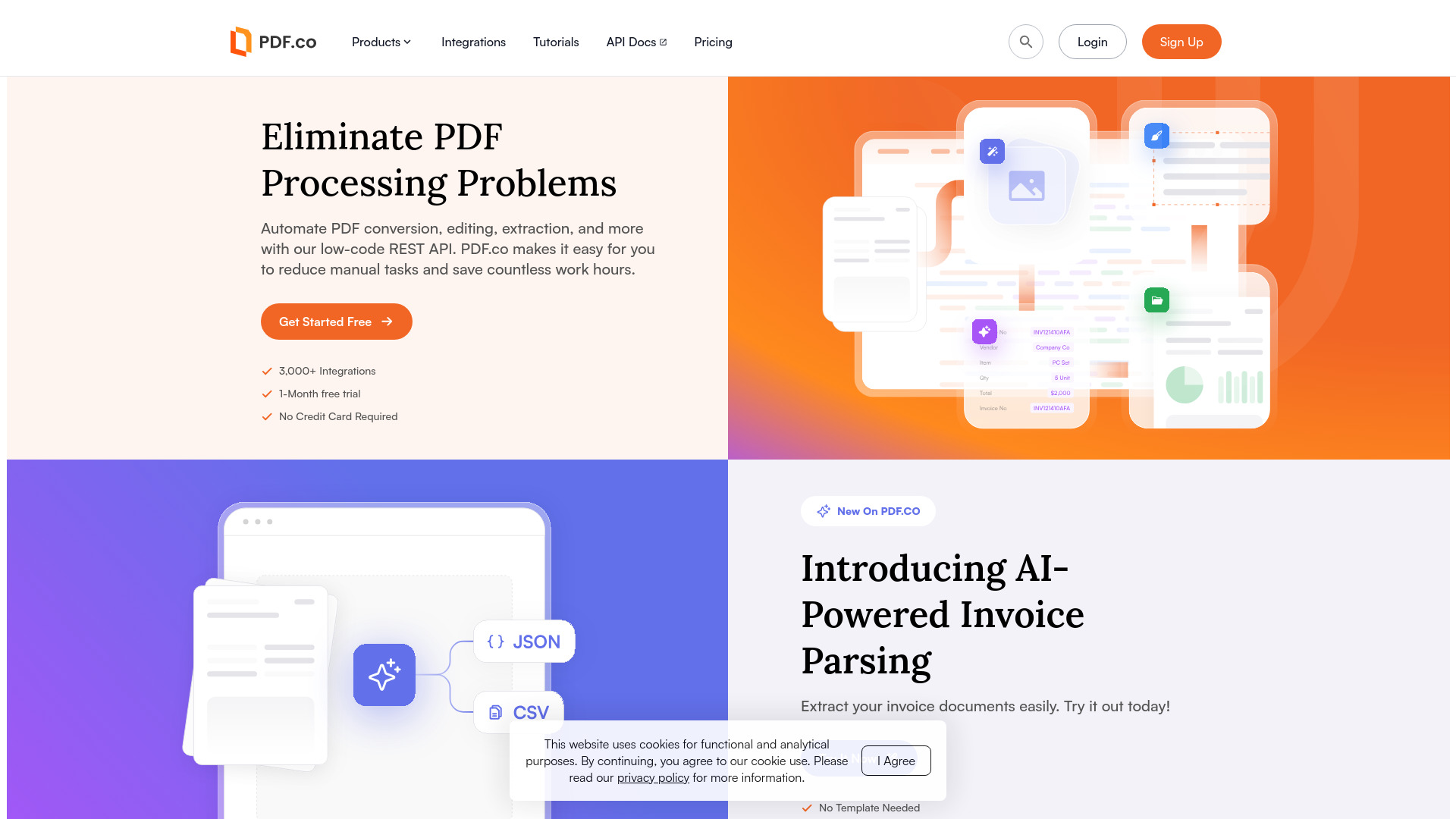
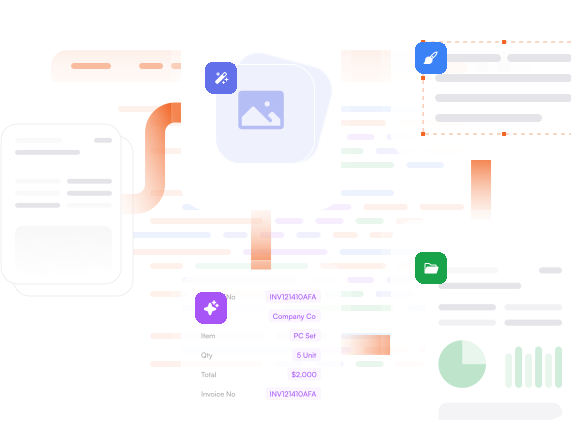
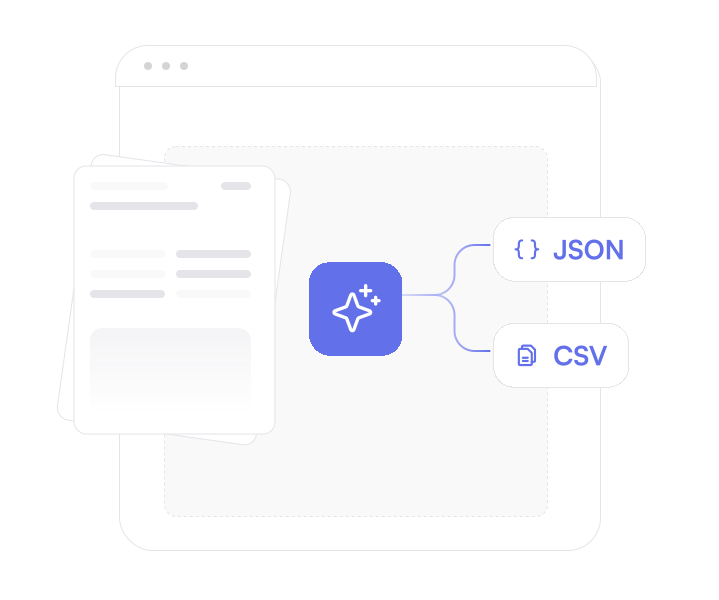
PDF.co is a cloud-based REST API platform designed to automate PDF-related tasks such as extraction, conversion, editing, and creation. It aims to cut the manual effort involved in processing PDFs by providing a set of low-code, secure endpoints that developers and non-developers can integrate into apps, websites, and automation workflows. With more than 3,000 integrations, it slots into popular platforms like Zapier and Google Sheets to streamline document-heavy business processes. At its core, the platform offers a broad toolkit: PDF-to-X conversion, merging and splitting, fillable form creation and filling, e-signatures, security controls, barcode reading/generation, compression, and even HTML/email-to-PDF generation. Newer AI features include invoice parsing and document classification, allowing users to extract structured data from documents without creating templates. The API is request-based, HTTPS-secured, and backed by documentation with code samples, giving teams a fast path to production. PDF.co is trusted by over 50,000 users, including major organizations such as Accenture, KPMG, PwC, Deloitte, Fujitsu, and Siemens. It is especially useful for finance/accounting teams, operations managers, and software developers who need to remove repetitive PDF work or embed document processing into larger systems. A free trial of 10,000 credits is available for one month with no credit card required.
SpecificationsAI-estimated
Key Features of PDF.co
Use Cases for PDF.co
Invoice Data Extraction
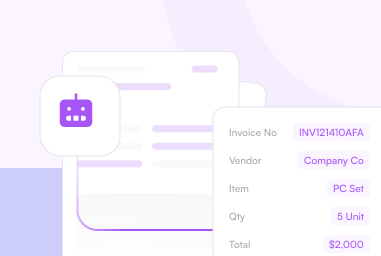
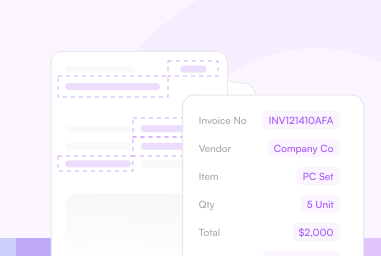
Use AI to automatically extract fields from invoices without building templates, saving accounts payable teams hours of manual data entry.
PDF to Data Conversion
Convert PDFs into Excel, JSON, XML, and other formats to feed data into databases, analytics tools, or downstream applications.
Merge and Split PDFs
Combine or split PDF documents programmatically to streamline paperwork processing in tools like Google Sheets and Zapier.
Fill and Create PDF Forms
Create fillable PDF forms or automatically populate existing forms with data from your application.
E-Signature Workflows
Add e-signatures to contracts and agreements directly from your workflow or application.
PDF Report Generation
Generate polished PDF reports from HTML content, email messages, or structured data.
Barcode Processing
Automate barcode reading and generation within PDFs for inventory, shipping, and document tracking systems.
PDF Security Management
Add or remove passwords and other security protections on PDFs to control access to sensitive documents.
How to use PDF.co?
Sign Up and Get Your API Key
Create a PDF.co account and get your API key from the dashboard.
Choose the Right PDF Tool or Endpoint
Decide which PDF operation you need, such as merging PDFs, converting to Excel, parsing invoices, or adding e-signatures.
Integrate via REST API or Automation Platform
Connect the API to your application directly via REST calls or use an integration platform like Zapier for a no-code setup. Code samples are available in the API documentation.
Configure and Test Your Workflow
Upload or point the API to your PDF files, configure parameters such as output format, extraction fields, or security settings, and run a test request.
Monitor Logs and Launch
Review request logs, check credit usage per request, and deploy the workflow into production for ongoing PDF automation.
Pros & Cons of PDF.co
Pros
- AI-powered extraction that requires no templates for invoices
- Low-code REST API with 3,000+ integrations and Zapier compatibility
- Comprehensive PDF toolkit: conversion, editing, merging, e-signatures, barcodes, and compression
- Well-documented with code samples, request logs, and per-request cost visibility
- Free trial with 10,000 credits and no credit card required
Cons
- Pricing details are not fully disclosed on the homepage, so paid plan costs may only be visible after signing up.
- Requires an internet connection because all processing happens through the cloud-based REST API.
- Non-technical users may still need basic familiarity with APIs or automation tools like Zapier to set up workflows.
- Credit-based usage could become expensive for very high-volume document processing workloads.
Frequently Asked Questions
What is PDF.co?
PDF.co is a low-code REST API platform that lets you automate PDF extraction, conversion, editing, creation, and more. It is built to integrate with websites, apps, and automation tools like Zapier.
Is PDF.co free?
PDF.co offers a free trial that includes 10,000 credits for one month, and no credit card is required to start.
Do I need to know how to code to use PDF.co?
Yes. While PDF.co is designed for developers, it also supports no-code workflows through 3,000+ integrations such as Zapier and Google Sheets, making it accessible to non-engineers.
What kind of AI features does PDF.co offer?
PDF.co includes AI-powered invoice parsing, a document parser, and a document classifier. The invoice parser can extract data from invoices with no template needed.
Can PDF.co convert PDFs to formats like JSON and XML?
Yes. PDF.co can convert PDFs into various formats including JSON, XML, Excel, and other file types, making it easy to extract structured data.
How secure is PDF.co?
PDF.co is a REST-based web API that uses HTTPS for all requests, and authentication is handled via API keys, providing secure access to your documents and workflows.
Which companies use PDF.co?
PDF.co is trusted by 50,000+ users globally, including teams at Accenture, KPMG, PwC, Deloitte, Fujitsu, Siemens, and the Insurance Institute.
What integrations does PDF.co support?
PDF.co supports 3,000+ integrations with online platforms, enabling low-code or no-code automation with tools like Zapier, Google Sheets, and many others.
Reviews & Ratings0.0
No reviews yet. Be the first to write one!
Top Alternatives & Similar Software
View all alternatives & similar software→No alternatives available yet.
People also viewed




Related searches
Is this your tool?
Claim this page to update details, reply to user reviews, and drive more traffic to your product.
Claim this Product →
Tags
Explore Related Topics
Keep up with PDF.co alternatives
New alternatives, pricing changes and the week's biggest movers - one email every Tuesday.