


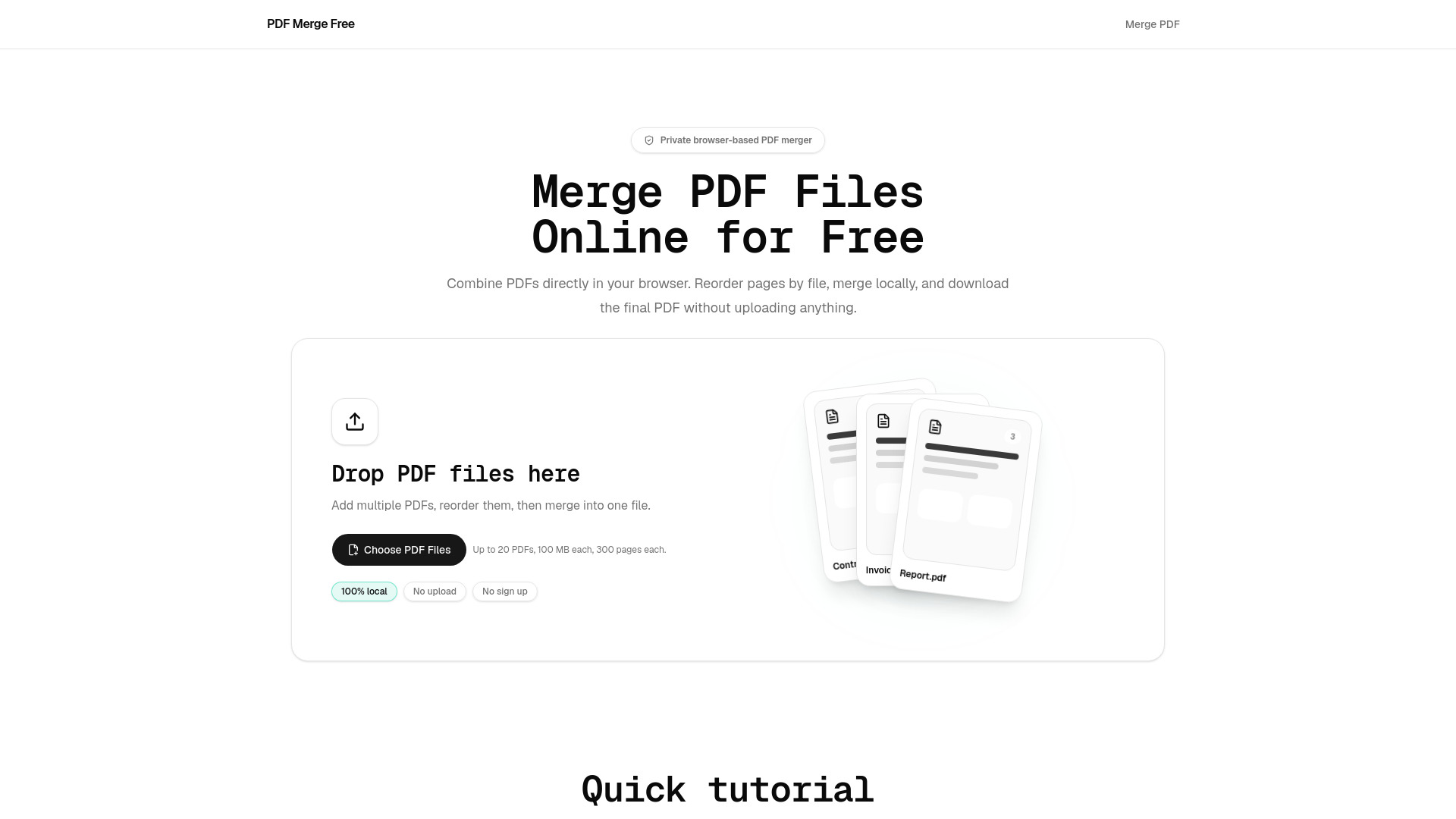
What is PDF Merge Free?
A free, private, browser-based PDF merger that combines PDF files locally without uploading them to a server. Supports up to 20 PDFs, 100 MB each, with drag-to-reorder, no sign-up, and no watermarks.
SpecificationsAI-estimated
Key Features of PDF Merge Free
Use Cases for PDF Merge Free
Work
Combine contracts, reports, invoices, and scanned paperwork.
School
Merge class notes, study materials, and application packets.
Admin
Combine forms, receipts, and client documents.
How to use PDF Merge Free?
Add PDF files
Drop files or choose up to 20 PDFs (100 MB each).
Reorder
Drag PDF cards into the desired order.
Merge
Click merge; the tool combines files locally.
Download
Save the final merged PDF without watermark.
Pros & Cons of PDF Merge Free
Pros
- 100% local processing – files never leave your device
- No account, no sign-up, no watermark
- Drag-and-drop reorder with first-page previews
- Handles up to 20 PDFs, 100 MB each, 300 pages each
- Validates files (size, limits, invalid/encrypted PDFs) before merging
- Works across modern browsers (Chrome, Edge, Safari, Firefox)
Cons
- File limits: 20 files, 100 MB per file, 300 pages per file
- Encrypted PDFs are skipped (cannot be merged)
- Requires a modern browser for best performance
Frequently Asked Questions
Is PDF Merge Free really free?
Yes, no payment, registration, or watermarks.
Are my PDF files uploaded?
No, all processing happens in your browser.
Can I merge PDFs without signing up?
Yes, no account is required.
Can I reorder PDFs before merging?
Yes, drag and drop to set the order.
What are the file limits?
Up to 20 files, 100 MB each, 300 pages each.
Does the merged PDF include a watermark?
No.
What happens to encrypted PDFs?
They are skipped because the browser cannot read locked content.
Can I use it for work documents?
Yes, it is suitable for office paperwork.
Which browsers are supported?
Chrome, Edge, Safari, and Firefox.
Reviews & Ratings0.0
No reviews yet. Be the first to write one!
Top Alternatives & Similar Software
View all alternatives & similar software→No alternatives available yet.
People also viewed




Related searches
About the Product
Is this your tool?
Claim this page to update details, reply to user reviews, and drive more traffic to your product.
Claim this Product →
Tags
Explore Related Topics
Keep up with PDF Merge Free alternatives
New alternatives, pricing changes and the week's biggest movers - one email every Tuesday.