


PFPMaker
Turn a single selfie into professional, high-resolution AI headshots in 400+ styles — ready in about 20 seconds.


What is PFPMaker?
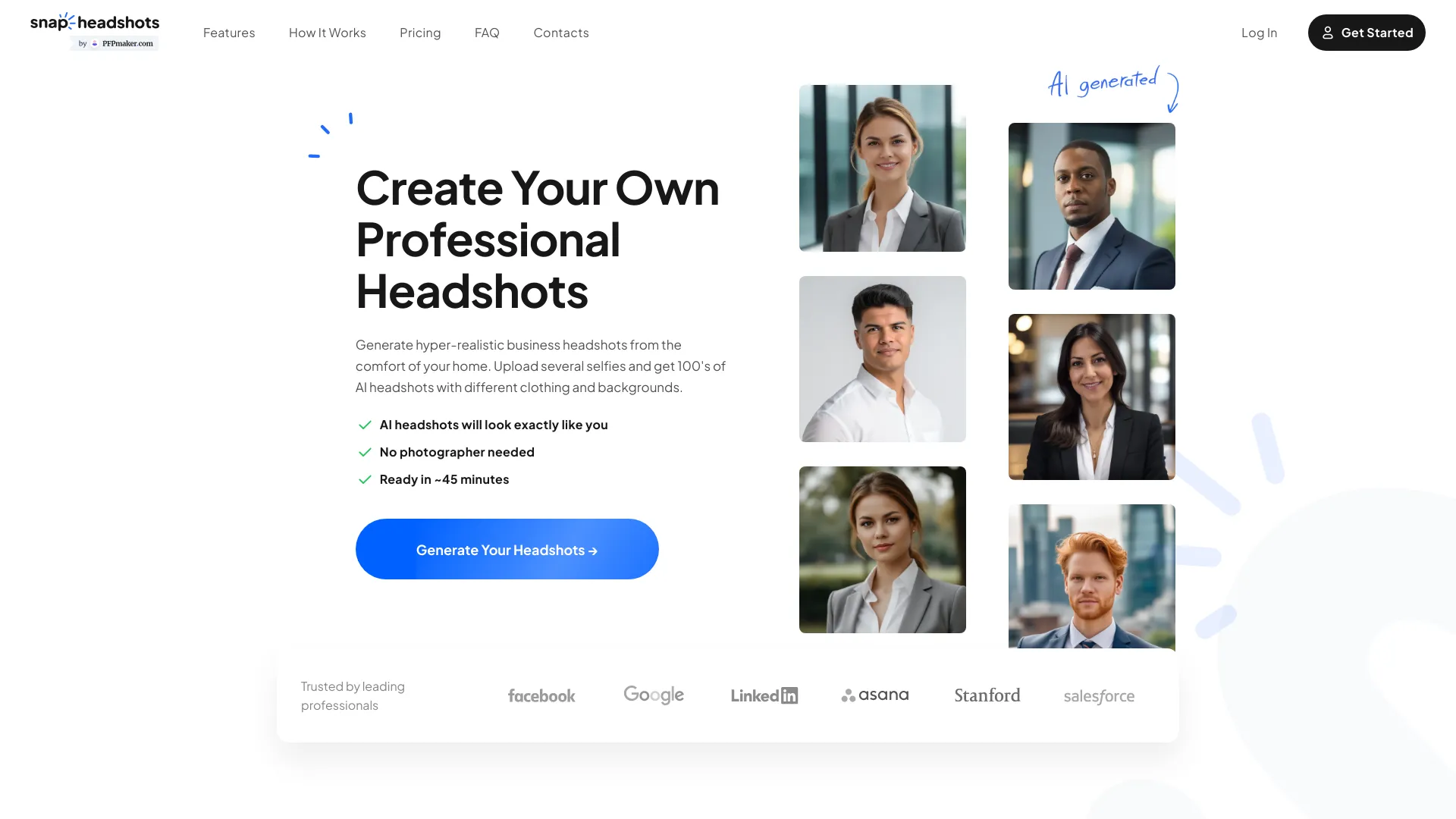
PFPMaker is an AI-powered headshot generator designed for business professionals who need polished, high-resolution profile photos without booking a photographer or visiting a studio. By uploading everyday selfies, users receive realistic AI-generated headshots in 400+ styles — from corporate and executive looks to doctor, model, realtor, and LinkedIn-specific presets. The service promises results that look like the user, with natural posing and expressions, ready in roughly 20 seconds. The product is built around a simple three-step workflow: upload a front-facing selfie, choose a style preset, and download the finished headshot. It runs entirely in the browser across iOS, Android, tablets, and the web, so no app installation is needed. PFPMaker also offers multiple export formats tailored to LinkedIn, Instagram, stories, website heroes, and slide decks, making the same headshot usable across a wide range of professional touchpoints. Beyond individual profiles, PFPMaker is positioned as a solution for teams that need consistent profile photos without coordinating a photoshoot day. The company also highlights complementary tools like LinkedIn and resume summary generators, plus industry-specific style guidance. Pricing starts at $9 for credit packs, with larger bundles including more looks and retries than a traditional studio session at a fraction of the time and cost.
SpecificationsAI-estimated
Key Features of PFPMaker
Use Cases for PFPMaker
LinkedIn Profile Optimization
Create a polished, professional headshot that stands out in a feed full of casual selfies.
CV and Resume
Attach a clean, high-resolution headshot to your resume for a stronger first impression with recruiters.
Email Signatures
Use a professional headshot in your email signature to build trust in every message.
Team Pages and Org Charts
Give your entire team a consistent, professional look across your about page, org chart, and email signatures.
Conference Speaker Bios
Generate a formal keynote bio headshot or a relaxed podcast-ready image in the same session.
Real Estate and Business Profiles
Create a personable, local, and trustworthy headshot for real estate listings, agent profiles, and business directories.
Website Heroes and Presentation Banners
Export landscape-format headshots for website heroes, slide decks, and press materials.
Press Kits and Podcast Thumbnails
Produce high-res headshots for media kits, article bylines, and episode cover art.
How to use PFPMaker?
Upload a selfie
Open the headshot flow in PFPMaker and upload a front-facing photo in good light. PNG or JPG files up to 10 MB work best.
Choose a style
Pick an outfit, backdrop, pose, and expression preset from the curated library of 400+ styles.
Let the AI generate headshots
Wait about 20 seconds while PFPMaker generates realistic, high-resolution headshots based on your photo.
Download in the right format
Export your headshot in 1:1, 4:5, 9:16, or 14:9 formats depending on the platform you need it for.
Use PFPMaker's text tools
Pair your new headshot with a LinkedIn About section or resume blurb using PFPMaker's summary generators.
Pros & Cons of PFPMaker
Pros
- Realistic AI headshots that closely match your likeness from just a selfie
- 400+ styles covering corporate, executive, doctor, model, realtor, acting, LinkedIn, and studio looks
- Fast turnaround of roughly 20 seconds, no photographer or studio required
- Multiple export formats including 1:1, 4:5, 9:16, and 14:9 for every channel
- Works on any device through the browser, with no app install needed
Cons
- The headline mentions a single selfie, but the FAQ notes that multiple selfies are often requested for the best results
- Paid credits are required, with pricing starting at $9 per pack
- AI-generated results may occasionally include artifacts or imperfect likenesses despite quality controls
- Not a substitute for a custom, art-directed photoshoot with a professional photographer
Frequently Asked Questions
How do I start?
Open the headshot flow in PFPMaker, upload the number of selfies the app requests, and follow any on-screen posing tips. Everything runs in your browser with no separate app download required.
Why do you need several selfies?
Modern AI needs multiple views of your face to keep results realistic and consistent. More variety in angles and lighting usually means better likeness and fewer artifacts.
What should uploaded photos look like?
Use clear head-and-shoulders shots of you alone, without heavy filters, sunglasses, or hats covering your face. Avoid blurry images or group photos so the model can see your features clearly.
How do you use my photos?
Your photos are processed to generate your headshots and related outputs. Retention periods and deletion options are described in the Privacy Policy, and you can contact support to have data removed sooner.
Is it safe to process my photos with AI?
PFPMaker uses industry-standard practices to protect uploads in transit and at rest. Your images are not resold as stock. For legal bases, subprocessors, and regional rights, read the Privacy Policy on pfpmaker.com.
How much does PFPMaker cost?
Credits are a one-time purchase starting from $9. Larger packs include more credits for more looks and retries, with around 120+ AI headshots per full run and about 3 credits per polished headshot export.
What download formats are available?
You can export square 1:1 for LinkedIn and avatars, portrait 4:5 for Instagram, story 9:16 for vertical content, and landscape 14:9 for websites and presentations.
Do you support larger teams?
Yes. Many teams use PFPMaker for consistent profile photos. For bulk or invoiced team purchases, reach out via the contact page to find the best workflow for HR and marketing.
Reviews & Ratings0.0
No reviews yet. Be the first to write one!
Top Alternatives & Similar Software
View all alternatives & similar software→

People also viewed


Related searches
About the Product
Is this your tool?
Claim this page to update details, reply to user reviews, and drive more traffic to your product.
Claim this Product →
Tags
Explore Related Topics
Keep up with PFPMaker alternatives
New alternatives, pricing changes and the week's biggest movers - one email every Tuesday.