


Photify AI
Turn a single selfie into a set of AI-generated portrait looks in about two seconds.
What is Photify AI?
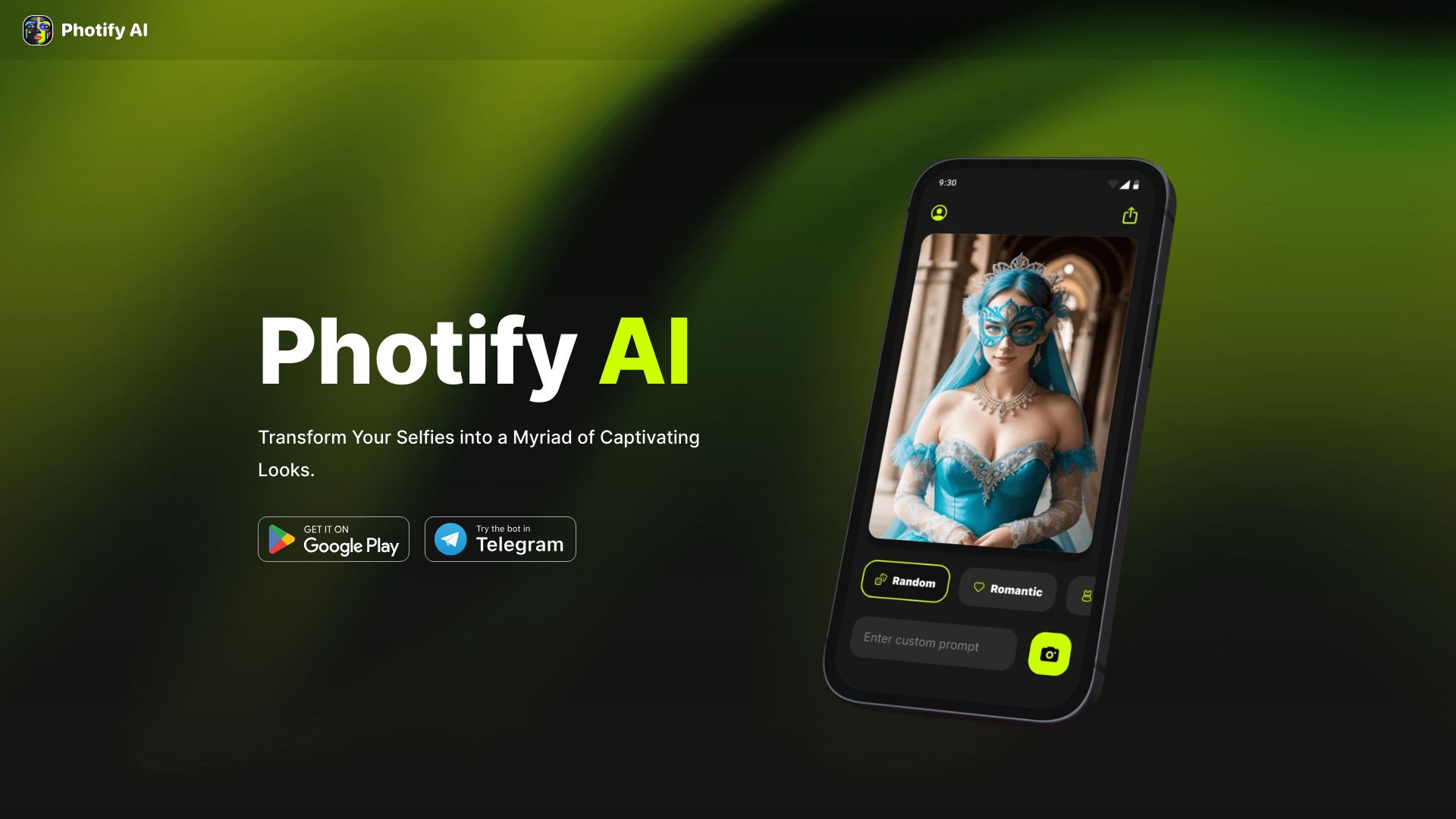
Photify AI is an AI-powered photo generator that turns a single selfie into a set of stylized, professional-looking portraits in about two seconds. Rather than requiring a camera setup, photographer, or editing skills, users upload one photo of themselves and receive a range of AI-generated looks, making it a quick route to headshots, avatars, and creative portrait styles. The platform is organized around themed "packs" that bundle related looks, letting users explore different aesthetics and pick the ones that suit their needs. Because the generation is driven by a single selfie, the workflow stays minimal: upload, choose a pack, and review the results. The app is offered free to get started, lowering the barrier for people who want to experiment before committing to anything further. Photify AI is best suited to individuals who want polished profile pictures, social media avatars, or playful portrait variations without booking a photo session. Freelancers, job seekers updating a LinkedIn photo, creators building a personal brand, and casual users who simply enjoy experimenting with AI imagery will find it especially useful.
SpecificationsAI-estimated
Key Features of Photify AI
Use Cases for Photify AI
Professional headshots
Create polished headshots for LinkedIn, resumes, or company pages without booking a studio session.
Social media avatars
Generate stylized profile pictures for Instagram, X, Discord, or other platforms.
Personal branding
Build a consistent visual identity for creators and freelancers using varied portrait styles.
Creative experimentation
Explore different aesthetics and themes to see how your look could be styled.
Quick profile updates
Refresh your online presence in minutes when you need a new photo fast.
Gifts and fun portraits
Make playful themed portraits for friends, family, or personal entertainment.
How to use Photify AI?
Get the app
Download Photify AI for free from the app store or the website.
Upload a selfie
Add one clear, well-lit selfie as your source photo.
Choose a pack
Browse the explore packs and select the style or theme you want.
Generate your photos
Let the AI produce your new looks, which typically takes around two seconds.
Save and share
Download your favorite results and use them across your profiles.
Pros & Cons of Photify AI
Pros
- Generates new looks from just one selfie, with no photo shoot required
- Fast turnaround, delivering results in roughly two seconds
- Free app available to start without upfront cost
- Themed photo packs offer a variety of styles to explore
Cons
- Output quality and realism depend heavily on the quality of the source selfie
- Limited detail on pricing tiers and what the paid packs include on the page
- Does not specify privacy or data retention practices in the scraped content
Frequently Asked Questions
How many photos do I need to upload?
Photify AI works from a single selfie, so one clear photo is enough to generate looks.
How long does generation take?
Results are generated in about two seconds once your selfie is uploaded.
Is Photify AI free to use?
The app can be downloaded for free to get started, while some photo packs are offered as paid options.
What is a photo pack?
Packs are themed collections of AI-generated looks that let you explore different styles.
What kind of selfie works best?
A clear, well-lit, front-facing selfie generally produces the most accurate and natural-looking results.
Can I use the photos for professional purposes?
Generated portraits can be used for headshots and profiles, though you should review the platform's terms for usage rights.
Reviews & Ratings0.0
No reviews yet. Be the first to write one!
Top Alternatives & Similar Software
View all alternatives & similar software→No alternatives available yet.
People also viewed


Related searches
Is this your tool?
Claim this page to update details, reply to user reviews, and drive more traffic to your product.
Claim this Product →
Tags
Explore Related Topics
Keep up with Photify AI alternatives
New alternatives, pricing changes and the week's biggest movers - one email every Tuesday.