



PhotoCat AI Image Extender
Expand Images Naturally with Uncrop AI


What is PhotoCat AI Image Extender?
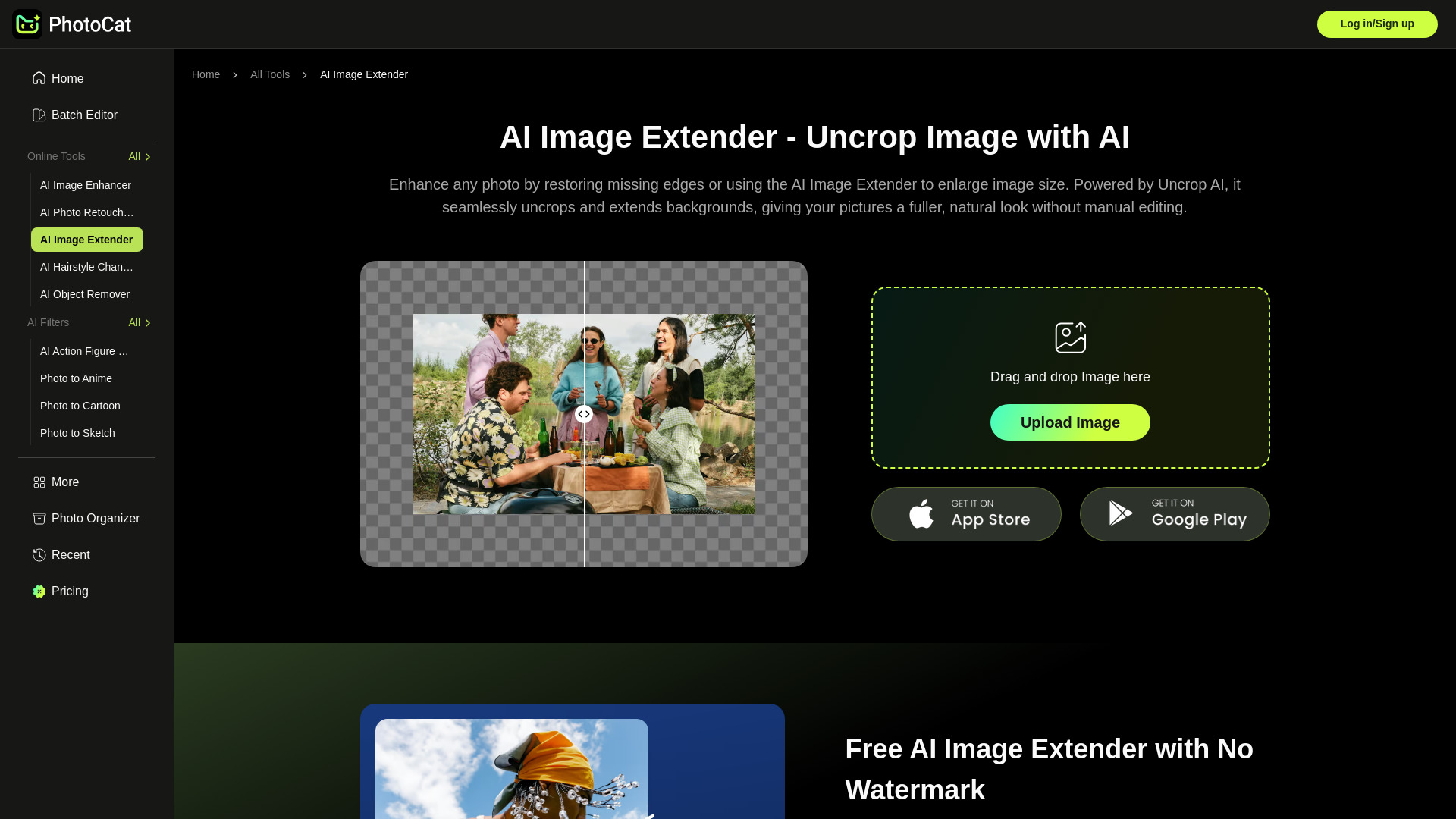
PhotoCat's AI Image Extender uses generative AI to expand images beyond their original borders, uncrop photos, and extend backgrounds naturally. It provides free, watermark-free image expansion with high-resolution 4K quality, designed for social media, e-commerce, banners, landscapes, and portraits.
SpecificationsAI-estimated
Key Features of PhotoCat AI Image Extender
Use Cases for PhotoCat AI Image Extender
E-commerce product photos
Enlarge product image sizes to make them compatible with social media and add space for promotional text.
Social media banners
Auto-fit visuals to platform banner dimensions while extending edges naturally.
Landscape photography
Widen scenery shots into broader, panoramic compositions.
Portraits
Uncrop self-portraits and family photos by filling empty spaces seamlessly.
How to use PhotoCat AI Image Extender?
Upload an Image
Open the AI image extender and upload your image or drag and drop it from your gallery.
Select the Size
Choose from 7 preset options or resize the canvas by dragging the image borders to your preferred dimensions.
Generate and Save
Click Generate, let the AI process your expansion, then download your images for free with one tap.
Pros & Cons of PhotoCat AI Image Extender
Pros
- Free to use with no watermark
- Natural-looking generative expansion
- 4K output without distortion
- 7 preset sizes for popular social platforms
- Simple drag-and-drop workflow
Cons
- Limited to image extension and uncropping
- Requires an internet connection
Frequently Asked Questions
Does AI image expansion look artificial?
No. The tool analyses the scene and blends new areas seamlessly, maintaining natural image quality and authentic consistency.
What size should Instagram Stories be?
Instagram Stories look best at 1080 × 1920 pixels, as this size fills the entire screen without cropping or losing image quality.
Pricing Overview
View full pricing →This tool offers a paid subscription, but the pricing details are not publicly listed. To get the exact pricing, you need to contact the sales team or check the pricing page.
Reviews & Ratings0.0
No reviews yet. Be the first to write one!
Top Alternatives & Similar Software
View all alternatives & similar software→
People also viewed


Related searches
About the Product
Is this your tool?
Claim this page to update details, reply to user reviews, and drive more traffic to your product.
Claim this Product →
Tags
Explore Related Topics
Keep up with PhotoCat AI Image Extender alternatives
New alternatives, pricing changes and the week's biggest movers - one email every Tuesday.