



Pincel
A browser-based suite of 50+ brand-safe AI tools for producing commercial-ready images, video, and audio without a designer.
What is Pincel?
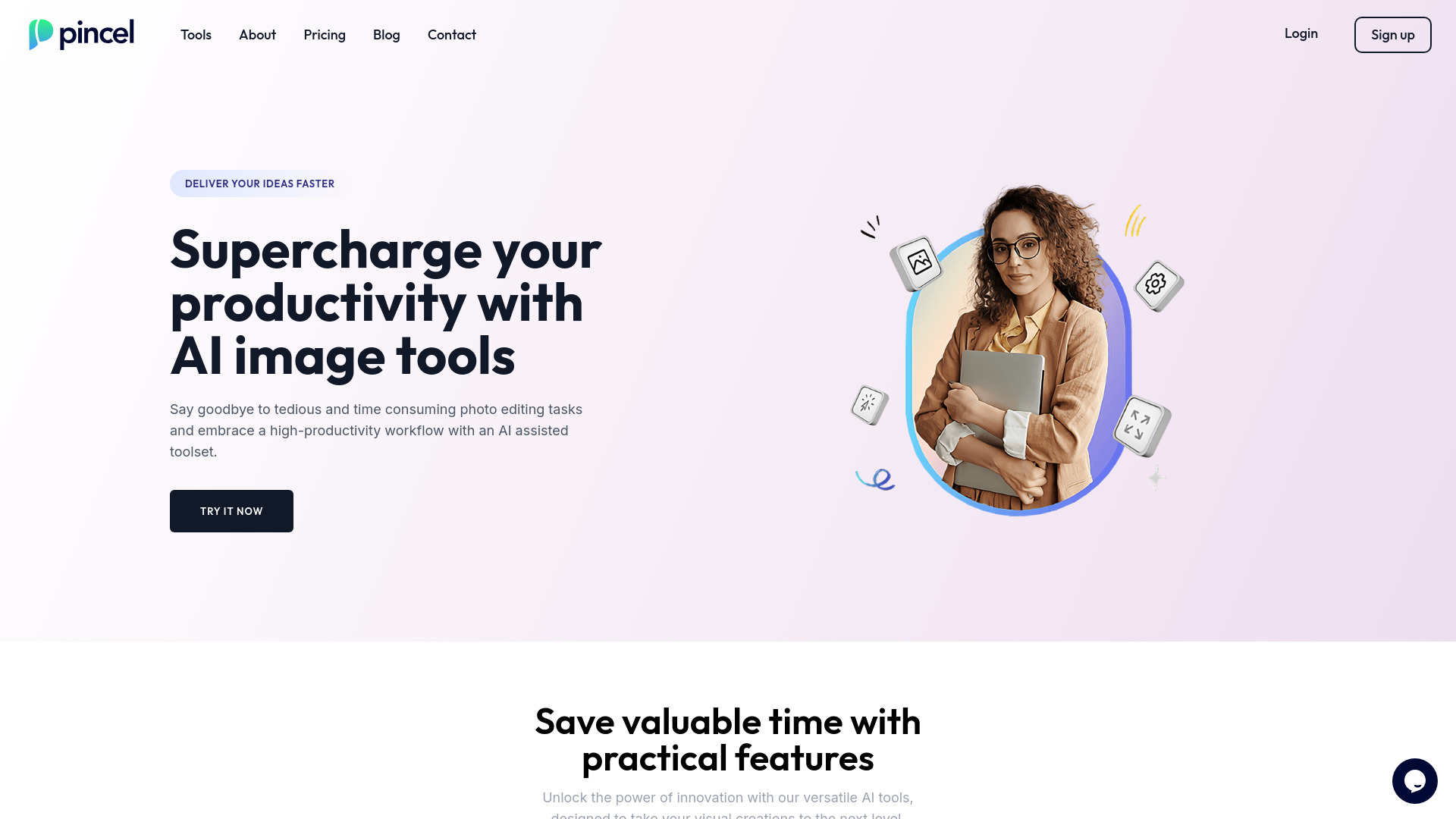
Pincel is a browser-based suite of more than 50 AI tools designed for creating commercial-ready images, video, and audio. Positioned as a production tool rather than a creative playground, it targets people who ship visuals for a living, including e-commerce sellers, marketing teams, agencies, small and local businesses, and content creators. Its emphasis on brand safety is central to the offering: every tool runs under an enforced content policy and is described as friendly for commercial use, which addresses a common concern when using generative AI for customer-facing material. The platform is organized around the workflows users actually perform. Photo editing covers cleanup, object removal, and restyling; portrait and people tools handle headshots and composition; enhancement features upscale, sharpen, and restore photos; and product photo tools produce shots suitable for storefronts and marketplaces. Beyond still images, Pincel offers short, social-ready video generated from images and text, fashion tools such as virtual try-on for apparel e-commerce, and audio features including voiceovers and music. Because everything runs in the browser, there is no software to install and no design background required to get started. Pincel suits users who need polished visuals quickly without hiring a designer or learning complex editing software. A local business producing menus and ads, an e-commerce seller refreshing product listings, or a marketing team producing campaign assets at scale would all find the workflow directly relevant. The free tier of 20 credits, with no card required, offers a low-risk way to evaluate output quality before committing to a paid plan.
SpecificationsAI-estimated
Key Features of Pincel
Use Cases for Pincel
E-commerce product photography
Sellers create product photos, swap backgrounds, and stage items for storefronts and marketplace listings.
Marketing campaign visuals
Marketing teams produce on-brand social posts, banners, and ad creatives at scale.
Real estate and local business promotion
Small businesses generate professional visuals for listings, menus, and local advertising without a designer.
Team and professional portraits
Companies produce consistent headshots and team photos efficiently.
Fashion and apparel e-commerce
Retailers use virtual try-on and styling tools to showcase clothing online.
Asset cleanup for design teams
Designers remove unwanted objects, restore old photos, and create creative variations quickly.
How to use Pincel?
Sign up for a free account
Create an account at pincel.app and receive 20 free credits without entering a credit card.
Choose a tool category
Select from photo editing, portraits, product photos, marketing design, video, or audio based on your task.
Upload your source material
Upload your product image, photo, or text prompt directly in the browser.
Generate and refine the output
Run the chosen AI tool and adjust settings or variations until the result fits your brand.
Download and publish
Export the finished visual, video, or audio asset for your storefront, campaign, or social channels.
Pros & Cons of Pincel
Pros
- Brand-safe content policy enforced across all tools, suitable for commercial use
- No installation required; runs entirely in the browser
- Broad toolkit covering images, video, audio, and fashion try-on in one platform
- Free starting tier of 20 credits with no credit card required
Cons
- Credit-based usage may become costly for high-volume production work
- Output quality and feature depth for specialized tasks are not detailed on the page
- Content policy restrictions may limit some creative or stylistic experimentation
Frequently Asked Questions
What is Pincel?
Pincel is a browser-based suite of 50+ AI tools for creating commercial-ready images, video, and audio without installing software or needing design skills.
Is Pincel brand-safe?
Yes. Every tool runs under an enforced content policy and is described as friendly for commercial use.
Who is Pincel designed for?
It targets e-commerce sellers, marketing teams, agencies, small and local businesses, and content teams that need professional visuals quickly.
Do I need to install anything?
No. Everything runs in your browser, so you can start creating immediately after signing up.
How much does it cost to get started?
New users receive 20 free credits with no credit card required, allowing you to test the tools before paying.
Can I use the generated visuals commercially?
The platform states that its tools are commercial-use friendly, making the outputs suitable for business marketing and storefronts.
Pricing Overview
View full pricing →The page offers 20 free credits with no credit card required to start, but no paid plan names or prices are stated in the provided content.
Detailed plans are not listed. Visit the official website for pricing information.
Reviews & Ratings0.0
No reviews yet. Be the first to write one!
Top Alternatives & Similar Software
View all alternatives & similar software→No alternatives available yet.
People also viewed



Related searches
Is this your tool?
Claim this page to update details, reply to user reviews, and drive more traffic to your product.
Claim this Product →
Tags
Explore Related Topics
Keep up with Pincel alternatives
New alternatives, pricing changes and the week's biggest movers - one email every Tuesday.