


Pixelbin AI Studio
AI-powered image and video generation and editing suite.


What is Pixelbin AI Studio?
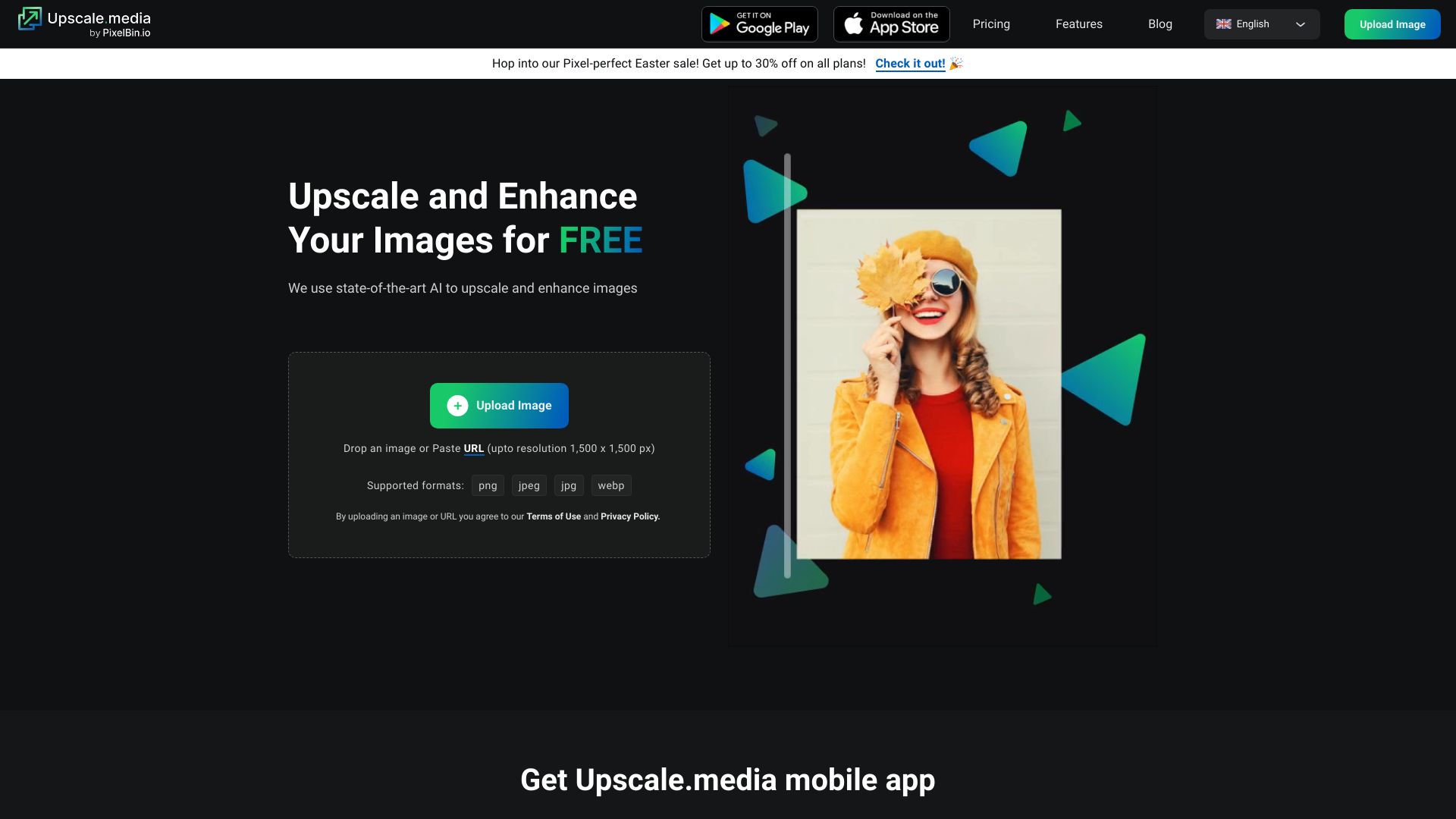
Pixelbin AI Studio is a comprehensive AI-powered platform designed for image and video generation and editing. It offers a suite of tools, including an AI Image Editor, Video Generator, Upscale Avataar, Ad Creative tools, Photoshoot simulations, and a Watermark Remover. Leveraging state-of-the-art creative models, Pixelbin AI Studio empowers users to generate stunning visuals from text prompts, edit existing images with AI assistance, and perform bulk edits efficiently. The platform also provides features for creating realistic headshots and restoring old photos. Targeted at creators, businesses, and developers, Pixelbin AI Studio aims to simplify the design process, accelerate content creation workflows, and enhance visual content across various industries, from e-commerce and real estate to media and entertainment.
SpecificationsAI-estimated
Key Features of Pixelbin AI Studio
Use Cases for Pixelbin AI Studio
E-commerce Product Imaging
Quickly edit, resize, and enhance product images in bulk to maintain brand consistency across all marketplaces and catalogs.
Marketing and Advertising Creative
Generate eye-catching ad creatives and social media visuals using AI prompts to capture audience attention.
Content Creation
Produce engaging video content and unique imagery for blogs, websites, and social media platforms with AI-driven tools.
Professional Branding
Create polished and realistic AI headshots for professional profiles like LinkedIn or dating apps.
Real Estate Visualization
Enhance property photos to showcase a professional look, attracting potential buyers.
Developer Workflows
Integrate image transformation and delivery capabilities into applications using robust APIs and SDKs.
How to use Pixelbin AI Studio?
Upload Image or Enter Prompt
Either upload an existing image for editing or enter a descriptive text prompt to generate a new image or video.
Utilize AI Editing Tools
Use the AI Image Editor, Smart Select, Brush tools, or the toolbar to make desired edits selectively or globally.
Batch Process (Optional)
For multiple images, create presets and apply edits in bulk to ensure consistency and save significant time.
Download and Export
Download your generated or edited images and videos in desired formats. For enterprise users, assets can be delivered globally via CDN.
Pros & Cons of Pixelbin AI Studio
Pros
- Versatile AI tools for image and video creation and editing
- Efficient batch processing and bulk editing capabilities
- User-friendly interface suitable for various skill levels
- Offers API and SDKs for developer integration
- Provides advanced features like AI Headshots and Photo Restoration
Cons
- Video generation capabilities might be less advanced compared to specialized video tools
- The sheer number of features can be overwhelming for new users
- Some advanced features may require a deeper understanding of AI prompting
- Specific pricing tiers and limitations are not detailed in the provided text
Frequently Asked Questions
What is Pixelbin AI Studio?
Pixelbin AI Studio is a platform that offers AI-powered tools for generating and editing images and videos, along with digital asset management capabilities.
Can I create videos using Pixelbin?
Yes, Pixelbin offers a Video Generator that allows you to create videos from detailed text prompts.
How does the AI Image Editor work?
You can either upload an image and use AI tools to edit it, or provide a text prompt to generate a new image from scratch.
Is Pixelbin suitable for businesses and developers?
Yes, Pixelbin offers enterprise solutions with features like centralized DAM, API/SDK integration, and CDN delivery, as well as specific plans for developers.
Does Pixelbin offer any discounts?
Currently, there is a holiday sale offering a flat 30% off on all Pro plans with the code SALE30.
How can I edit multiple images at once?
Pixelbin provides a Batch Editor and bulk processing features to apply edits to multiple images simultaneously, saving time and ensuring consistency.
Pricing Overview
View full pricing →No specific pricing amounts are present on the page. A free tier is implied by a call-to-action ("Get Started for free") and a paid tier is referenced as "Pro plans", but no prices are stated. A holiday discount of 30% off is promoted for Pro plans.
Detailed plans are not listed. Visit the official website for pricing information.
Reviews & Ratings0.0
No reviews yet. Be the first to write one!
Top Alternatives & Similar Software
View all alternatives & similar software→No alternatives available yet.
People also viewed


Related searches
Is this your tool?
Claim this page to update details, reply to user reviews, and drive more traffic to your product.
Claim this Product →
Tags
Explore Related Topics
Keep up with Pixelbin AI Studio alternatives
New alternatives, pricing changes and the week's biggest movers - one email every Tuesday.