


PortraitArt
An AI photo-to-art generator that turns your everyday photos into 80+ styles of high-resolution artwork in seconds.

What is PortraitArt?
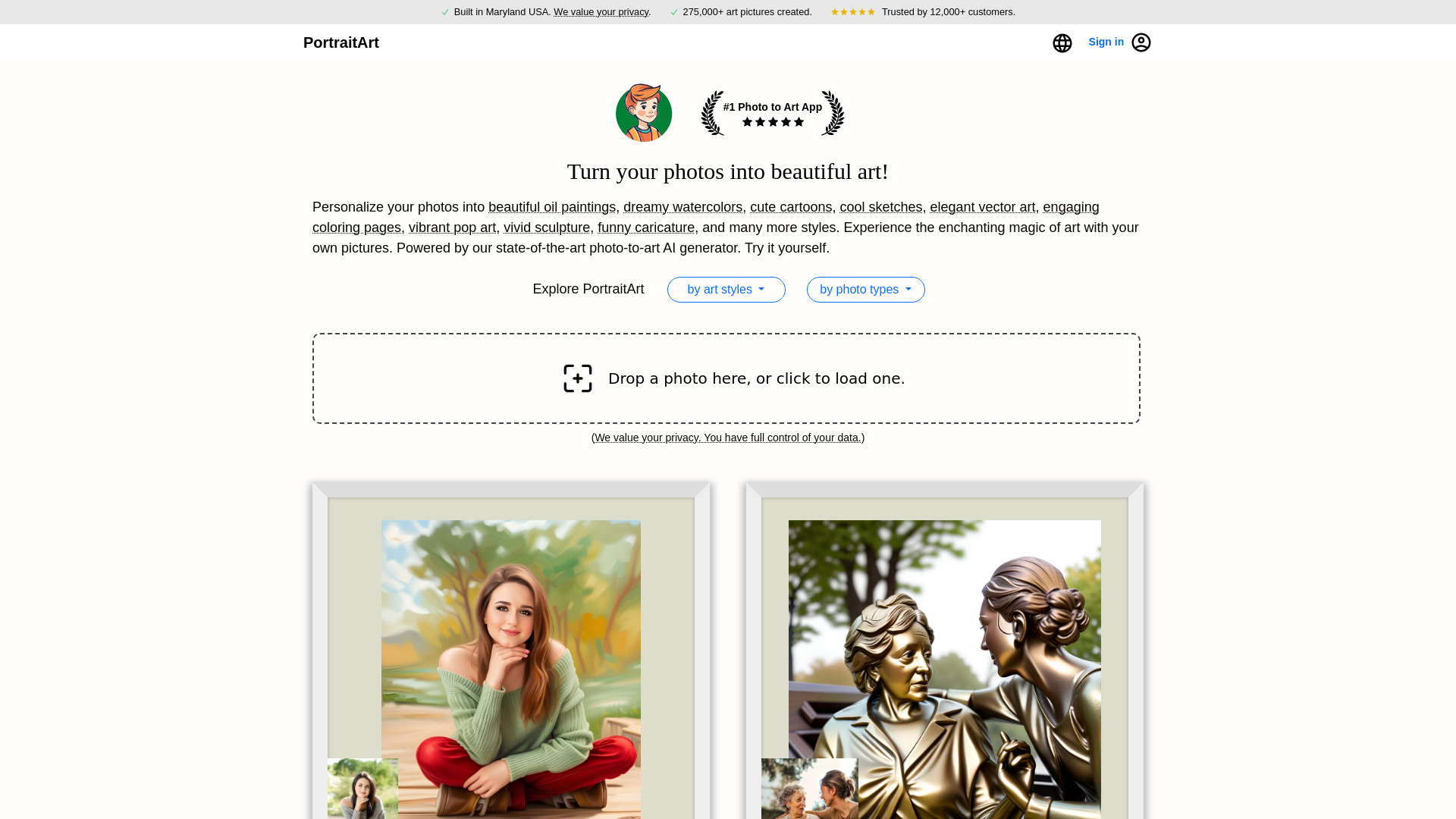
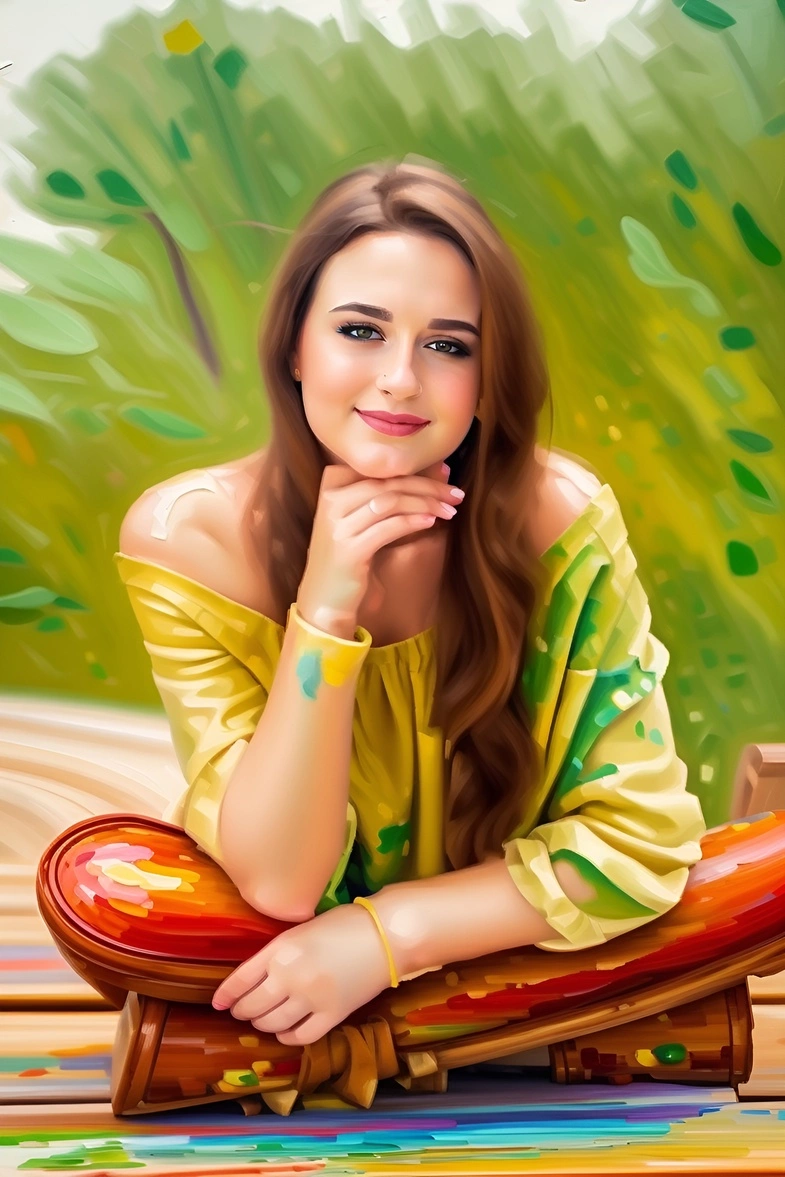
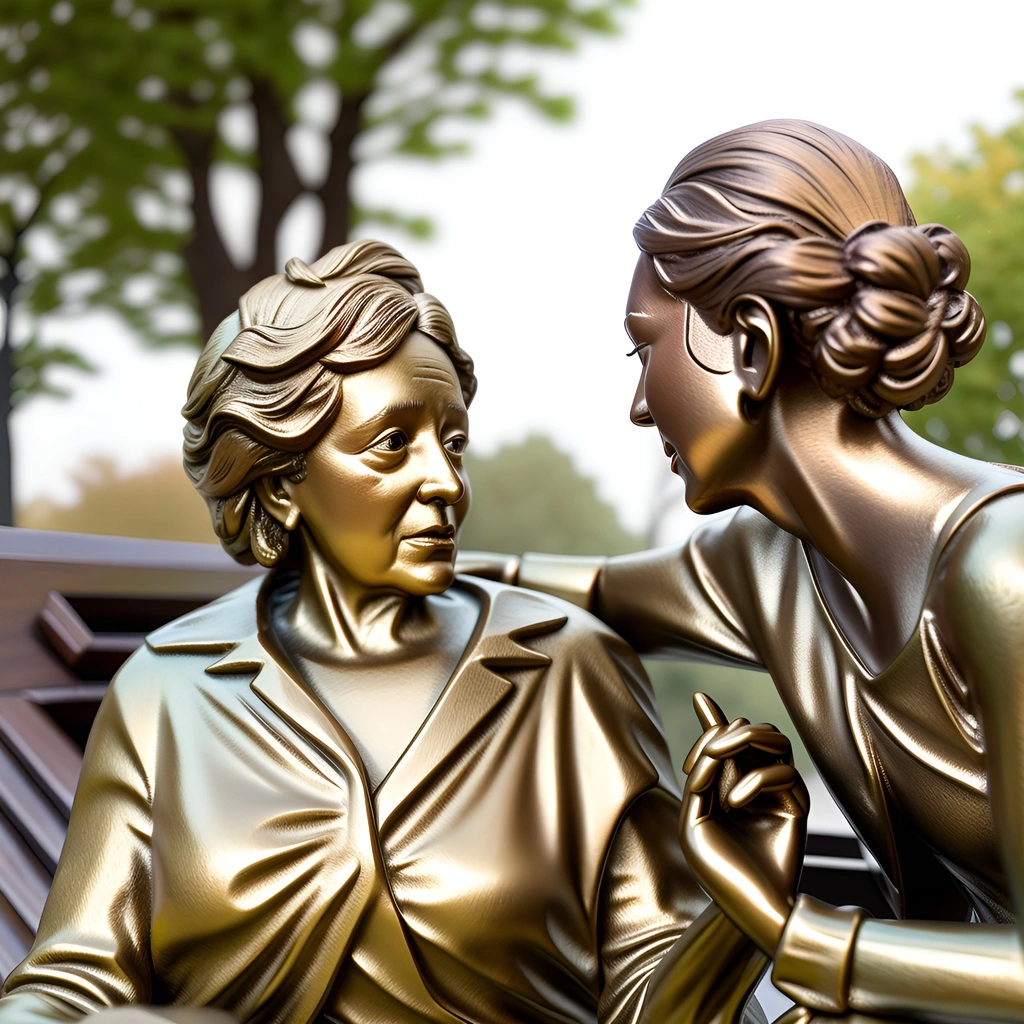
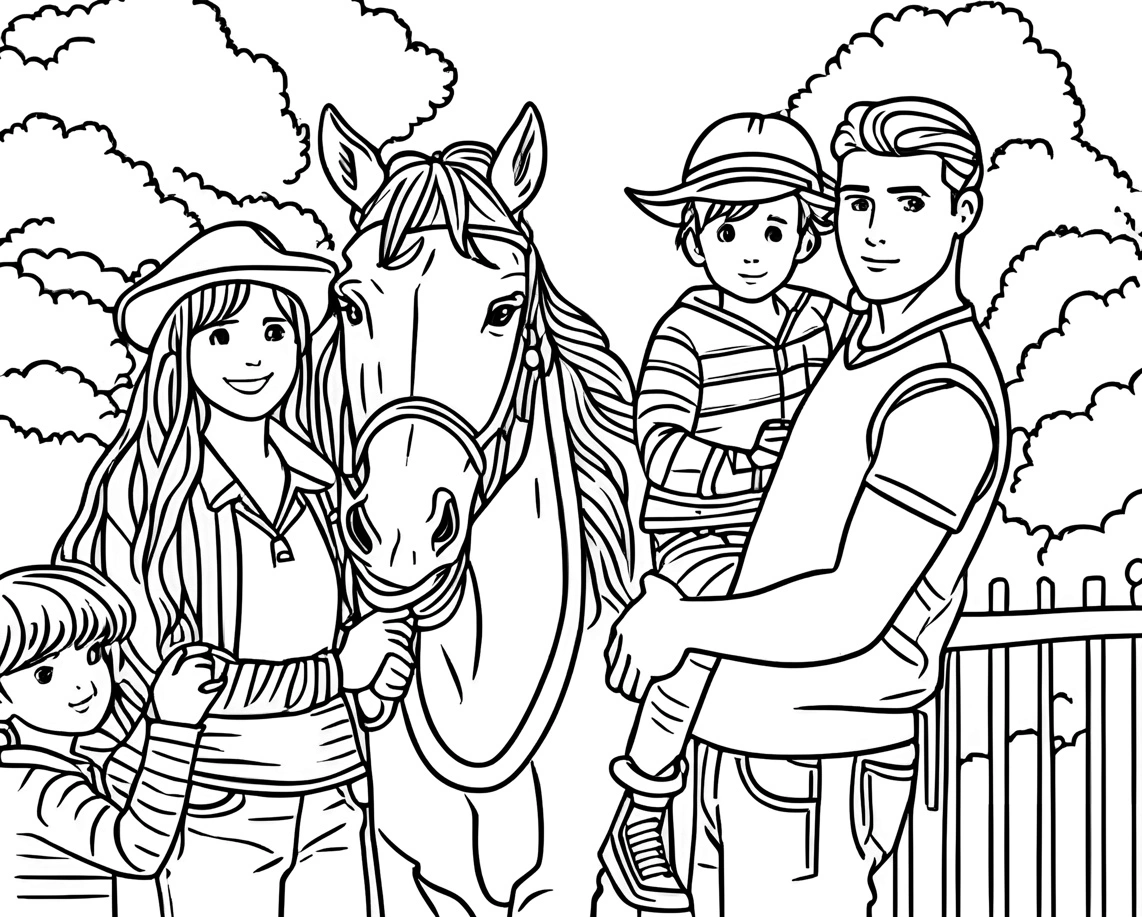
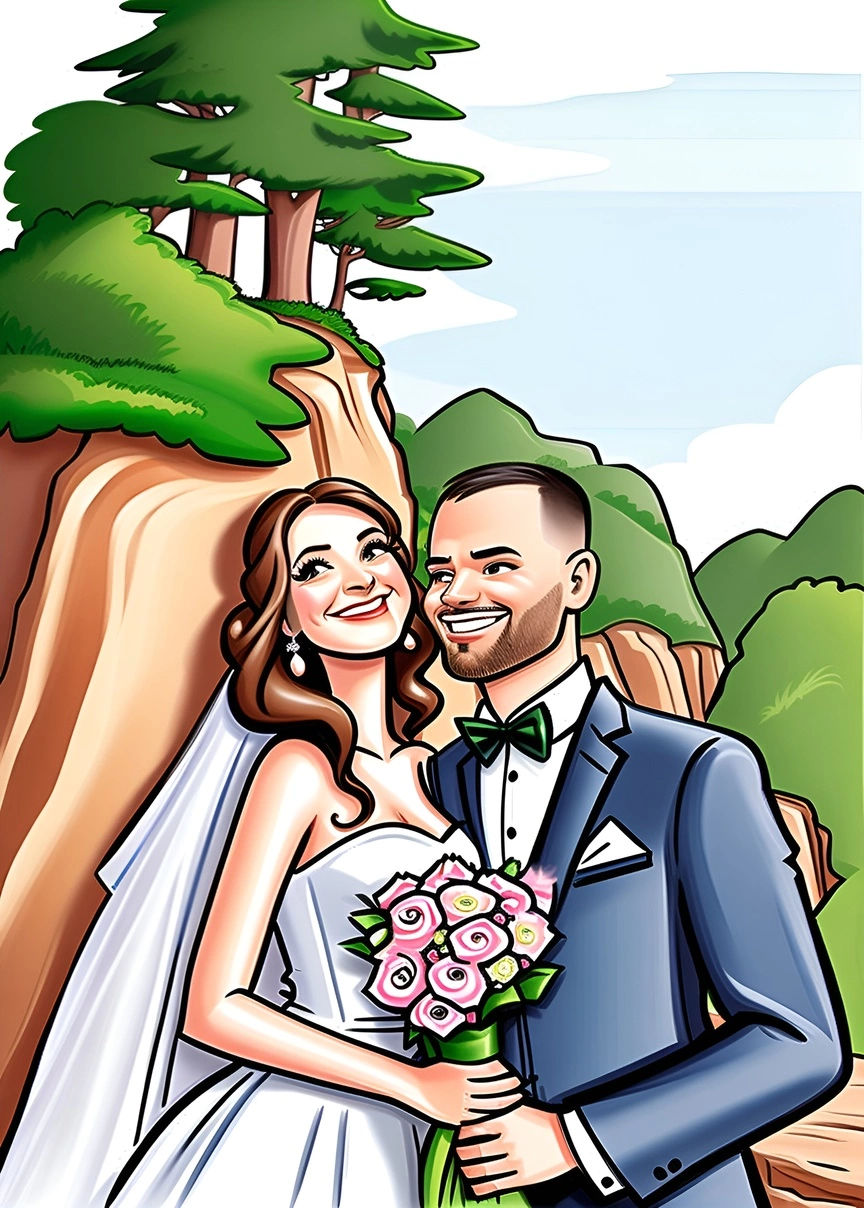
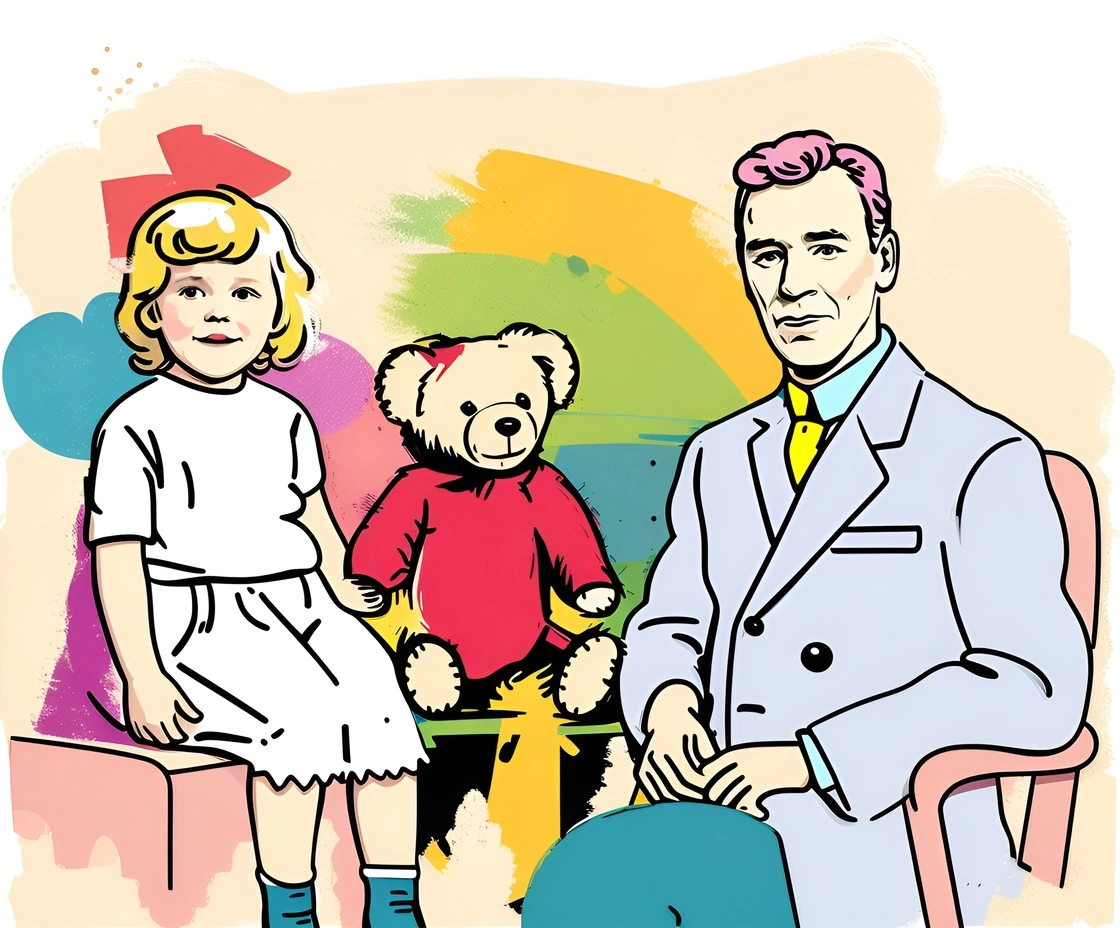
PortraitArt is an AI-powered photo-to-art web app that transforms ordinary photographs into artwork across more than 80 distinct styles. Users upload a photo and the platform generates a new piece that keeps the subject and composition of the original while applying an artistic treatment such as an oil painting, watercolor, pencil sketch, line drawing, cartoon, caricature, pop art, sculpture, or a cultural art form like Chinese ink painting or Warli tribal art. The result is a personalized image rather than a generic template, which sets it apart from stock art prints and from the high cost of commissioning a professional artist. The app is built around speed and accessibility. Conversions are generated in seconds through a generative AI pipeline, and outputs are offered in high resolution suitable for printing, framing, or sharing. The gallery on the site shows a wide range of inputs, including family portraits, weddings, pets, horses, and older photographs restyled as pop art or vintage paintings, illustrating that the tool handles group shots and non-portrait subjects as well as individual faces. PortraitArt is aimed at everyday consumers who want meaningful wall art or personalized gifts, as well as hobbyists and creatives exploring different visual styles. The company emphasizes privacy, stating that uploaded photos are processed securely, encrypted in transit, used only to create the artwork, and can be deleted by the user after download. Free trials are available so people can test the output before committing.
SpecificationsAI-estimated
Key Features of PortraitArt
Use Cases for PortraitArt
Personalized wall art
Turn family or pet photos into oil paintings or watercolors to decorate a home.
Thoughtful gifts
Create a custom caricature or illustration of a couple, friend, or pet as a unique present.
Wedding keepsakes
Transform wedding photos into vintage paintings or cubist art to commemorate the day.
Pet portraits
Convert photos of dogs and cats into vector illustrations, Chinese ink paintings, or neon-style art.
Restoring old photographs
Give older family photos a fresh look by restyling them as pop art or vintage paintings.
Coloring pages
Turn a photo into a printable coloring page for children or hobby projects.
How to use PortraitArt?
Upload a photo
Choose a high-resolution image with good lighting and a clean background.
Pick an art style
Browse the 80+ styles by category such as Cartoon, Painting, Sketch, or Cultural.
Generate the artwork
Let the AI process your photo, which typically takes only seconds.
Download your art
Save the high-resolution image for printing, framing, or sharing.
Pros & Cons of PortraitArt
Pros
- Offers more than 80 art styles, from oil paintings and watercolors to cultural forms like Warli and Chinese paper cutting
- Produces results in seconds at a fraction of the cost of commissioning a professional artist
- Delivers high-resolution output suitable for printing and framing
- Works across a wide range of subjects including portraits, group photos, pets, and landscapes
- Emphasizes privacy with encrypted uploads and user-controlled data deletion
Cons
- Output quality depends heavily on the resolution and lighting of the source photo
- Full access appears to require payment after the free trial, with pricing details not shown on the landing page
- Results are AI-generated and may not match the nuanced technique of a human artist
Frequently Asked Questions
Does the app create a generic portrait or customize it to my photo?
Each piece is generated from your uploaded photo, retaining its content and composition while applying the chosen artistic style.
Does it work with group photos and non-portrait images?
Yes. It supports group photos, pets, architecture, and landscapes. High-resolution photos with good lighting give the best results.
How is my data handled?
Uploaded photos are securely processed, encrypted in transit, used only to create your artwork, and can be deleted after you download your art.
Are there free trials?
Yes, PortraitArt offers free trials so you can test the output before paying.
What art styles are available?
Options include oil painting, watercolor, illustration, line art, pencil sketch, 2D and 3D cartoons, pop art, caricature, coloring pages, sculpture, crafts, and cultural styles.
How does it compare to hiring an artist?
It offers a similar personalized result at a fraction of the cost of commissioning a professional artist, which often runs hundreds to thousands of dollars per piece.
Reviews & Ratings0.0
No reviews yet. Be the first to write one!
Top Alternatives & Similar Software
View all alternatives & similar software→No alternatives available yet.
People also viewed


Related searches
Is this your tool?
Claim this page to update details, reply to user reviews, and drive more traffic to your product.
Claim this Product →
Tags
Explore Related Topics
Keep up with PortraitArt alternatives
New alternatives, pricing changes and the week's biggest movers - one email every Tuesday.