


What is postgres.new?
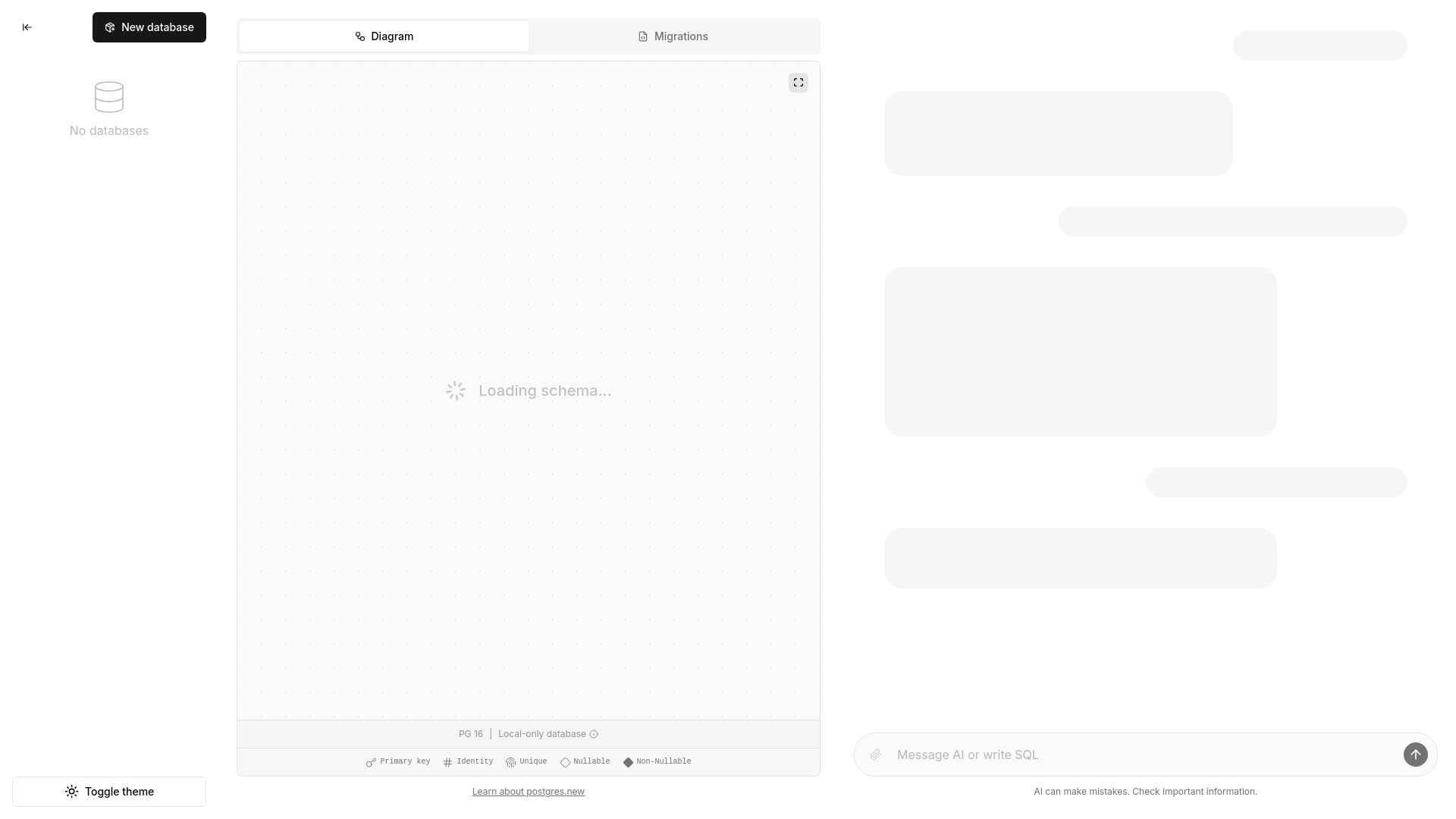
postgres.new is an in-browser PostgreSQL environment that lets you write and run SQL without installing anything locally. Simply start typing SQL on the homepage and a new database is created automatically in your browser, removing the setup friction that usually comes with trying out or prototyping against PostgreSQL. Because the database runs client-side, it is well suited to experimentation, learning, quick schema prototyping, and sharing reproducible examples. There is no need to provision a server, manage credentials, or configure local tooling before running your first query, which makes it a convenient sandbox for both newcomers and experienced engineers who want a disposable database for a moment. The project is aimed primarily at developers, students, and anyone who wants to test PostgreSQL syntax or ideas quickly. While the marketing copy on the page is minimal, the core promise is clear: a zero-configuration, instant PostgreSQL playground accessible from any modern browser.
SpecificationsAI-estimated
Key Features of postgres.new
Use Cases for postgres.new
Learning SQL
Students and newcomers can practice PostgreSQL queries without configuring a local database server.
Prototyping Schemas
Developers can quickly sketch table designs and test relationships before committing to a real project.
Testing Query Syntax
Engineers can verify PostgreSQL syntax and behavior in an isolated environment.
Sharing Reproducible Examples
Authors and teachers can share a runnable SQL setup that others can open and execute immediately.
Quick Experiments
Anyone needing a disposable database for a one-off test can get one in seconds.
Demoing PostgreSQL Features
Presenters can showcase PostgreSQL capabilities live without relying on network infrastructure.
How to use postgres.new?
Open the Website
Navigate to postgres.new in a modern web browser.
Start Typing SQL
Begin writing SQL statements in the editor on the homepage.
Let the Database Initialize
A new PostgreSQL database is created automatically when you start writing SQL.
Run and Iterate
Execute your queries, inspect results, and refine your schema or logic as needed.
Pros & Cons of postgres.new
Pros
- No installation or local configuration required; start writing SQL immediately
- A new database is created automatically when you begin typing
- Runs entirely in the browser, making it accessible from any modern device
- Ideal for quick prototyping, learning, and sharing reproducible SQL examples
Cons
- Limited to browser-based use, so it is not a substitute for a production PostgreSQL deployment
- Data is ephemeral and tied to the browser session, which may not suit long-term storage
- Little marketing or documentation copy is visible on the landing page to explain advanced capabilities
Frequently Asked Questions
Do I need to install anything to use postgres.new?
No. It runs in the browser, so you can start writing SQL immediately without installing PostgreSQL or any local tooling.
How is a database created?
A new database is created automatically when you begin writing SQL on the homepage, so no manual setup is required.
Is my data saved permanently?
The environment is designed as a disposable sandbox, so you should not rely on it for long-term or production data storage.
Can I use it for production workloads?
No. It is intended for learning, prototyping, and experimentation rather than running production applications.
Which database engine does it use?
It uses PostgreSQL, giving you standard PostgreSQL SQL syntax and behavior.
Do I need an account to start?
The homepage invites you to start writing SQL directly, so you can begin without any signup steps.
Pricing Overview
View full pricing →postgres.new provides an in-browser PostgreSQL experience, with no pricing tiers stated on the page content provided.
Detailed plans are not listed. Visit the official website for pricing information.
Reviews & Ratings0.0
No reviews yet. Be the first to write one!
Top Alternatives & Similar Software
View all alternatives & similar software→No alternatives available yet.
People also viewed

Related searches
Is this your tool?
Claim this page to update details, reply to user reviews, and drive more traffic to your product.
Claim this Product →
Explore Related Topics
Keep up with postgres.new alternatives
New alternatives, pricing changes and the week's biggest movers - one email every Tuesday.