



QueryZy
Chat with your CSV, JSON, Arrow, and Parquet files in plain English, right in your browser.
What is QueryZy?
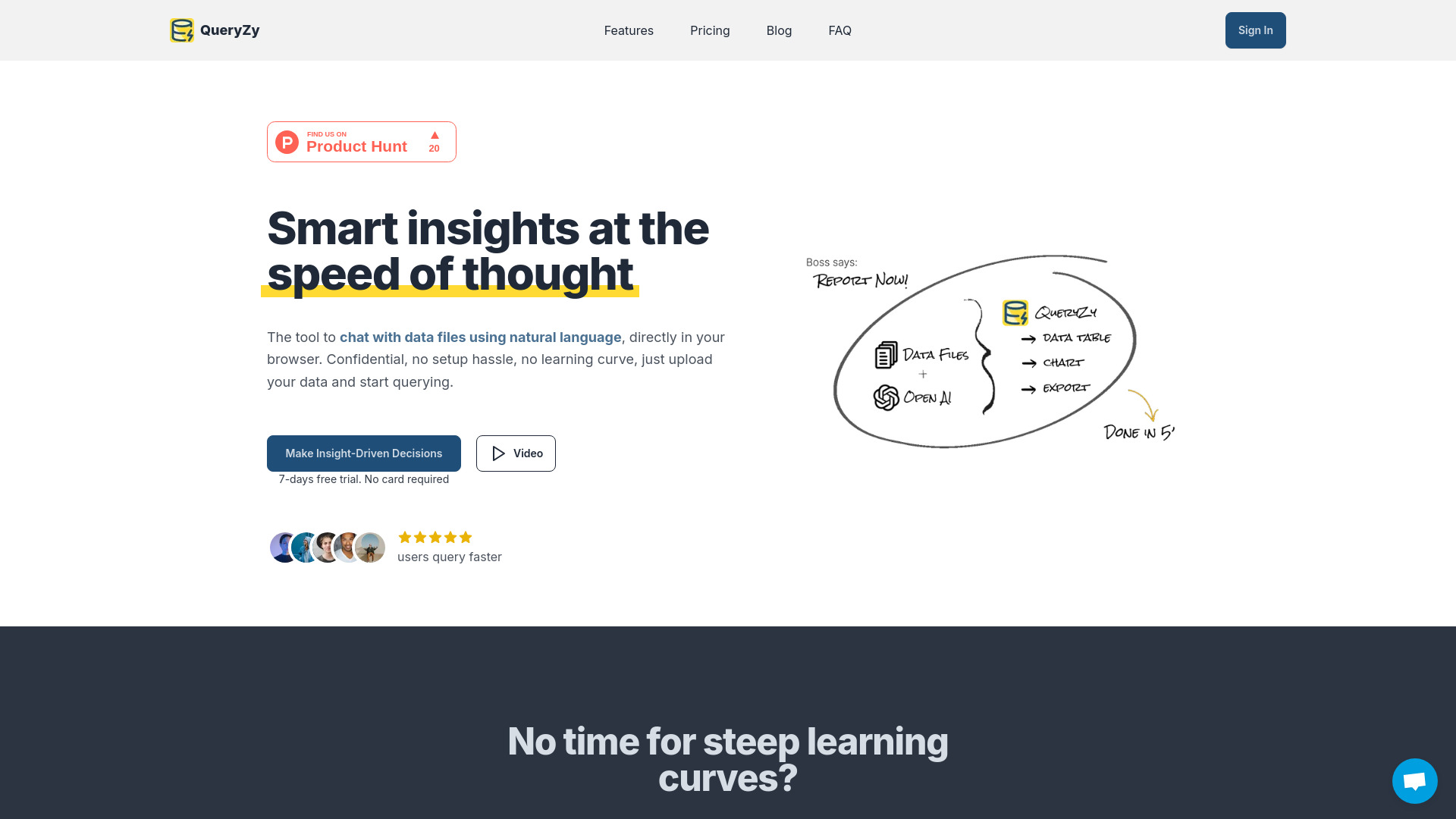
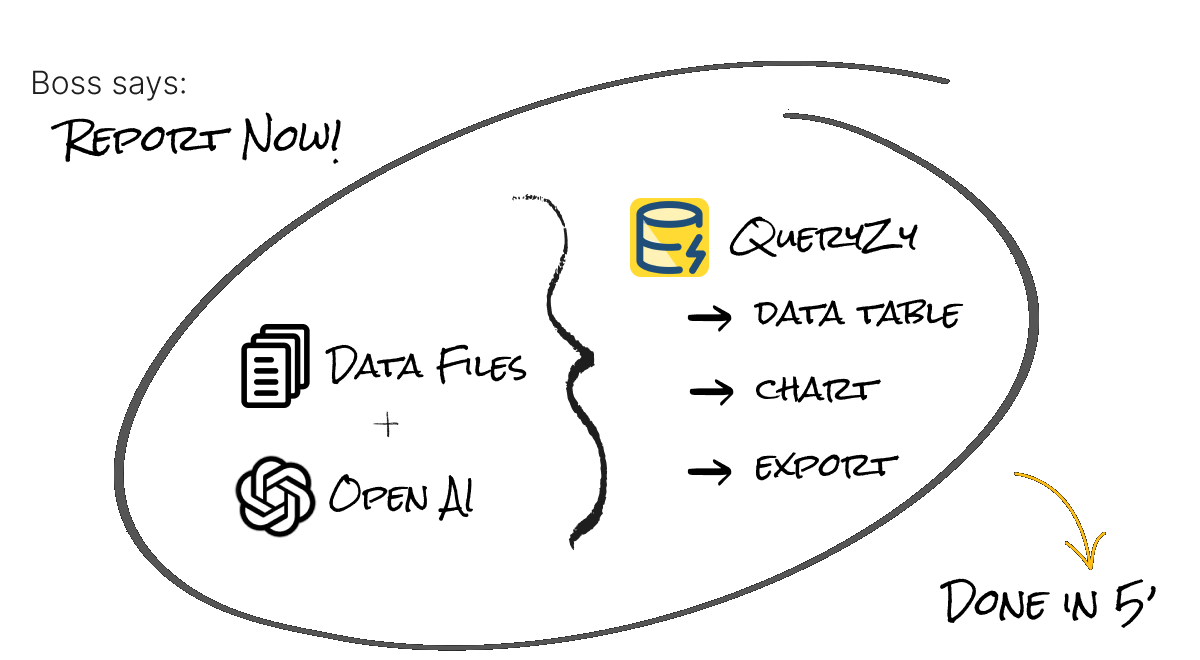
QueryZy is a browser-based tool that lets you chat with your data files using natural language. Instead of writing SQL queries, Excel formulas, or pivot tables, you upload a dataset and ask questions in plain English, receiving answers, tables, and charts in return. It is aimed at people who work with data but do not want to set up local database environments or learn query syntax. The workflow is designed to be fast and frictionless. Files in CSV, JSON, Arrow, and Parquet formats can be imported through drag and drop or by pasting a URL, and large datasets are supported. QueryZy emphasizes confidentiality: your files stay on your own computer rather than being stored on a server. Once loaded, you can chat with the data, plot results on charts, and export both tables and visualizations. QueryZy suits analysts, business users, students, and anyone who needs quick insights from structured data without a technical setup. Its AI-driven prompt suggestions help newcomers get started, and its unlimited analysis tier makes it practical for ongoing exploratory work. It works best as a fast, accessible layer for everyday data questions rather than a replacement for full data engineering pipelines.
SpecificationsAI-estimated
Key Features of QueryZy
Use Cases for QueryZy
Quick data exploration
Upload a dataset and ask questions to understand its structure and key patterns without writing code.
Business reporting
Generate summary tables and charts from sales, operations, or customer data for presentations.
Learning data analysis
Beginners can explore data and build intuition without first mastering SQL or spreadsheet formulas.
Ad hoc questions
Answer one-off questions about a file quickly instead of building a full analysis pipeline.
Confidential data review
Analyze sensitive files while keeping them on the local machine.
Chart creation
Turn query results into visualizations that can be exported for reports.
How to use QueryZy?
Import your data
Drag and drop a CSV, JSON, Arrow, or Parquet file into QueryZy, or paste a URL to the dataset.
Ask a question
Type your question in plain English in the chat interface, such as asking for averages or top categories.
Review results
Inspect the returned table or answer and refine your question as needed.
Plot the data
Create charts from your query results to visualize trends and comparisons.
Export
Download the resulting tables and charts for use in reports or further work.
Pros & Cons of QueryZy
Pros
- No setup or local environment required; runs directly in the browser
- Natural language querying removes the need to learn SQL or complex Excel formulas
- Files stay on the user's computer, supporting confidentiality
- Supports multiple common data formats including Parquet and Arrow
Cons
- Pricing details beyond the listed features are not clearly specified on the page
- Capabilities for very large or complex analytical workflows are not documented
- Reliance on AI interpretation may produce results that require verification
Frequently Asked Questions
Do I need to know SQL to use QueryZy?
No. QueryZy is designed so you can ask questions in natural language instead of writing query syntax.
What file formats are supported?
QueryZy supports CSV, JSON, Arrow, and Parquet files.
Is my data uploaded to a server?
According to the site, files stay on your computer, which the company presents as a confidentiality benefit.
Can I work with large datasets?
The site states that large datasets are supported.
Can I export my results?
Yes, you can export resulting data tables and charts.
Is there a free plan?
The page lists a paid pricing section in USD; check the pricing page for current plan details and any trial options.
Pricing Overview
View full pricing →QueryZy's pricing page lists a single plan priced in USD, with the exact dollar amount not shown in the extracted content.
Reviews & Ratings0.0
No reviews yet. Be the first to write one!
Top Alternatives & Similar Software
View all alternatives & similar software→No alternatives available yet.
People also viewed




Related searches
Is this your tool?
Claim this page to update details, reply to user reviews, and drive more traffic to your product.
Claim this Product →
Tags
Explore Related Topics
Keep up with QueryZy alternatives
New alternatives, pricing changes and the week's biggest movers - one email every Tuesday.