



RemoveFrom.Video
Remove text, captions, subtitles, watermarks, and unwanted overlays from video online with AI.
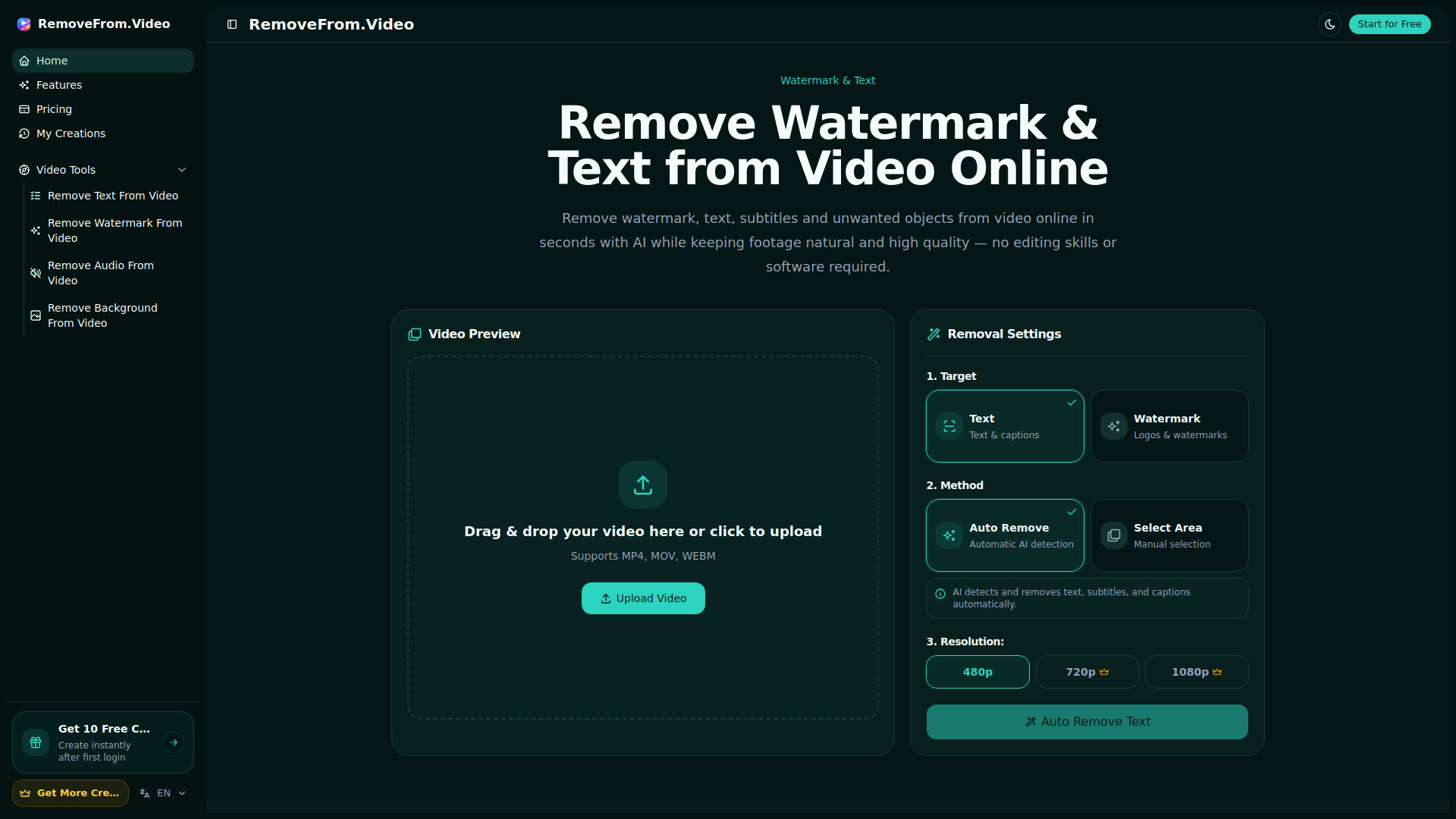
What is RemoveFrom.Video?
RemoveFrom.Video is an AI-powered online tool for removing text, captions, subtitles, watermarks, overlays, logos, objects, backgrounds, and audio from video. It uses AI inpainting to reconstruct the covered areas for natural-looking results.
SpecificationsAI-estimated
Key Features of RemoveFrom.Video
Use Cases for RemoveFrom.Video
Republish Short Videos
Clean captions, usernames, and old overlays before adapting clips for Shorts, Reels, and TikTok.
Localize Existing Videos
Remove burned-in captions or subtitles before adding a new language version.
Update Tutorials and Screen Recordings
Clear outdated labels, interface text, product names, or annotations from training and demo footage.
Refresh Marketing Creative
Remove old promotional text, prices, calls to action, or campaign overlays before creating a new version.
Clean Archived Footage
Reuse older videos by removing obsolete text, dates, labels, and other visual elements.
Improve Personal Videos
Remove distracting date stamps, location labels, captions, or other visible text from travel and personal footage.
How to use RemoveFrom.Video?
Upload Your Video
Choose an MP4, MOV, or WEBM video containing text, captions, subtitles, or another visible overlay.
Choose the Text to Remove
AI can detect visible text automatically, or you can use precise area selection for more control.
Let AI Clean the Frames
AI removes the text and reconstructs the covered background while preserving motion and detail.
Preview and Download
Review the cleaned result, use included adjustments if needed, and download the finished video.
Pros & Cons of RemoveFrom.Video
Pros
- Natural-looking AI inpainting
- No desktop software required
- Supports MP4, MOV, and WEBM
- Precise area and timing selection
- Includes 2 free adjustments per completed text removal
- Dedicated workflows for watermarks, logos, objects, backgrounds, and audio
Cons
- Pricing model and credit system details are not clearly shown on the landing page
- Requires uploading videos to the cloud, which may concern privacy-sensitive users
Reviews & Ratings0.0
No reviews yet. Be the first to write one!
Top Alternatives & Similar Software
View all alternatives & similar software→
People also viewed

Related searches
About the Product
Is this your tool?
Claim this page to update details, reply to user reviews, and drive more traffic to your product.
Claim this Product →
Tags
Keep up with RemoveFrom.Video alternatives
New alternatives, pricing changes and the week's biggest movers - one email every Tuesday.