


riter
Write your book, keep it yours: a local-first, AI-assisted workspace for the whole life of a manuscript.
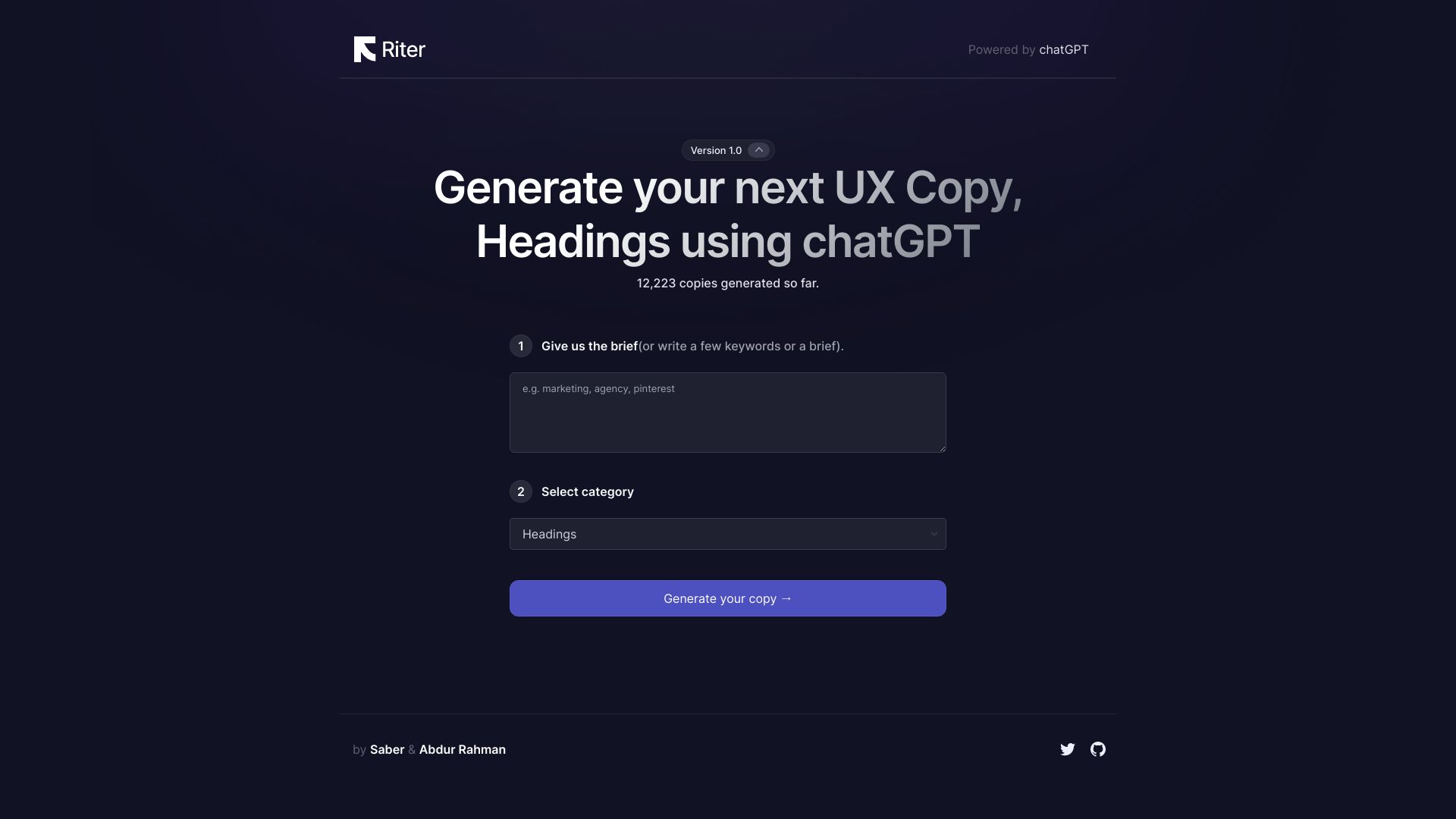
What is riter?
riter is an AI-native publishing workspace built to carry a book from the very first note all the way to a finished manuscript. Instead of tackling only one slice of the writing process, it brings the manuscript, the author's decisions, and the editorial checks into a single place. The workspace saves as you type, cleans up pasted text from Word or Google Docs, and keeps the author in control of every word that stays in the book.
SpecificationsAI-estimated
Key Features of riter
Use Cases for riter
Writing a full book
Organize your manuscript into books and chapters, with autosave and all your editorial feedback in one workspace.
Importing existing drafts
Paste from Word or Google Docs and get publisher-breaking smart quotes, invisible characters, and lookalike letters cleaned automatically.
Detecting machine-written prose
Spot phrases that read as AI-generated and see specific reasons plus a more natural way to express them.
Checking factual claims
Use the accuracy measure to review claims in your manuscript once there is enough content to assess.
Maintaining continuity across chapters
Use the continuity measure to catch inconsistencies between sections as your book grows.
Preparing a manuscript for submission
Use independent editorial measures to bring your manuscript closer to publishable quality, then export the finished book to Markdown.
Writing privately without cloud accounts
Keep your work in your own browser and device, with no account and no cloud sync required.
How to use riter?
Open riter in your browser
Visit riter.app — no account is needed to start writing.
Create your book and chapters
Add your book structure and start typing, or paste in existing text from Word or Google Docs to have it cleaned automatically.
Review editorial checks
Read the inline flags on your own words, see the reason behind each note, and choose keep, change, or rule out.
Monitor the four measures
Watch voice, originality, accuracy, and continuity independently. Each stays insufficient until there is enough writing to judge fairly.
Export your manuscript
When your book is ready, export a chapter or the whole manuscript to Markdown and keep your work with you wherever you go.
Pros & Cons of riter
Pros
- No account required — your work stays in your browser on your device
- AI checks that read like an editor, with specific reasons and suggested rewording
- Four independent measures (voice, originality, accuracy, continuity) never averaged into a misleading score
- Clean import from Word and Google Docs, fixing smart quotes, invisible characters, and lookalike letters
- Full export to Markdown, so your manuscript is never locked in
Cons
- No cloud sync or backup — work is saved only in the browser on the device where it was written
- Some measures show as 'insufficient' until there is enough of your writing to judge fairly
- Subscription required for continued use at $12/month or $120/year
Frequently Asked Questions
Do I need to create an account to use riter?
No. You can use riter without any account. Google sign-in is optional and only gives you an identity — it does not sync or back up your work.
Where is my writing stored?
Your work is saved in this browser, on this device. It is not synced to the cloud or backed up by riter.
Will riter write the book for me?
No. riter works only on words you wrote — it checks them and shows where they stop sounding like you. It will never write the prose for you.
What are the four measures in riter?
Voice, originality, accuracy, and continuity. Each has its own threshold and its own verdict, and they are never averaged into a single number.
Why do some measures show 'insufficient'?
Originality needs a first draft, voice needs a body of your writing to compare against, accuracy needs claims to check, and continuity needs more than one section. Until then, riter reads insufficient rather than guessing.
Can I export my manuscript?
Yes. You can export a chapter or the whole book to Markdown, and it is designed to be identical when you read it back.
What does it cost?
riter costs $12 a month or $120 a year. There is one price with nothing held back behind a higher tier, and you will never be charged without being asked first.
Does riter clean up pasted text?
Yes. When you paste from Word or Google Docs, smart quotes, invisible characters, and lookalike letters that can break a publisher's file are cleaned on the way in.
Pricing Overview
View full pricing →riter has a single paid tier with no higher tier; current version is free to use while payment is not yet implemented.
Reviews & Ratings0.0
No reviews yet. Be the first to write one!
Top Alternatives & Similar Software
View all alternatives & similar software→



People also viewed


Related searches
Is this your tool?
Claim this page to update details, reply to user reviews, and drive more traffic to your product.
Claim this Product →
Tags
Explore Related Topics
Keep up with riter alternatives
New alternatives, pricing changes and the week's biggest movers - one email every Tuesday.