


RowSpeak
AI data analytics that turns the spreadsheets and exports you already have into reviewable charts, dashboards, and recurring reports.
What is RowSpeak?
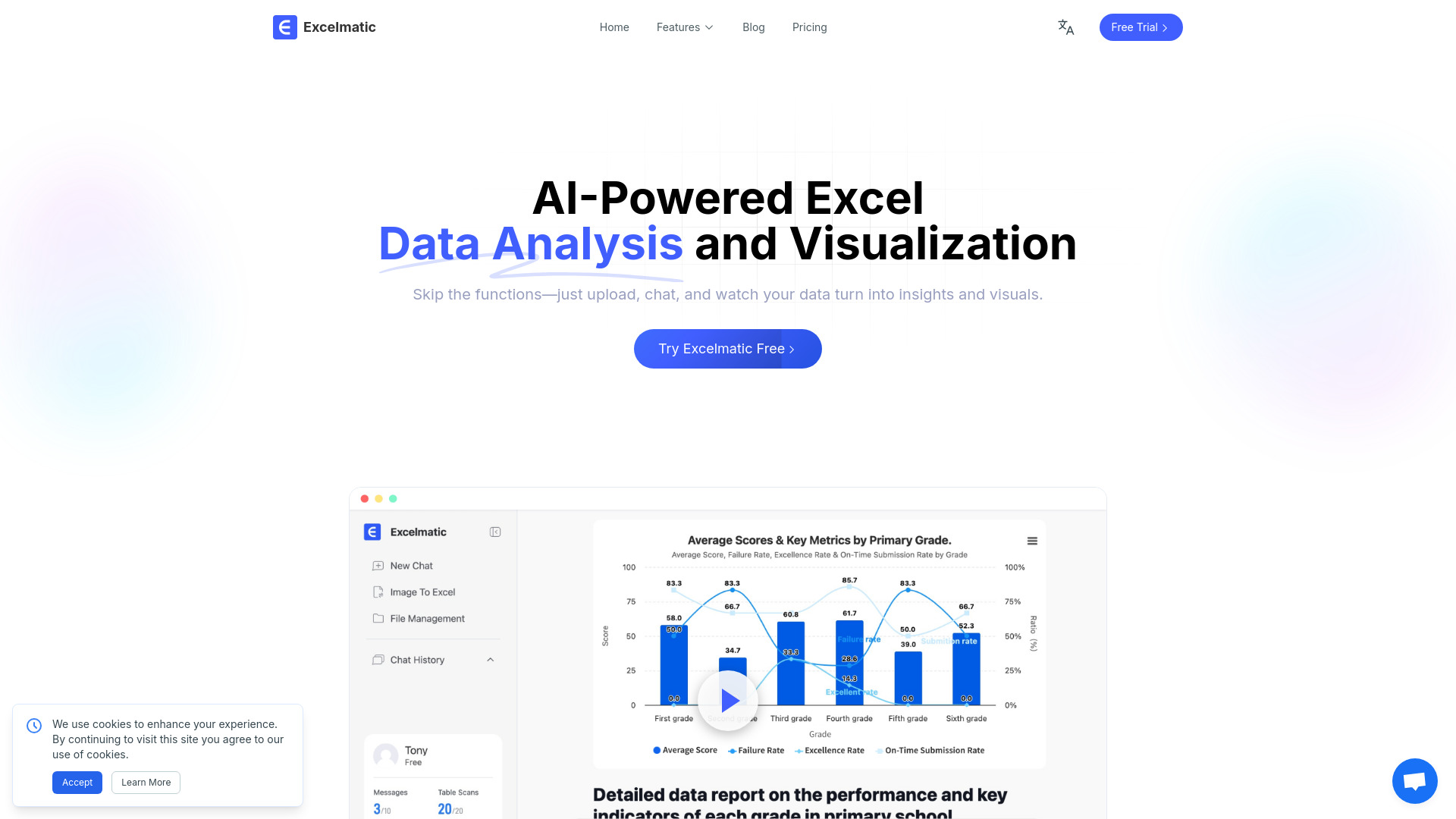
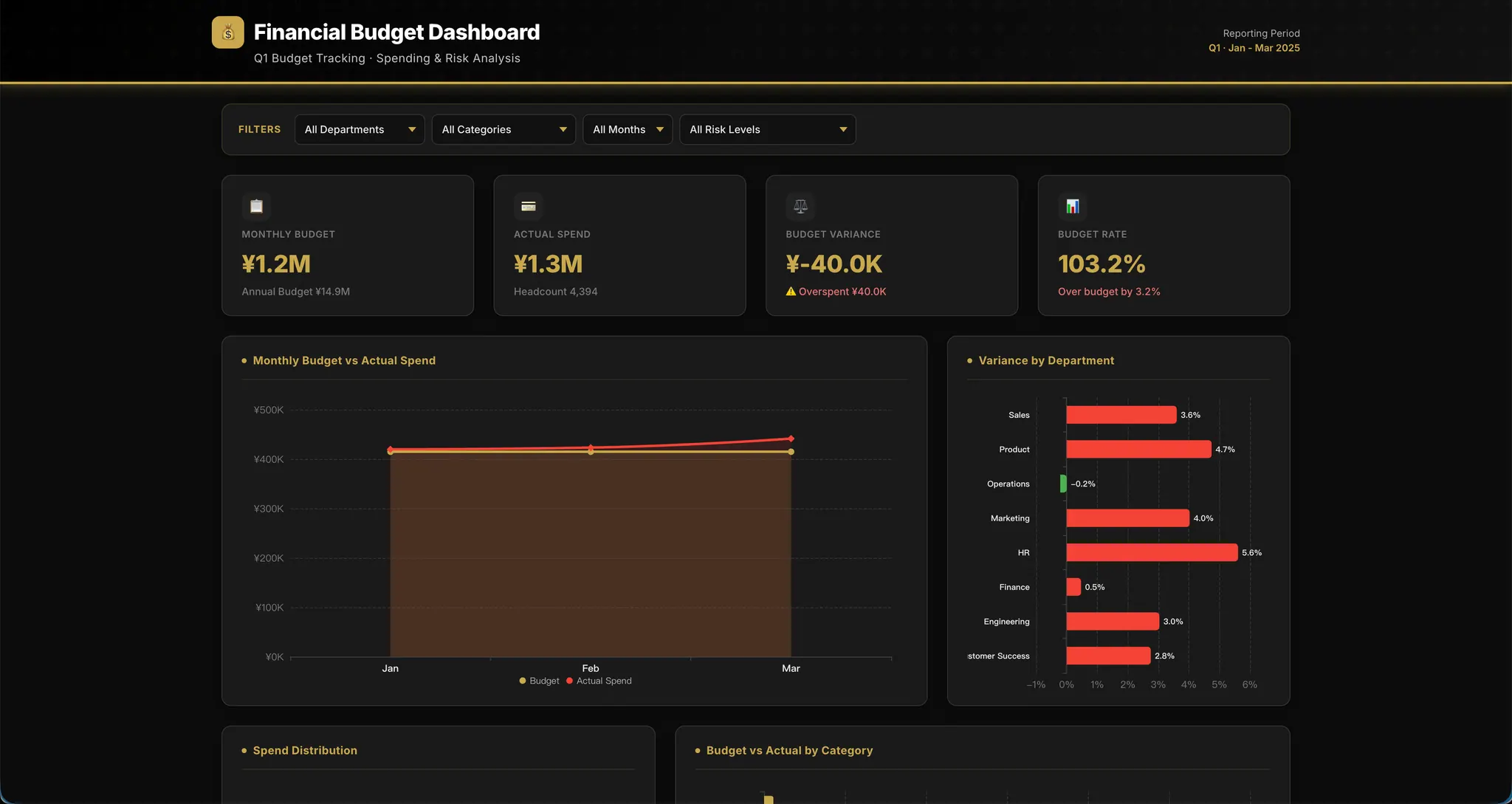
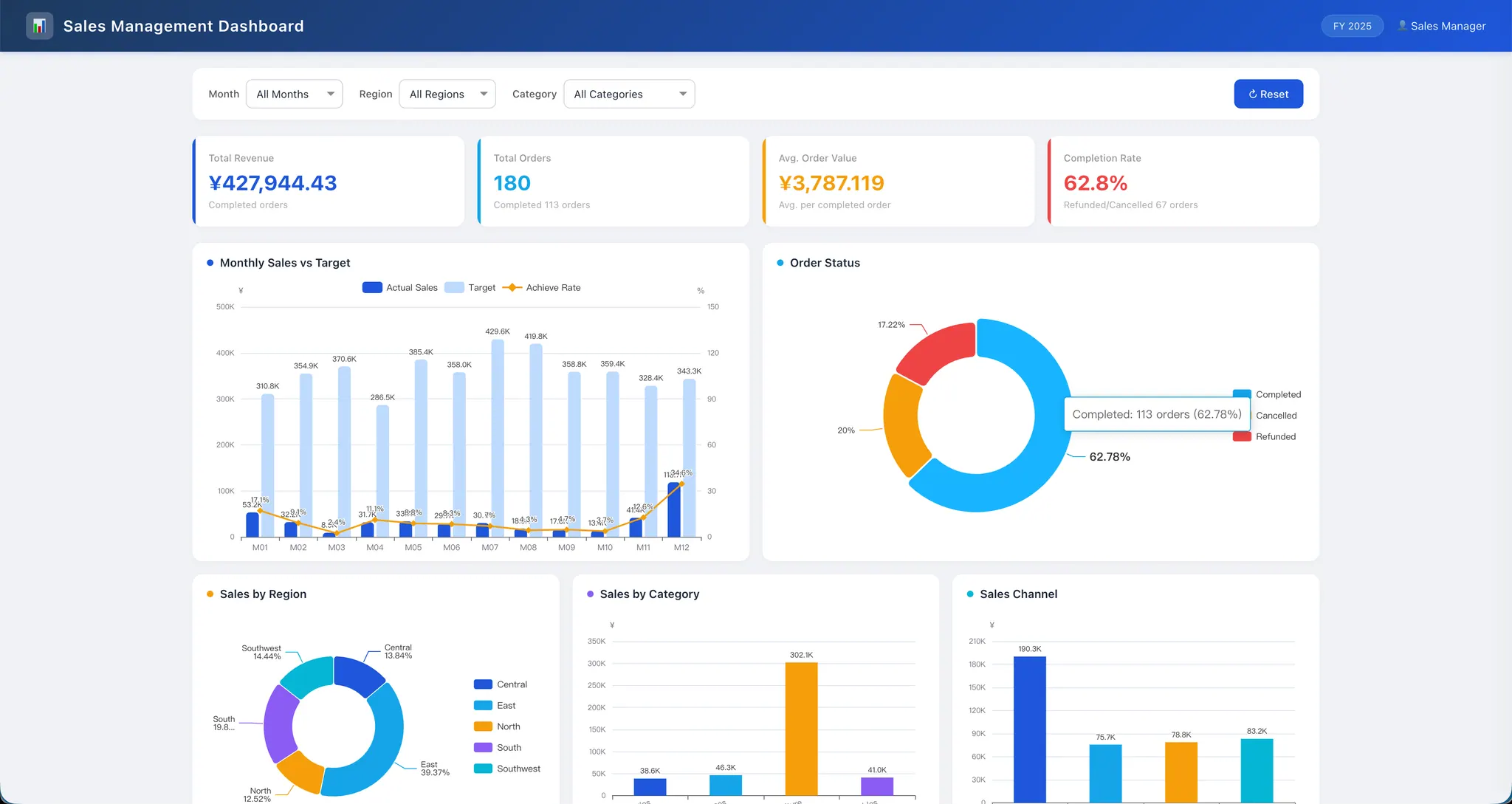
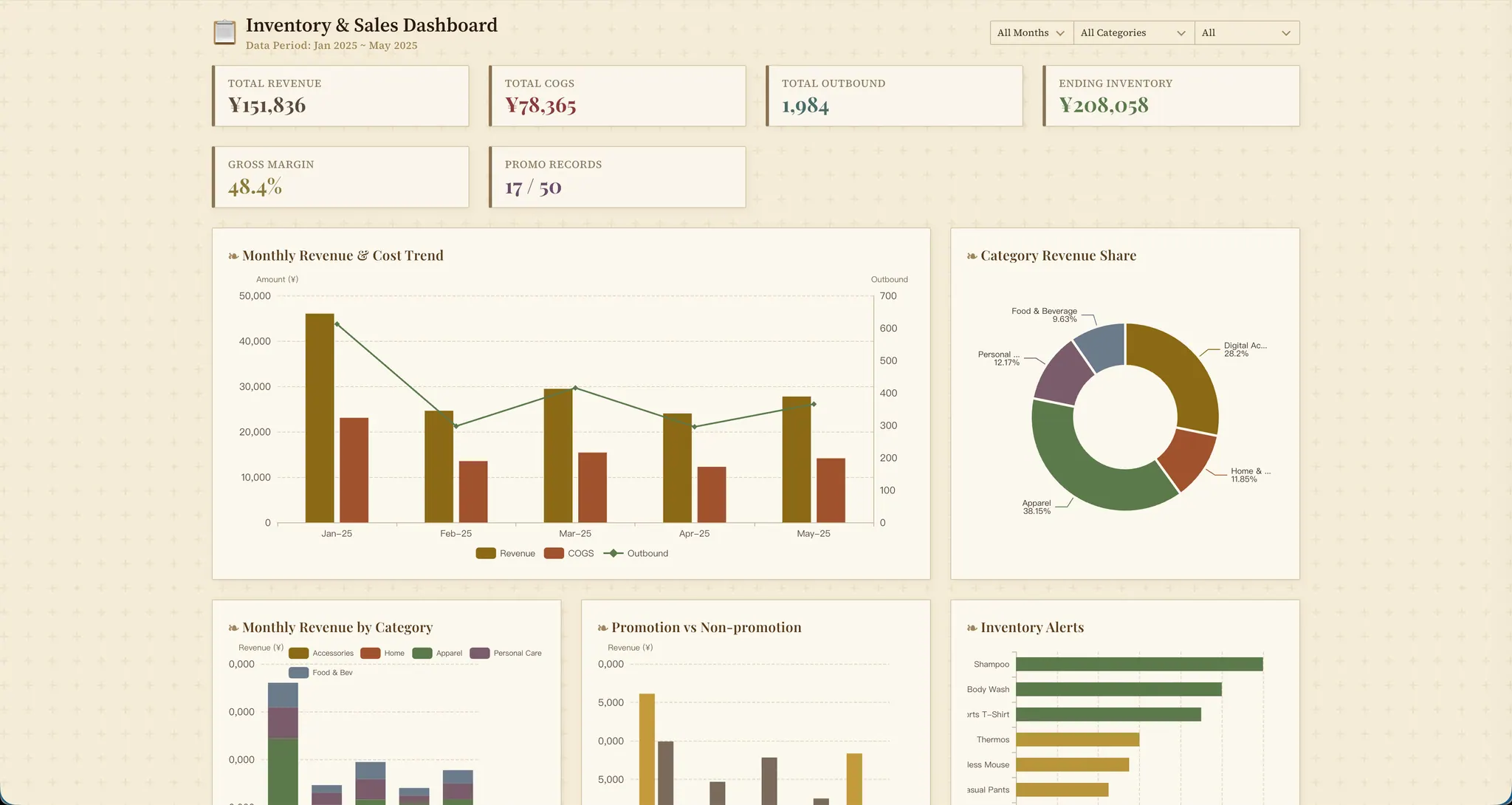
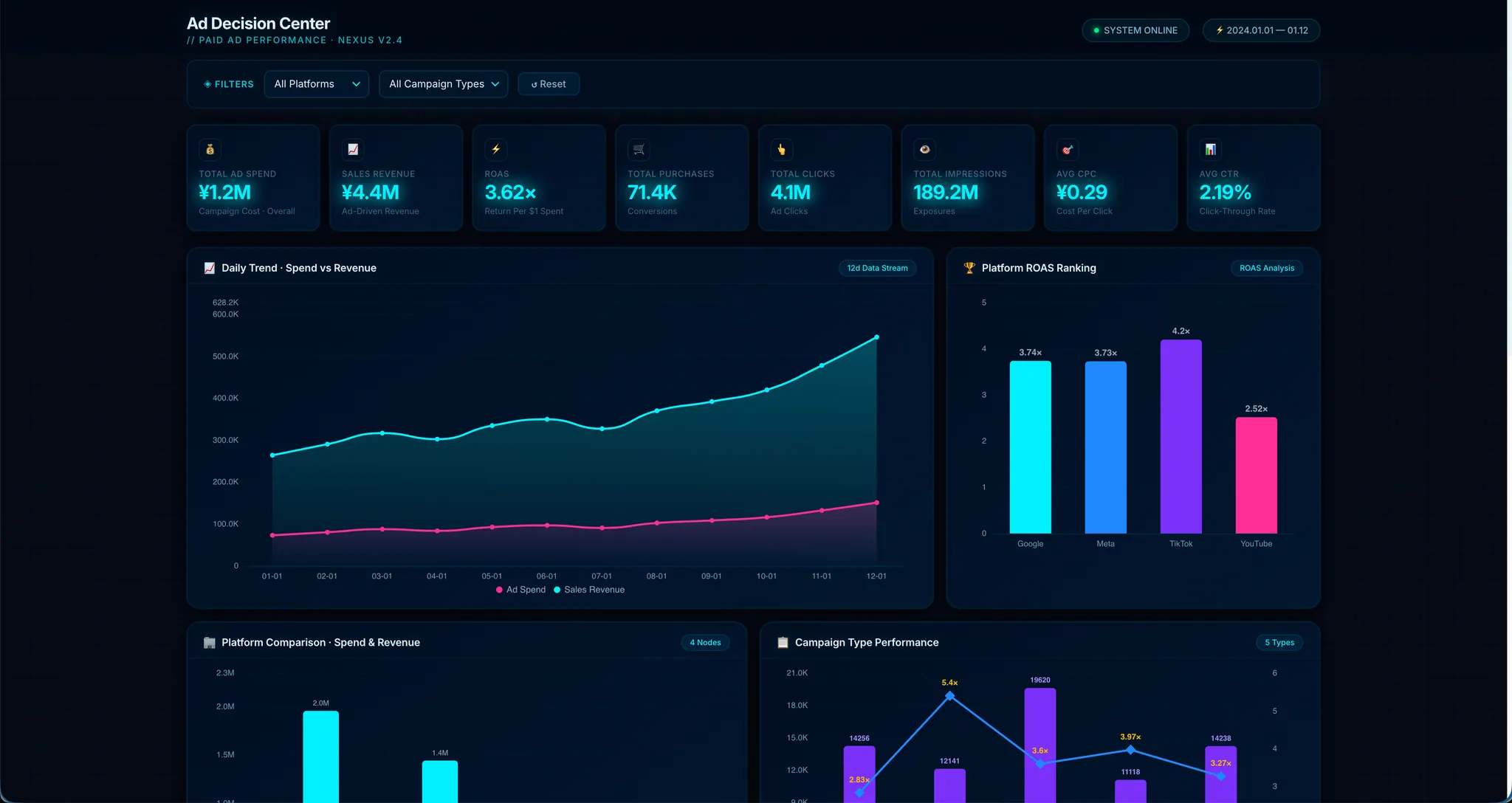
RowSpeak is an AI-powered data analytics platform that turns the spreadsheets, CSV files, PDF tables, screenshots, and business exports that teams already use into charts, dashboards, and report-ready summaries. Rather than requiring a data warehouse, custom pipeline, or live connection, it starts from files sitting in an inbox or shared drive. A user uploads the data, asks questions in plain English about period comparisons, changes, or unusual movements, and receives results that can be reviewed and shared. The emphasis throughout is on reviewability: assumptions such as the revenue field, date range, grouping dimension, or refund treatment can be inspected and corrected without rebuilding the analysis. A notable differentiator is the recurring reporting engine. Users can save their questions, metrics, and sanity checks once, and when an updated spreadsheet or export arrives, RowSpeak re-maps fields, recalculates variances against prior periods, runs the checks, and compiles executive summaries. The platform presents examples across finance and accounting (monthly close, cash flow, budget versus actual), management reporting, sales and operations, inventory, and marketing, along with rule-based triggers such as alerts when burn rate accelerates or ROAS drops beyond a threshold. Pre-built dashboards for finance, sales, inventory, and marketing illustrate the kind of output produced from common exports. RowSpeak is aimed at finance professionals, business owners, operators, marketing and sales teams, and individual analysts who need analysis without building bespoke dashboards. Security is positioned prominently: uploaded files and conversations are described as private and isolated per workspace, encrypted in transit and at rest, and not used to train general AI models. On-premise deployment is available for organizations with stricter infrastructure requirements. Direct connectors to tools such as Google Analytics, Google Sheets, and databases are listed as forthcoming, so for now integration relies on uploading exports.
SpecificationsAI-estimated
Key Features of RowSpeak
Use Cases for RowSpeak
Monthly close and variance reporting
Turn a general ledger or P&L export into a variance analysis and draft memo for finance review.
Cash flow and burn monitoring
Track inflows, outflows, and runway from recurring exports and flag accelerating burn.
Budget versus actual reviews
Compare planned and actual spend by department and explain the largest overruns.
Sales pipeline analysis
Review pipeline velocity, stalled deals, and conversion trends from CRM exports.
Inventory risk tracking
Identify low-stock SKUs, dead stock, and fast-moving items from WMS or ERP logs.
Marketing performance consolidation
Combine ad platform exports to compare ROAS, CAC, and conversions across channels.
How to use RowSpeak?
Upload your files
Drag in Excel, CSV, PDF tables, or exported reports from your inbox or shared drive.
Ask your question
Describe what you want to know in plain English, such as comparing months or explaining a change.
Review the assumptions
Check the fields, date ranges, and treatments used, and correct anything that looks wrong.
Create and share the output
Generate charts, dashboards, or a report-ready summary and share it with your team.
Set up recurring runs
Save the workflow so future updated files are analyzed and reported automatically.
Pros & Cons of RowSpeak
Pros
- Works directly from existing files (Excel, CSV, PDF tables, screenshots) with no warehouse setup or live connection required
- Recurring automation re-runs saved questions, variance calculations, and checks whenever updated files arrive
- Results are designed to be reviewed, with assumptions that can be corrected without rebuilding the analysis
- Strong security positioning including encryption, workspace isolation, no training on customer data, and on-premise option
Cons
- Direct integrations with tools like Google Analytics, Google Sheets, and databases are not yet available and are only planned
- Output quality depends on the clarity and structure of the uploaded files, which may require cleanup for messy exports
- Recurring workflows and advanced rules likely require a paid tier, and pricing details are not shown on the page reviewed
Frequently Asked Questions
Do I need a data warehouse to use RowSpeak?
No. You can start by uploading the files you already have, and no warehouse setup or live data connection is required.
What file types are supported?
Excel, CSV, PDF tables, screenshots, and exported business reports can be uploaded.
Can I check the results before sharing them?
Yes. Outputs are designed to be reviewed, and you can adjust key assumptions such as the revenue field, date range, or chart type.
Is my business data used to train AI models?
No. The site states that uploaded files, data sources, and conversations stay private to your workspace and are not used to train general AI models.
Can RowSpeak run on our own infrastructure?
On-premise deployment is available for organizations that need it. You can contact the team to discuss requirements.
Does RowSpeak connect directly to Google Analytics or databases?
Not yet. Direct connectors to tools like Google Analytics, Google Sheets, and databases are listed as coming soon, so for now you can upload exports from those tools.
Reviews & Ratings0.0
No reviews yet. Be the first to write one!
Top Alternatives & Similar Software
View all alternatives & similar software→No alternatives available yet.
People also viewed




Related searches
Is this your tool?
Claim this page to update details, reply to user reviews, and drive more traffic to your product.
Claim this Product →
Tags
Explore Related Topics
Keep up with RowSpeak alternatives
New alternatives, pricing changes and the week's biggest movers - one email every Tuesday.