


SEO-Tube
Simplify YouTube SEO and grow your channel with smarter video optimization.
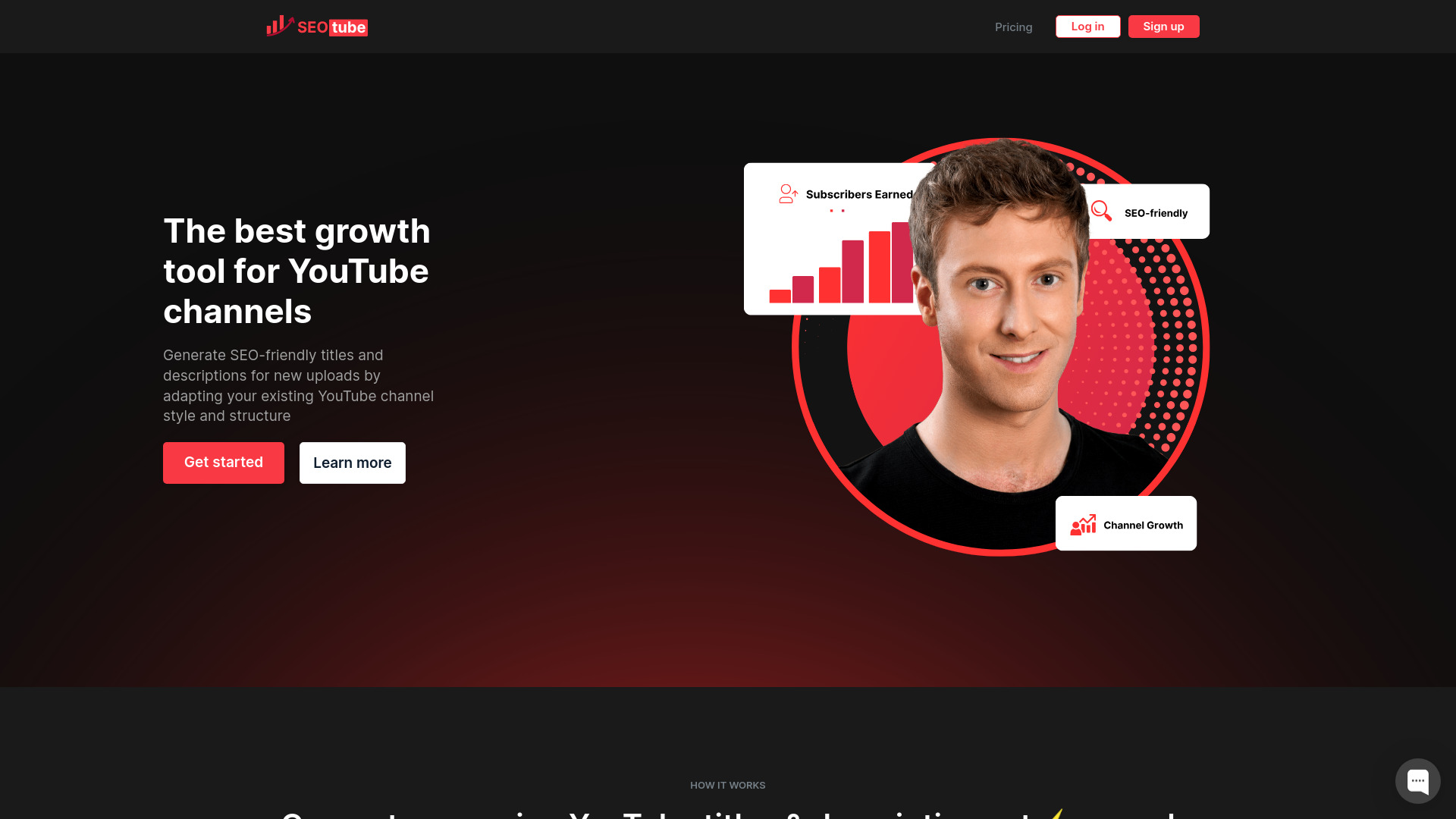
What is SEO-Tube?
SEO-Tube is a web-based YouTube SEO optimizer built to help content creators improve the visibility of their videos in YouTube's search results. The platform simplifies the often complex process of optimizing video metadata, allowing users to focus on creating content while it handles the technical side of search ranking. By signing in with an email, users can access a dedicated workspace for managing their channel's SEO efforts.
SpecificationsAI-estimated
Key Features of SEO-Tube
Use Cases for SEO-Tube
Optimizing new video uploads
Research keywords and apply metadata before publishing to give new videos the best chance of ranking.
Improving existing video rankings
Re-optimize titles, tags, and descriptions of older content to boost its visibility.
Finding content ideas based on search demand
Use keyword data to create videos that directly answer the queries your audience is searching for.
Competitor research
Analyze competitor videos to understand what drives their traffic and replicate successful strategies.
Tracking video performance
Monitor where your videos appear in YouTube search results over time and adjust your SEO approach.
Managing multi-channel SEO
Organize optimization work for multiple YouTube channels from one dashboard if managing more than one brand.
How to use SEO-Tube?
Sign In
Create an account or log in with your email to enter the SEO-Tube dashboard.
Enter Video or Keyword
Enter your video URL or a target keyword to trigger the optimization analysis.
Review Suggestions
Review the suggested titles, tags, and descriptions generated by the tool.
Apply Optimizations
Apply the recommendations in YouTube Studio or directly through the platform if supported.
Track Performance
Monitor your video's ranking over time and adjust your strategy as needed.
Pros & Cons of SEO-Tube
Pros
- Dedicated to YouTube SEO, making features specialized rather than generic.
- User-friendly sign-in and dashboard for managing multiple videos.
- Helps uncover keyword opportunities that can drive organic traffic.
- Provides actionable recommendations for titles, tags, and descriptions.
Cons
- Requires an email sign-in before any functionality is visible or accessible.
- The landing page provides no details about pricing or the full feature set without logging in.
- Focused exclusively on YouTube, so it won't help with other video or social platforms.
Frequently Asked Questions
What is SEO-Tube?
SEO-Tube is a web-based YouTube SEO optimizer that helps creators improve the search ranking of their videos through keyword research and metadata optimization.
Do I need a YouTube account to use SEO-Tube?
Yes, you will likely need a YouTube channel to fully benefit, and you must sign in to SEO-Tube with your email to access the tool.
Is SEO-Tube free?
Pricing information is not shown on the landing page; you need to sign in to see available plans and features.
Can SEO-Tube help me rank for competitive keywords?
It provides keyword suggestions and optimization tips, but ranking depends on many factors including video quality, watch time, and channel authority.
Does SEO-Tube support languages other than English?
The landing page does not specify, but many SEO tools support multiple languages; check the app after signing in for language options.
How does SEO-Tube track rankings?
Typically such tools track YouTube search positions for target keywords over time; the exact tracking features are visible after logging in.
Is SEO-Tube suitable for agencies managing multiple channels?
The tool appears designed for individual creators and possibly agencies, but multi-channel management features would need to be confirmed inside the app.
Reviews & Ratings0.0
No reviews yet. Be the first to write one!
Top Alternatives & Similar Software
View all alternatives & similar software→No alternatives available yet.
People also viewed




Related searches
Is this your tool?
Claim this page to update details, reply to user reviews, and drive more traffic to your product.
Claim this Product →
Tags
Explore Related Topics
Keep up with SEO-Tube alternatives
New alternatives, pricing changes and the week's biggest movers - one email every Tuesday.