



SimpleClean
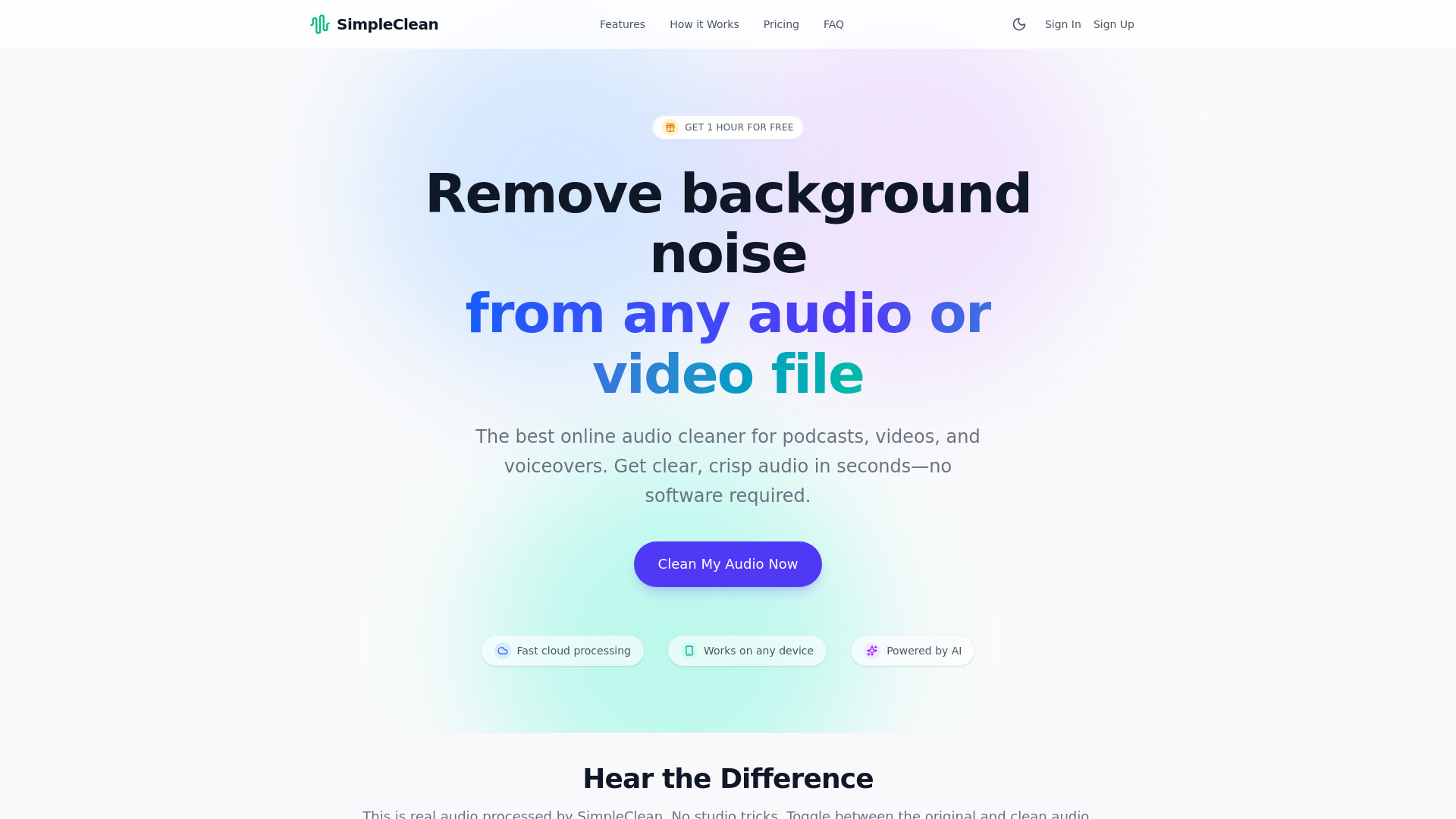
An AI-powered browser tool that strips wind, hum, and background noise from audio and video in minutes, no studio required.
What is SimpleClean?
SimpleClean is an AI-powered online audio cleaner that removes background noise, wind, hums, clicks, and ambient chatter from audio and video files. It is designed for creators who need professional-sounding recordings without buying studio gear or learning complex audio editing software. Everything runs in the browser, so there is nothing to install, and it works on computers, tablets, and smartphones. The workflow is intentionally simple: upload a file (or several at once), let the AI engine analyze the waveform and suppress unwanted sound while you watch progress, then download the cleaned result in a wide range of formats. SimpleClean supports most common audio and video containers, including MP3, WAV, FLAC, MP4, MOV, and MKV, with files up to 1 GB and 3 hours long. Users can listen to a 30-second cleaned preview before deciding whether to pay for the full download. SimpleClean is aimed at podcasters, YouTubers, marketers, educators, casual users recording voice notes or interviews, and audio engineers who want a fast first-pass cleanup before detailed mixing. Pricing is pay-per-download starting at $0.50, with subscription plans offering lower per-hour rates, bulk uploads, and rollover of unused hours. Original and processed files are automatically deleted from servers after seven days.
SpecificationsAI-estimated
Key Features of SimpleClean
Use Cases for SimpleClean
Podcast cleanup
Remove hums, buzzes, and echo from podcast recordings without re-recording the session.
YouTube audio fixing
Improve voiceover and video sound quality before publishing to keep viewers engaged.
Marketing voiceovers
Clean promotional audio without expensive studio gear or complex software.
Lecture recording
Make classes and training materials sound professional even when recorded in noisy rooms.
Phone and voice notes
Turn windy or noisy phone recordings and interviews into clear, crisp audio.
Audio engineering first pass
Quickly clean rough cuts before detailed mixing and mastering.
How to use SimpleClean?
Upload your file
Drag and drop your noisy audio or video file into the browser, or upload several at once.
Let the AI process it
The AI engine analyzes the waveform and removes background noise while you track progress.
Preview and download
Listen to a 30-second cleaned preview, then pay to download the full cleaned file in your chosen format.
Pros & Cons of SimpleClean
Pros
- Works entirely in the browser with no installation, on desktop and mobile
- Listen to a 30-second cleaned preview before paying for the full file
- Supports a very broad range of audio and video formats
- Bulk uploads and dashboard progress tracking for batch workflows
- Originals and processed files are deleted from servers after 7 days
Cons
- Heavy aggressive processing may affect natural voice quality on some recordings
- Subscription value depends on regular usage; occasional users pay per file
- File size limit of 1 GB and duration limit of 3 hours may be restrictive for long recordings
- Focused on noise removal only, not full editing or mastering
Frequently Asked Questions
How does the AI remove noise?
The AI is trained on thousands of hours of audio to separate human speech from unwanted background sound, removing wind, traffic, hums, and clicks while keeping the natural voice quality.
Do I need to install anything?
No. SimpleClean runs in any modern browser on computers, tablets, and smartphones.
Which file formats are supported?
Major audio formats such as MP3, WAV, AIFF, and FLAC, and video formats such as MP4, MOV, FLV, MKV, and WMV are supported, along with many others listed on the site.
Is my data kept private?
Original and processed files are automatically deleted from servers 7 days after processing.
What are the file size and length limits?
Files can be up to 1 GB and up to 3 hours in duration.
Can I try it before paying?
Yes. You can upload a file and hear a 30-second cleaned preview for free, and only pay if you want the full download.
Pricing Overview
View full pricing →SimpleClean offers a free tier with a 30-second cleaned preview and pay-per-download pricing starting at $0.50, plus subscription and pay-as-you-go hour bundles.
Reviews & Ratings0.0
No reviews yet. Be the first to write one!
Top Alternatives & Similar Software
View all alternatives & similar software→No alternatives available yet.
People also viewed




Related searches
Is this your tool?
Claim this page to update details, reply to user reviews, and drive more traffic to your product.
Claim this Product →
Tags
Explore Related Topics
Keep up with SimpleClean alternatives
New alternatives, pricing changes and the week's biggest movers - one email every Tuesday.