



Sketch Logo AI
Turn rough sketches into polished, brand-ready logos and 3D designs with generative AI.


What is Sketch Logo AI?
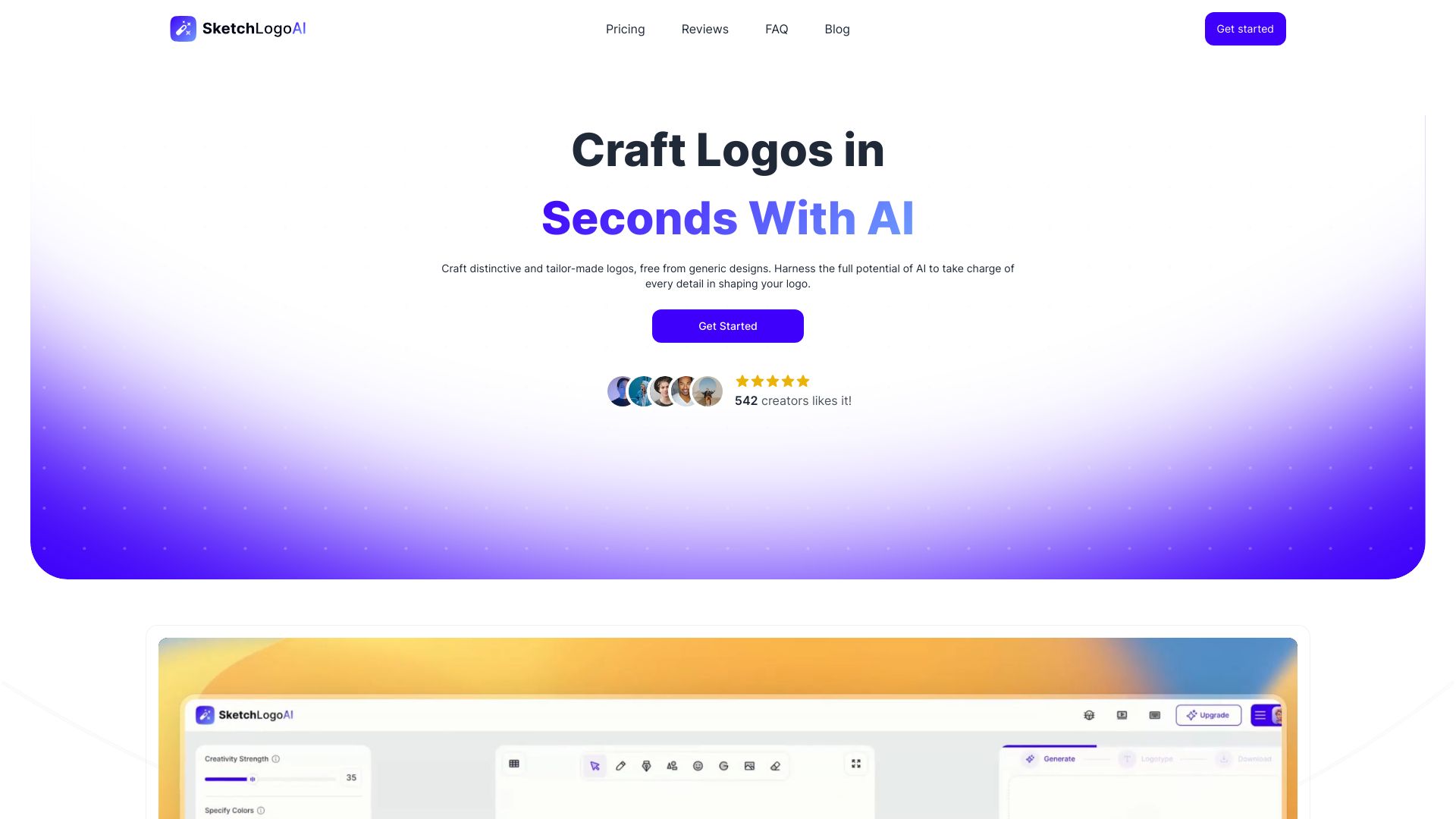
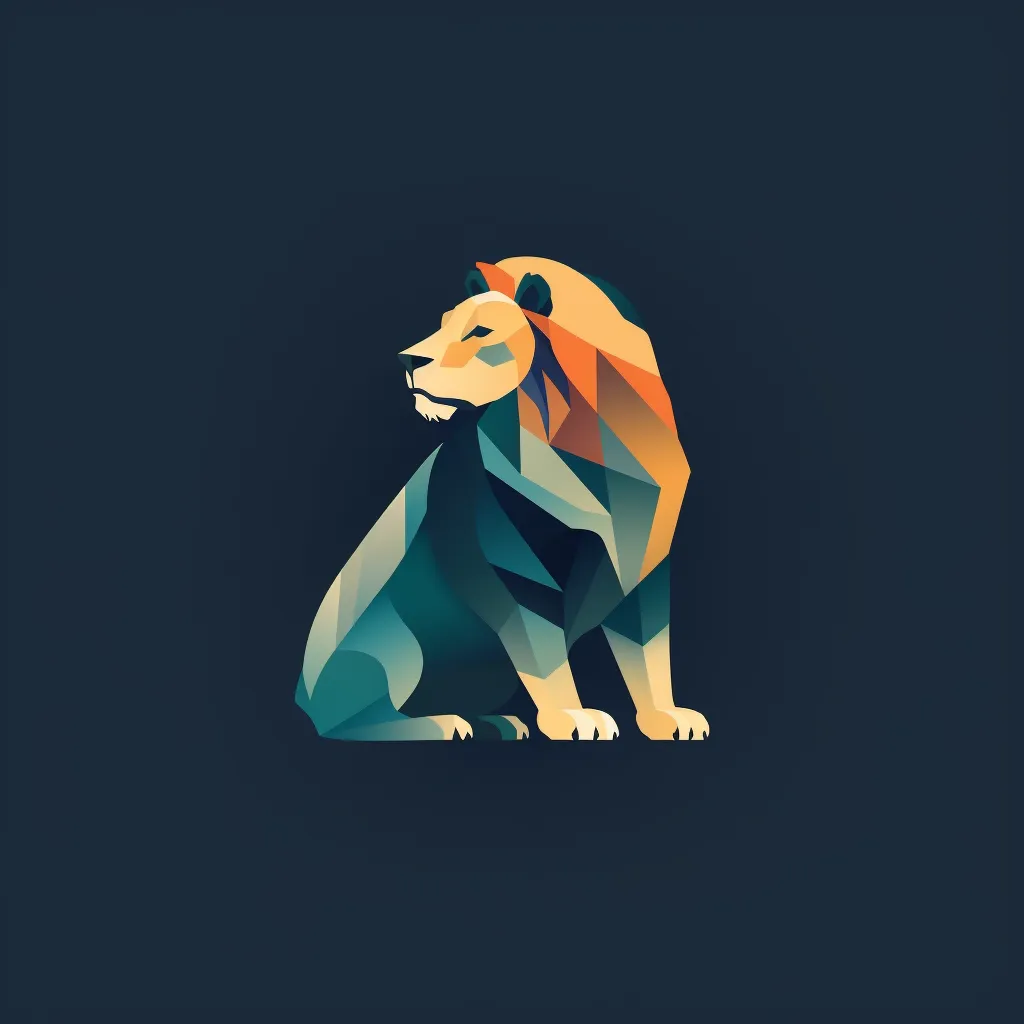
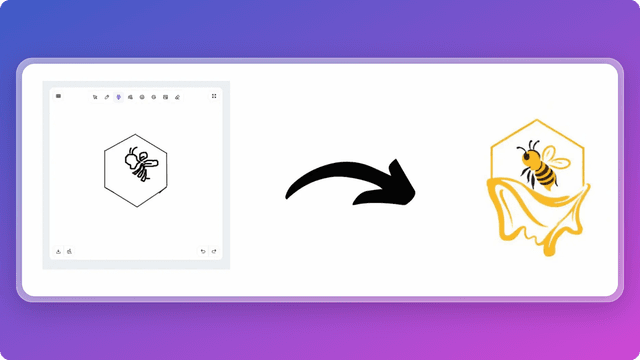
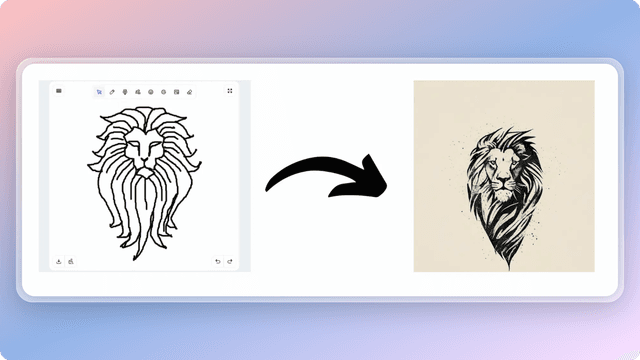
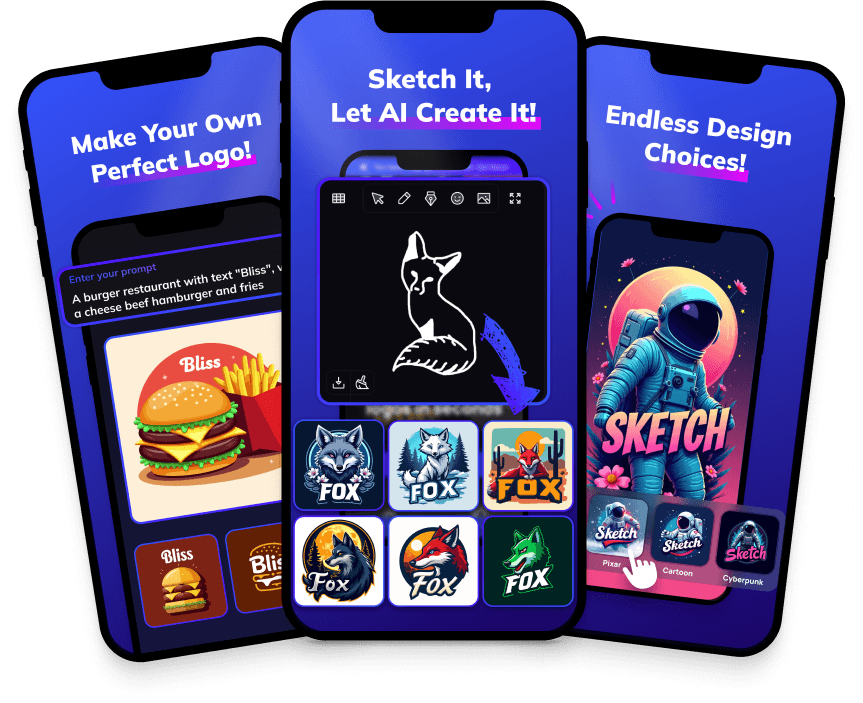
Sketch Logo AI is an AI-powered logo generator that turns hand-drawn sketches, existing logos, and plain images into polished designs. Instead of relying on text prompts, users can sketch basic ideas or drop in source assets, and the platform's generative AI produces finished logos, 3D illustrations, and art pieces. The product is positioned as both a logo maker and a broader design generator, with a mobile app and an active creator community. The platform includes several transformation modes: Sketch to Logo, which interprets rough drawings; 2D to 3D, which adds depth to flat designs; Logo to Logo, which redesigns existing brand marks; and Image to Art, which converts photos into artistic creations. Users can customize results using 4,300+ font alternatives, 15 preset styles, 500+ color options, and 30,000+ icon choices. Output can be downloaded as high-definition SVG or PNG files, making it suitable for professional branding and marketing use. Sketch Logo AI is designed for creators, small business owners, freelancers, and AI artists who need quality branding without a large budget or design team. Its paid Pro plans include unlimited usage, private generations, and a commercial license, while the mobile app extends the workflow to phones. It is particularly useful for quick logo concepts, brand refreshes, 3D marketing assets, and even tattoo or illustration design.
SpecificationsAI-estimated
Key Features of Sketch Logo AI
Use Cases for Sketch Logo AI
Logo creation from sketches
Draw a rough idea and let AI turn it into a polished, professional logo in seconds.
Brand identity refresh
Use Logo to Logo mode to redesign an existing logo and modernize your brand without starting from scratch.
3D marketing visuals
Convert flat 2D logos into 3D illustrations to grab attention in ads, social media, and product mockups.
Social media content
Generate eye-catching visuals and art pieces optimized for social media sharing and personal branding.
Tattoo and art design
Explore different tattoo designs and artistic styles quickly, as highlighted by user testimonials.
Selling illustrations online
Create sellable AI-generated illustrations and logo designs for marketplaces or client commissions.
Small business branding
Produce high-quality logos and marketing materials without paying an agency, with unlimited usage and commercial license.
How to use Sketch Logo AI?
Sketch or upload your concept
Use the Sketch to Logo feature to draw a rough idea, or upload an existing 2D logo/image to use as a starting point.
Choose your transformation mode
Select from tools like 2D to 3D, Logo to Logo, or Image to Art depending on the outcome you want.
Customize styles, fonts, and colors
Pick one of 15 preset styles, browse 4,300+ fonts, and use 500+ colors or 30,000+ icons to fine-tune the design.
Generate and refine
Let the AI create your logo/design, review the result, and regenerate or tweak it until it matches your vision.
Export and use commercially
Download your design as PNG or high-quality SVG and apply it to your brand, social media, products, or client work.
Pros & Cons of Sketch Logo AI
Pros
- Sketch-to-logo workflow lets non-designers generate professional logos without text prompts.
- Multiple conversion modes (2D to 3D, Logo to Logo, Image to Art) cover many creative asset needs.
- Huge customization library: 4,300+ fonts, 30,000+ icons, and 500+ colors.
- High-definition SVG export keeps logos crisp and scalable for print and digital use.
- Paid plans include unlimited usage, private generations, and commercial license.
Cons
- No free plan or trial is mentioned on the pricing page, so users must pay to test the full feature set.
- AI-generated results may require several iterations to perfectly match a specific brand vision or concept.
- No team collaboration, brand-book management, or multi-user workflow features are mentioned.
- Requires an internet connection and the Sketch Logo AI platform; there is no offline desktop generator.
Frequently Asked Questions
What is Sketch Logo AI?
Sketch Logo AI is an AI-powered logo generator and design tool that creates logos, 3D illustrations, and art pieces from sketches, existing logos, or images.
Do I need to write text prompts to generate a logo?
No. The Sketch to Logo feature lets you draw basic designs and lets the AI generate a polished logo, so you don't have to rely on text prompts.
Can I turn a 2D logo into a 3D illustration?
Yes, the 2D to 3D feature converts flat logos and images into dimensional, AI-generated 3D illustrations.
What file formats does Sketch Logo AI support?
The paid plans include both PNG and SVG output, with high-definition SVG designs for scalable branding.
Can I use the generated logos for commercial purposes?
Yes, Pro subscriptions include a commercial license, so you can use your designs for branding and client work.
How many fonts and icons are available?
The platform offers more than 4,000 font alternatives, 30,000+ icon options, and 500+ color options.
Is there a mobile app?
Yes, Sketch Logo AI has a mobile app that lets you sketch, prompt, and generate designs directly from your phone.
How much does Sketch Logo AI cost?
The Pro monthly plan is $29 USD per month, and the Pro yearly plan is $299 USD per year, with two months free on the yearly plan.
Reviews & Ratings0.0
No reviews yet. Be the first to write one!
Top Alternatives & Similar Software
View all alternatives & similar software→No alternatives available yet.
People also viewed



Related searches
Is this your tool?
Claim this page to update details, reply to user reviews, and drive more traffic to your product.
Claim this Product →
Tags
Explore Related Topics
Keep up with Sketch Logo AI alternatives
New alternatives, pricing changes and the week's biggest movers - one email every Tuesday.