



Sketch2scheme
From hand-drawn sketch to editable digital diagram in seconds.

What is Sketch2scheme?
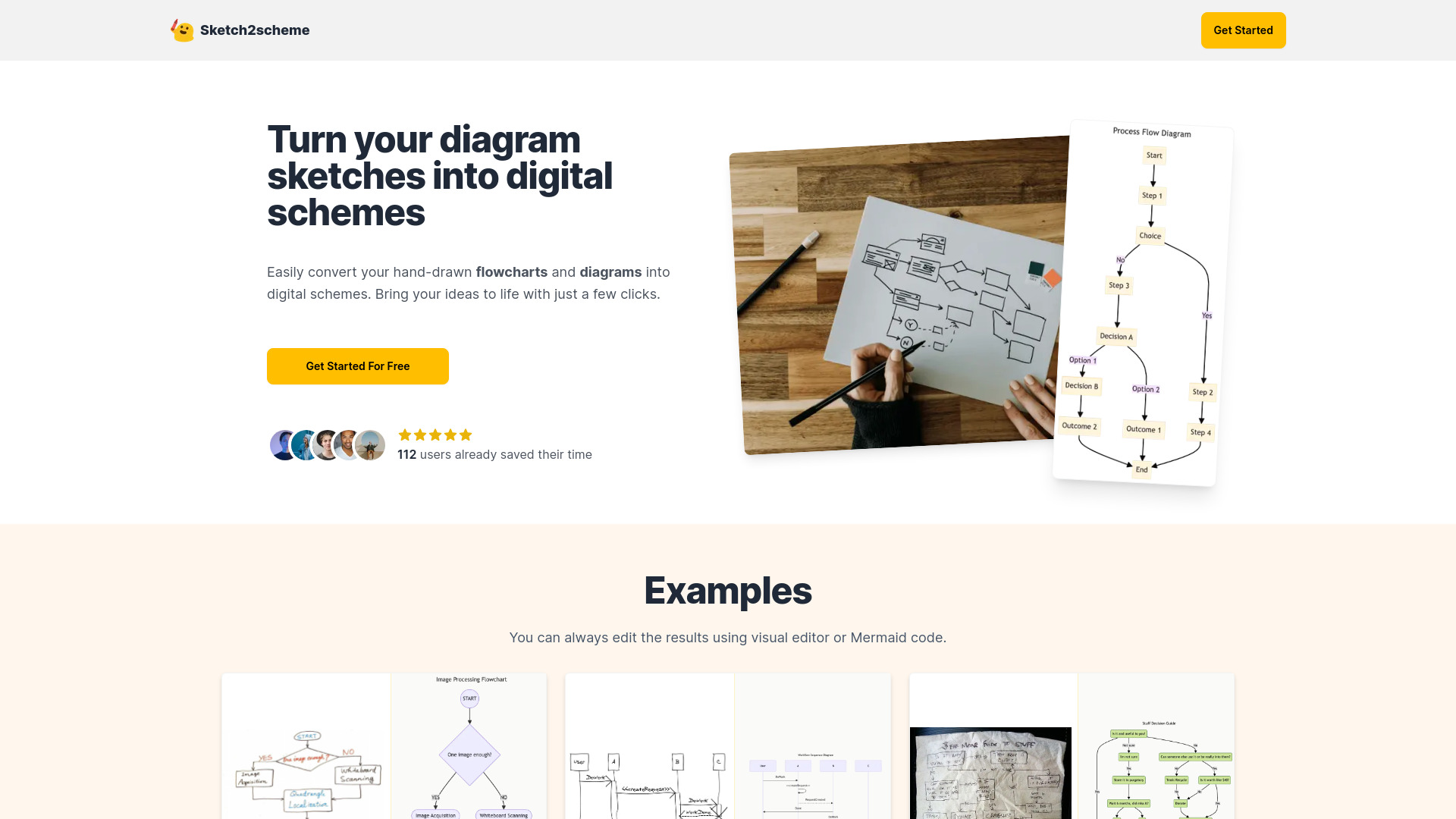
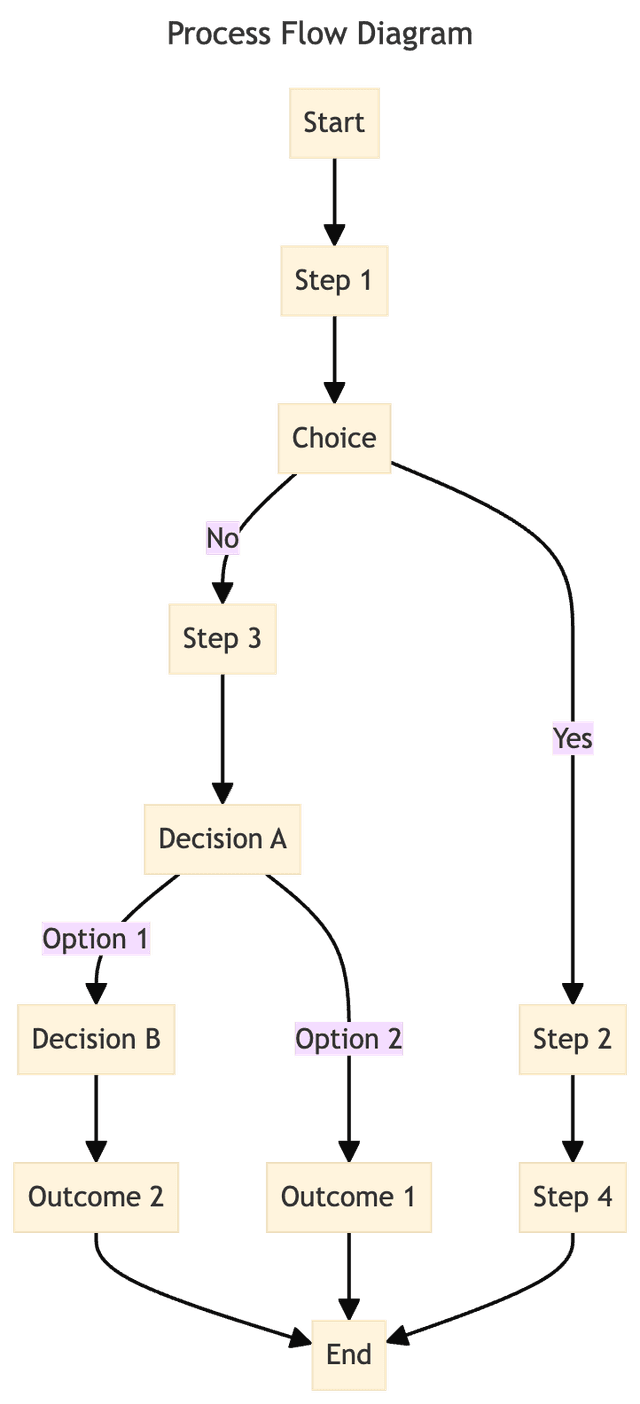
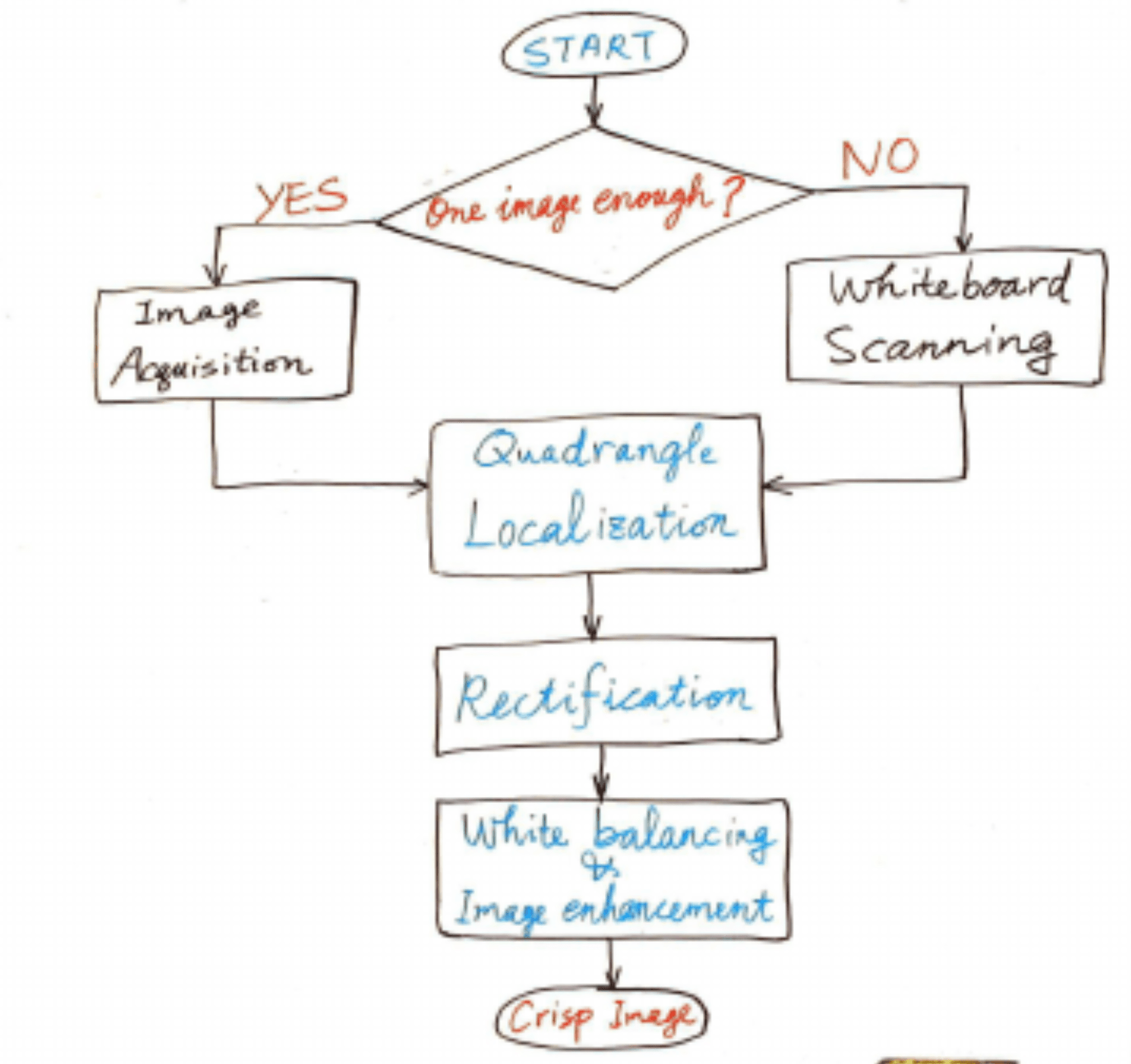
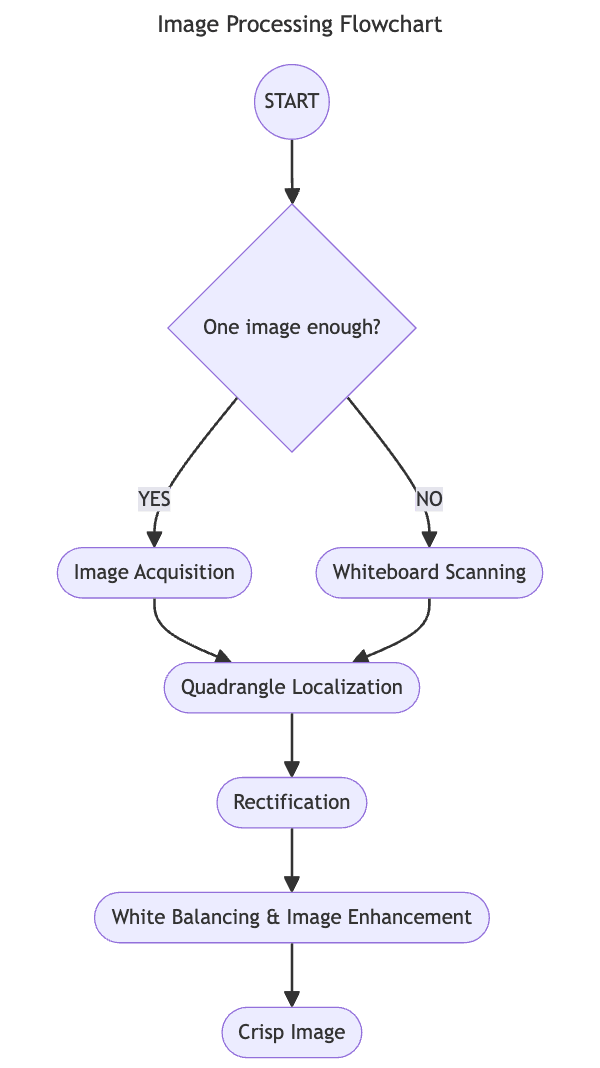
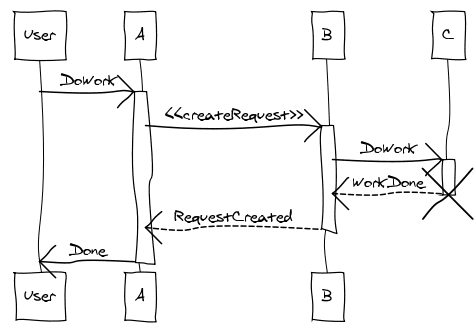
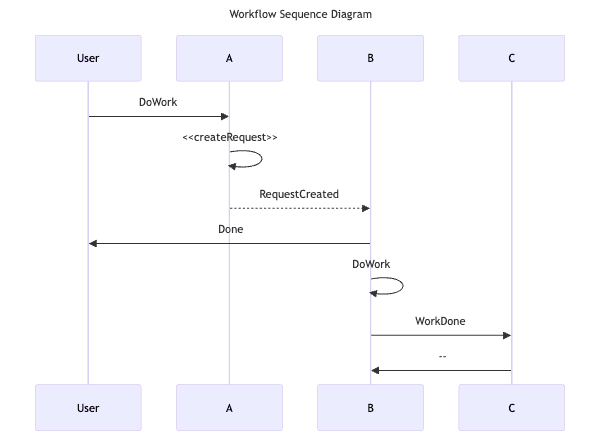
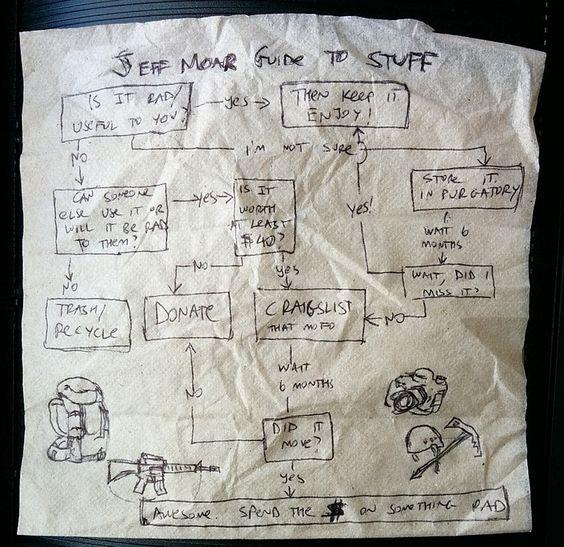
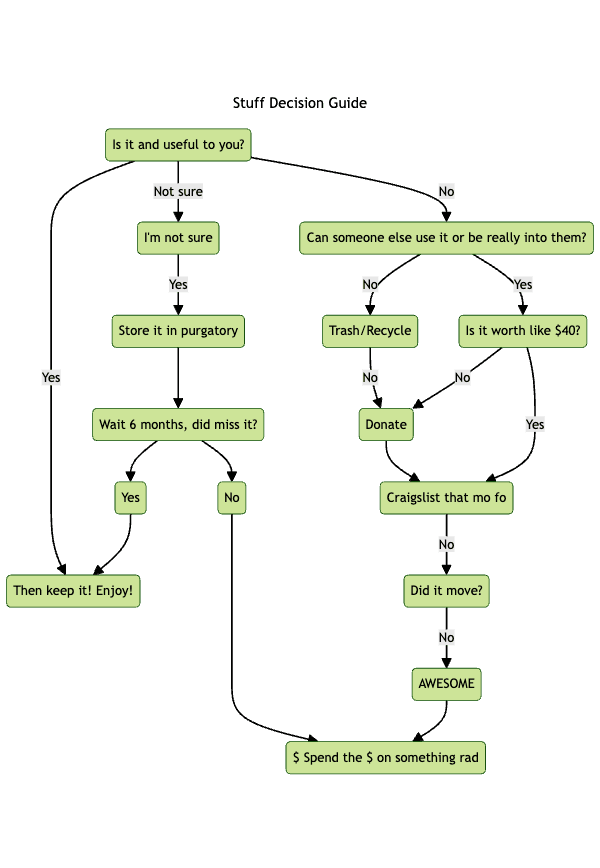
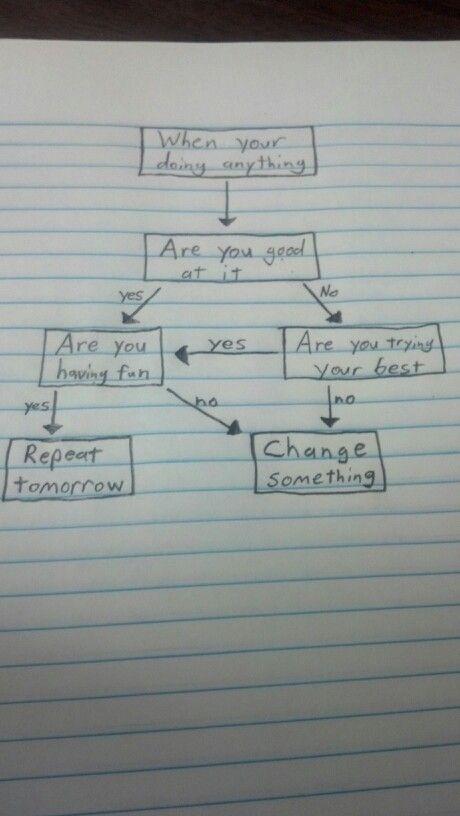
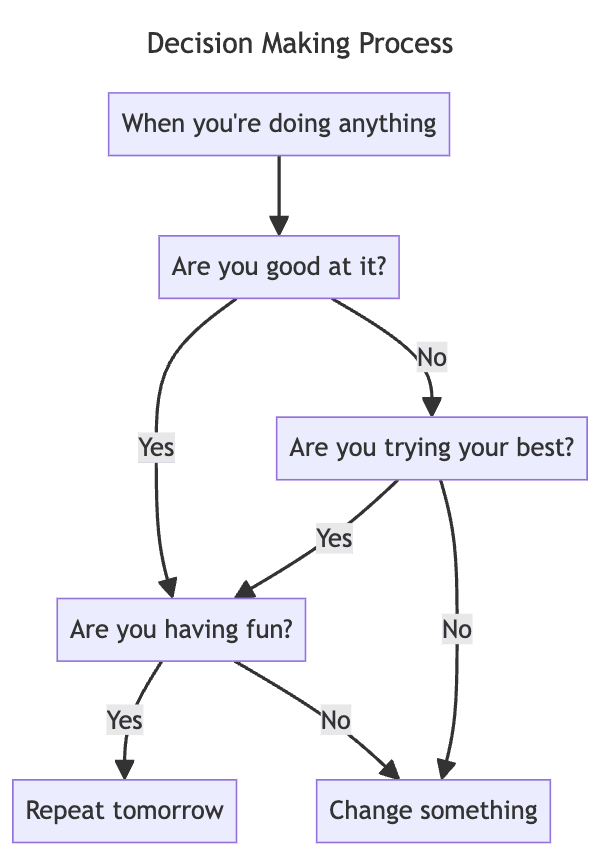
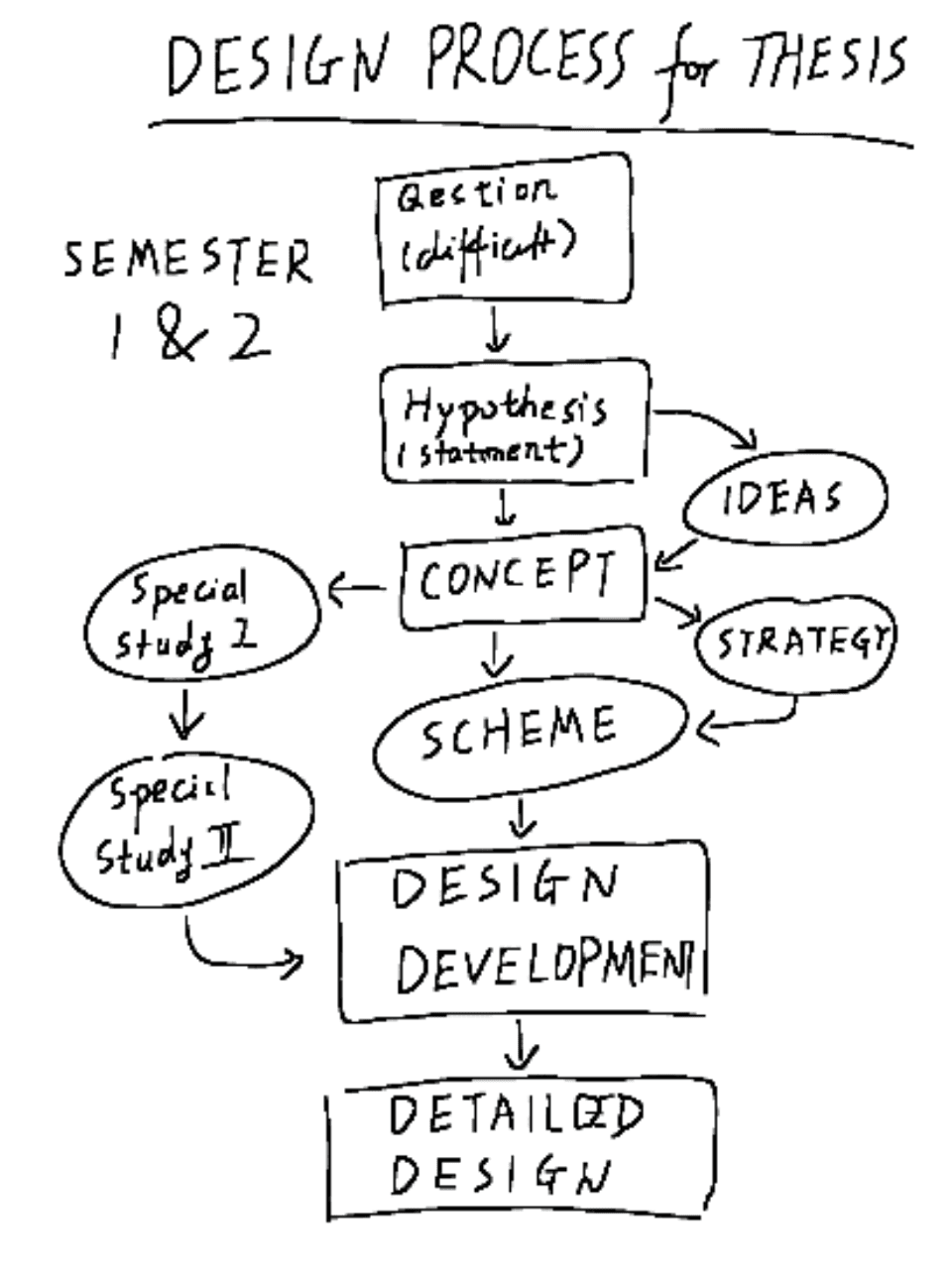
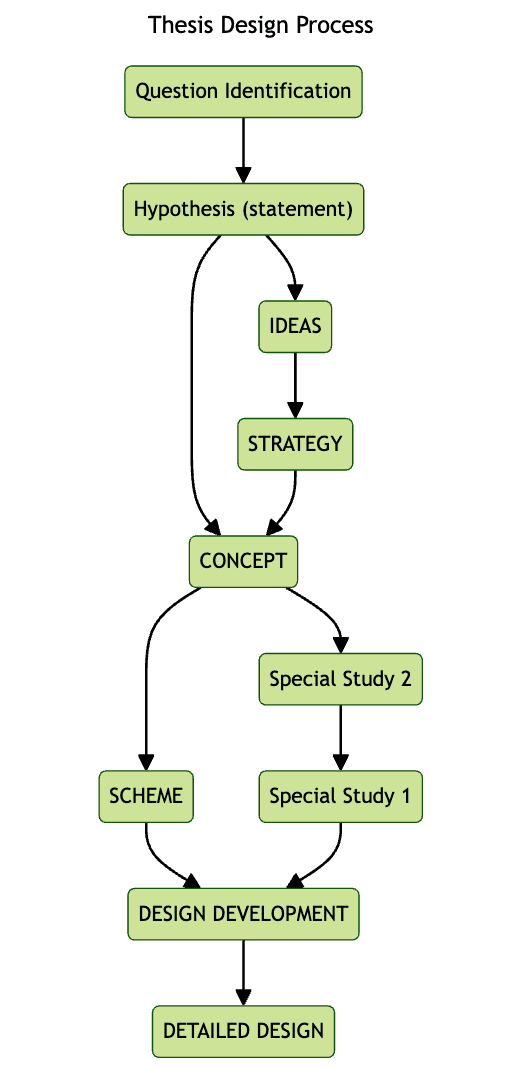
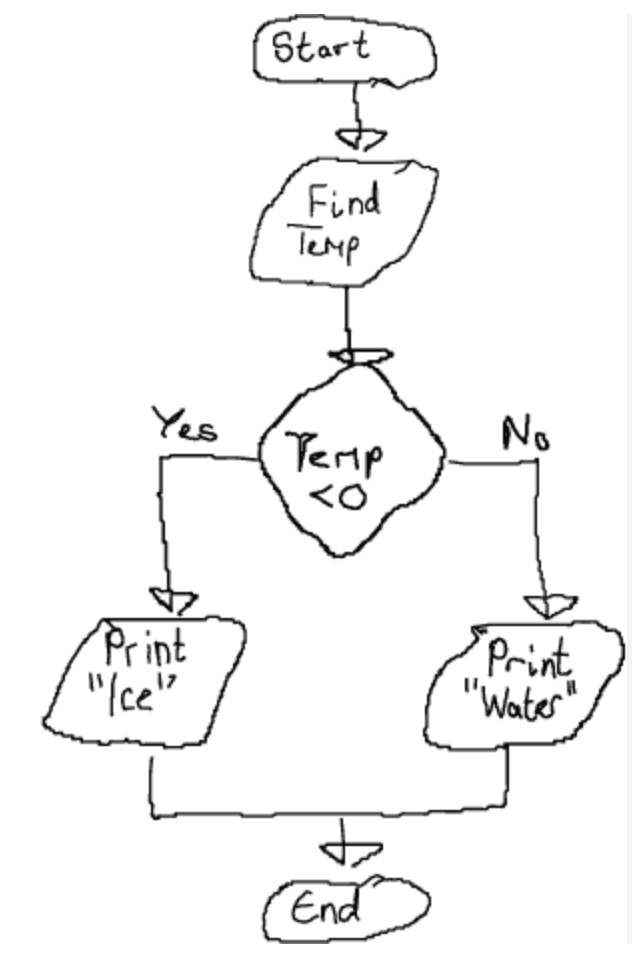
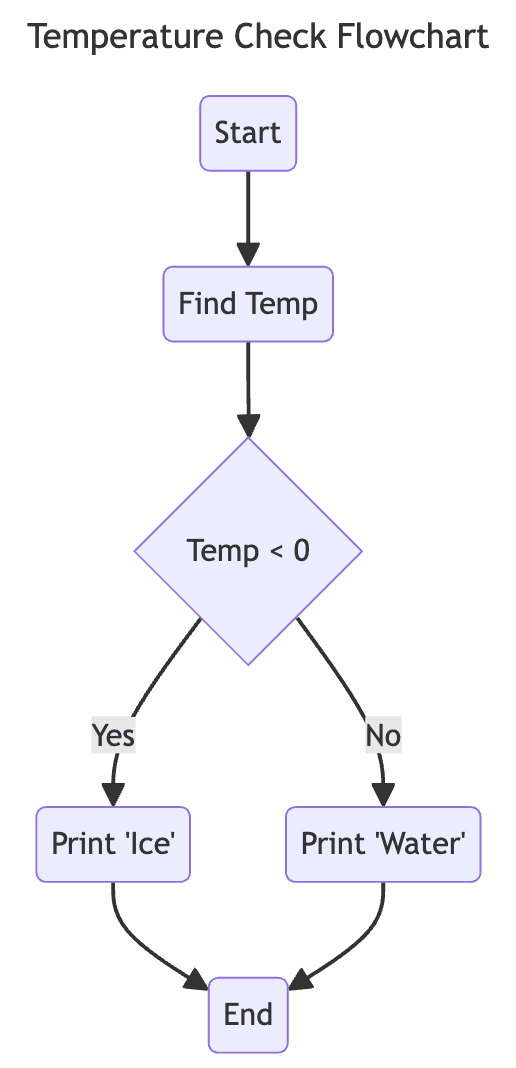
Sketch2scheme is an AI-powered diagramming tool that turns hand-drawn flowcharts and diagrams into clean, editable digital schemes. Rather than forcing users to redraw process maps, architecture diagrams, or UI flows from scratch, it recognizes the elements in a photo or scan and rebuilds them as structured digital diagrams. The platform also supports generating diagrams directly from text, plus a free image editor, making it a versatile bridge between analog brainstorming and digital production. The workflow is designed for speed: upload a sketch, let AI detect nodes, connections, and text, then refine the result using a visual editor or Mermaid code editor. Auto-arrangement and alignment remove the tedious manual layout work associated with traditional diagram tools. Finished diagrams can be exported in multiple formats including PNG, SVG, PDF, and diagrams.net-compatible files, so users can continue working in a familiar ecosystem. Sketch2scheme is aimed at professionals, students, and teams who frequently sketch ideas on paper or whiteboards and need to move them into documentation, presentations, or collaborative platforms. The Regular plan provides 10 recognition credits for $5.99 USD, while an Agency plan targets teams that need API access and higher limits. With over 926 users having tried its recognition already, the product is positioned as a practical time-saver for anyone who wants to keep the speed of hand-drawing without losing the benefits of digital diagrams.
SpecificationsAI-estimated
Key Features of Sketch2scheme
Use Cases for Sketch2scheme
Digitizing whiteboard sketches
Convert brainstormed whiteboard flows into editable digital diagrams without redrawing.
Documentation workflows
Turn hand-drawn process maps into clean diagrams for manuals, reports, or wikis.
Text-based diagram creation
Generate professional flowcharts from text descriptions using AI.
Exporting for presentations
Export diagrams as PNG, SVG, or PDF to embed in slides or documents.
Diagrams.net collaboration
Open exported files in diagrams.net for shared editing and further refinement.
Rapid prototyping
Quickly test and refine UI flows or architecture sketches in a digital editor.
Image cleanup and enhancement
Use the free image editor to adjust scanned sketches before or after conversion.
How to use Sketch2scheme?
Capture or upload your sketch
Take a photo or scan your hand-drawn flowchart and upload it to Sketch2scheme.
Run AI recognition
Use the Recognize Sketch tool to automatically detect nodes, connections, and text in the image.
Review and edit
Refine the result using the visual editor or switch to Mermaid code for precise changes.
Use Text to Schema (optional)
Describe the diagram in text and let AI generate a digital scheme from scratch if you prefer not to sketch.
Export or integrate
Export to PNG, SVG, PDF, or diagrams.net format for use in documentation, presentations, or other tools.
Pros & Cons of Sketch2scheme
Pros
- AI automatically recognizes nodes, connections, and text in hand-drawn sketches
- Auto-arranges and aligns elements, saving significant manual layout time
- Exports to PNG, SVG, PDF, and diagrams.net-compatible formats
- Includes a free image editor with no credit requirements
- Offers both visual and Mermaid code editing for flexible refinements
Cons
- Recognition is credit-based; each conversion consumes credits, so heavy users must keep purchasing more.
- The Agency plan does not list a public price, making costs unclear for teams evaluating API access.
- The service is online-only, so it cannot convert sketches locally without an internet connection.
- Conversion quality depends on how legible and clean the original hand-drawn sketch is.
Frequently Asked Questions
What is Sketch2scheme?
Sketch2scheme is an AI-powered online tool that converts hand-drawn flowcharts and diagrams into editable digital schemes, and also generates diagrams from text descriptions.
How does the sketch recognition work?
The AI analyzes uploaded images of sketches to identify nodes, connections, and text, then automatically arranges and aligns them into an editable digital diagram.
What editors are included?
The product includes Basic, Visual, and Code editors; the Code editor works with Mermaid syntax so you can fine-tune diagrams programmatically.
Can I export my diagrams?
Yes, diagrams can be exported in multiple file types including PNG, SVG, PDF, and a diagrams.net-compatible format.
Is the image editor free?
Yes, the image editing tool is completely free to use and does not require any credits.
How is pricing structured?
The Regular plan costs $5.99 USD and adds 10 recognition credits; an Agency plan with raised limits and API access is also available, with pricing communicated separately.
Does Sketch2scheme support diagrams.net?
Yes, it exports in a diagrams.net-compatible format so you can continue editing in that ecosystem.
How many users have tried the recognition?
According to the site, over 926 users have already tried the recognition feature.
Reviews & Ratings0.0
No reviews yet. Be the first to write one!
Top Alternatives & Similar Software
View all alternatives & similar software→No alternatives available yet.
People also viewed



Related searches
Is this your tool?
Claim this page to update details, reply to user reviews, and drive more traffic to your product.
Claim this Product →
Tags
Keep up with Sketch2scheme alternatives
New alternatives, pricing changes and the week's biggest movers - one email every Tuesday.