


Sketchar
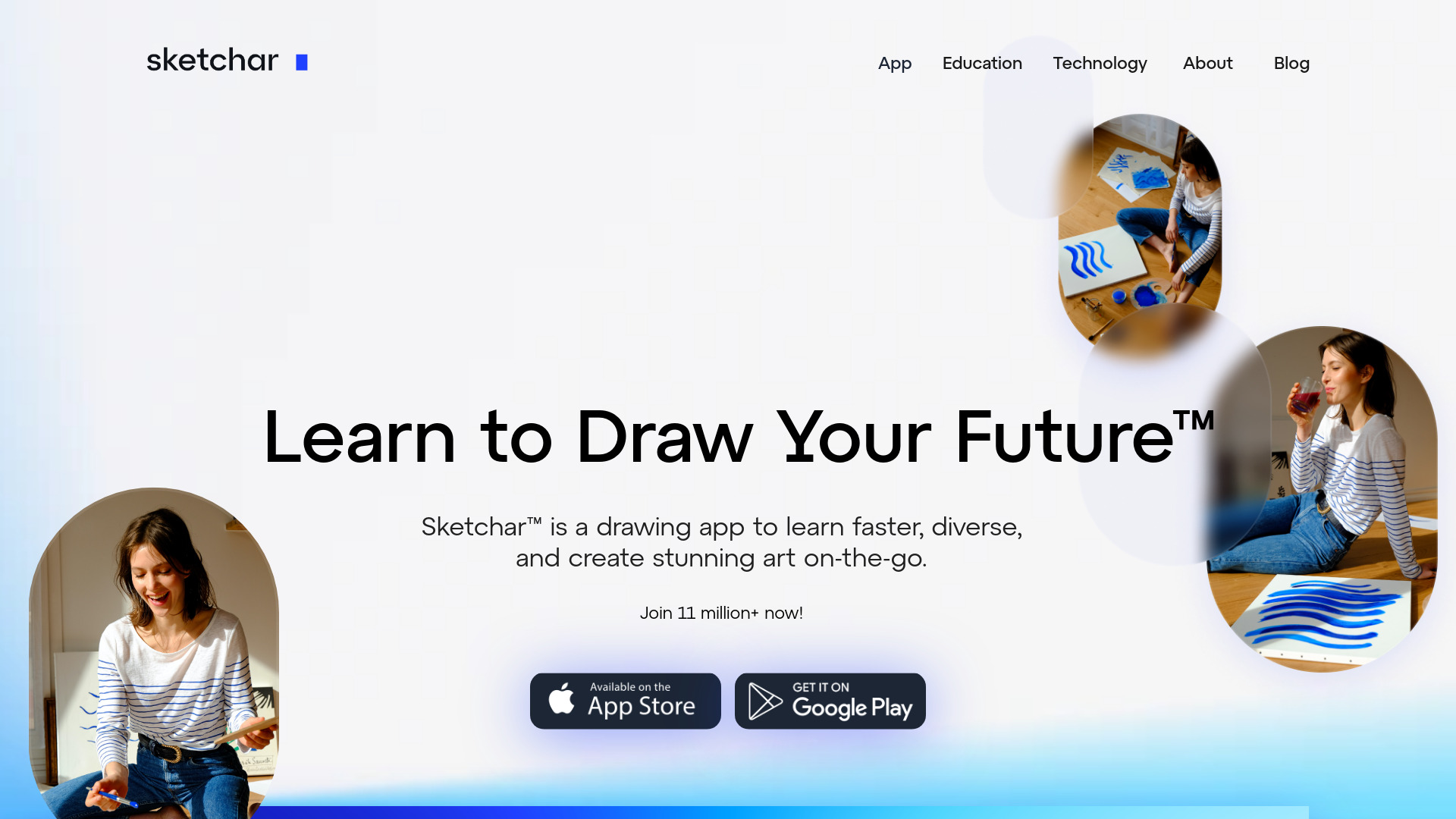
The AR drawing app that projects your sketches onto paper, walls, and murals—works on mobile and VR.

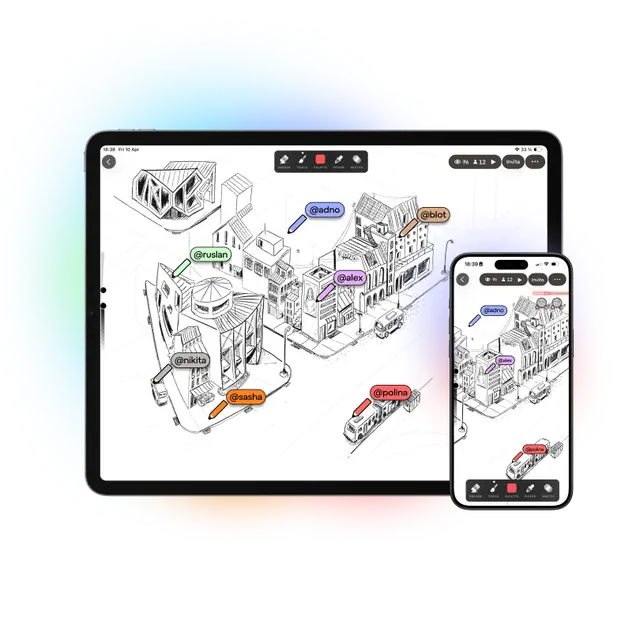
What is Sketchar?
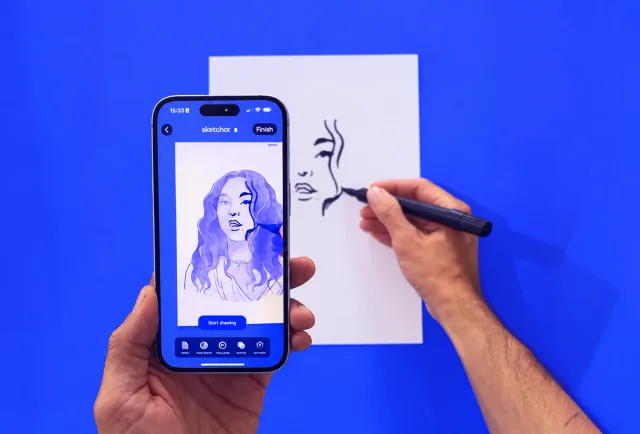
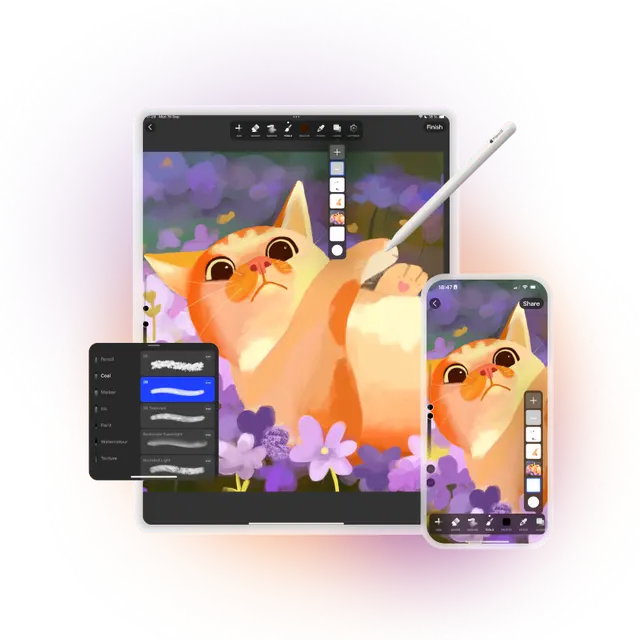
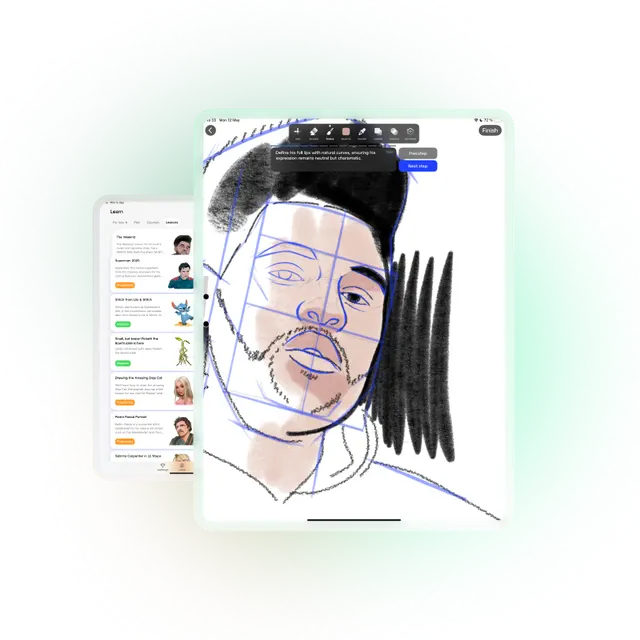
Sketchar is an augmented reality drawing application that projects sketches onto real surfaces such as paper, walls, and murals, enabling artists of all levels to trace and create with confidence. It works across mobile devices (iOS and Android) and VR headsets (Meta Quest and Pico), allowing seamless sync between platforms. With a built-in digital canvas, 1000+ drawing lessons, and real-time multiplayer collaboration, Sketchar serves both beginners learning to draw and professional muralists seeking efficiency. Trusted by over 15 million creators worldwide, it streamlines the mural creation process by eliminating the need for projectors and grids, working even in daylight, and reducing errors dramatically. The app is also used in educational settings across 20+ countries, offering a personalized growth plan and a library of courses covering anime, portraits, animals, and more.
SpecificationsAI-estimated
Key Features of Sketchar
Use Cases for Sketchar
Learning to draw
Beginners can follow step-by-step lessons and use AR projections to trace and improve their skills.
Mural creation
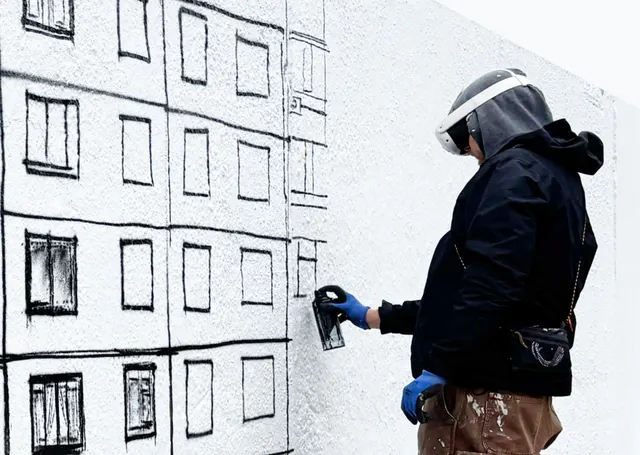
Mural artists can project sketches onto large surfaces using VR headsets, drastically reducing setup time and errors.
Art education
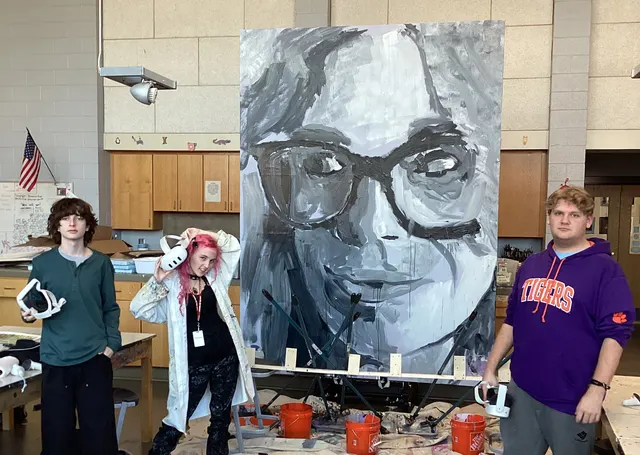
Teachers can conduct collaborative mural projects and drawing lessons, as used in classrooms across 20+ countries.
Collaborative drawing
Friends and teams can co-create on a shared canvas in real time using the Multiplayer feature on mobile.
Digital sketching
Artists can create or edit paintings on the digital canvas with advanced tools before transferring to the real world.
Wall decoration
Home users can project designs onto interior walls, columns, or corners using Wall View mode on their phone.
How to use Sketchar?
Download and install Sketchar
Get the app from the App Store or Google Play on your iOS or Android device, or install on Meta Quest/Pico if available.
Choose a template or upload your own
Use one of the 1000+ built-in templates or, with PRO, upload your own image or sketch.
Start AR projection
Point your device at the target surface (paper, wall, etc.) and follow the projected outline to trace your drawing.
Enhance with digital canvas (optional)
Use the built-in canvas to refine your sketch with brushes, layers, and effects before or after projecting.
Sync and collaborate (optional)
Save your sketch to sync to VR headset, or create a room to draw collaboratively with others in real time.
Pros & Cons of Sketchar
Pros
- AR projection eliminates the need for projectors and grids
- Cross-platform sync between mobile and VR headsets
- 1000+ drawing lessons and personalized growth plan
- Real-time multiplayer collaboration on a shared canvas
- Trusted by 15M+ creators and used in education
Cons
- Free version limited to built-in templates; own images require PRO
- VR headset support limited to specific models (Quest 3, Pico 4 Ultra)
- Apple Vision Pro support not yet available
Frequently Asked Questions
Which devices does Sketchar work on?
iPhone and iPad, Android phones and tablets, and VR headsets – Meta Quest 3, 3S and Pro, and Pico 4 Ultra. Apple Vision Pro is next.
Is Sketchar free?
Yes, the free version includes AR drawing with 1,000+ built-in templates, step-by-step lessons, and the basic canvas. You pay only if you want to project your own images and unlock PRO tools.
What's included in Sketchar PRO?
Your own photos and sketches as AR projections, the full library of courses, advanced canvas tools, and exclusive content – $5 a month or $49 a year, on every device you sign in on. Schools and universities can apply for a free license.
Does it work on walls and murals?
Yes. On a phone, Wall View mode projects a sketch onto walls, columns, and corners. For building-sized murals, Sketchar runs on Meta Quest and Pico headsets: no projector, no grid, and it works in daylight.
Who invented AR drawing?
Sketchar released the first AR drawing app in 2016. The technology's history and comparison with today's apps are on the AR drawing page.
Can I use Sketchar for education?
Yes, it is trusted by art educators worldwide, from Cambridge to classrooms in 20+ countries. Schools and universities can apply for a free license.
Reviews & Ratings0.0
No reviews yet. Be the first to write one!
Top Alternatives & Similar Software
View all alternatives & similar software→No alternatives available yet.
People also viewed


Related searches
About the Product
Is this your tool?
Claim this page to update details, reply to user reviews, and drive more traffic to your product.
Claim this Product →
Tags
Keep up with Sketchar alternatives
New alternatives, pricing changes and the week's biggest movers - one email every Tuesday.