



What is Studio.Design?
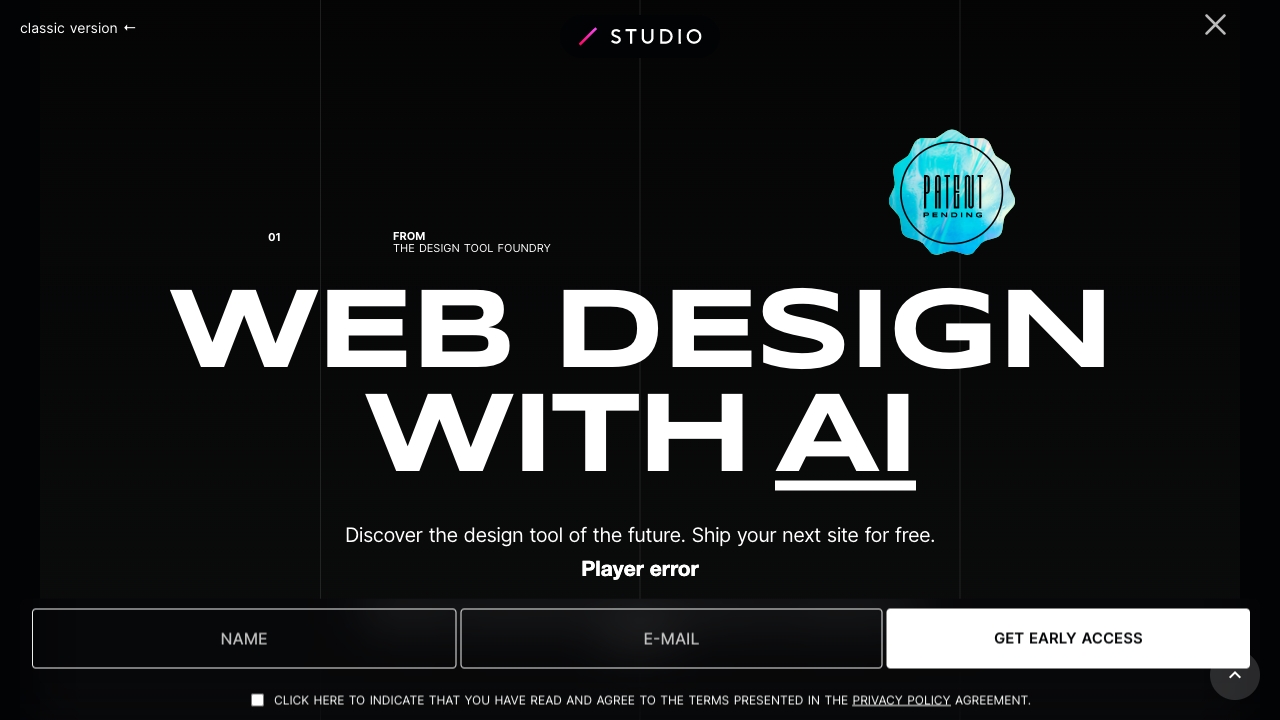
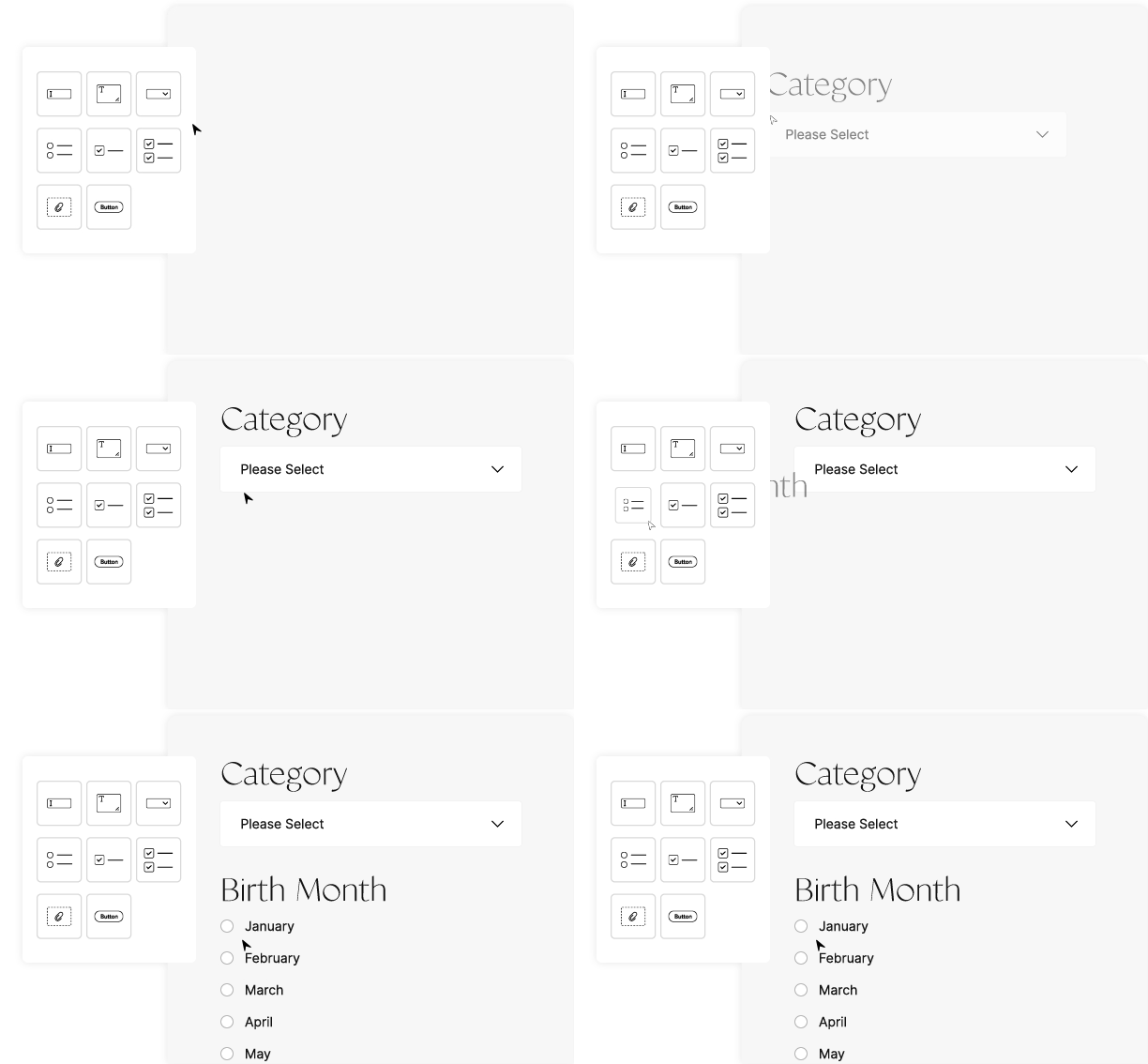
Studio.Design is a no-code website design and publishing tool that lets anyone turn ideas into live websites with full creative freedom, without writing code.
Key Features of Studio.Design
Use Cases for Studio.Design
Portfolio Websites
Designers and creatives can showcase their work with custom layouts and animations.
Agency Websites
Agencies can create powerful effects and publish client sites quickly without developers.
Content-Driven Sites
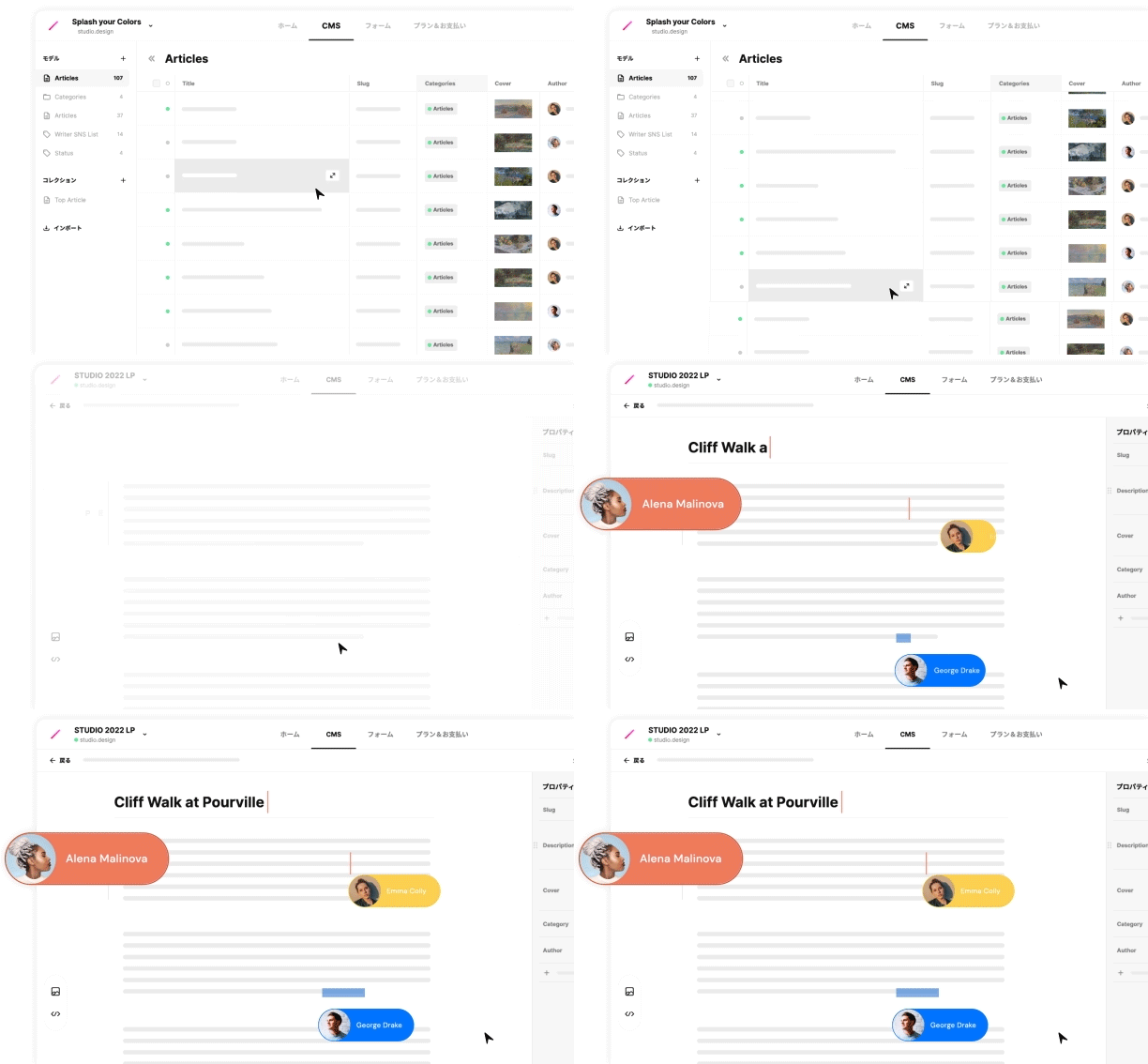
Teams can manage content through the CMS while keeping design flexible.
Landing Pages
Create marketing pages with forms, SEO, and fast deployment.
How to use Studio.Design?
Start with a template or Figma import
Choose a free or paid template, or bring your existing Figma designs.
Design and animate
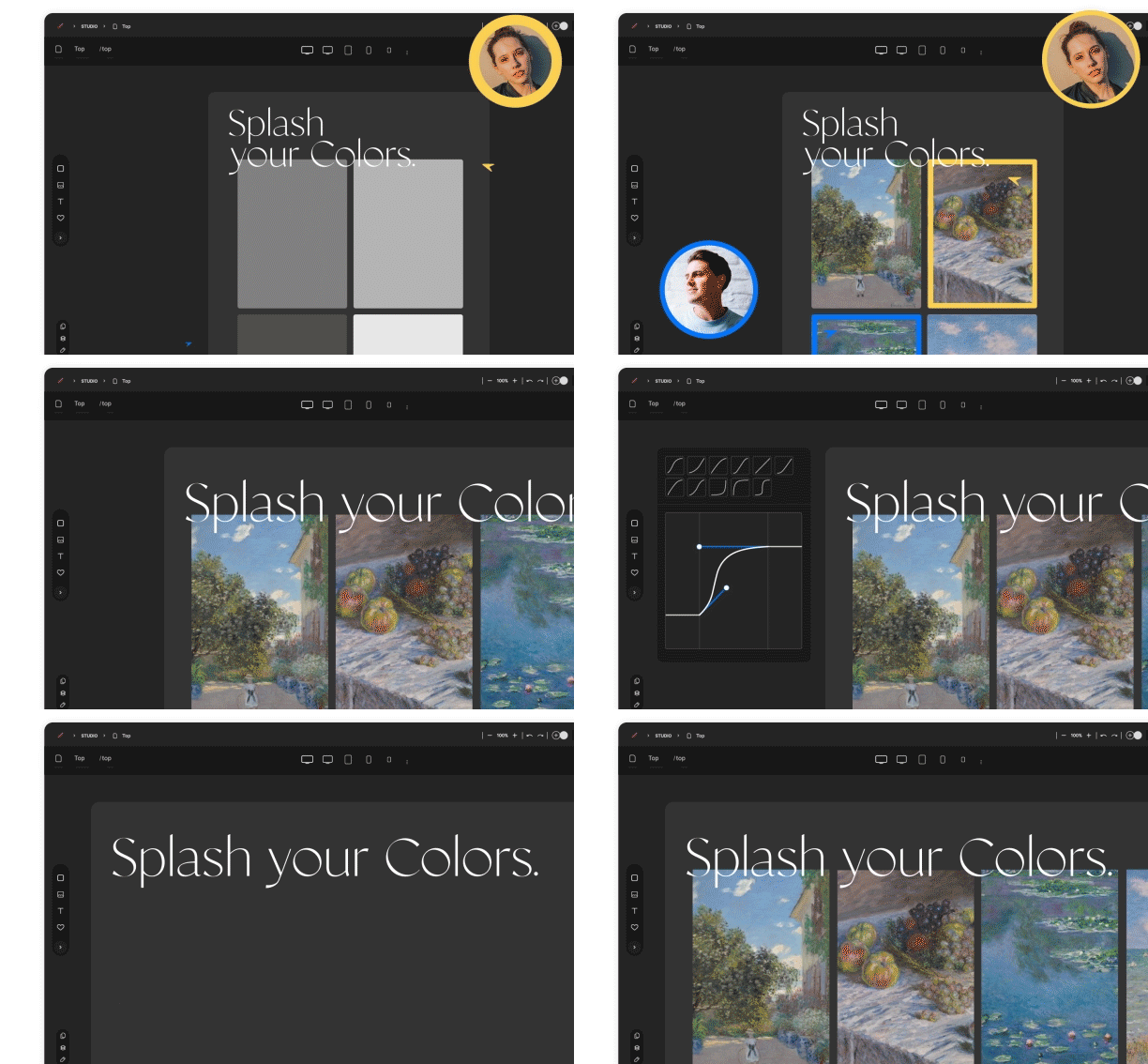
Use the visual editor to customize layouts, typography, colors, and animations.
Add content and forms
Collaborate on content with the CMS, add forms, and optimize SEO.
Publish
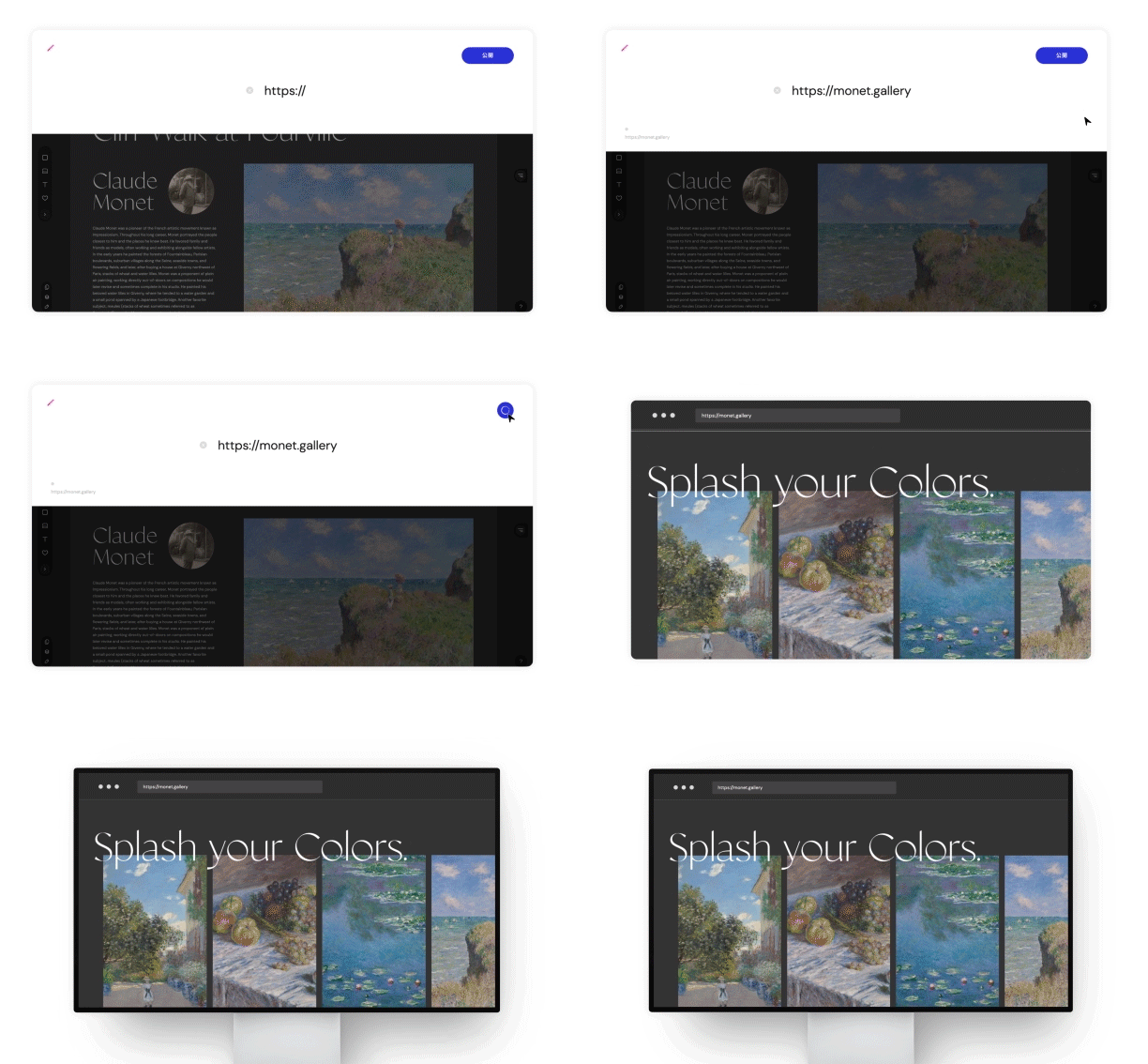
Click publish to go live with hosting and servers managed by Studio.Design.
Pros & Cons of Studio.Design
Pros
- No-code interface with full creative control
- Powerful design editor with intuitive UI
- Built-in CMS for collaborative content creation
- One-click publishing with hosting handled
- Built-in forms, SEO controls, and Lottie animation support
- Figma import with automatic breakpoint generation
- Templates from award-winning designers
Cons
- Limited code-level customization compared to traditional development
- May require learning the platform for absolute beginners
- Pricing not explicitly detailed on the landing page
Frequently Asked Questions
Do I need to know how to code?
No. Studio.Design is a no-code tool that lets you design and publish websites visually.
Can I import designs from Figma?
Yes, Studio.Design supports importing existing Figma designs and automatically generates breakpoints.
Does Studio.Design handle hosting?
Yes, publishing is one click and hosting/server setup is fully managed.
Can I use Lottie animations?
Yes, Lottie files are natively supported.
Is there a CMS?
Yes, Studio.Design includes a built-in CMS for collaborative content creation and publishing.
Pricing Overview
View full pricing →Pai'd pricing plans are available in 3 tiers: Free, Pro, and Business. Paid plans start at $12/month (billed annually) or $20/month (billed monthly).
Reviews & Ratings0.0
No reviews yet. Be the first to write one!
Top Alternatives & Similar Software
View all alternatives & similar software→No alternatives available yet.
People also viewed



Related searches
About the Product
Is this your tool?
Claim this page to update details, reply to user reviews, and drive more traffic to your product.
Claim this Product →
Explore Related Topics
Keep up with Studio.Design alternatives
New alternatives, pricing changes and the week's biggest movers - one email every Tuesday.