



SVG.LA
Turn text prompts and reference images into high-quality, scalable SVG files—right in your browser with no login required.









What is SVG.LA?
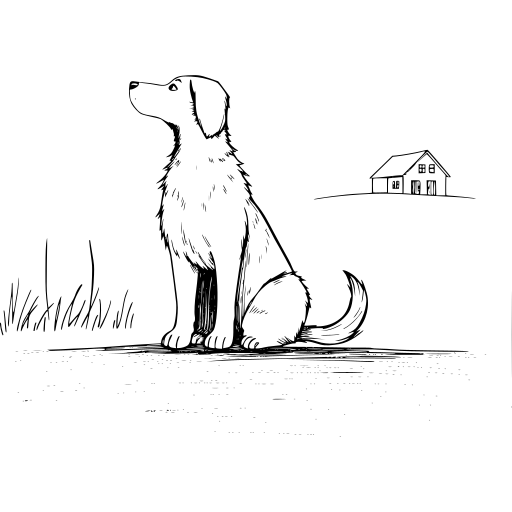
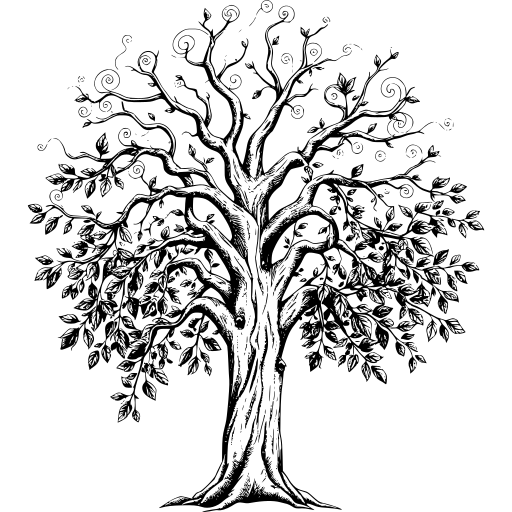
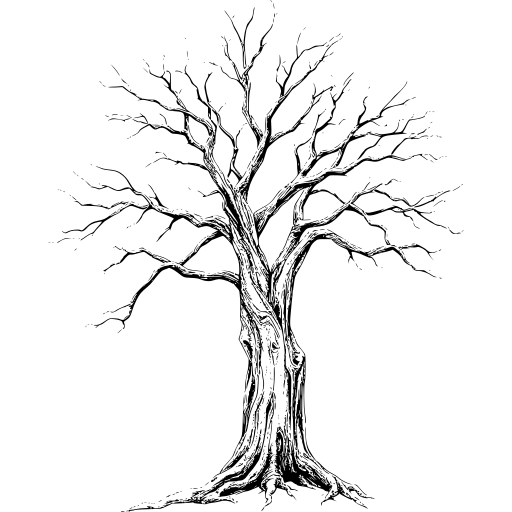
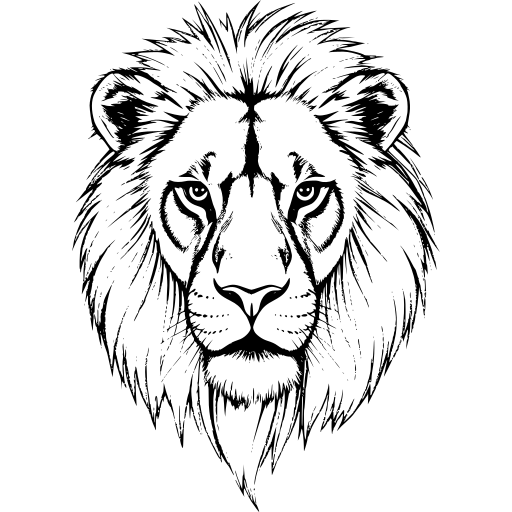
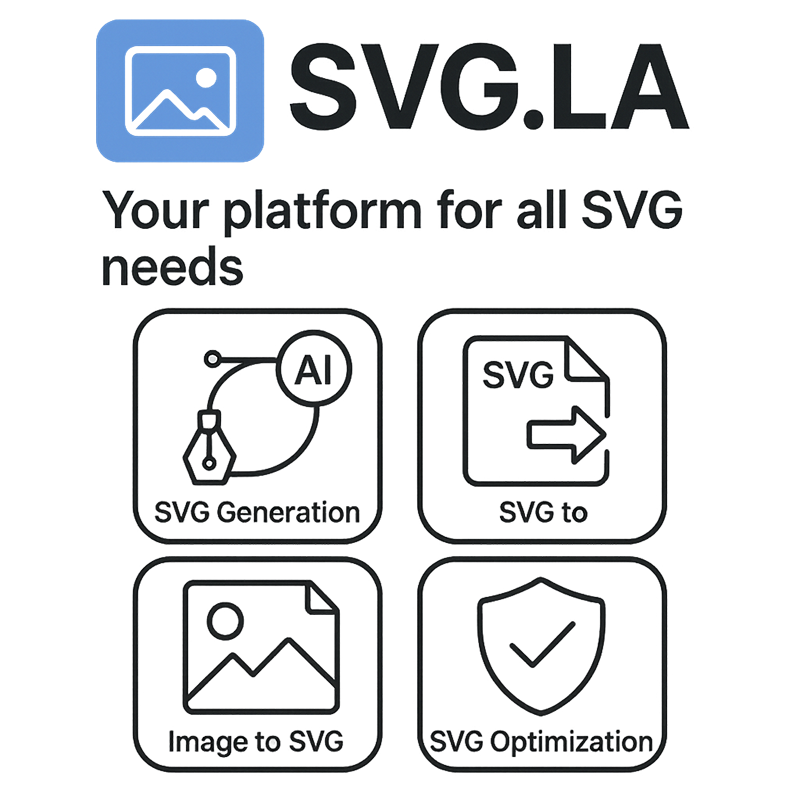
SVG.LA is a web-based platform for generating and converting SVG vector graphics with the help of artificial intelligence. It lets users create custom, scalable SVG files from simple text prompts or by combining text with reference images, making it easy to produce original vector artwork for logos, icons, illustrations, and other design projects. Because the tool runs entirely in the browser, no login or desktop software is required to start generating.\n\nThe platform integrates multiple AI models, each specialized for different visual styles such as cartoon, sketch, geometric, line art, and more. An AI-powered optimization layer automatically refines and improves text prompts, turning even vague ideas into polished, professional-grade SVG illustrations. Beyond generation, SVG.LA also includes conversion tools for common image formats including PNG, JPG, GIF, ICO, TIFF, WebP, and BMP, positioning it as a one-stop resource for working with vector graphics.\n\nSVG.LA is designed to be accessible: the free tier offers unlimited text-to-SVG generation without subscriptions or hidden fees, and a Pro plan unlocks additional AI models, faster generation speeds, and premium features like background removal. The output files are resolution-independent, so they can be scaled down for web icons or enlarged for print without losing quality, making the platform attractive to hobbyists, independent creators, and professional designers alike.
SpecificationsAI-estimated
Key Features of SVG.LA
Use Cases for SVG.LA
Logo creation
Generate unique, scalable vector logos from descriptive text prompts without starting from scratch.
Icon design
Create crisp, resolution-independent icons for websites, apps, and user interfaces.
Illustrations
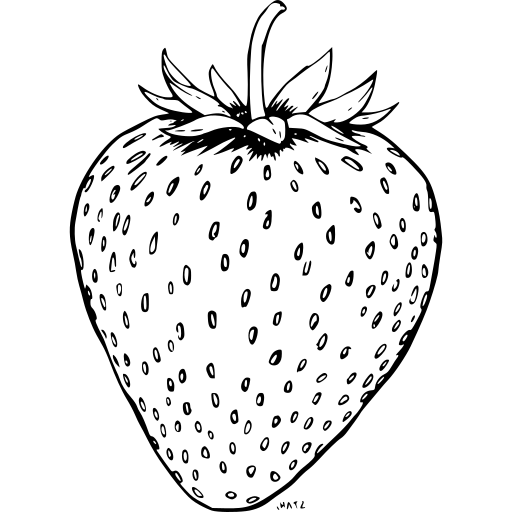
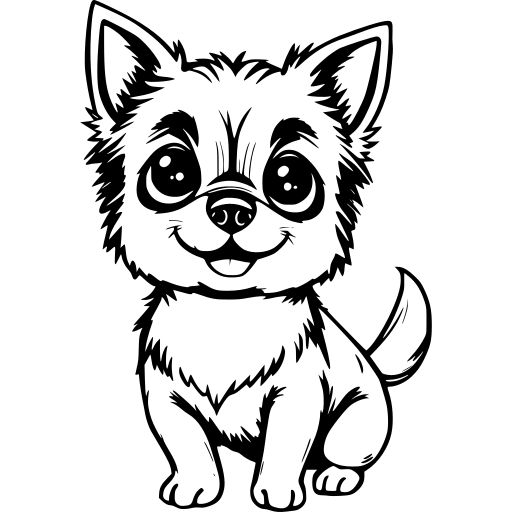
Produce original illustrations in multiple styles including cartoon, sketch, geometric, and line art.
Web graphics
Generate lightweight SVG assets that scale cleanly across responsive web layouts and different screen sizes.
Print design
Use resolution-independent SVG files for posters, brochures, and other print materials without losing detail.
Converting raster images to SVG
Turn PNG, JPEG, or BMP bitmap images into scalable SVG files for editing or resizing.
Design prototyping
Rapidly explore visual ideas and variations by entering different text prompts and refining with reference images.
Commercial design projects
Use the generated SVGs in client work and commercial products thanks to broad commercial usage rights.
How to use SVG.LA?
Visit SVG.LA
Go to https://svg.la/ in your web browser. No registration or login is needed to start.
Enter your prompt
Type a text description of the SVG you want to create. Writing the prompt in English gives the best results.
Choose a generation style
Select the AI model or generation style that best fits your project, such as cartoon, sketch, geometric, or line art.
Add a reference image (optional)
Upload a reference image to guide the AI and ensure the generated SVG matches your intended subject or composition.
Generate and download
Run the generator, review the resulting SVG, and download the scalable vector file for use in your design projects.
Pros & Cons of SVG.LA
Pros
- No login required to generate SVGs
- Multiple AI models specialized for styles like cartoon, sketch, geometric, and line art
- Free tier with unlimited SVG generation
- User-friendly interface suitable for all skill levels
- Generated SVGs can be used for personal and commercial projects
Cons
- Prompts work best when written in English
- Extremely large or complex inputs may take longer to process
- Pro plan required for access to more AI models and faster generation speeds
- Background removal is a Pro feature
Frequently Asked Questions
What is the purpose of these SVG tools?
Our tools help you create high-quality SVG files quickly and effortlessly by converting text prompts, images, or generating custom designs using advanced AI technology.
How does the Text to SVG AI Generator work?
You input a text prompt or description, and the AI generates detailed SVG illustrations based on your input, perfect for logos, icons, and other vector designs.
What image formats are supported by the Image to SVG Generator?
The tool supports common image formats including PNG, JPEG, and BMP, allowing you to convert bitmap images into scalable SVG files.
Can I use both text prompts and reference images with the AI Generate SVG tool?
Yes, you can upload a reference image and provide a text prompt to guide the AI in creating customized SVG designs tailored to your specifications.
Is there a file size or complexity limit for the images or text prompts?
While there are no strict limits, extremely large or complex files may take longer to process. We recommend optimizing your inputs for the best results.
Can I use the generated SVG files for commercial purposes?
Absolutely, the SVG files produced by our tools can be used for both personal and commercial projects.
How does the AI Generate SVG tool compare to other SVG generation tools?
Our tool offers a wide range of AI models and customization options, making it a versatile choice for various design projects. It also provides a user-friendly interface and fast generation times.
What are the payment options for the SVG.LA services?
We offer a free tier for all users, and a Pro plan that provides access to more AI models and faster generation speeds.
Reviews & Ratings0.0
No reviews yet. Be the first to write one!
Top Alternatives & Similar Software
View all alternatives & similar software→


People also viewed


Related searches
Is this your tool?
Claim this page to update details, reply to user reviews, and drive more traffic to your product.
Claim this Product →
Tags
Explore Related Topics
Keep up with SVG.LA alternatives
New alternatives, pricing changes and the week's biggest movers - one email every Tuesday.