


SVG.onl
A free, open-source online vector editor for creating and manipulating SVG graphics.
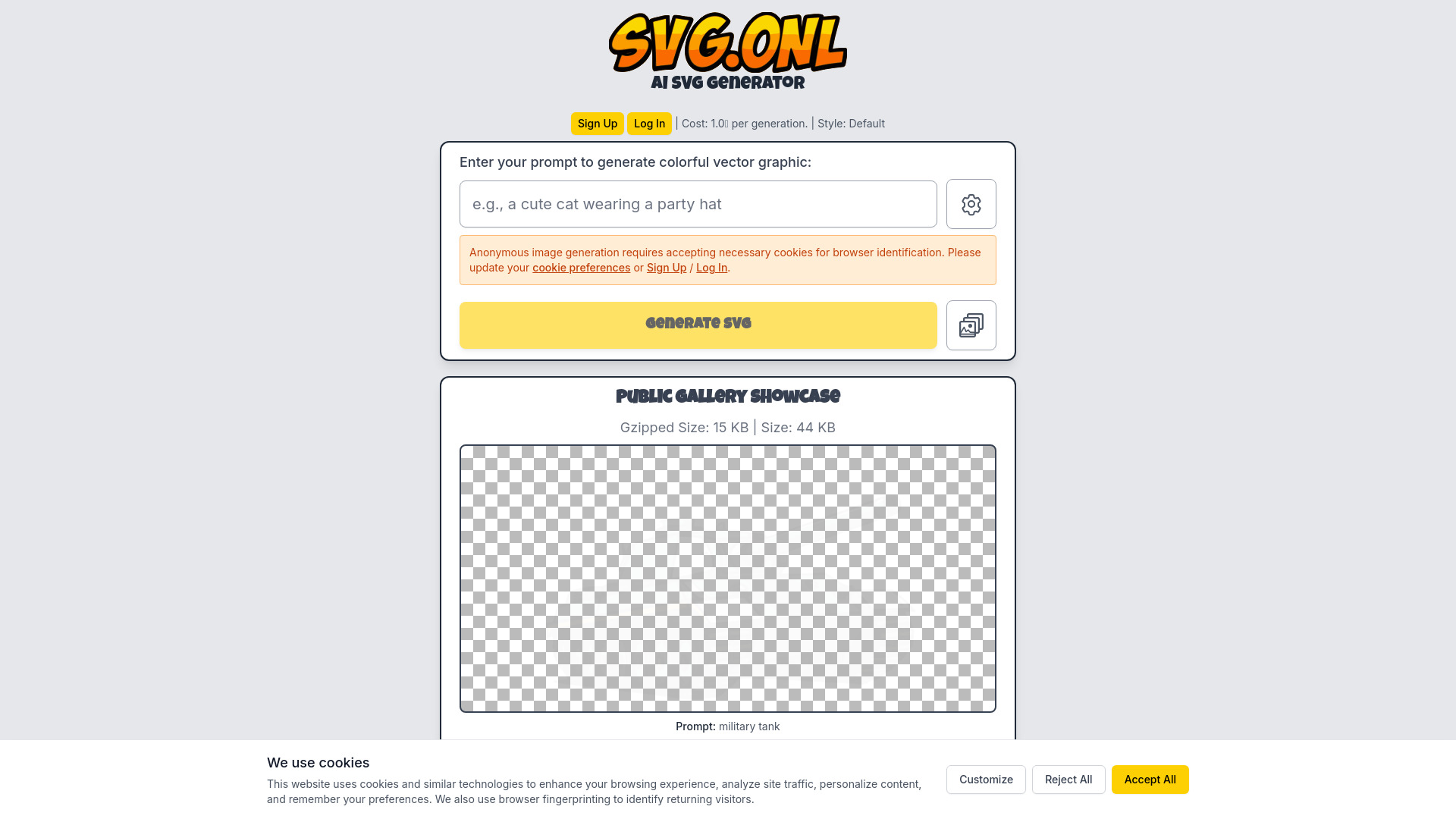
What is SVG.onl?
SVG.onl is a free, online vector editor that offers a comprehensive suite of tools for creating and manipulating Scalable Vector Graphics (SVG) files. Built upon the foundation of Method Draw, which itself is a fork of SVG-Edit, this application aims to provide a modern and user-friendly interface for simple graphic design tasks. It allows users to draw, edit shapes, add text, and manage layers with a familiar set of editing functionalities. The interface is organized with menus for file operations, editing commands, and object manipulation, alongside dedicated panels for adjusting canvas, shape, text, and path properties. A wide array of keyboard shortcuts are available to streamline the workflow for both basic and advanced operations. This tool is suitable for designers, hobbyists, or anyone needing to create or modify vector graphics without the need for complex, professional-grade software. Its open-source nature and web-based accessibility make it a convenient option for quick edits and simple design projects.
SpecificationsAI-estimated
Key Features of SVG.onl
Use Cases for SVG.onl
Quick Vector Graphic Creation
Users can quickly create simple vector graphics, icons, or illustrations directly in their web browser.
SVG File Modification
Easily open, edit, and save existing SVG files for minor adjustments or updates.
Icon Design
Design and export custom icons in SVG format for web or application use.
Prototyping Simple Graphics
Aid in the early stages of design by creating placeholder graphics or simple UI elements.
Educational Tool
Learn the basics of vector editing and SVG structure in an accessible online environment.
Exporting to Raster Formats
Convert vector designs into PNG images for use in various contexts where raster graphics are required.
How to use SVG.onl?
Open or Create a New Document
Access the 'File' menu to either start a 'New Document' or 'Open SVG...' an existing file. You can also place images using 'Place Image...'. Adjust canvas properties like Title, Width, Height, and Color in the 'Canvas' section.
Select and Use Drawing Tools
Choose from a variety of tools available in the interface, such as the Select tool (v), Rectangle tool (r), Ellipse tool (o), Line tool (l), or Path tool (p). Use the panels on the right to adjust tool-specific properties like position, size, color, stroke, and font.
Manipulate Objects and Elements
Use 'Object' menu options or keyboard shortcuts to group/ungroup elements (Ctrl+G / Ctrl+Shift+G), arrange them (Bring to Front, Send to Back), or convert them to paths. Text can be edited by selecting the 'Text' tool and modifying content and font properties.
Save or Export Your Work
Go to the 'File' menu to 'Save Image...' your current work as an SVG file (Ctrl+S) or 'Export as PNG'. Use Undo (Ctrl+Z) and Redo (Ctrl+Y) for corrections.
Pros & Cons of SVG.onl
Pros
- Free and accessible online
- Comprehensive set of vector editing tools
- Supports a wide range of keyboard shortcuts for efficient workflow
- Open-source, with a clear link to its GitHub repository
- Modernized interface based on SVG-Edit
Cons
- May lack advanced features found in professional vector editing software
- Interface might still contain some legacy elements due to its development history
- Relies on user donations for continued development
Frequently Asked Questions
What is SVG.onl?
SVG.onl is a free, online vector graphics editor that allows users to create, edit, and manipulate SVG files directly in their web browser.
Is SVG.onl free to use?
Yes, SVG.onl is a free online tool. It relies on user donations for continued development.
What file formats can I work with?
You can open and save files in SVG format. You can also export your work as a PNG image.
Is this software open source?
SVG.onl is based on Method Draw, which is an open-source project forked from SVG-Edit. The source code for Method Draw is available on GitHub.
What are the system requirements?
As a web-based application, SVG.onl primarily requires a modern web browser and an internet connection. There are no specific desktop software installation requirements.
How do I group multiple elements?
Select all the elements you wish to group, then use the 'Group Elements' option under the 'Object' menu or press the keyboard shortcut Ctrl+G.
Pricing Overview
View full pricing →No pricing information was found on the page. The content is a donation request without any specific amounts or plan names.
Detailed plans are not listed. Visit the official website for pricing information.
Reviews & Ratings0.0
No reviews yet. Be the first to write one!
Top Alternatives & Similar Software
View all alternatives & similar software→


People also viewed



Related searches
About the Product
Is this your tool?
Claim this page to update details, reply to user reviews, and drive more traffic to your product.
Claim this Product →
Tags
Explore Related Topics
Keep up with SVG.onl alternatives
New alternatives, pricing changes and the week's biggest movers - one email every Tuesday.