


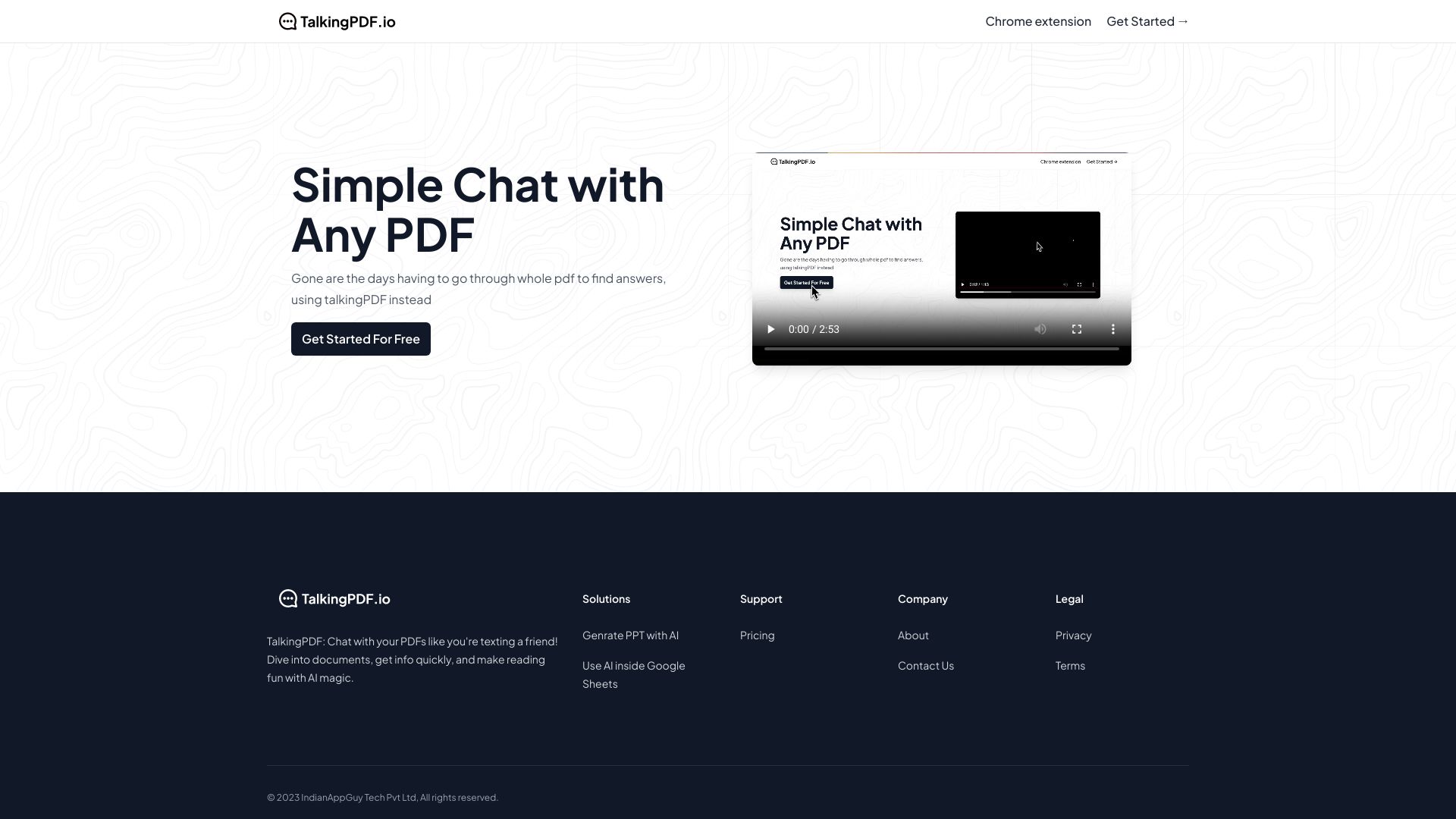
What is TalkingPDF?
TalkingPDF is an AI-powered PDF chat tool that lets users upload PDFs and ask questions in plain language. It provides instant, sourced answers with page references, supports scanned documents via OCR, and handles multiple languages. It is designed to replace the time-consuming process of manually reading and searching through PDFs.
SpecificationsAI-estimated
Key Features of TalkingPDF
Use Cases for TalkingPDF
Academic Papers
Clarify complex theories, validate data, and explore references effortlessly.
Scanned Documents (OCR)
Upload scanned PDFs or images; OCR extracts text for chat.
Corporate Reports
Extract financials, strategies, and key takeaways from corporate documents.
Legal Documents
Navigate contracts, policies, and regulations; find specific clauses in seconds.
Multi-Language PDFs
Upload documents in any language and get responses in your preferred language.
Technical Manuals
Troubleshoot issues, find specs, and clarify instructions without scrolling through pages.
How to use TalkingPDF?
Upload Your PDF
Drag and drop any PDF. Supports all types and sizes.
Ask Questions
Ask naturally, like chatting with a colleague who has read the whole document.
Get Instant Answers
Get accurate, sourced answers in seconds with page references.
Pros & Cons of TalkingPDF
Pros
- Saves significant time compared to manual PDF reading
- No technical knowledge required
- Provides sourced answers with page references
- Supports scanned documents and OCR
- Works with many document types and languages
Cons
- AI accuracy may vary on complex or poorly scanned documents
- Premium plan details and pricing are not fully disclosed
- Uploading sensitive documents may be a concern for some users
Frequently Asked Questions
How does TalkingPDF work?
TalkingPDF uses advanced AI to analyze uploaded PDFs and answer questions by finding relevant information within the document.
Is my data secure?
Yes, uploaded documents are encrypted, never shared with third parties, and can be deleted at any time.
What types of PDFs are supported?
It supports academic papers, legal documents, technical manuals, books, reports, text-based PDFs, and scanned documents via OCR.
Can I chat with multiple PDFs at once?
Yes, TalkingPDF supports uploading multiple PDFs and asking questions across all of them simultaneously.
Is there a free plan available?
Yes, there is a free plan. Premium plans are available for unlimited usage and advanced features.
What languages are supported?
It supports English, Spanish, French, German, Italian, Portuguese, and many other languages.
Pricing Overview
View full pricing →No pricing details found in the provided content.
Detailed plans are not listed. Visit the official website for pricing information.
Reviews & Ratings0.0
No reviews yet. Be the first to write one!
Top Alternatives & Similar Software
View all alternatives & similar software→No alternatives available yet.
People also viewed
Related searches
About the Product
Is this your tool?
Claim this page to update details, reply to user reviews, and drive more traffic to your product.
Claim this Product →
Tags
Explore Related Topics
Keep up with TalkingPDF alternatives
New alternatives, pricing changes and the week's biggest movers - one email every Tuesday.