


TextAdviser
A free, all-in-one AI writing assistant with grammar, plagiarism, transcription, and text-to-speech tools in the browser.
What is TextAdviser?
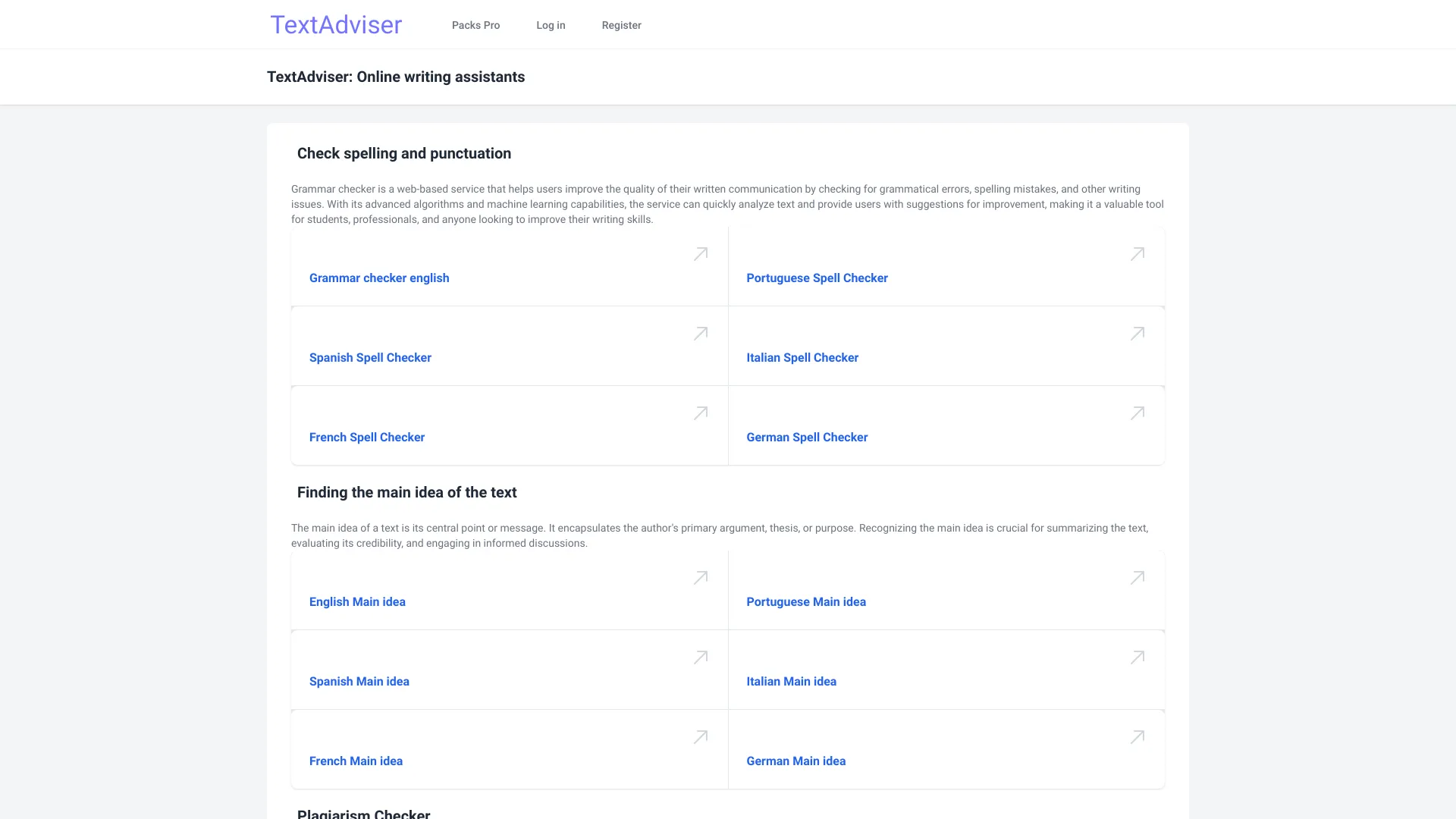
TextAdviser is a browser-based AI writing and text-processing platform that bundles a large collection of tools for writing, editing, reading, transcription, and media conversion into one site. Its core offering is a set of writing aids: a free online grammar checker, punctuation checker, plagiarism checker, AI text detector, and an AI text enhancement tool that refines and optimizes writing for different purposes. The platform also includes a sentence analyzer, a writing diary that logs each version of a document with timestamps, and a range of generators for essays, stories, poems, flashcards, and questions based on a text. Beyond writing, TextAdviser covers audio and video workflows. Users can transcribe audio and video into text with timestamps and SRT/VTT subtitles, generate or burn subtitles into videos, translate video speech, produce meeting minutes from recordings, and convert text or documents into natural-sounding AI voice audio, including audiobook creation from EPUB, PDF, and Word files. Photo tools extend the offering with image-to-text extraction, image translation, document scanning, image-to-Word and image-to-Excel conversion, and AI-generated alt text and captions. The platform is aimed primarily at students, teachers, writers, and content creators who need quick, accessible utilities. Many tools are free and require no sign-up, with usage limits on certain features such as daily transcription and text-to-speech quotas. The breadth of the catalog makes it a convenient single destination for everyday text and media tasks.
SpecificationsAI-estimated
Key Features of TextAdviser
Use Cases for TextAdviser
Proofreading essays
Students and writers can check grammar, punctuation, and spelling before submitting work.
Checking originality
Users can scan text for plagiarism and check whether content appears AI-generated.
Transcribing lectures and meetings
Audio and video recordings can be converted to text, with speaker labels and meeting minutes.
Creating subtitles
Creators can generate SRT/VTT subtitles or burn captions into videos for social platforms.
Listening to documents
PDFs, books, and presentations can be converted to MP3 audio for listening on the go.
Digitizing printed material
Photos and scans of text or tables can be converted into editable Word or Excel files.
How to use TextAdviser?
Choose a tool
Browse the popular tools or search the catalog for the task you need, such as grammar checking or transcription.
Provide your input
Paste text, or upload an audio, video, PDF, or image file depending on the tool.
Run the tool
Start the check, transcription, or generation and wait for the results to process.
Review and export
Read the output, make edits as needed, and copy or download the result in your preferred format.
Pros & Cons of TextAdviser
Pros
- Wide range of free tools, many requiring no sign-up
- Covers writing, audio, video, and photo tasks in one place
- AI-powered features including text enhancement, detection, and generation
- Writing diary helps demonstrate authorship through version history
Cons
- Some features are limited by daily quotas (e.g., transcription and text-to-speech)
- Breadth of tools may make the interface feel cluttered for focused users
- Free tier restrictions on longer files or higher volumes
Frequently Asked Questions
Is TextAdviser free to use?
Many tools are free, and several do not require sign-up. Some features have daily limits, such as transcription and text-to-speech quotas.
Does the grammar checker work offline?
No, the tools run in the browser and require an internet connection.
Can it detect AI-generated text?
Yes, the AI Text Detector checks whether content appears to be generated by tools like ChatGPT.
What file types can I transcribe?
Audio formats such as MP3, WAV, and M4A, and video formats such as MP4, MOV, WEBM, and MKV are supported.
Which languages are supported?
Support varies by tool; text-to-speech covers 7 languages, transcription supports multiple languages, and translation covers 100+ languages.
Is my uploaded content stored?
Some tools state that files are deleted right after processing or are not stored; check each tool's details for specifics.
Pricing Overview
View full pricing →The page presents TextAdviser's tools as free to use, with some tools noting free limits (e.g., up to 60 minutes of audio transcription per day free), but no explicit paid plan tiers or dollar prices are stated in the content.
Detailed plans are not listed. Visit the official website for pricing information.
Reviews & Ratings0.0
No reviews yet. Be the first to write one!
Top Alternatives & Similar Software
View all alternatives & similar software→No alternatives available yet.
People also viewed




Related searches
Is this your tool?
Claim this page to update details, reply to user reviews, and drive more traffic to your product.
Claim this Product →
Tags
Explore Related Topics
Keep up with TextAdviser alternatives
New alternatives, pricing changes and the week's biggest movers - one email every Tuesday.