


Upscayl
AI Image Upscaler - Supercharging your images with AI

What is Upscayl?
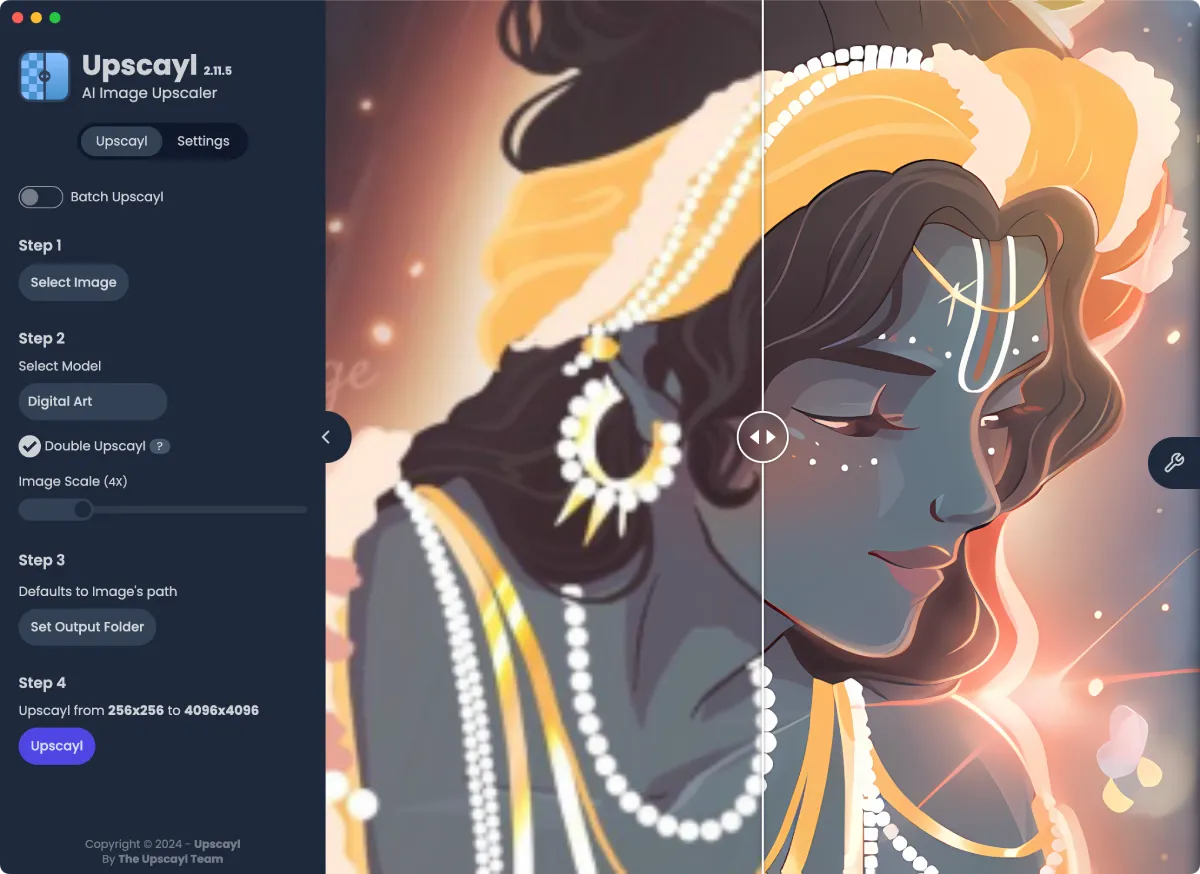
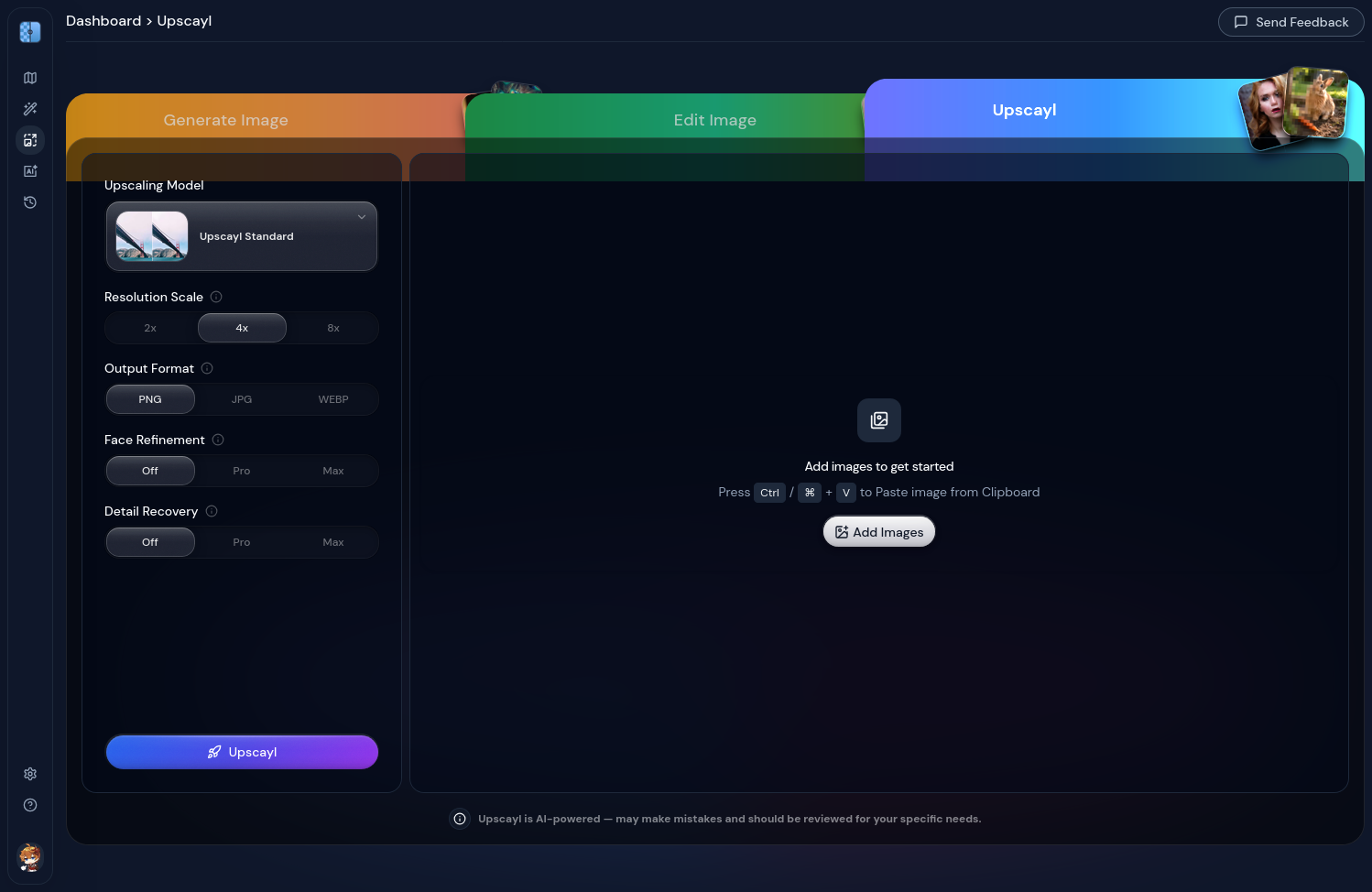
Upscayl is a free and open-source AI image upscaler that enhances low-resolution images by up to 16x using advanced AI models. It offers desktop applications for Linux, macOS, and Windows, as well as a cloud service with additional features like AI face enhancement, batch processing, and AI image generation. The tool is designed for creators, designers, artists, and businesses, with a focus on privacy (local processing) and ease of use.
SpecificationsAI-estimated
Key Features of Upscayl
Use Cases for Upscayl
Photo restoration
Enhance old or low-quality photos to preserve memories.
Design and creativity
Upscale artwork, graphics, or digital assets for high-resolution outputs.
Business use
Improve product images or marketing materials without expensive software.
How to use Upscayl?
Download and install
Get the desktop app from upscayl.org or use the web-based cloud version.
Select image(s)
Choose a single image or batch upload multiple images.
Choose model
Pick an AI model based on your needs (e.g., general, legacy, or fast).
Upscale
Click the upscale button and wait for the AI to process the image.
Save and export
Save the enhanced image in high resolution.
Pros & Cons of Upscayl
Pros
- Free and open-source desktop app
- AI-powered upscaling up to 16x
- Multiple models for different needs
- Batch processing and double upscaling
- Runs locally for privacy and security
- Cross-platform: Linux, macOS, Windows
- Cloud version with unlimited storage and AI features
- Color accuracy and detail preservation
- Positive community reception
Cons
- Cloud version may have costs (paid plans)
- Desktop app may require powerful hardware for some models
- Limited advanced editing features compared to professional tools
Frequently Asked Questions
Is Upscayl free?
Yes, the desktop app is completely free and open source. The cloud version may have paid plans for advanced features.
How does it work?
It uses AI models to analyze the image and fill in details, increasing resolution without losing quality.
Can I use it offline?
Yes, the desktop app runs locally and does not require an internet connection.
Pricing Overview
View full pricing →The page explicitly describes the desktop app as 'Free and Open Source' but does not mention any paid tiers or pricing for Upscayl Cloud. No specific pricing or plan names were found in the provided content.
Detailed plans are not listed. Visit the official website for pricing information.
Reviews & Ratings0.0
No reviews yet. Be the first to write one!
Top Alternatives & Similar Software
View all alternatives & similar software→No alternatives available yet.
People also viewed



Related searches
Is this your tool?
Claim this page to update details, reply to user reviews, and drive more traffic to your product.
Claim this Product →
Tags
Explore Related Topics
Keep up with Upscayl alternatives
New alternatives, pricing changes and the week's biggest movers - one email every Tuesday.