


VidQuest AI
YouTube research made easy. Research on YouTube in seconds, not hours.
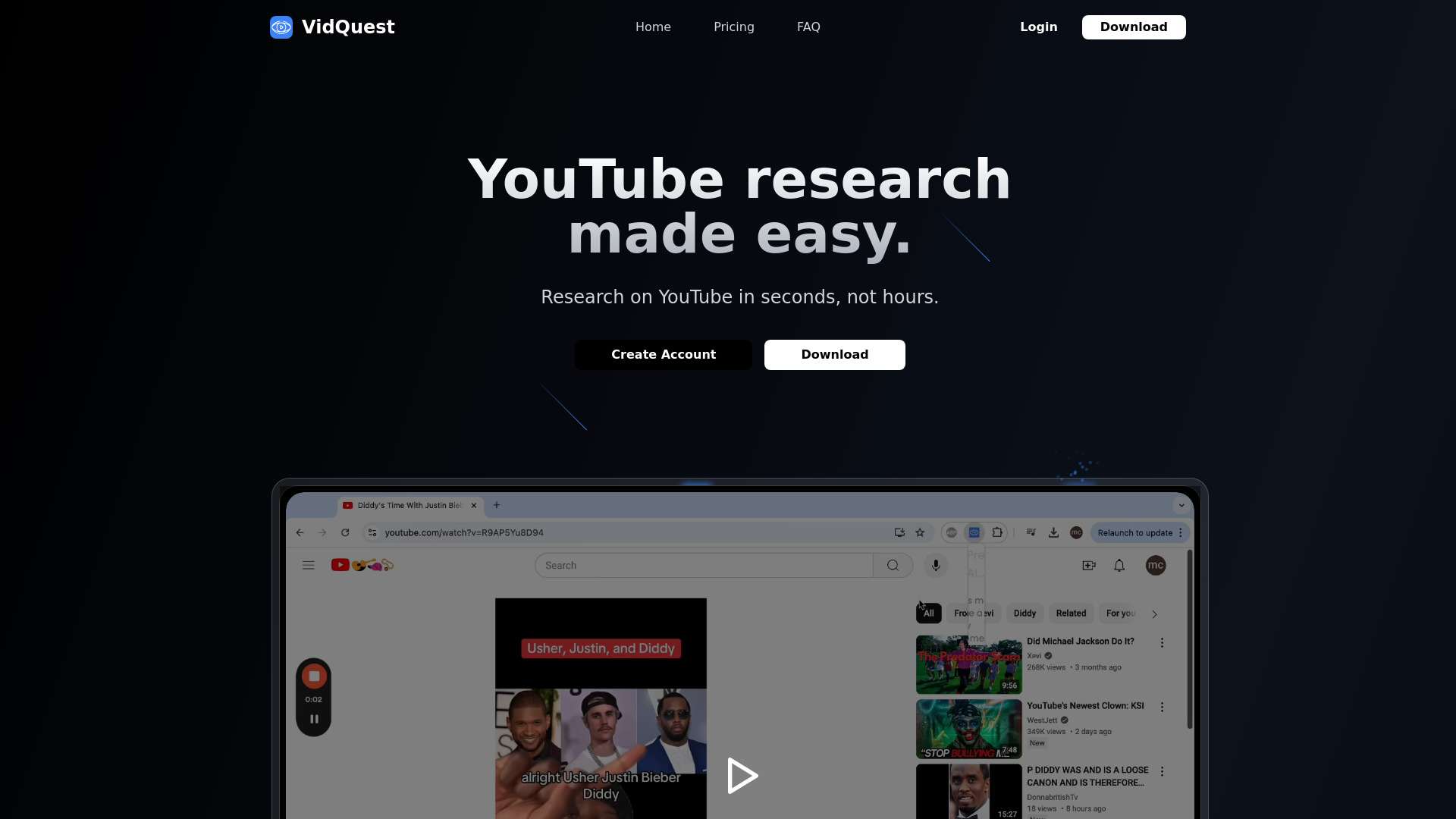

What is VidQuest AI?
VidQuest AI is a Chrome extension that makes YouTube research faster by allowing users to ask context-aware questions about any public video and search for keywords with clickable timestamps.
SpecificationsAI-estimated
Key Features of VidQuest AI
Use Cases for VidQuest AI
Market Research
Find specific mentions, explanations, and summaries inside long YouTube videos without watching them.
Study and Learning
Ask questions about educational videos and quickly locate key concepts.
Content Creation
Research competitor videos and find relevant keywords or topics efficiently.
How to use VidQuest AI?
Install the extension
Add VidQuest AI to your Chrome browser.
Open a YouTube video
Navigate to any public YouTube video you want to research.
Ask questions or search keywords
Use the Ask Questions tool or Keyword Finder to get instant, timestamped results.
Pros & Cons of VidQuest AI
Pros
- Saves time by extracting key information from YouTube videos without watching them fully
- AI-powered, context-aware answers
- Keyword Finder provides clickable timestamps for every mention
- Flexible pricing: free tier, one-time purchase, rental plans, and subscriptions
- Useful for researchers, students, and content creators
Cons
- Free tier is quite limited: 5 questions/day and videos up to 15 minutes
- Paid plans are required for meaningful usage
- Daily question limits and video length caps apply to paid plans
- Only available as a Chrome extension
Frequently Asked Questions
What is the Ask Questions tool?
It allows you to ask questions about a YouTube video and receive AI-generated responses based on the video's context.
Can I use it for any YouTube video?
Yes, you can use this tool for any public YouTube video to get context-aware responses.
Why is there a limit on the number of questions and size of videos?
Longer videos cost more to process, and each AI response incurs a cost, necessitating limits.
What is the Keyword Finder tool?
It lets you search for keywords or phrases in a video and provides clickable timestamps for each mention.
Why are the tools not free?
Running AI models requires significant computational resources, which incur costs.
Pricing Overview
View full pricing →VidQuest AI offers a free tier, a one-time Keyword Finder purchase for £12.99, one-time rental plans from £0.99 to £2.99, and subscription plans from £5.99 to £26.99 per month.
Reviews & Ratings0.0
No reviews yet. Be the first to write one!
Top Alternatives & Similar Software
View all alternatives & similar software→No alternatives available yet.
People also viewed
Related searches
About the Product
Is this your tool?
Claim this page to update details, reply to user reviews, and drive more traffic to your product.
Claim this Product →
Tags
Explore Related Topics
Keep up with VidQuest AI alternatives
New alternatives, pricing changes and the week's biggest movers - one email every Tuesday.