


Wav2Lip
Create lip-synced videos from any audio using Wav2Lip.



What is Wav2Lip?
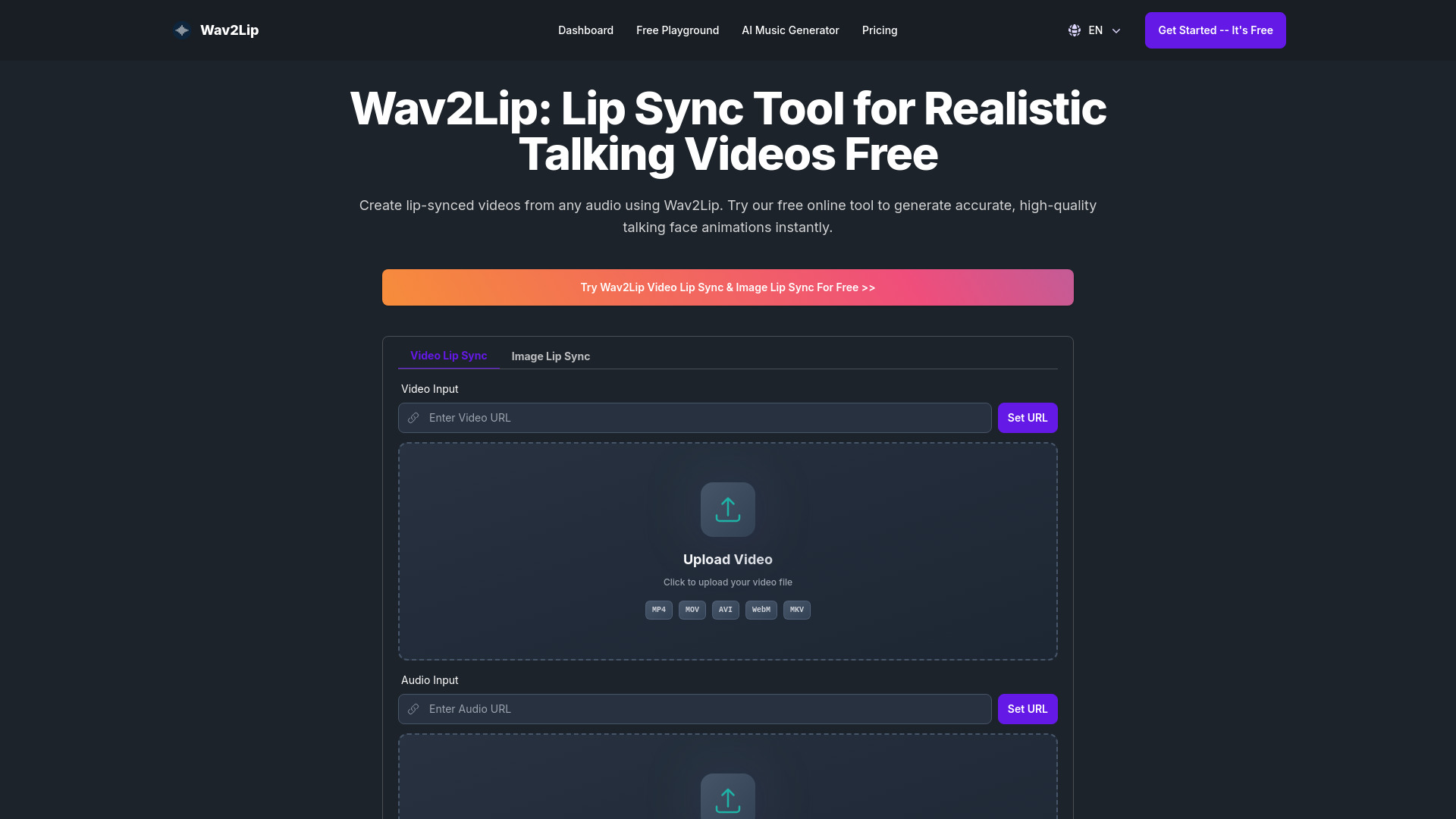
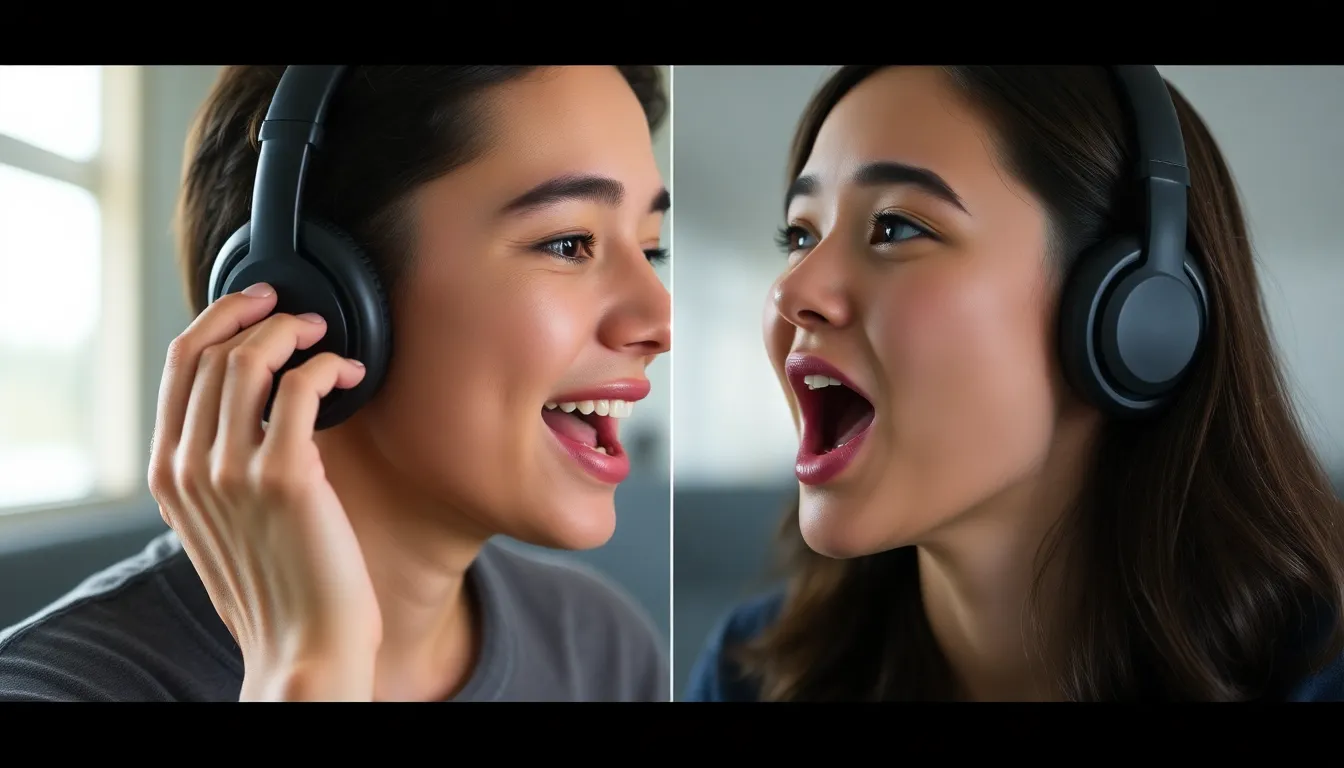
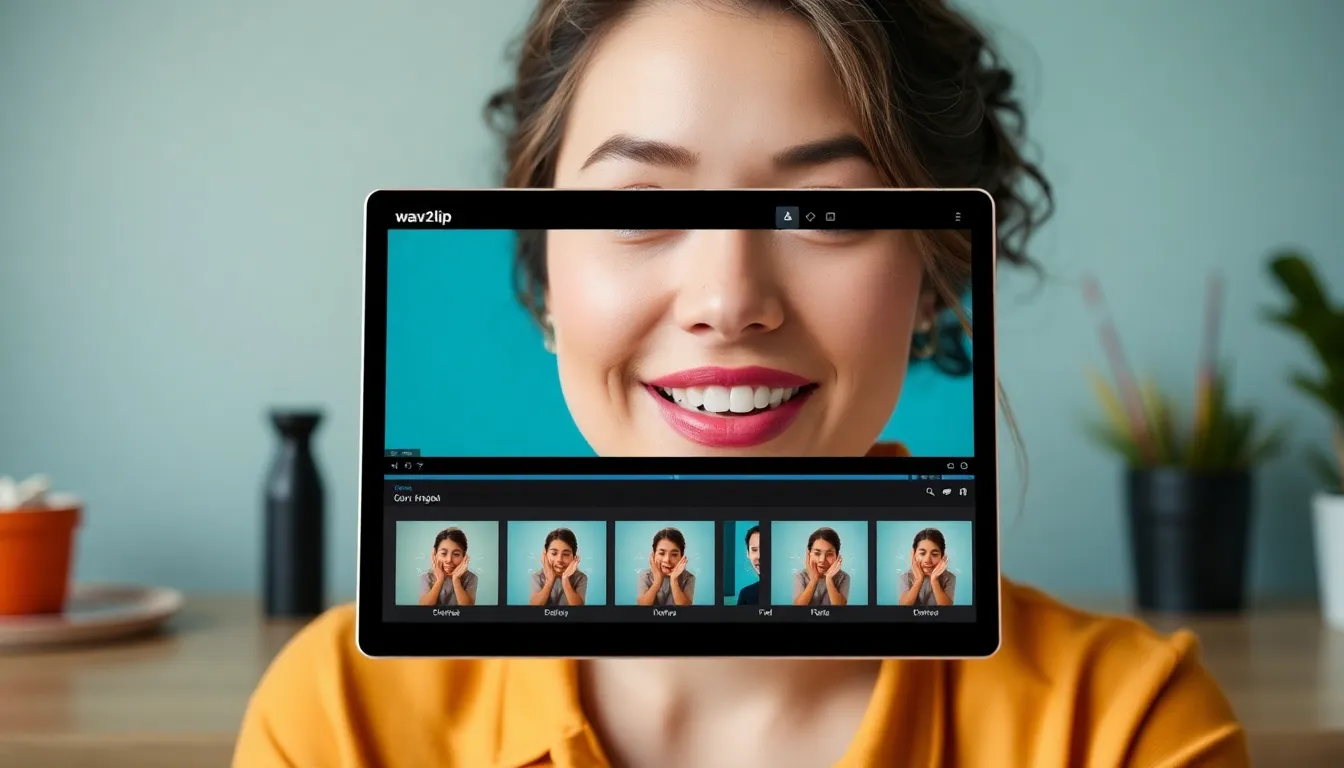
Wav2Lip is a free online AI-powered lip sync tool that generates realistic talking face videos from any audio. It supports both static images and video inputs, producing accurate lip-synced output in seconds.
SpecificationsAI-estimated
Key Features of Wav2Lip
Use Cases for Wav2Lip
Content Creation for YouTube & TikTok
Sync lips to any audio for engaging short-form videos, vlogs, meme edits, and AI character storytelling.
Reviving Old Family Photos
Animate static portraits and make them speak using voice or audio clips for unique keepsakes.
AI-Powered Virtual Avatars
Create realistic speaking avatars for metaverse platforms, virtual assistants, or video games.
Language Dubbing for Global Reach
Dub videos into different languages while maintaining accurate lip sync for international audiences.
E-Learning & Educational Videos
Overlay synchronized voiceovers on instructors or animated characters to improve online course engagement.
Voice Cloning & Deepfake Testing
Test AI voice models and synthetic audio by syncing them with real or generated faces.
How to use Wav2Lip?
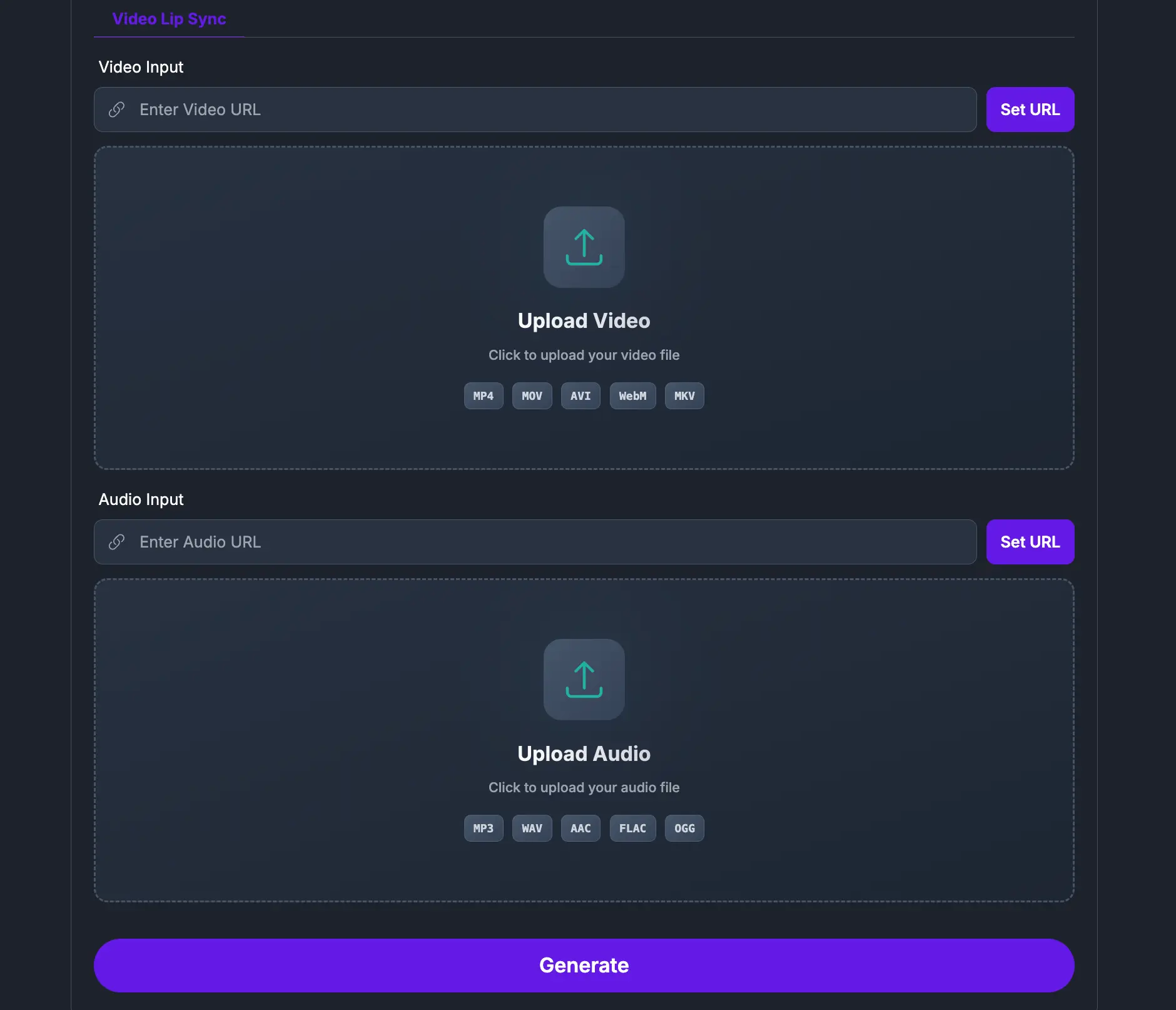
Upload a Face Image or Video
Choose a clear image or short video of a person's face with visible, well-lit mouth.
Add Your Audio
Upload the audio file you want the face to lip sync with.
Generate and Download
Click Generate to create a high-quality lip sync video, then preview or download it.
Pros & Cons of Wav2Lip
Pros
- Free to use online, no installation required
- Works with both face images and videos
- High accuracy lip sync powered by AI/SyncNet
- Fast generation suitable for real-time workflows
- Useful for content creation, education, dubbing, and avatars
Cons
- Limited credits (10 credits) for free usage
- Potential ethical concerns around deepfake misuse
- Requires clear face and well-lit mouth for best results
Frequently Asked Questions
What is Wav2Lip?
Wav2Lip is an AI-powered tool for creating realistic lip-synced videos from any audio using a face image or video.
Is Wav2Lip free?
Yes, the online tool is free to use and provides 10 credits for generating videos.
What inputs does Wav2Lip support?
It supports a static face image or a short video, plus an audio file in most common formats.
What technology powers Wav2Lip?
It uses an enhanced version of SyncNet, a lip sync discriminator, a visual quality discriminator, and GAN-based generation.
Pricing Overview
View full pricing →The page describes Wav2Lip as a free online tool, but no specific paid plans, dollar amounts, or quote-based pricing are mentioned.
Detailed plans are not listed. Visit the official website for pricing information.
Reviews & Ratings0.0
No reviews yet. Be the first to write one!
Top Alternatives & Similar Software
View all alternatives & similar software→No alternatives available yet.
People also viewed



Related searches
About the Product
Is this your tool?
Claim this page to update details, reply to user reviews, and drive more traffic to your product.
Claim this Product →
Tags
Explore Related Topics
Keep up with Wav2Lip alternatives
New alternatives, pricing changes and the week's biggest movers - one email every Tuesday.