Discover, compare, and save the best word processors alternatives.
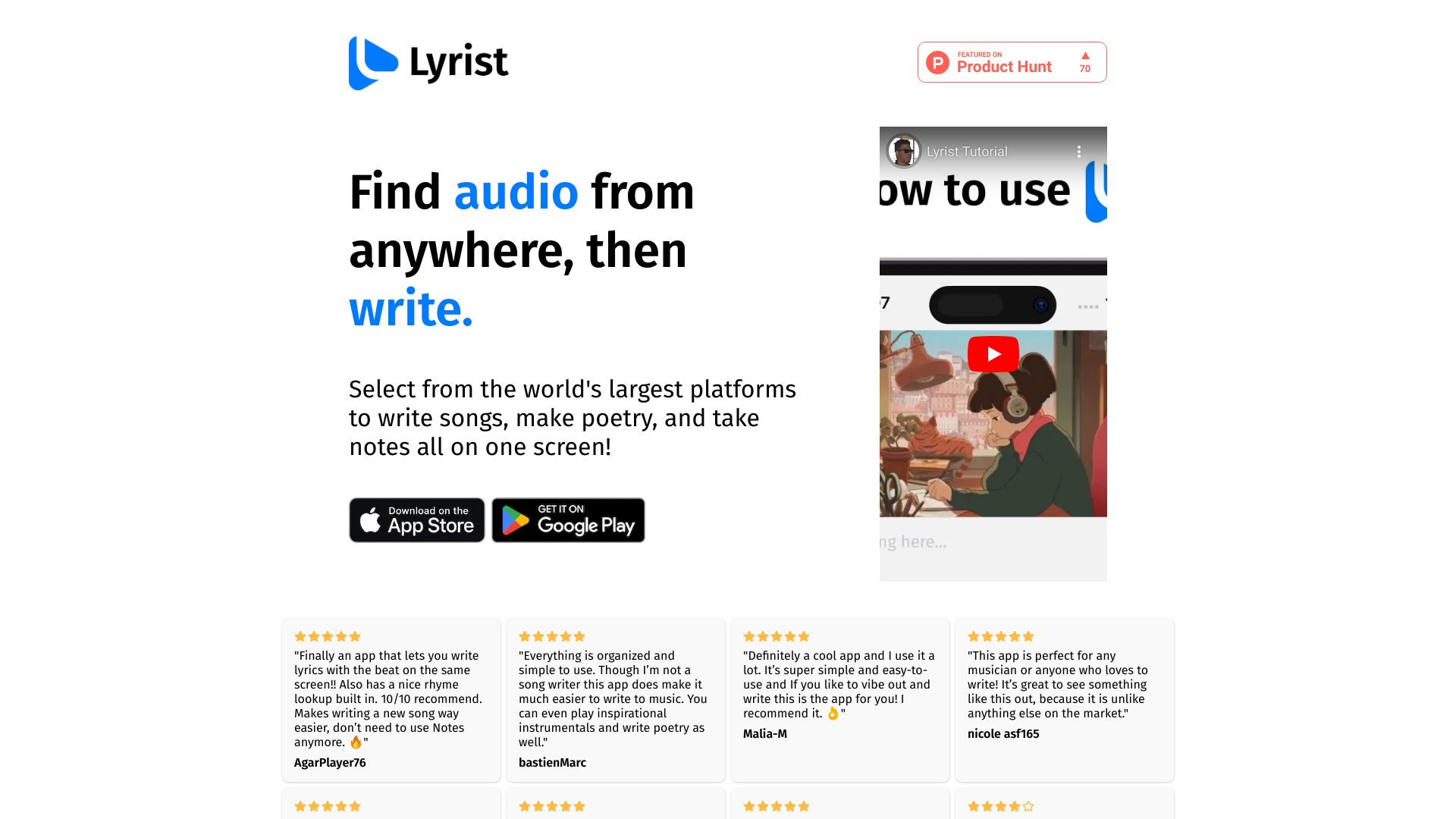
Apache OpenOffice, Microsoft Word, Google Docs, SoftMaker FreeOffice, Lyrist and FreeOffice are among the top-rated Word Processors picks.
Word Processors are software applications designed to help individuals create, edit, and format written content. They are ideal for writers, students, and professionals who need to produce documents, reports, and other written materials. Word Processors solve the problem of inefficient writing and editing by providing a range of tools and features that streamline the writing process. The main differences between Word Processors lie in their features, pricing models, and compatibility. For example, Scrivener is geared towards creative writers, while LibreOffice is a free and open-source alternative to Microsoft Office. WPS Office, on the other hand, offers a range of templates and collaboration tools. Understanding these differences is crucial in choosing the right Word Processor for your needs. To choose the best Word Processor, consider your specific needs and preferences. Findalternative.net's comparison tool helps you narrow down the options by providing a side-by-side comparison of features, pricing, and user reviews. By using our directory, you can easily find the perfect Word Processor for your writing needs, whether you're a student, professional, or casual writer.
A Word Processor offers advanced features like formatting, templates, and collaboration tools, while a text editor is a basic tool for editing plain text. Word Processors like Scrivener and WPS Office provide more features than text editors.
Yes, free Word Processors like LibreOffice are reliable and offer many features similar to paid alternatives. However, they may lack some advanced features or support.
Yes, many Word Processors like WPS Office and OnlyOffice offer real-time collaboration features, allowing multiple users to edit a document simultaneously.
Most Word Processors support popular file formats like DOCX, PDF, and RTF. Some, like LibreOffice, also support open-source formats like ODT.
Yes, many Word Processors have mobile apps, allowing you to create and edit documents on-the-go. Examples include WPS Office and Scrivener.
Yes, many Word Processors offer security features like encryption, password protection, and backup options to protect your documents. For example, OnlyOffice offers encryption and access control.
Yes, Word Processors like Scrivener are specifically designed for creative writing, offering features like outlining, character development, and manuscript formatting. They are ideal for writing novels, screenplays, and other long-form content.
Word Processors splits into 10 related categories worth browsing on their own: Note Taking (46), Document Management (34), Diagramming & Whiteboards (27), Task & To-Do (27), PDF Tools (26), and Presentation Tools (22) — worth a look if you already know roughly which kind you need.
Browsing by use case instead? These products also surface under Productivity (6), Collaboration (3), Cloud Native (3), Open Source (3), Free Software (3), and Writing (2) — topic pages that pull from the whole catalog, not just Word Processors.
Comparing across more than just software? Findalternative.net also covers Hardware, Gadgets, Appliances, Games, and Hosting alternatives.
73% run on Windows, 55% on Linux, 55% on Web, and 45% on Mac — check platform support before committing if you need something specific.
Computed from real platform data across the category.
Across the Word Processors products in our directory, 82% are free or freemium. 30% of products with a documented drawback cite a learning curve as a tradeoff worth knowing about going in.
Computed from real pricing and pros/cons data across the category — not a review aggregate.