


AI Face Swapper vs Livideo
Side-by-side comparison of features, pricing, ratings, and alternatives.


Free unlimited online face swap tool with no sign-up required. Swap faces in photos, videos, GIFs, and templates using advanced AI. Includes features like single face swap, multiple face swap, meme creation, and various templates (superhero, celebrity, anime, etc.). Emphasizes privacy and security.
Livideo is a desktop AI face-swapping application that lets you put any face onto any video with unlimited swaps — completely free. Designed for fun, viral content, and privacy-conscious creators, it turns wedding slideshows into laugh-out-loud moments or drops you into superhero blockbuster scenes. The core pitch: no subscriptions, no credits, no queuing, and no cloud uploads.
The page advertises completely free, unlimited usage with no sign-up and no daily limits. Downloads are also free.
- Completely free with no daily limits
- No sign-up or registration required
- Supports photos, videos, GIFs, and templates
- Multiple face swap options (single, multiple, batch)
- Truly free unlimited face swaps on the Basic plan
- No subscriptions or recurring fees — Premium is a one-time payment
- On-device processing keeps your videos completely private
- No cloud queues or wait times for processing
- No explicit information about output resolution or video length limits
- Potential legal/ethical concerns with face swapping celebrities or public figures
- Service may slow down during high traffic (as noted in FAQ)
- Limited detailed technical information on AI model capabilities
- Basic plan limits videos to 10 seconds and 512x512 resolution.
- Desktop-only app with no mobile or web version mentioned.
- Premium requires a $97 one-time upfront payment for full features.
- Face selection and customer support are only available in the Premium plan.
More alternatives & similar tools
Alternatives to AI Face Swapper
View all →
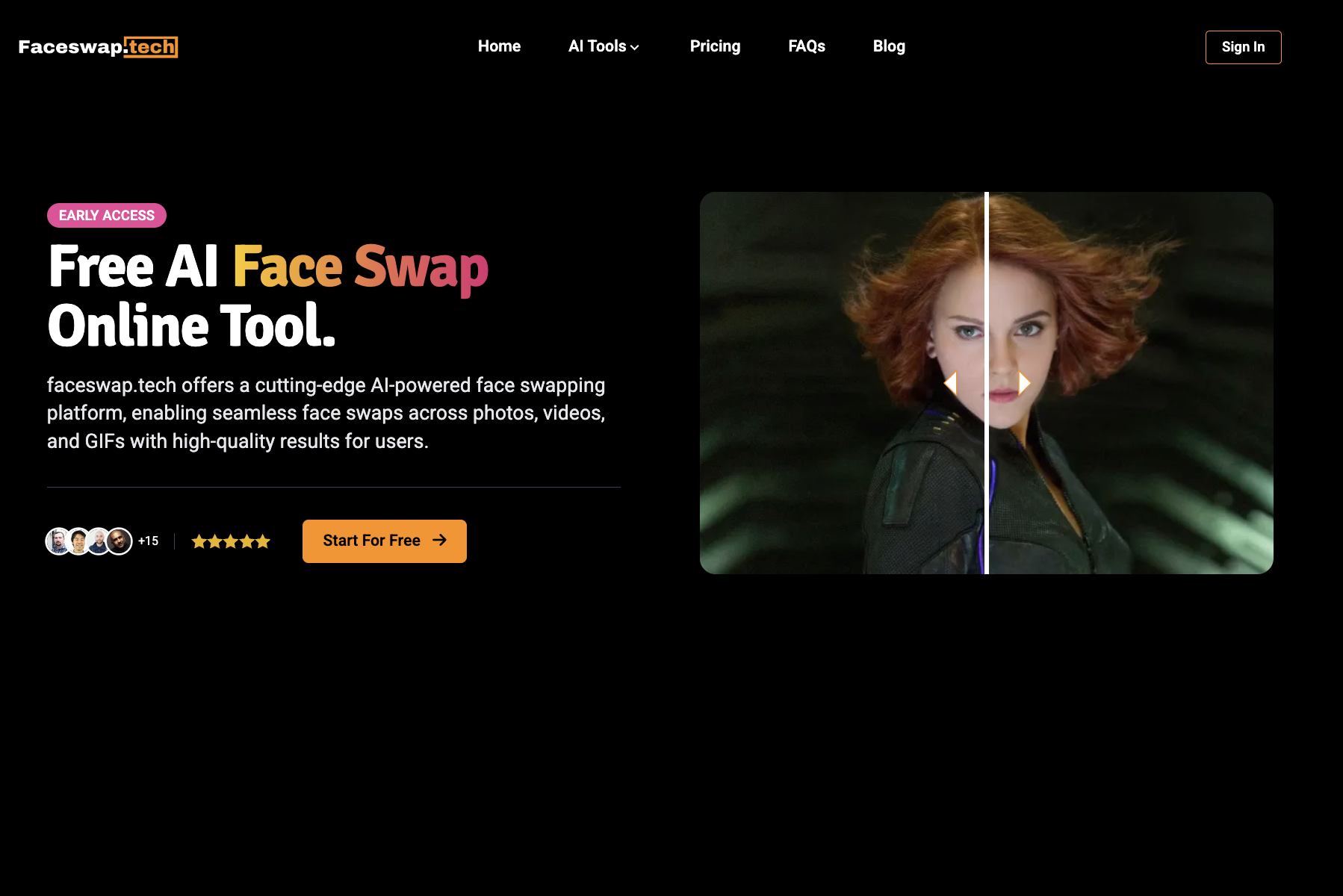
Swap faces in photos, videos, and GIFs with AI in seconds—free, watermark-free, and entirely online.

Alternatives to Livideo
View all →
The Verdict
AI-generated from listing dataAI Face Swapper is a completely free, web‑based tool with no sign‑up and broad media support, while Livideo offers a free desktop basic tier but requires a $97 one‑time upgrade for full‑resolution, longer videos and extra features.
Key differences
- •AI Face Swapper runs in a browser with no installation; Livideo is a desktop‑only app.
- •Livideo’s premium unlock adds 4K, unlimited length, and watermark removal for $97; AI Face Swapper remains free but may lack those limits.
- •Livideo processes data on‑device for strict privacy; AI Face Swapper stores no data but processes in the cloud (privacy claim only).
- •AI Face Swapper supports photos, videos, GIFs and templates; Livideo focuses on video only, with basic tier limited to 10‑second, 512×512 clips.
- •AI Face Swapper has no stated support or customer service; Livideo provides premium‑only support.
Pricing & value
AI Face Swapper is entirely free with unlimited use; Livideo’s full features need a $97 one‑time payment.
Ease of use / learning curve
AI Face Swapper works via a web page with simple steps, no install; Livideo requires desktop download and setup.
Features & depth
Livideo premium offers 4K, unlimited video length, multi‑face selection, and watermark removal; AI Face Swapper lacks these advanced video features.
Integrations & ecosystem
AI Face Swapper is web‑based and works with any device’s browser; Livideo is limited to a desktop app with no noted integrations.
Support
Livideo provides premium‑only customer support; AI Face Swapper offers no specified support channels.
Security & privacy
Livideo processes entirely on‑device, guaranteeing videos never leave the computer; AI Face Swapper processes in the cloud but claims no data retention.
Choose AI Face Swapper if…
Casual users who want quick, free face swaps for photos, videos or GIFs without installing software.
Choose Livideo if…
Content creators needing higher‑resolution, longer video swaps and are willing to pay $97 for premium desktop features.
Common questions
Is there any cost to use either tool?
AI Face Swapper is completely free; Livideo’s basic tier is free but premium features require a $97 one‑time payment.
Can I use the tools on mobile devices?
AI Face Swapper works in any web browser, including mobile; Livideo is a desktop‑only application with no mobile version mentioned.
Which tool offers stronger privacy guarantees?
Livideo processes all data on‑device, ensuring videos never leave your computer; AI Face Swapper processes in the cloud but states it does not store data.