



BeArt AI Face Swap
Swap faces in photos, videos, and GIFs with AI in seconds—free, watermark-free, and entirely online.
What is BeArt AI Face Swap?
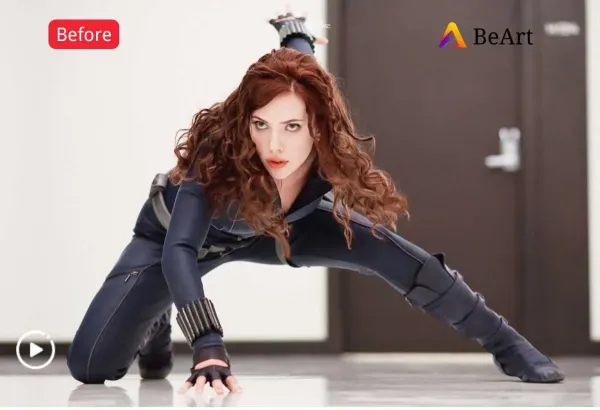
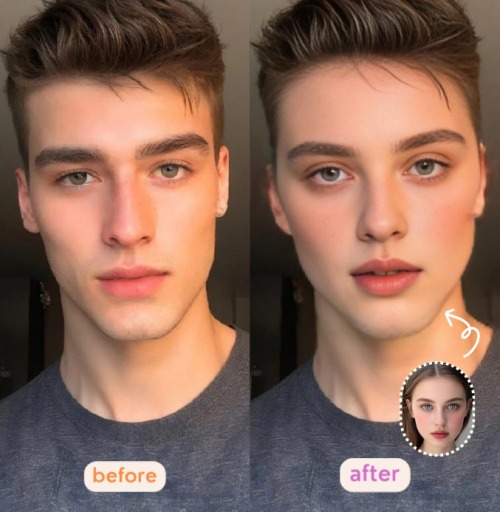
BeArt AI Face Swap is a free online tool that lets you swap faces in photos, videos, and GIFs using advanced AI technology. The platform is designed for ease of use, allowing users to upload a source photo, video, or GIF, select a target face from presets or upload a custom one, and generate realistic face swaps in seconds. It supports various media formats including JPG, PNG, WEBP for images and GIF, M4V, MP4, MOV, WEBM for videos, with free credits allowing up to 30 seconds or 100MB uploads. The tool emphasizes privacy by automatically clearing uploaded images from servers within one day. BeArt AI Face Swap is accessible directly in the browser without downloads, produces watermark-free results, and aims to deliver ultra-realistic output that captures lighting, expressions, and details naturally. It's ideal for creating memes, social media content, gender-bending transformations, celebrity swaps, and artistic avatar creations, making it a versatile tool for both casual users and content creators. The platform also offers paid credits for longer videos up to 300 seconds and larger files up to 1000MB.
SpecificationsAI-estimated
Key Features of BeArt AI Face Swap
Use Cases for BeArt AI Face Swap
Creating Social Media Content
Generate fun face swap videos and GIFs to entertain followers and increase engagement on platforms like Instagram, TikTok, or Twitter.
Gender-Bending Transformations
Experiment with seeing yourself as another gender by swapping faces in videos, ideal for creative expression or comedy.
Celebrity Face Swaps
Swap your face with celebrities to create hilarious memes or short videos for personal fun or social media.
Movie Character Parodies
Transform into your favorite movie characters by swapping faces in clips, perfect for fan-made content or cosplay preparations.
Artistic Avatars
Blend your face into famous paintings to create unique artistic avatars or profile pictures that stand out.
Marketing Campaigns
Create eye-catching, viral face swap videos for promotional campaigns or interactive content in a business setting.
Personal Entertainment
Simply have fun swapping faces with friends, family, or pets in photos and videos for personal amusement.
Group Photo Fun
Swap faces among multiple people in group photos or videos to create humorous outcomes.
How to use BeArt AI Face Swap?
Upload Your Source Media
Choose a source video, photo, or GIF to start. You can upload files up to either 30 seconds/100MB (free) or 300 seconds/1000MB (paid credits).
Select or Upload Target Face
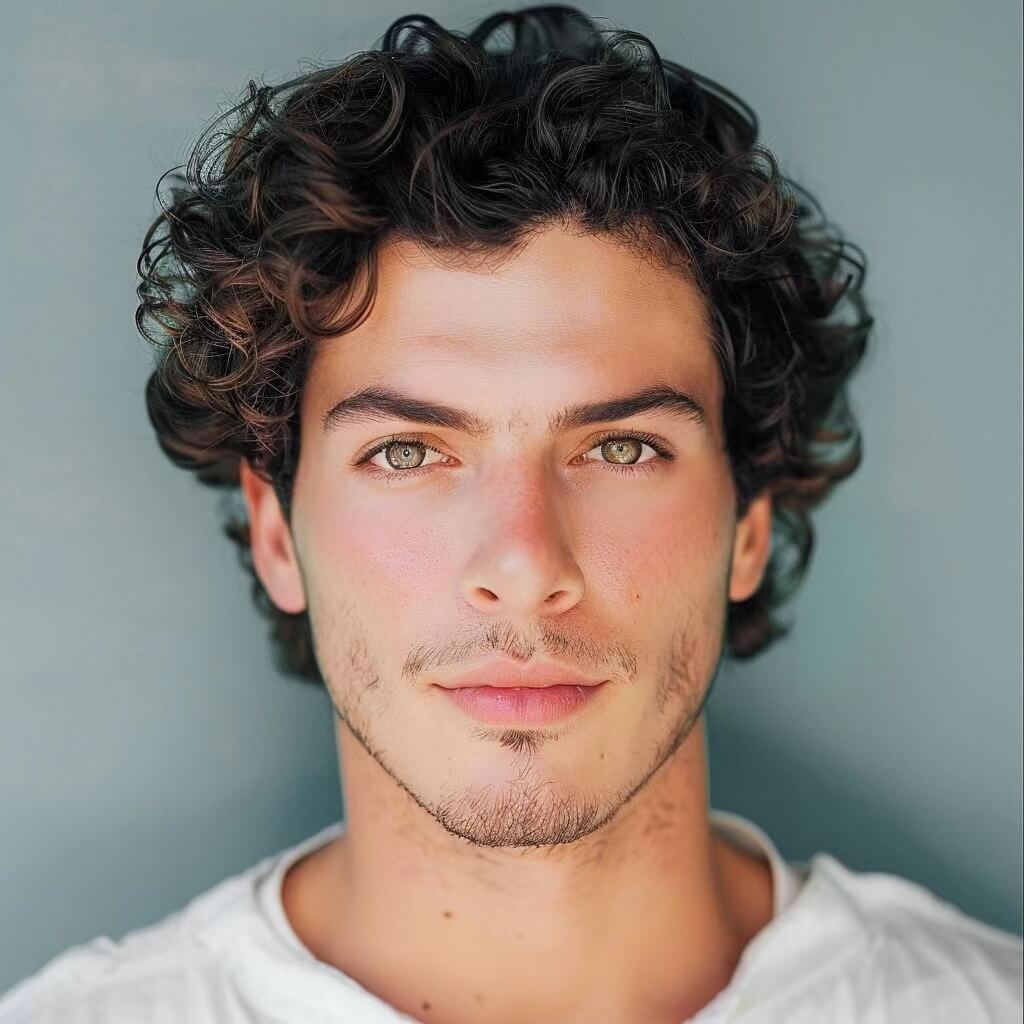
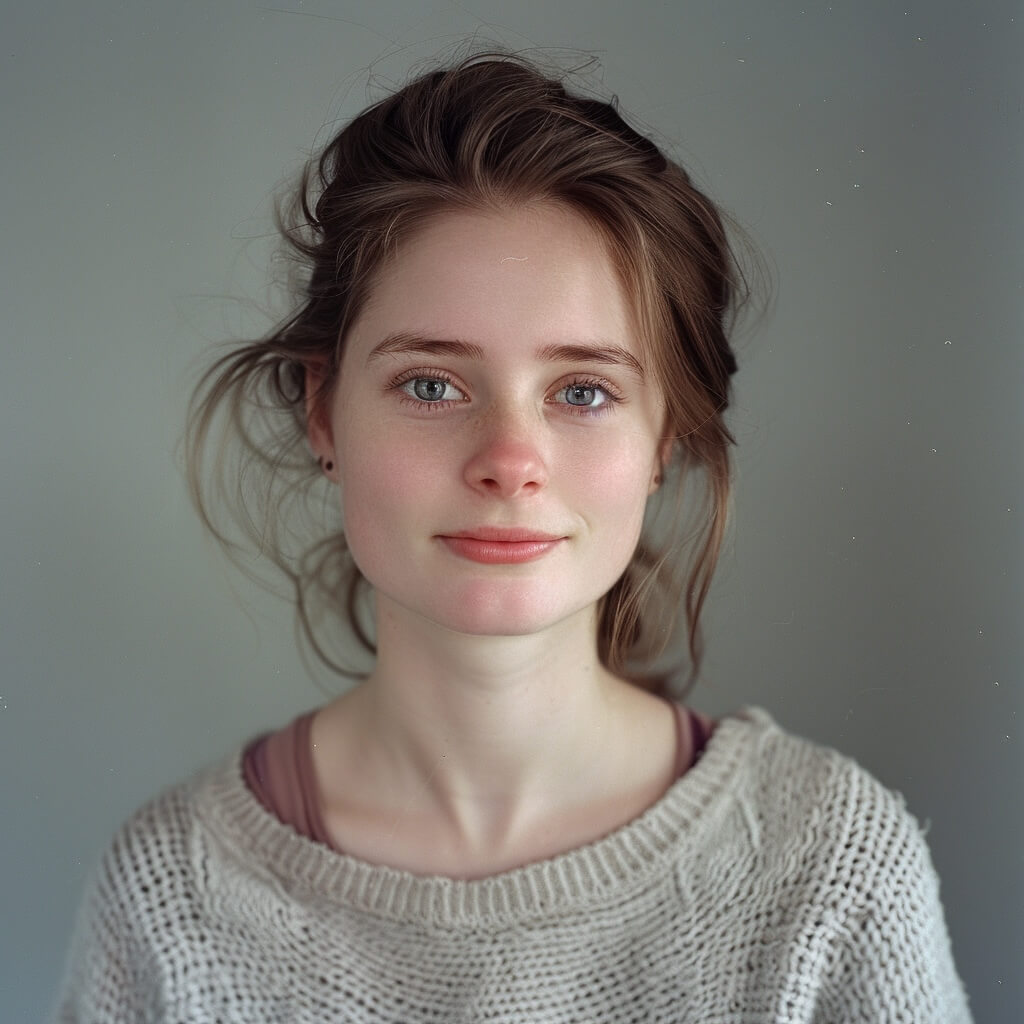
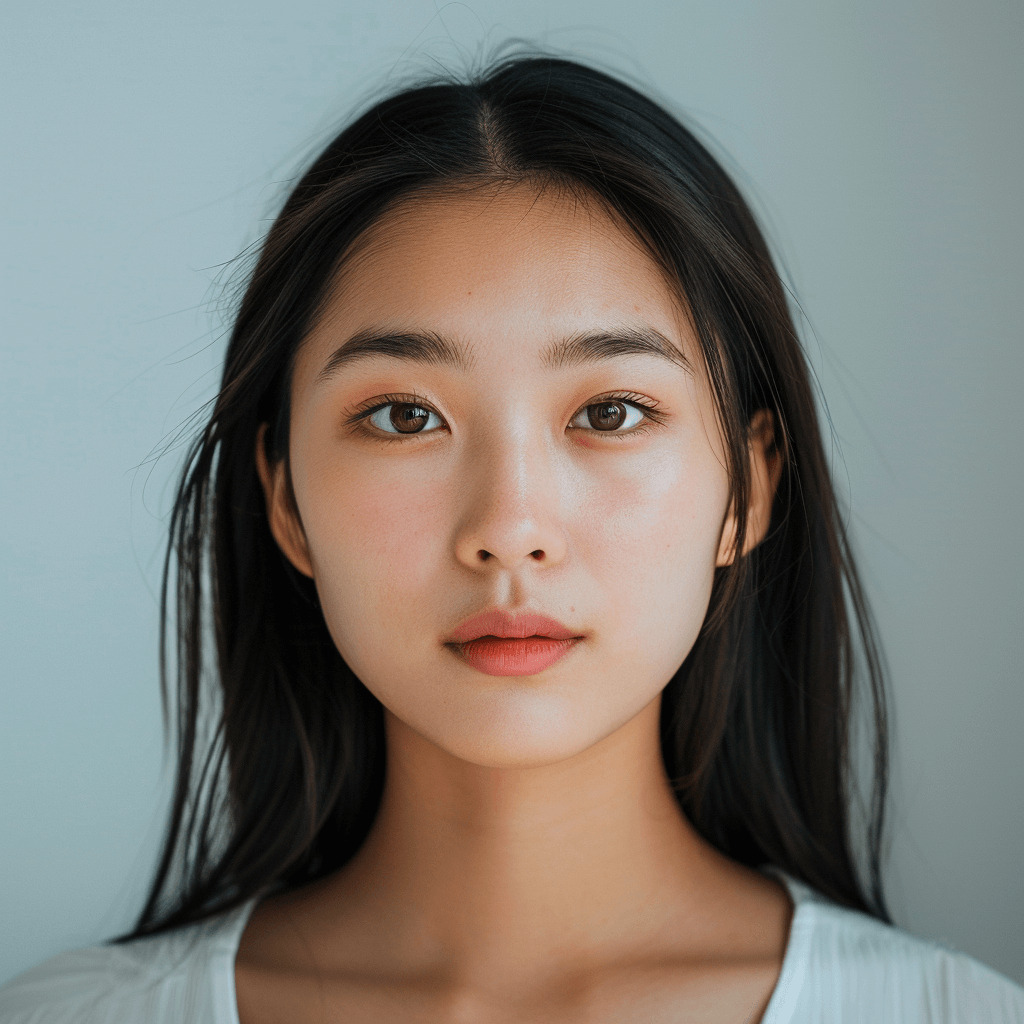
Pick a preset template from the gallery or upload a custom face image (JPG, PNG, WEBP) that you want to swap into the source media.
Click 'Create' to Start
Adjust model quality if desired, then click the create button. The processing queue typically takes about 1 minute.
Download and Share
Once the swap is complete, download your result without watermarks and share it directly on social media with a click.
Pros & Cons of BeArt AI Face Swap
Pros
- Free to use with no hidden costs for basic swaps
- No watermarks on generated results
- No downloads needed; works directly in the browser
- Supports multiple media types: photos, videos, and GIFs
- Automatic deletion of uploaded images after one day for privacy
Cons
- Free tier limits videos to 30 seconds and 100MB
- Paid credits required for longer videos and larger files
- No mobile app; relies on browser access
- Processing queue can take around 1 minute
Frequently Asked Questions
Is BeArt AI Face Swap really free?
Yes, the tool is completely free for basic use. There are no hidden costs, and you can swap faces in photos, videos, and GIFs without paying. Paid credits are available for extended features like longer videos or larger files.
Are there any watermarks on the results?
No, the tool provides high-quality face swaps without any watermarks, allowing you to share your creations freely.
Do I need to download any software?
No, it works directly in your browser. You can upload files and get results online without any downloads.
What are the file size and duration limits?
Free credits allow videos up to 30 seconds and 100MB in size. Paid credits allow videos up to 300 seconds and 1000MB.
What file formats are supported?
For videos: GIF, M4V, MP4, MOV, WEBM. For images: JPG, PNG, WEBP.
How long does processing take?
Processing typically takes about 1 minute in the queue, depending on server load.
Are my uploaded images safe?
Yes, all images uploaded to the servers are automatically cleared within one day, ensuring your privacy.
Can I swap multiple faces in one video?
Yes, the tool supports multiple face swaps in a single video, allowing you to transform into different characters or people.
Can I use this for commercial purposes?
The tool can be used for marketing campaigns and professional projects, as highlighted by users; however, you should review the terms of service for any restrictions.
Is there an app for mobile?
Currently, there is no mention of a mobile app; the service is accessed via browser on any device.
Reviews & Ratings0.0
No reviews yet. Be the first to write one!
Top Alternatives & Similar Software
View all alternatives & similar software→

People also viewed


Related searches
Is this your tool?
Claim this page to update details, reply to user reviews, and drive more traffic to your product.
Claim this Product →
Tags
Explore Related Topics
Keep up with BeArt AI Face Swap alternatives
New alternatives, pricing changes and the week's biggest movers - one email every Tuesday.