


VoidMagic AI
A browser-based AI toolkit for face swapping across video, photos, GIFs, and voice cloning.

What is VoidMagic AI?
VoidMagic AI is a browser-based creative toolkit centered on realistic face swaps and voice creation. Instead of bundling every task into a single bloated editor, it offers dedicated workflows for video, image, GIF, and voice projects, so users can start with the media format they already have and move through a focused pipeline. The suite is built around a shared face-tracking foundation, which lets users swap one or multiple faces while preserving lighting, composition, and motion consistency across frames. For video work, VoidMagic AI pairs motion-tracking with practical editing controls such as trim controls and optional HD enhancement, allowing creators to process only the part of the footage they need while maintaining recognizable expressions and detail. Photo and GIF workflows extend the same multi-face detection to stills and short animated loops, while the voice side of the toolkit includes an AI Voice Cloner and Celebrity Voice Generator for narration, characters, and other creative audio projects. The platform is designed for creators who want quick, purpose-built AI media tools without heavy local software requirements. Privacy is also a core part of the experience: uploaded face-swap media and generated results are automatically deleted after two hours, encouraging users to download completed files promptly and reducing long-term data retention.
SpecificationsAI-estimated
Key Features of VoidMagic AI
Use Cases for VoidMagic AI
Replace faces in moving video
Upload a video, select the people you want to replace, and let the motion-tracking workflow keep the swap consistent from frame to frame.
Edit faces in photos
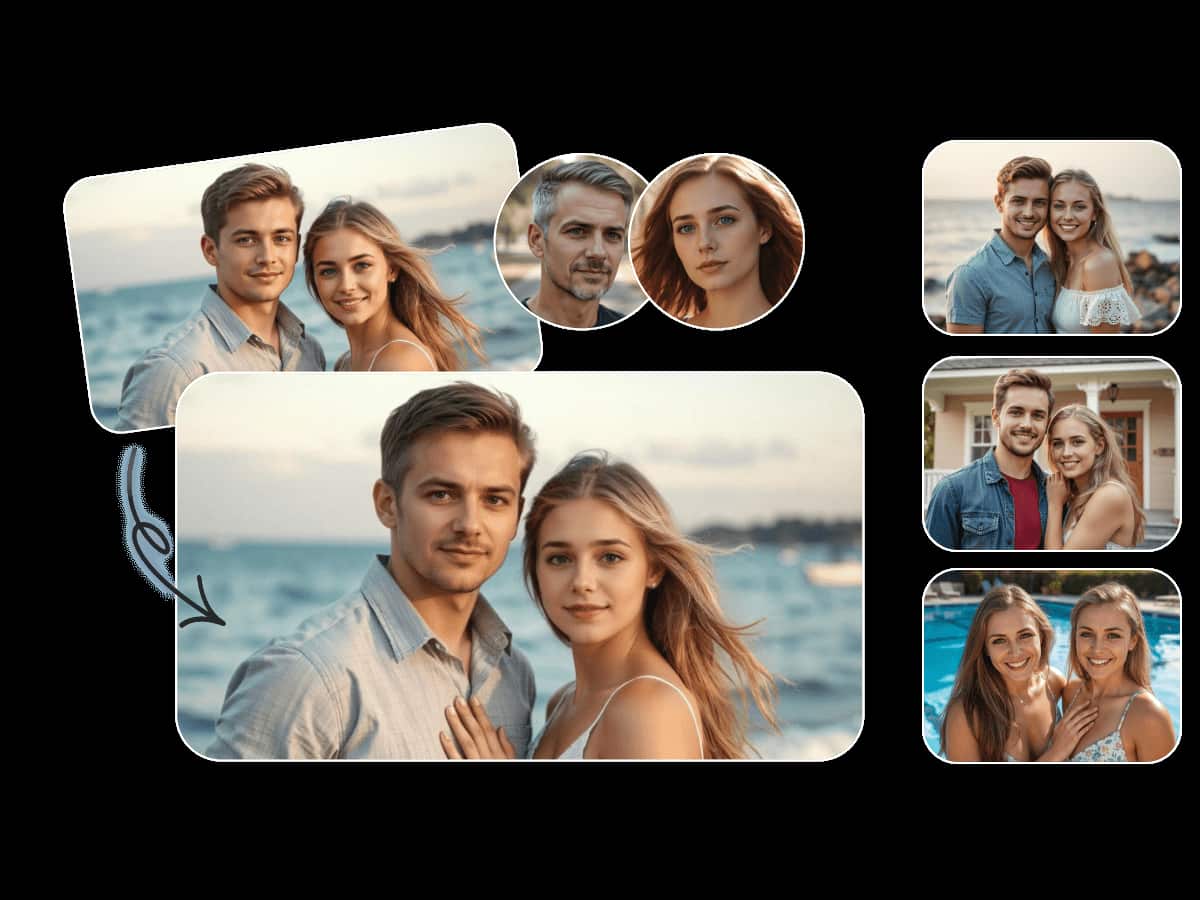
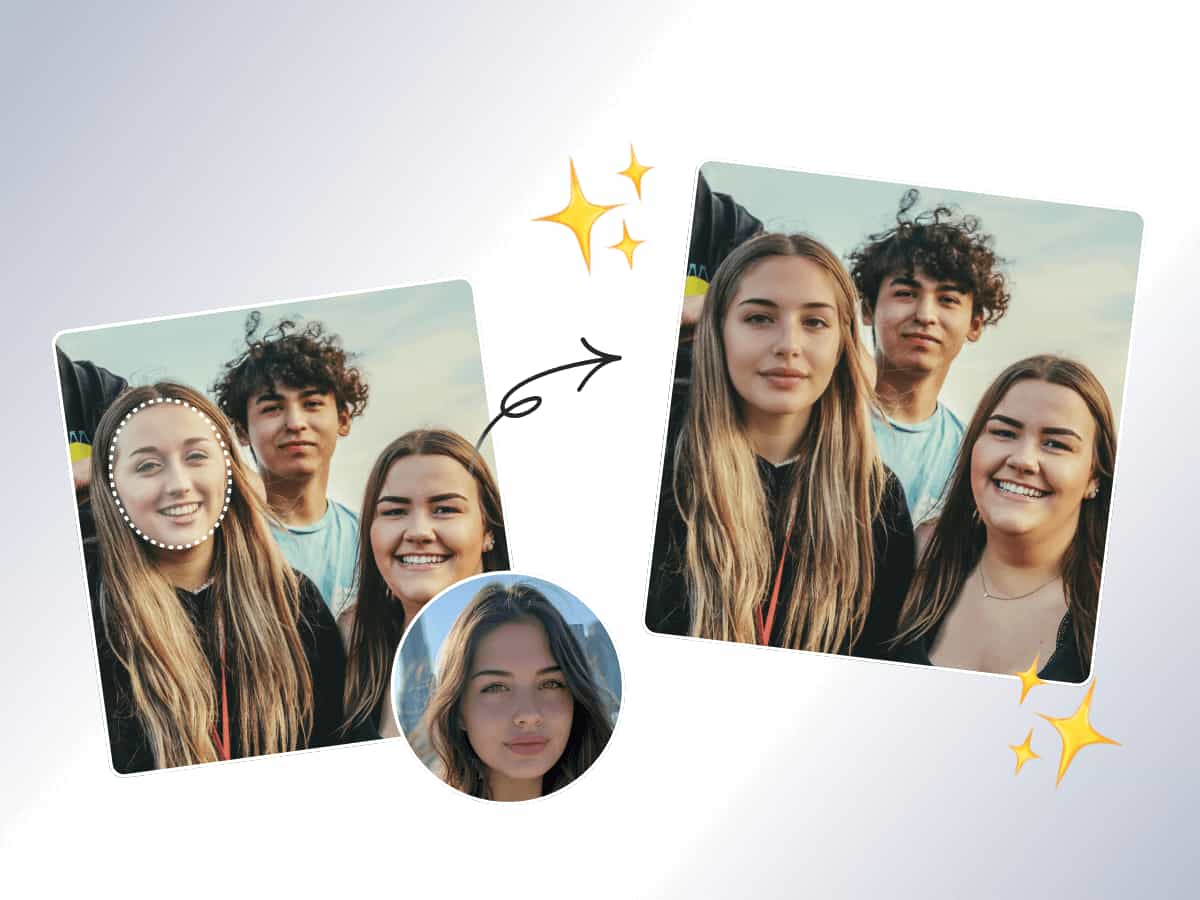
Swap one or multiple faces in still images while preserving the original lighting and composition.
Personalize reaction GIFs
Turn reaction GIFs, short loops, and animated scenes into custom face-swapped content.
Create custom voiceovers
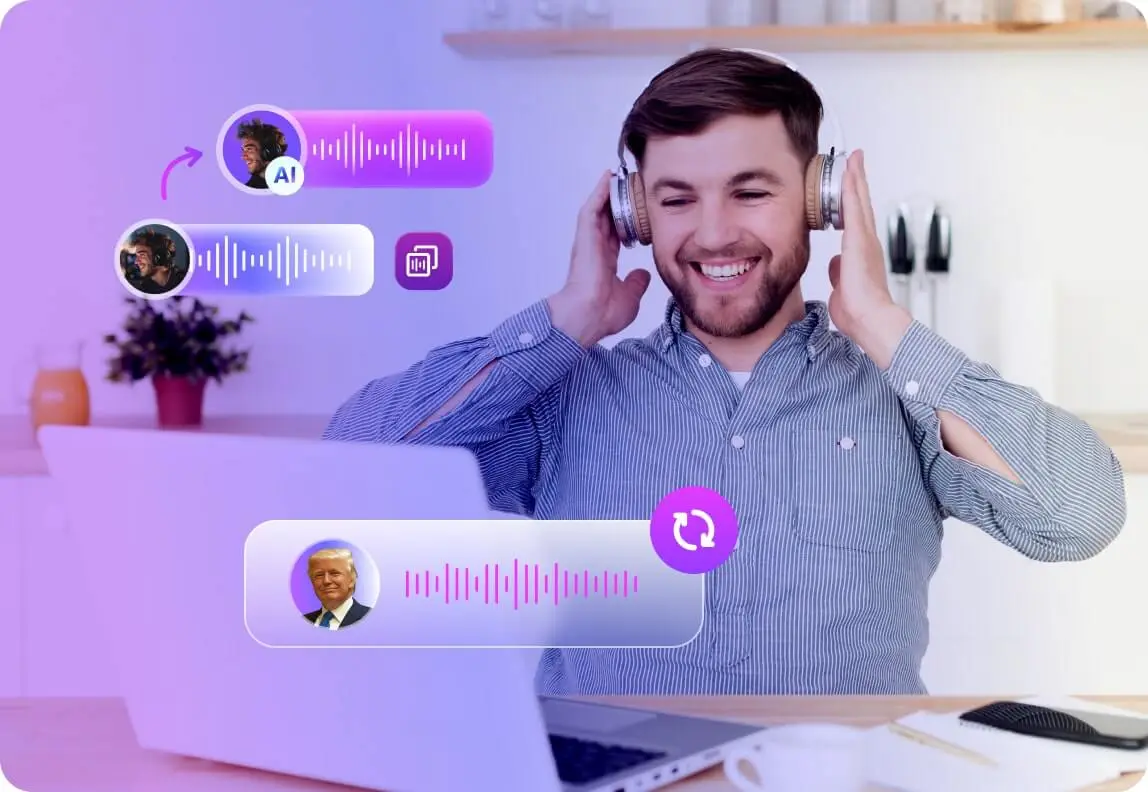
Clone a voice from a sample and use it for narration, characters, and creative audio projects.
Generate character voices
Use the Celebrity Voice Generator to explore recognizable voice styles for creative and entertainment purposes.
Run privacy-conscious creative experiments
Because files auto-delete after two hours, users can experiment with face swaps and voice tools without leaving long-term stored media.
How to use VoidMagic AI?
Choose your workflow
Select the dedicated workflow that matches your media: AI Video Face Swap, AI Image Face Swap, AI GIF Face Swap, or AI Voice Cloner.
Upload your media
Upload a video, photo, GIF, or voice sample to begin the process in your browser.
Select the faces or voice
Choose which detected faces you want to replace, or provide the sample voice you want to clone.
Adjust processing options
Use trim controls to select a section of video and enable optional HD face enhancement if needed.
Process and download promptly
Run the workflow, review your generated result, and download it before the two-hour auto-deletion window ends.
Pros & Cons of VoidMagic AI
Pros
- Dedicated workflows for video, image, GIF, and voice instead of a one-size-fits-all editor
- Tracks faces across moving footage for consistent video replacements
- Supports single- and multiple-face replacement in the same project
- Optional HD face enhancement helps preserve detail and expressions
- Uploaded face-swap media and results are auto-deleted after two hours for privacy
Cons
- Completed files are deleted after two hours, so users must download them promptly
- Not a full video editor; it is focused specifically on face swap and voice workflows
- No collaboration, sharing, or long-term project storage features are mentioned
- Pricing and usage limits are not disclosed in the available content
Frequently Asked Questions
Which face swap tool should I start with?
Choose Image Face Swap for still photos, Video Face Swap for moving footage, and GIF Face Swap for short animated loops. Each tool opens a workflow designed for that media type.
Can I replace multiple faces in the same project?
Yes. The image, video, and GIF workflows can detect multiple people and let you choose which faces to replace.
Does VoidMagic still include voice tools?
Yes. AI Voice Cloner and the Celebrity Voice Generator remain part of the product suite and are linked directly from the VoidMagic page.
How long are face-swap files retained?
Uploaded face-swap media and generated results are automatically deleted after two hours, so completed files should be downloaded promptly.
Does the Video Face Swap workflow support enhancement?
Yes, the featured video face swap workflow includes optional HD face enhancement to help preserve recognizable expressions and detail.
Where do the VoidMagic workflows run?
The workflows are browser-based and connected to the wider VoidMagic toolkit, so there is no need to install a separate desktop editor.
Can I process only part of a video?
Yes. The video face swap workflow includes trim controls so you can process only the part of the footage you want.
Reviews & Ratings0.0
No reviews yet. Be the first to write one!
Top Alternatives & Similar Software
View all alternatives & similar software→


People also viewed

Related searches
Is this your tool?
Claim this page to update details, reply to user reviews, and drive more traffic to your product.
Claim this Product →
Tags
Explore Related Topics
Keep up with VoidMagic AI alternatives
New alternatives, pricing changes and the week's biggest movers - one email every Tuesday.