


GIF Face Swap
Free AI-powered GIF face swapping in your browser — no signup, no watermark, just upload and swap.







What is GIF Face Swap?
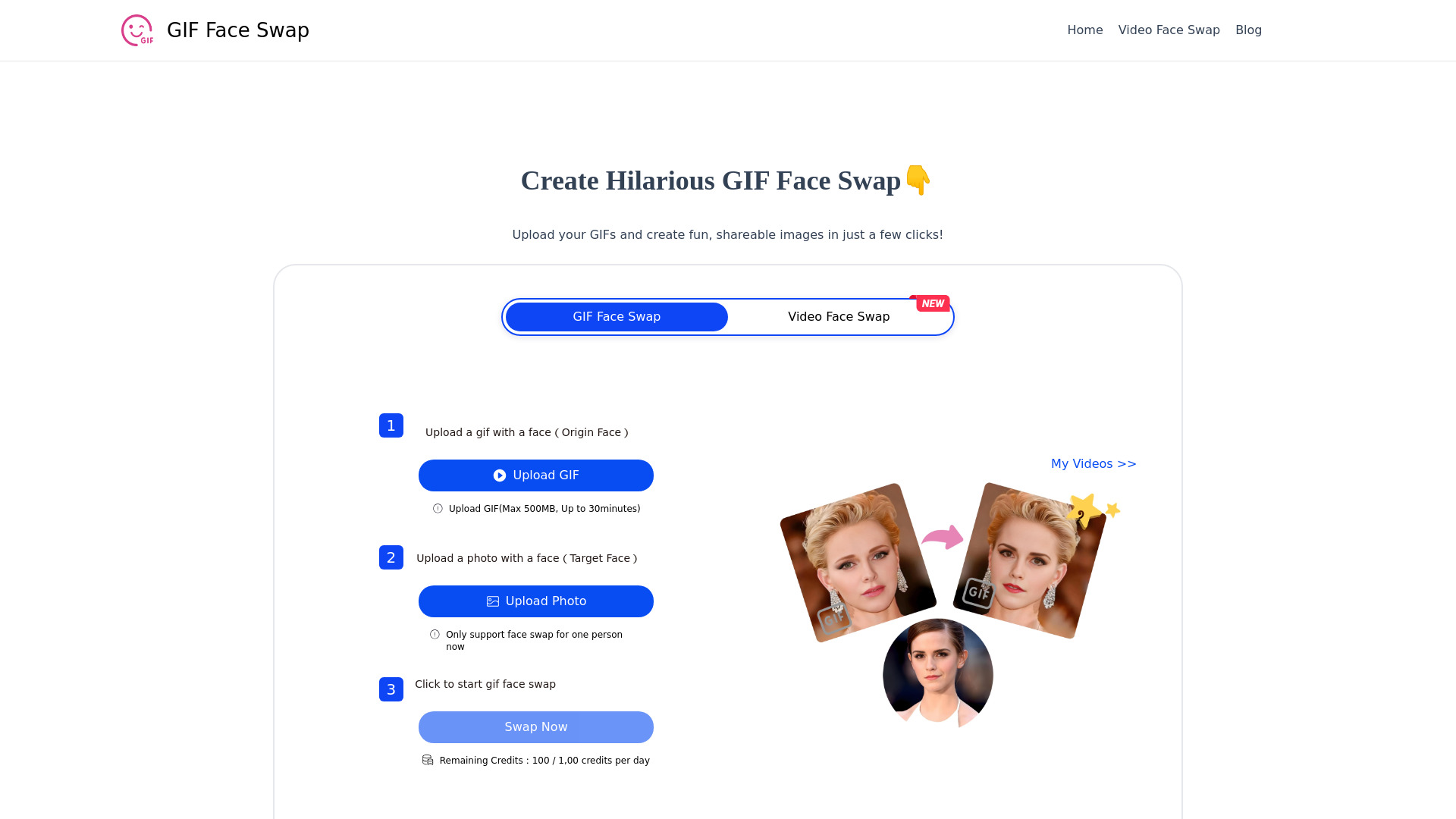
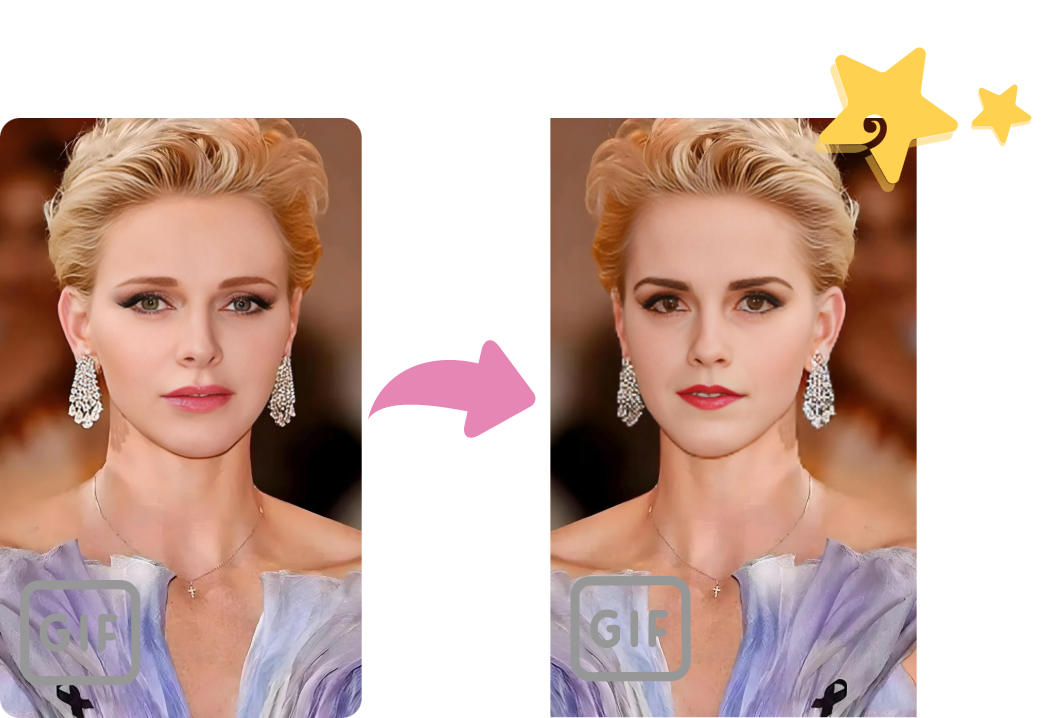
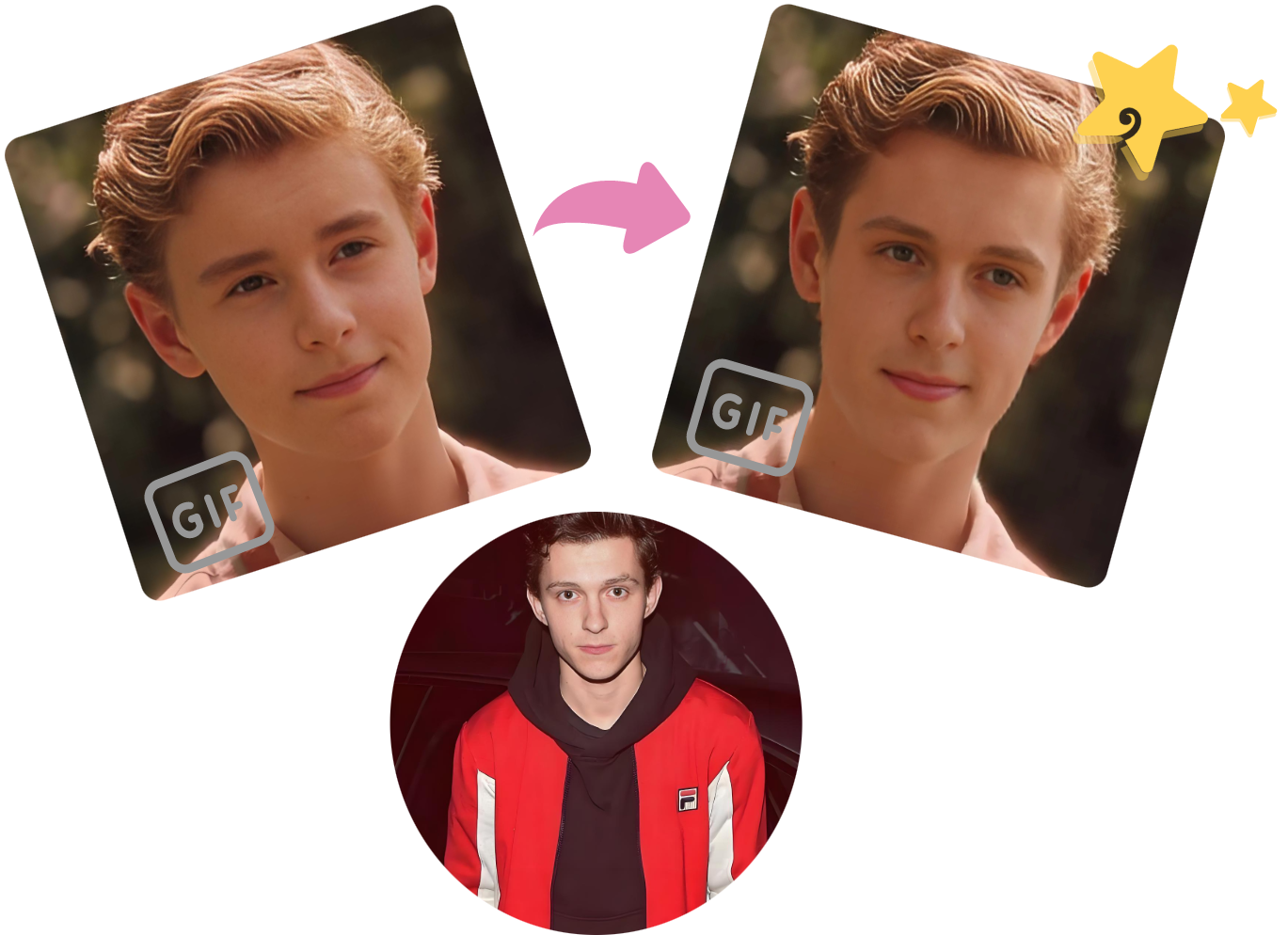
GIF Face Swap is a free browser-based tool that lets anyone replace a face inside an animated GIF with a face from a still photo. It is designed for quick, playful edits: upload a source GIF containing a face, upload a target photo with the face you want, and the AI handles the rest. There is no account registration required to get started, making it one of the most accessible face-swapping utilities available online. The service accepts GIFs up to 500MB in size and up to 30 minutes in duration, and it supports multiple image input formats for the target face. According to the site, uploading clear facial details gives the AI the best chance to produce smooth, high-quality results. The output can be downloaded locally at no cost and without a watermark, which is ideal for users who want to share their creations on Instagram, Facebook, Twitter, or in party and event invitations. GIF Face Swap emphasizes privacy, stating that uploaded images are used only to generate the face-swapped content. It also works on both desktop and mobile browsers, so casual users and content creators can make funny GIFs on the go. While it currently handles only one face at a time, the simplicity and zero-cost entry make it a fun tool for social media enthusiasts, comedians, and anyone looking to personalize animated media.
SpecificationsAI-estimated
Key Features of GIF Face Swap
Use Cases for GIF Face Swap
Social Media Sharing
Share funny face-swapped GIFs on Instagram, Facebook, Twitter, and other platforms to boost engagement and entertain friends.
Comedy Content Creation
Content creators and bloggers can use the tool to make humorous GIFs and clips that enrich their content and attract more viewers.
Event and Party Invitations
Create personalized invitation GIFs for parties, events, or celebrations to make them more engaging and increase recipients’ interest in attending.
Personalized Messaging
Swap faces on familiar GIFs to send friends and family custom reactions, jokes, and personalized entertainment.
Creative Experimentation
Try different target faces on the same GIF without limits, allowing users to explore many funny combinations.
On-the-Go Entertainment
Use the mobile-compatible interface to make entertaining GIFs anytime, directly from a phone or tablet browser.
How to use GIF Face Swap?
Upload a GIF with a face
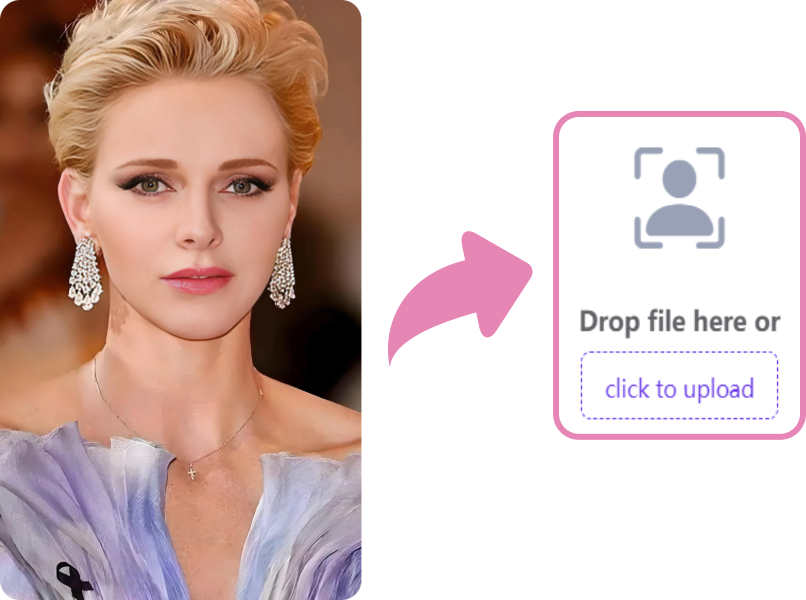
Upload a GIF (max 500MB, up to 30 minutes) that contains the original face you want to replace. Clear facial details help the AI produce better results.
Upload a target face image
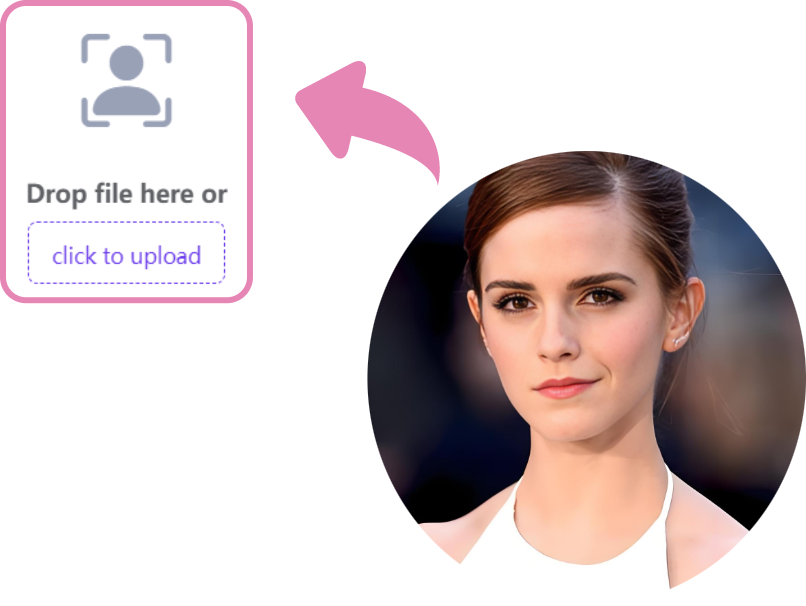
Upload a still photo with the face you want to swap onto the GIF. Make sure the face is clear for best quality.
Start the face swap
Click the “Swap GIF Face Now” button and wait for the tool to generate the face-swapped GIF.
Download or share your GIF
Once generated, review the result and download it locally for free. You can then share it on social media or with friends.
Pros & Cons of GIF Face Swap
Pros
- Free to use with no registration required
- No watermark on generated GIFs
- Fast and easy AI face swapping
- Results can be downloaded locally for sharing
- Privacy of uploaded media is emphasized
Cons
- Only supports swapping one face per GIF
- Upload limit is capped at 500MB and 30 minutes per GIF
- Best results depend on clear facial details in both the source GIF and target photo
Frequently Asked Questions
Is GIF Face Swap really free?
Yes, the core face-swapping tool is free to use and does not require signup, according to the website description and user reviews.
Do I need to create an account to use GIF Face Swap?
No. The site markets itself with the tagline “Swap GIFs Face For Free (No Signup)”, so you can start swapping faces without creating an account.
What are the upload limits for GIF Face Swap?
You can upload a GIF up to 500MB in size and up to 30 minutes long.
How many faces can I swap in a GIF?
Currently, GIF Face Swap only supports face swapping for one person per GIF.
What image formats are supported?
In addition to GIF, the tool supports multiple image input formats for the target face photo.
Will my generated GIF have a watermark?
No. The service advertises watermark-free, high-quality results, and you can download the final GIF locally for free.
Is my privacy protected when I upload files?
The site states that uploaded images and GIFs are used only to create the face swap content, and that user privacy is taken seriously.
Can I use GIF Face Swap on my phone?
Yes, the GIF face swap website supports both PC and mobile devices, making it easy to upload and download from a browser on either platform.
Reviews & Ratings0.0
No reviews yet. Be the first to write one!
Top Alternatives & Similar Software
View all alternatives & similar software→
People also viewed



Related searches
Is this your tool?
Claim this page to update details, reply to user reviews, and drive more traffic to your product.
Claim this Product →
Explore Related Topics
Keep up with GIF Face Swap alternatives
New alternatives, pricing changes and the week's biggest movers - one email every Tuesday.