


BeArt AI Face Swap vs GIF Face Swap
Side-by-side comparison of features, pricing, ratings, and alternatives.

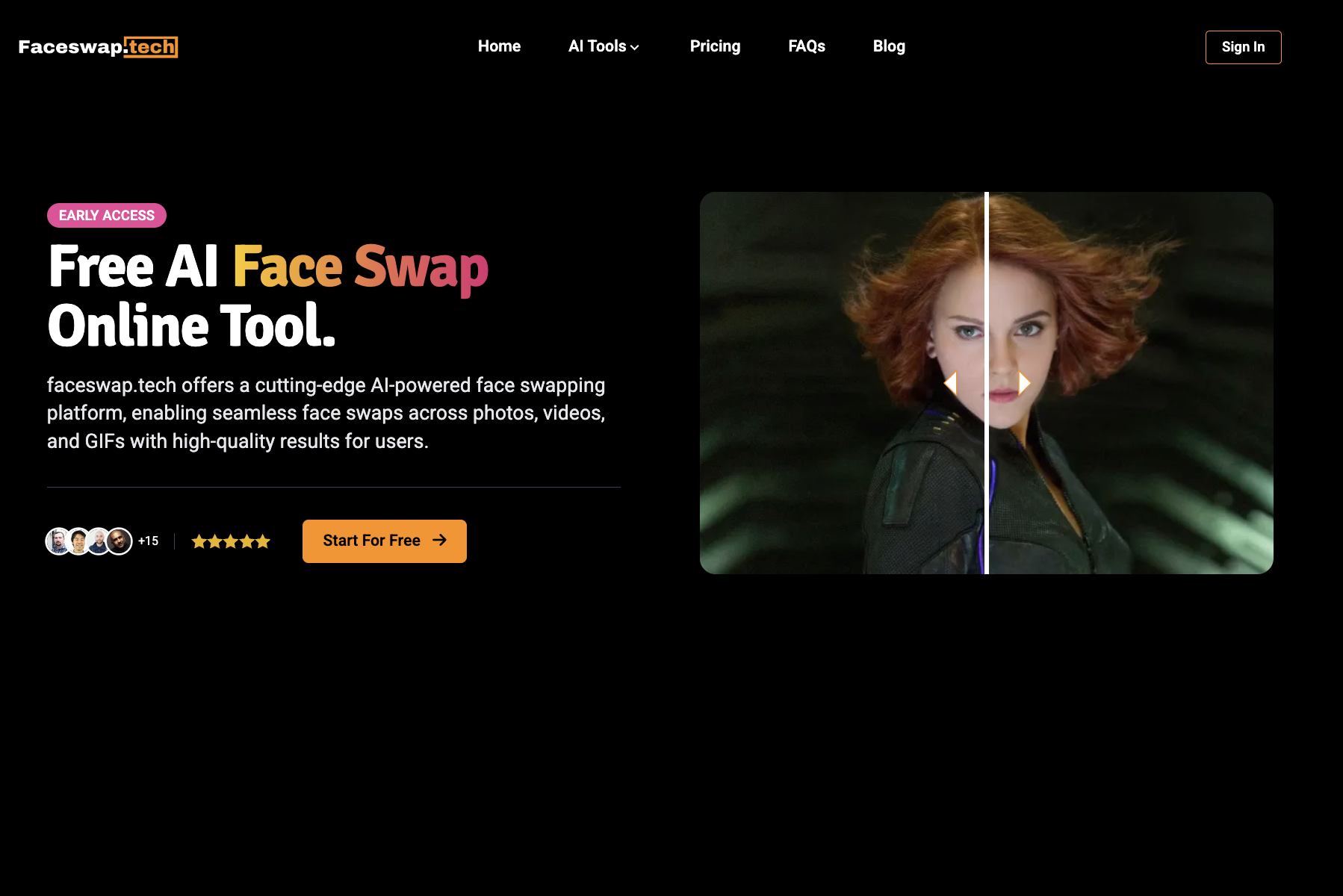
BeArt AI Face Swap is a free online tool that lets you swap faces in photos, videos, and GIFs using advanced AI technology. The platform is designed for ease of use, allowing users to upload a source photo, video, or GIF, select a target face from presets or upload a custom one, and generate realistic face swaps in seconds. It supports various media formats including JPG, PNG, WEBP for images and GIF, M4V, MP4, MOV, WEBM for videos, with free credits allowing up to 30 seconds or 100MB uploads. The tool emphasizes privacy by automatically clearing uploaded images from servers within one day. BeArt AI Face Swap is accessible directly in the browser without downloads, produces watermark-free results, and aims to deliver ultra-realistic output that captures lighting, expressions, and details naturally. It's ideal for creating memes, social media content, gender-bending transformations, celebrity swaps, and artistic avatar creations, making it a versatile tool for both casual users and content creators. The platform also offers paid credits for longer videos up to 300 seconds and larger files up to 1000MB.
GIF Face Swap is a free browser-based tool that lets anyone replace a face inside an animated GIF with a face from a still photo. It is designed for quick, playful edits: upload a source GIF containing a face, upload a target photo with the face you want, and the AI handles the rest. There is no account registration required to get started, making it one of the most accessible face-swapping utilities available online. The service accepts GIFs up to 500MB in size and up to 30 minutes in duration, and it supports multiple image input formats for the target face. According to the site, uploading clear facial details gives the AI the best chance to produce smooth, high-quality results. The output can be downloaded locally at no cost and without a watermark, which is ideal for users who want to share their creations on Instagram, Facebook, Twitter, or in party and event invitations. GIF Face Swap emphasizes privacy, stating that uploaded images are used only to generate the face-swapped content. It also works on both desktop and mobile browsers, so casual users and content creators can make funny GIFs on the go. While it currently handles only one face at a time, the simplicity and zero-cost entry make it a fun tool for social media enthusiasts, comedians, and anyone looking to personalize animated media.
- Free to use with no hidden costs for basic swaps
- No watermarks on generated results
- No downloads needed; works directly in the browser
- Supports multiple media types: photos, videos, and GIFs
- Free to use with no registration required
- No watermark on generated GIFs
- Fast and easy AI face swapping
- Results can be downloaded locally for sharing
- Free tier limits videos to 30 seconds and 100MB
- Paid credits required for longer videos and larger files
- No mobile app; relies on browser access
- Processing queue can take around 1 minute
- Only supports swapping one face per GIF
- Upload limit is capped at 500MB and 30 minutes per GIF
- Best results depend on clear facial details in both the source GIF and target photo
More alternatives & similar tools
Alternatives to BeArt AI Face Swap
View all →
A browser-based AI toolkit for face swapping across video, photos, GIFs, and voice cloning.
Alternatives to GIF Face Swap
View all →Swap faces in photos, videos, and GIFs with AI in seconds—free, watermark-free, and entirely online.
A browser-based AI toolkit for face swapping across video, photos, GIFs, and voice cloning.
The Verdict
AI-generated from listing dataBeArt AI Face Swap offers broader media support (photos, videos, GIFs) but limits free video length, while GIF Face Swap focuses solely on GIFs with larger free limits but only one face per GIF.
Key differences
- •BeArt supports photos, videos, and GIFs; GIF Face Swap handles only GIFs
- •BeArt allows multiple faces per video; GIF Face Swap limits to one face per GIF
- •Free video length: BeArt 30 s vs. GIF Face Swap up to 30 min (GIF only)
- •BeArt’s free tier requires paid credits for longer videos; GIF Face Swap is completely free
- •BeArt has no mobile app and runs in browser; GIF Face Swap works on both PC and mobile browsers
Pricing & value
GIF Face Swap is fully free with no hidden costs; BeArt requires paid credits for longer videos.
Ease of use / learning curve
Both are browser‑based, but GIF Face Swap works on mobile browsers too, giving broader accessibility.
Features & depth
BeArt supports photos, videos, GIFs, multiple faces, artistic swaps, and gender‑bending transformations.
Integrations & ecosystem
Neither product mentions integrations; both are standalone online tools.
Security & privacy
BeArt automatically deletes all uploaded images after 1 day; GIF Face Swap states uploads are used only for the swap but no retention period given.
Scalability
GIF Face Swap handles GIFs up to 500 MB and 30 min, far larger than BeArt’s 100 MB/30 s free video limit.
Support
No support information provided for either product.
Choose BeArt AI Face Swap if…
Users needing photo, video, and multi‑face swaps with artistic options, and who accept limited free video length.
Choose GIF Face Swap if…
Users who only need GIF swaps, want larger free limits, and prefer mobile‑browser access without paying.
Common questions
Is there any cost to use either tool?
GIF Face Swap is completely free; BeArt AI Face Swap is free for basic swaps but requires paid credits for videos longer than 30 seconds or larger than 100 MB.
Can I swap multiple faces in one file?
BeArt AI Face Swap supports multiple faces in a single video; GIF Face Swap allows only one face per GIF.
What privacy protections are provided?
BeArt automatically deletes uploaded images after 1 day; GIF Face Swap says uploads are used only for the swap but does not specify a deletion timeline.