


BeArt AI Face Swap vs Fakeface
Side-by-side comparison of features, pricing, ratings, and alternatives.


BeArt AI Face Swap is a free online tool that lets you swap faces in photos, videos, and GIFs using advanced AI technology. The platform is designed for ease of use, allowing users to upload a source photo, video, or GIF, select a target face from presets or upload a custom one, and generate realistic face swaps in seconds. It supports various media formats including JPG, PNG, WEBP for images and GIF, M4V, MP4, MOV, WEBM for videos, with free credits allowing up to 30 seconds or 100MB uploads. The tool emphasizes privacy by automatically clearing uploaded images from servers within one day. BeArt AI Face Swap is accessible directly in the browser without downloads, produces watermark-free results, and aims to deliver ultra-realistic output that captures lighting, expressions, and details naturally. It's ideal for creating memes, social media content, gender-bending transformations, celebrity swaps, and artistic avatar creations, making it a versatile tool for both casual users and content creators. The platform also offers paid credits for longer videos up to 300 seconds and larger files up to 1000MB.
Fakeface is an AI-powered online face swap tool that lets users swap faces in photos, videos, and GIFs quickly and with high-quality results. It offers free daily credits, a simple three-step process, and claims fast processing, high resolution, privacy protection, and watermark-free output.
- Free to use with no hidden costs for basic swaps
- No watermarks on generated results
- No downloads needed; works directly in the browser
- Supports multiple media types: photos, videos, and GIFs
- Free daily credits available
- No watermarks on generated content
- Supports photos, videos, and GIFs
- Fast processing: photos in 1-2 seconds, videos in 10-30 seconds
- Free tier limits videos to 30 seconds and 100MB
- Paid credits required for longer videos and larger files
- No mobile app; relies on browser access
- Processing queue can take around 1 minute
- Free tier is limited by daily credits
- Premium plans required for faster speeds and more credits
- Cloud-only; no offline desktop version
- Deepfake/face swap technology may raise ethical and legal concerns
More alternatives & similar tools
Alternatives to BeArt AI Face Swap
View all →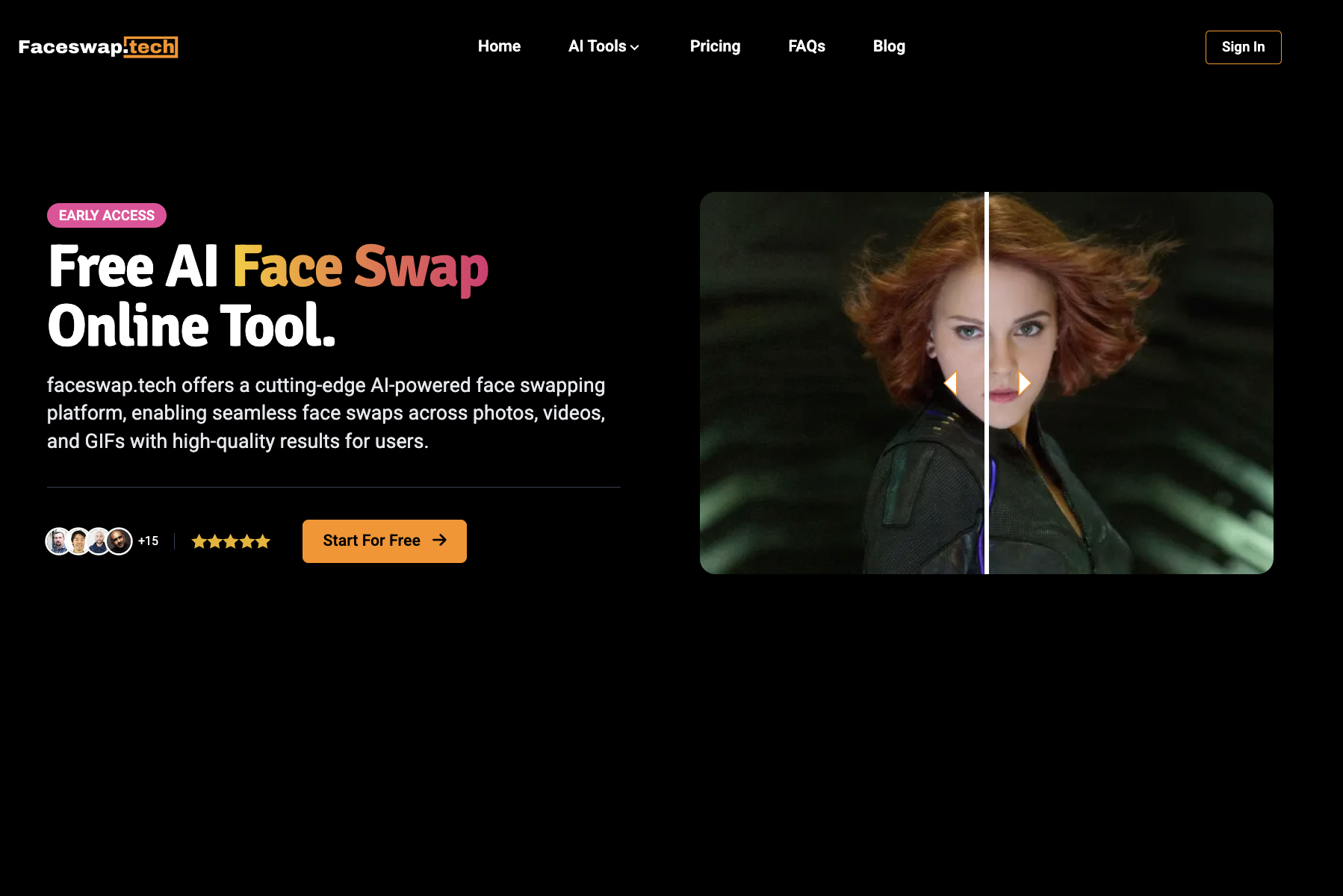
A browser-based AI toolkit for face swapping across video, photos, GIFs, and voice cloning.
Alternatives to Fakeface
View all →Swap faces in photos, videos, and GIFs with AI in seconds—free, watermark-free, and entirely online.


The Verdict
AI-generated from listing dataBeArt is the better default for casual, occasional use: it is free with no watermarks and deletes uploads after one day, but its free tier caps videos at 30 seconds and 100MB. Fakeface offers far higher capacity (2GB uploads, up to 8K output, daily free credits) and faster processing, at the cost of a freemium model with more limited free usage and a 7-day retention window.
Key differences
- •Free-tier limits: BeArt caps free videos at 30s and 100MB; Fakeface gives free daily credits with a 2GB max upload, but free use is capped by daily credits.
- •Output resolution: Fakeface advertises up to 8K; BeArt does not specify output resolution.
- •Privacy retention: BeArt auto-deletes uploads within 24 hours; Fakeface uses encryption and auto-deletes after 7 days.
- •Processing speed: Fakeface lists photos in 1-2s and videos in 10-30s; BeArt's queue is about 1 minute.
- •Platform and format support: Fakeface lists mobile-friendly web use and MP4/MOV/GIF/JPG/PNG/WEBP; BeArt adds M4V and WEBM and has no mobile app.
Pricing & value
Both offer free tiers; BeArt's is unlimited-feeling for short clips, Fakeface's daily credits suit repeated use. Paid prices unspecified.
Ease of use / learning curve
Fakeface describes a clear three-step process (upload media, upload target face, generate) and works on mobile browsers.
Features & depth
Fakeface lists up to 8K output and 2GB uploads; BeArt adds niche features like celebrity and painting swaps and multi-face video.
Integrations & ecosystem
Neither lists integrations with other tools; both are standalone browser-based services.
Collaboration
Collaboration features are not specified for either product.
Scalability
Fakeface supports 2GB uploads and up to 8K output, versus BeArt's paid cap of 300s and 1000MB.
Support
Support channels and service levels are not specified for either product.
Security & privacy
Fakeface lists encrypted processing, though it keeps data 7 days versus BeArt's 1-day deletion, so privacy advantage is mixed.
Migration / lock-in
Both are cloud-only browser tools with no downloads, so switching cost is low; export options are not specified.
Choose BeArt AI Face Swap if…
Casual user making short, free face-swap clips or GIFs who wants no watermarks and fast deletion.
Choose Fakeface if…
Creator or editor needing higher resolution, larger files, mobile access, and daily free credits.
Common questions
Which is cheaper to start with?
Both have free tiers. BeArt's free tier allows videos up to 30 seconds and 100MB, while Fakeface offers free daily credits. Paid pricing is unspecified for both.
Do either add watermarks to results?
No. Both state their outputs have no watermarks, including on free tiers.
Which handles larger or higher-quality projects?
Fakeface, which supports uploads up to 2GB and output up to 8K. BeArt's paid cap is 300 seconds and 1000MB, and its output resolution is not specified.