


Fakeface vs VideoFaceSwap
Side-by-side comparison of features, pricing, ratings, and alternatives.


Fakeface is an AI-powered online face swap tool that lets users swap faces in photos, videos, and GIFs quickly and with high-quality results. It offers free daily credits, a simple three-step process, and claims fast processing, high resolution, privacy protection, and watermark-free output.
VideoFaceSwap is a free, browser-based AI face swap tool that creates realistic video face swaps from a source video and target face photo. It supports single and multiple face swaps, GIF swaps, and image-to-video face swaps with no registration or payment required.
- Free daily credits available
- No watermarks on generated content
- Supports photos, videos, and GIFs
- Fast processing: photos in 1-2 seconds, videos in 10-30 seconds
- 100% free and unlimited
- No registration or login required
- Beginner-friendly three-step workflow
- Supports single-person and multi-person face swaps
- Free tier is limited by daily credits
- Premium plans required for faster speeds and more credits
- Cloud-only; no offline desktop version
- Deepfake/face swap technology may raise ethical and legal concerns
- Browser-based only; no offline desktop app mentioned
- Face swap accuracy depends on video quality and clear face photos
- No explicit file size or duration limits disclosed
- No API, batch processing, or team features mentioned
More alternatives & similar tools
Alternatives to Fakeface
View all →
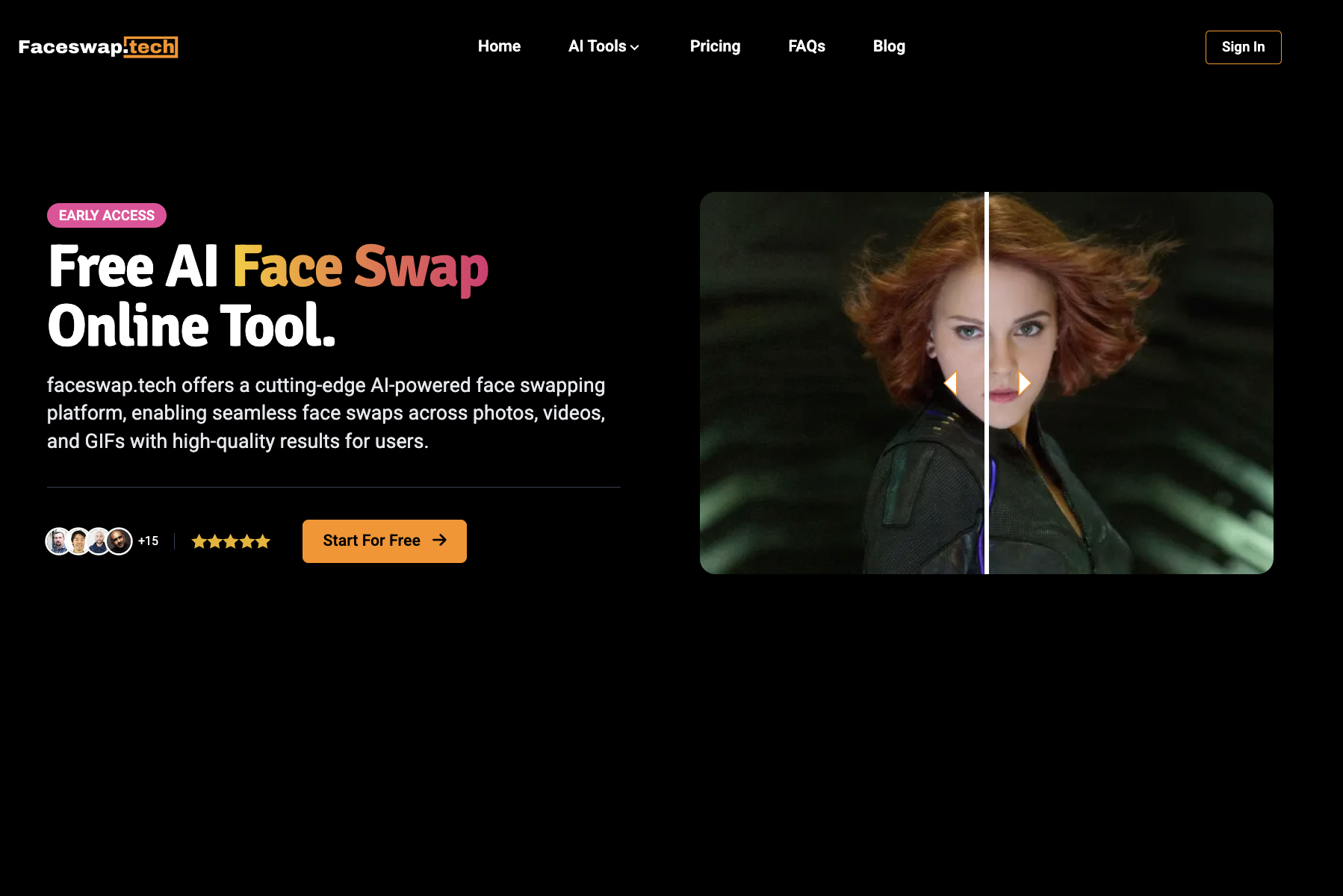
Swap faces in photos, videos, and GIFs with AI in seconds—free, watermark-free, and entirely online.

Alternatives to VideoFaceSwap
View all →
The Verdict
AI-generated from listing dataVideoFaceSwap is the safer default for buyers who want zero cost and no sign-up, but it discloses no limits. Fakeface offers higher resolution, larger uploads, and more capability, at the cost of a daily-credit free tier and premium upsells.
Key differences
- •Pricing: VideoFaceSwap is advertised as 100% free and unlimited; Fakeface is freemium with daily credits and premium plans for faster speeds.
- •Output quality: Fakeface advertises outputs up to 8K with no watermarks; VideoFaceSwap does not specify output resolution.
- •Upload limits: Fakeface supports uploads up to 2GB; VideoFaceSwap discloses no file size or duration limits.
- •Format and media coverage: Fakeface supports JPG, PNG, WEBP, MP4, MOV, and GIF; VideoFaceSwap lists video, GIF, and image-to-video swaps with MP4, MOV, and other common video formats.
- •Privacy handling: Fakeface specifies encryption and auto-deletion after 7 days; VideoFaceSwap cites manual history and file deletion controls.
Pricing & value
VideoFaceSwap is free and unlimited with no registration; Fakeface's free tier is capped by daily credits.
Ease of use / learning curve
Both use a simple three-step workflow in a browser with no installation required.
Features & depth
Fakeface adds up to 8K output, no watermarks, GIF support, and a 2GB upload cap; VideoFaceSwap's specs are less detailed.
Integrations & ecosystem
Neither product mentions integrations, APIs, or third-party connections; not specified for either.
Collaboration
Neither mentions team or collaboration features; not specified for either.
Scalability
Fakeface offers premium plans for faster speeds and more credits; VideoFaceSwap mentions no batch processing or API.
Security & privacy
Fakeface documents encrypted uploads and auto-deletion after 7 days; VideoFaceSwap cites manual deletion controls without encryption details.
Choose Fakeface if…
A professional editor needing high-resolution, watermark-free outputs and larger uploads.
Choose VideoFaceSwap if…
A budget-conscious creator making occasional short face-swap memes with no sign-up desired.
Common questions
Is VideoFaceSwap really free with no limits?
It is advertised as 100% free and unlimited with no registration, though explicit file size or duration limits are not disclosed.
Can Fakeface produce high-quality output without watermarks on the free tier?
Fakeface states that no watermarks are applied to free or paid outputs, with resolution up to 8K, though free use is limited by daily credits.
Do either of these work offline or support team features?
No, both are browser-based only; neither mentions an offline desktop app, API, batch processing, or team collaboration features.