


Deepfake Maker vs VideoFaceSwap
Side-by-side comparison of features, pricing, ratings, and alternatives.


Deepfake Maker is an online AI-powered deepfake video, image, and GIF face swap tool that lets users create realistic face swaps quickly and easily in the browser.
VideoFaceSwap is a free, browser-based AI face swap tool that creates realistic video face swaps from a source video and target face photo. It supports single and multiple face swaps, GIF swaps, and image-to-video face swaps with no registration or payment required.
No specific pricing details are listed; the page mentions free credits and premium upgrade options but does not state any plan prices.
- Fast and easy browser-based workflow
- Supports photos, videos, and GIFs
- Offers both Basic and HD face swap models
- Supports single face, multiple faces, and batch photo processing
- 100% free and unlimited
- No registration or login required
- Beginner-friendly three-step workflow
- Supports single-person and multi-person face swaps
- Free tier is limited
- Premium paid plans needed for HD results and unlimited use
- Ethical and legal concerns around deepfake content
- Browser-based only; no offline desktop app mentioned
- Face swap accuracy depends on video quality and clear face photos
- No explicit file size or duration limits disclosed
- No API, batch processing, or team features mentioned
More alternatives & similar tools
Alternatives to Deepfake Maker
View all →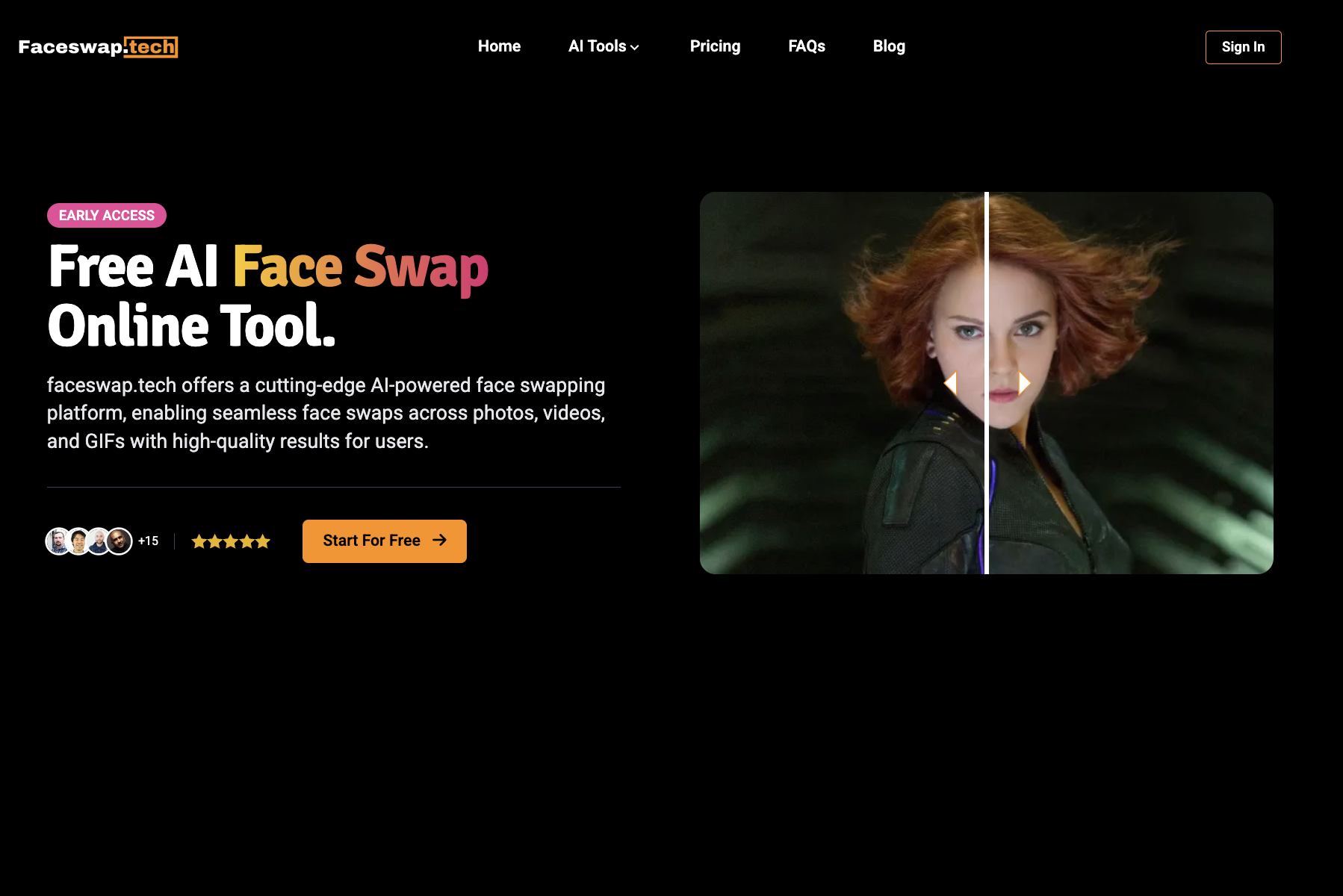


Swap faces in photos, videos, and GIFs with AI in seconds—free, watermark-free, and entirely online.
Alternatives to VideoFaceSwap
View all →

The Verdict
AI-generated from listing dataDeepfake Maker offers a freemium model with premium upgrades for HD results, while VideoFaceSwap claims 100% free unlimited use but lacks detailed pricing and feature depth.
Key differences
- •Deepfake Maker provides a tiered freemium model with premium features like HD quality and batch processing; VideoFaceSwap is advertised as completely free with no premium tier.
- •Deepfake Maker supports a wider range of media (photos, videos, GIFs) and includes extra AI tools (image generator, photo restoration, age filter); VideoFaceSwap focuses mainly on video face swaps.
- •Deepfake Maker offers multiple AI models (Basic, HD, GPT Image 2, Seedance 2.0, Banana Pro) and specific face‑swap modes (single, multiple, batch); VideoFaceSwap does not specify model tiers or batch capabilities.
- •Deepfake Maker mentions privacy‑first design and premium removal of daily limits; VideoFaceSwap emphasizes no registration and manual history deletion but provides no detail on limits.
- •Deepfake Maker lists explicit input formats (PNG, JPG, JPEG, WEBP, MP4, MOV, GIF); VideoFaceSwap only lists MP4, MOV, and “common video formats” without detail.
Pricing & value
Deepfake Maker has a freemium tier with premium upgrades; VideoFaceSwap’s pricing is unknown beyond “free” claim.
Ease of use / learning curve
Both are browser‑based with beginner‑friendly interfaces; no registration needed for VideoFaceSwap, but Deepfake Maker also easy.
Features & depth
Deepfake Maker offers photo, video, GIF swaps, batch processing, HD models, and extra AI tools; VideoFaceSwap limited to video swaps.
Integrations & ecosystem
VideoFaceSwap mentions no integrations; Deepfake Maker also lists no integrations, so tie—but VideoFaceSwap’s lack of registration is a slight advantage.
Collaboration
Neither product mentions team or collaboration features.
Scalability
Deepfake Maker’s premium removes daily limits and size restrictions; VideoFaceSwap provides no info on limits.
Support
Neither product provides support details in the supplied facts.
Security & privacy
VideoFaceSwap highlights manual history/file deletion and no registration; Deepfake Maker mentions privacy‑first design but no specifics.
Migration / lock‑in
Both are web‑based with no disclosed export or lock‑in constraints.
Choose Deepfake Maker if…
Creators needing HD quality, batch/photo processing, or extra AI tools and willing to pay for premium.
Choose VideoFaceSwap if…
Users who need simple, free video face swaps without registration and can accept unknown limits.
Common questions
Is there any cost to use either tool?
Deepfake Maker is freemium with optional paid premium upgrades; VideoFaceSwap is advertised as free but pricing details are unknown.
Can I process multiple photos or videos at once?
Deepfake Maker supports batch photo face swap and multiple face swaps in videos; VideoFaceSwap does not specify batch capabilities.
What media types are supported?
Deepfake Maker accepts PNG, JPG, JPEG, WEBP, MP4, MOV, GIF; VideoFaceSwap lists MP4, MOV, and other common video formats only.