


FaceSwapVideo vs VideoFaceSwap
Side-by-side comparison of features, pricing, ratings, and alternatives.


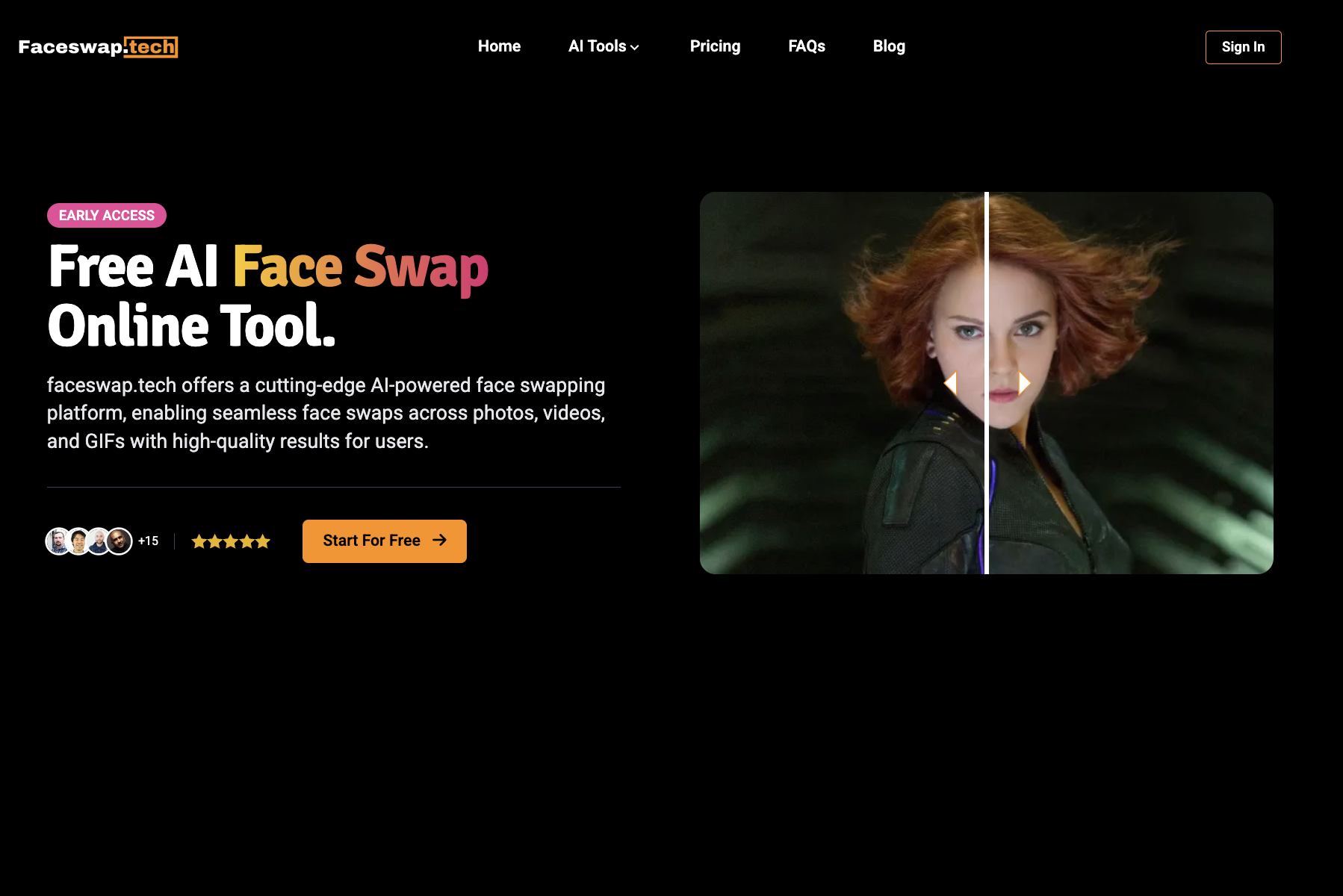
FaceSwapVideo is a free online AI-powered face swap tool that lets users swap faces in videos, photos, GIFs, and multiple-face scenes directly in the browser without downloading software.
VideoFaceSwap is a free, browser-based AI face swap tool that creates realistic video face swaps from a source video and target face photo. It supports single and multiple face swaps, GIF swaps, and image-to-video face swaps with no registration or payment required.
- 100% free with daily 1,000 credits
- No installation or downloads required
- Fast processing, often under a minute
- Supports video, photo, GIF, and multiple face swaps
- 100% free and unlimited
- No registration or login required
- Beginner-friendly three-step workflow
- Supports single-person and multi-person face swaps
- Currently supports face swapping for only one person per video target photo
- Daily credit system may limit very heavy usage
- Browser-based only; no offline desktop app mentioned
- Face swap accuracy depends on video quality and clear face photos
- No explicit file size or duration limits disclosed
- No API, batch processing, or team features mentioned
More alternatives & similar tools
Alternatives to FaceSwapVideo
View all →

Alternatives to VideoFaceSwap
View all →
The Verdict
AI-generated from listing dataBoth tools are free browser‑based face‑swap solutions, but FaceSwapVideo limits usage to 1,000 daily credits while VideoFaceSwap offers unlimited swaps with no stated limits.
Key differences
- •FaceSwapVideo caps daily usage at 1,000 credits; VideoFaceSwap claims unlimited use.
- •VideoFaceSwap supports multi‑person swaps; FaceSwapVideo currently supports only one person per video.
- •FaceSwapVideo lists a 500 MB / 30‑minute upload limit; VideoFaceSwap does not disclose size or length limits.
- •VideoFaceSwap explicitly offers privacy controls for manual history/file deletion; FaceSwapVideo only claims strong privacy measures.
- •FaceSwapVideo includes additional AI tools (e.g., French Kiss Generator, AI Clothes Changer) beyond face swapping; VideoFaceSwap focuses on face‑swap functionality.
Pricing & value
VideoFaceSwap is explicitly free with unlimited use; FaceSwapVideo limits to 1,000 daily credits.
Ease of use / learning curve
Both are browser‑based, no installation, and described as beginner‑friendly.
Features & depth
FaceSwapVideo offers a broader suite of AI tools (video denoiser, art generator, clothes changer, etc.).
Integrations & ecosystem
Neither product mentions integrations with other platforms or APIs.
Collaboration
No collaboration or team features are specified for either tool.
Scalability
VideoFaceSwap’s unlimited usage makes it more scalable for high‑volume creators.
Support
Support details are not provided for either product.
Security & privacy
VideoFaceSwap mentions manual history/file deletion; FaceSwapVideo only claims strong privacy without specifics.
Migration / lock‑in
Both are web‑based with no download, making switching between them straightforward.
Choose FaceSwapVideo if…
Casual users who need extra AI tools and are okay with daily credit limits.
Choose VideoFaceSwap if…
Heavy‑use creators needing unlimited swaps and multi‑person support.
Common questions
Is there any cost or usage limit?
Both are free; FaceSwapVideo limits to 1,000 daily credits, while VideoFaceSwap offers unlimited swaps.
Can I swap faces of multiple people in one video?
VideoFaceSwap supports multi‑person swaps; FaceSwapVideo currently supports only one person per video.
What are the file size or length restrictions?
FaceSwapVideo caps uploads at 500 MB or 30 minutes; VideoFaceSwap does not disclose any limits.