


Deepfake Maker vs FaceSwapVideo
Side-by-side comparison of features, pricing, ratings, and alternatives.


Deepfake Maker is an online AI-powered deepfake video, image, and GIF face swap tool that lets users create realistic face swaps quickly and easily in the browser.
FaceSwapVideo is a free online AI-powered face swap tool that lets users swap faces in videos, photos, GIFs, and multiple-face scenes directly in the browser without downloading software.
No specific pricing details are listed; the page mentions free credits and premium upgrade options but does not state any plan prices.
- Fast and easy browser-based workflow
- Supports photos, videos, and GIFs
- Offers both Basic and HD face swap models
- Supports single face, multiple faces, and batch photo processing
- 100% free with daily 1,000 credits
- No installation or downloads required
- Fast processing, often under a minute
- Supports video, photo, GIF, and multiple face swaps
- Free tier is limited
- Premium paid plans needed for HD results and unlimited use
- Ethical and legal concerns around deepfake content
- Currently supports face swapping for only one person per video target photo
- Daily credit system may limit very heavy usage
More alternatives & similar tools
Alternatives to Deepfake Maker
View all →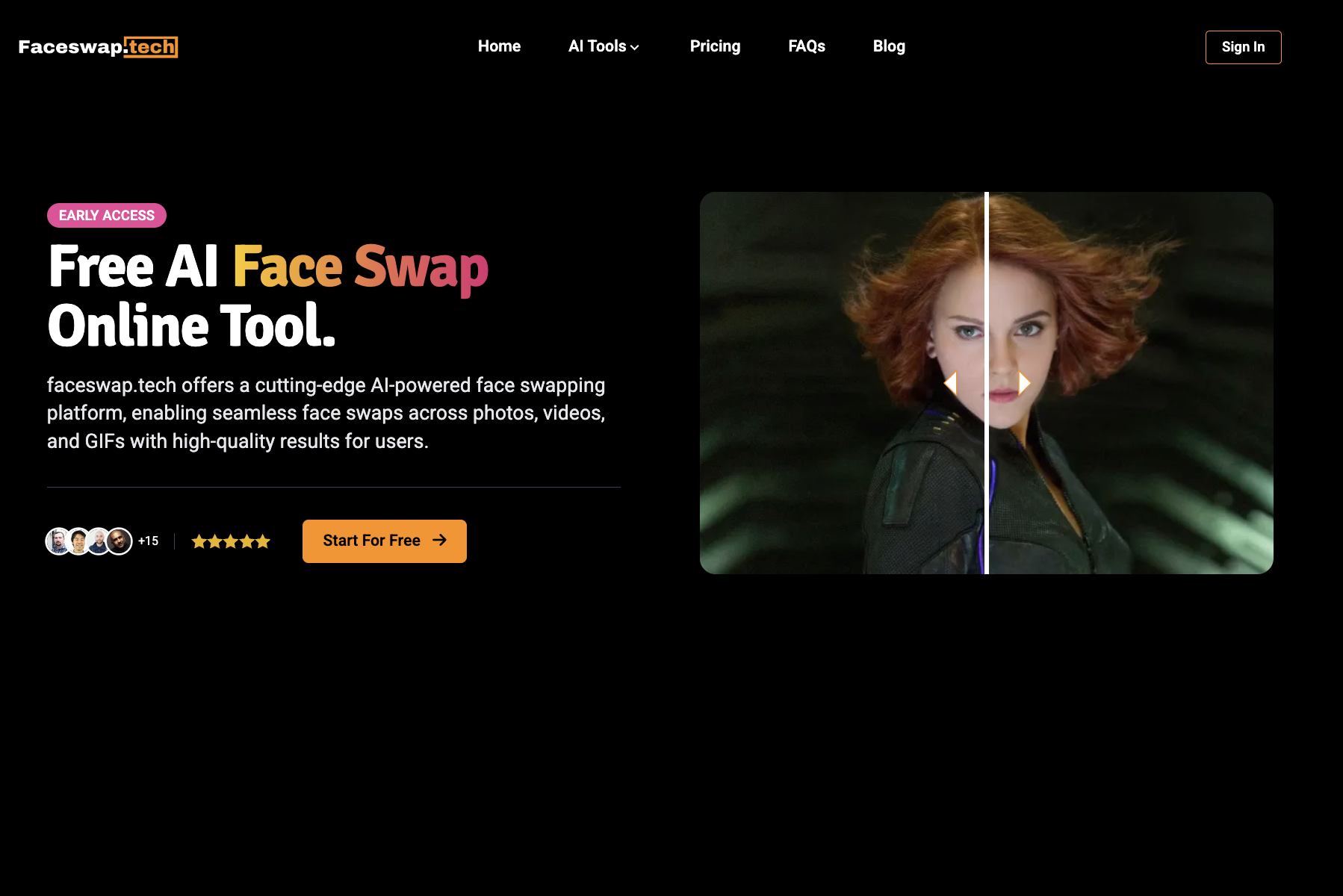


Swap faces in photos, videos, and GIFs with AI in seconds—free, watermark-free, and entirely online.
Alternatives to FaceSwapVideo
View all →The Verdict
AI-generated from listing dataBoth tools are free‑to‑start browser‑based face‑swap solutions, but FaceSwapVideo (A) offers a larger daily credit pool with no paid tier, while Deepfake Maker (B) provides higher‑quality HD models and more flexible licensing at the cost of a premium upgrade.
Key differences
- •Daily credit limits: A gives 1,000 free credits per day; B’s free tier is limited and requires paid upgrade for unlimited use.
- •Output quality options: B offers Basic and HD AI models; A does not specify HD quality.
- •Multiple‑face support: B explicitly supports multiple faces and batch photo processing; A currently supports only one face per video.
- •Additional AI tools: B includes image generator, photo restoration, age filter, etc.; A provides a different set of video/photo tools but fewer listed extras.
- •Pricing model: A is entirely free with no premium tier mentioned; B uses a freemium model with paid plans for HD results and unlimited usage.
Pricing & value
A is 100% free with 1,000 daily credits; B requires premium upgrade for unlimited/HD use.
Ease of use / learning curve
Both are browser‑based, no download, and described as beginner‑friendly.
Features & depth
B offers HD models, batch processing, and more AI tools (image generator, restoration, age filter).
Integrations & ecosystem
No integration details provided for either product.
Collaboration
Collaboration capabilities are not mentioned for either tool.
Scalability
B’s premium tier removes limits on size/duration, supporting larger/longer projects.
Support
Support options are not described for either product.
Security & privacy
A claims strong privacy and security measures; B only mentions privacy‑first design without specifics.
Migration / lock‑in
No information on data export or lock‑in for either tool.
Choose Deepfake Maker if…
Producers needing HD output, batch/multiple face swaps, and are willing to pay for premium.
Choose FaceSwapVideo if…
Casual creators needing free, high‑volume daily swaps without HD quality.
Common questions
Can I use either tool without paying anything?
A is completely free with 1,000 daily credits; B offers a free tier but limits usage and requires premium for unlimited/HD.
Which tool supports swapping multiple faces in one video?
Deepfake Maker (B) supports multiple faces and batch photo mode; FaceSwapVideo (A) currently supports only one face per video.
Do either of these tools offer HD‑quality results?
Only Deepfake Maker (B) provides an HD model (requires premium); A does not specify HD quality.