


BeArt AI Face Swap vs FaceSwapAI
Side-by-side comparison of features, pricing, ratings, and alternatives.


BeArt AI Face Swap is a free online tool that lets you swap faces in photos, videos, and GIFs using advanced AI technology. The platform is designed for ease of use, allowing users to upload a source photo, video, or GIF, select a target face from presets or upload a custom one, and generate realistic face swaps in seconds. It supports various media formats including JPG, PNG, WEBP for images and GIF, M4V, MP4, MOV, WEBM for videos, with free credits allowing up to 30 seconds or 100MB uploads. The tool emphasizes privacy by automatically clearing uploaded images from servers within one day. BeArt AI Face Swap is accessible directly in the browser without downloads, produces watermark-free results, and aims to deliver ultra-realistic output that captures lighting, expressions, and details naturally. It's ideal for creating memes, social media content, gender-bending transformations, celebrity swaps, and artistic avatar creations, making it a versatile tool for both casual users and content creators. The platform also offers paid credits for longer videos up to 300 seconds and larger files up to 1000MB.
FaceSwapAI is a browser-based AI face swap platform supporting photos, group photos, videos, and GIFs. It also offers AI image editing and 8K upscaling. Users can browse examples without signing up, but generating requires a verified account and consent for every face. Paid outputs have no trial watermark, and task files are deleted after 24 hours.
No dollar-based pricing or named subscription plans (e.g., Free/Starter/Pro/Business/Enterprise) appear on the page. The only pricing language is credit-based: Photo Face Swap 3 credits, Multiple Face Swap 3 credits per selected face, Video/GIF Face Swap 1 credit per second with a 3-credit minimum, AI Image Edit Pro 2K 8 credits, and Ultimate Image Upscale 8K 6 credits. No currency conversion or plan tiers are stated, and the page links to a separate 'Live credit pricing' page without listing amounts here.
- Free to use with no hidden costs for basic swaps
- No watermarks on generated results
- No downloads needed; works directly in the browser
- Supports multiple media types: photos, videos, and GIFs
- Free access to examples and before/after comparisons without sign-up
- Supports multiple media types: photo, group photo, video, and GIF
- Clear credit pricing and file limits published upfront
- Browser-based, no app installation required
- Free tier limits videos to 30 seconds and 100MB
- Paid credits required for longer videos and larger files
- No mobile app; relies on browser access
- Processing queue can take around 1 minute
- Sign-in and verified email required to generate
- Consent required for every face used
- Trial result includes a watermark with the full account email
- Credit packs and actual monetary prices are not listed in the scraped content
More alternatives & similar tools
Alternatives to BeArt AI Face Swap
View all →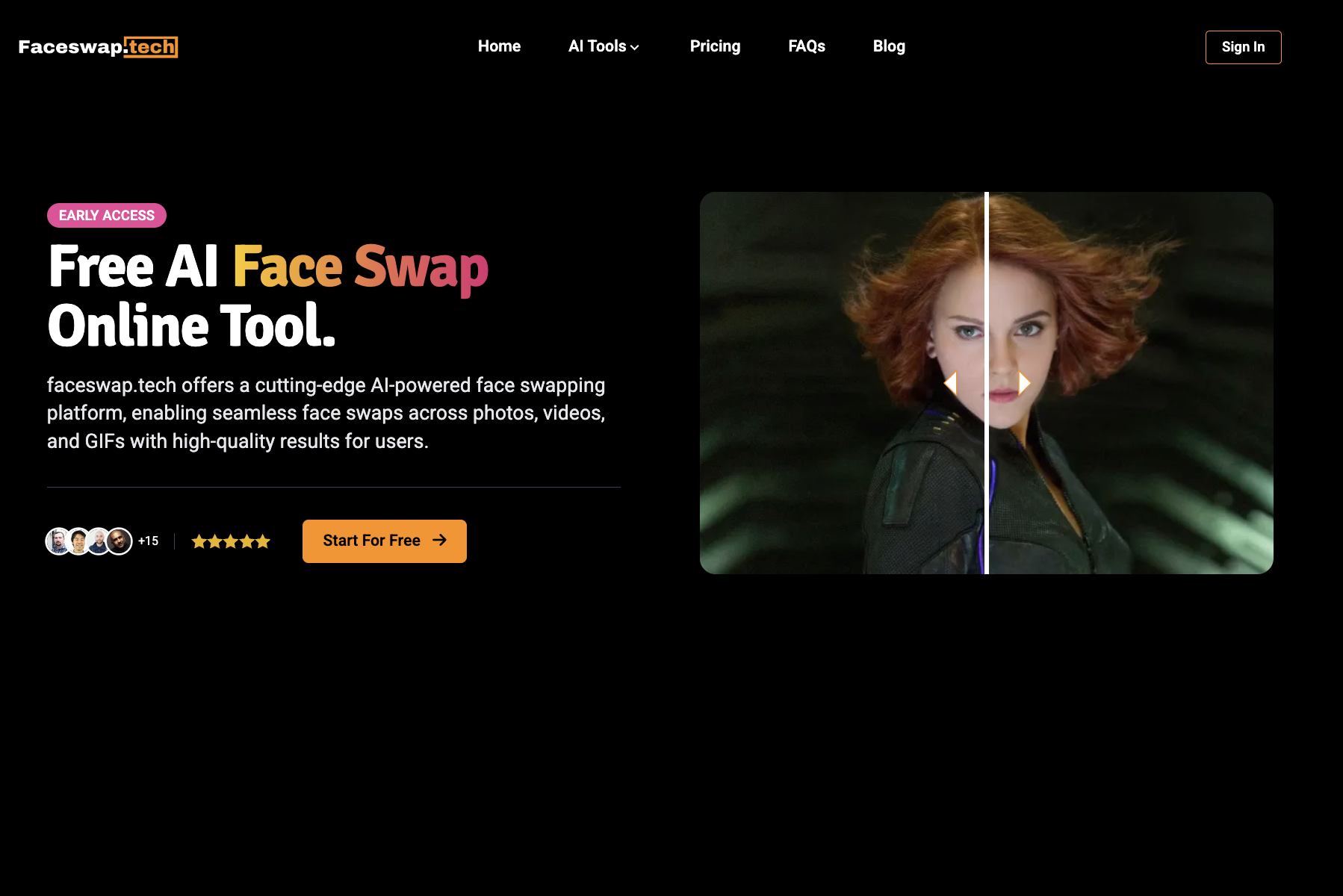
A browser-based AI toolkit for face swapping across video, photos, GIFs, and voice cloning.
Alternatives to FaceSwapAI
View all →A browser-based AI toolkit for face swapping across video, photos, GIFs, and voice cloning.

The Verdict
AI-generated from listing dataBeArt AI Face Swap offers a completely free, watermark‑free browser tool with limited video length, while FaceSwapAI adds a sign‑in requirement and paid credits but supports longer videos and more file formats.
Key differences
- •BeArt AI is free for basic use with no sign‑in; FaceSwapAI requires account verification and paid credits for most swaps.
- •BeArt limits video swaps to 30 seconds/100 MB; FaceSwapAI allows up to 600 seconds/100 MB video files.
- •FaceSwapAI supports many more image/video formats (e.g., AVI, HEIC) than BeArt’s limited set.
- •FaceSwapAI offers a credit calculator and explicit per‑second pricing; BeArt’s paid credit limits are listed but no price details.
- •FaceSwapAI’s trial results include a watermark with the user’s email; BeArt’s outputs are always watermark‑free.
Pricing & value
FaceSwapAI publishes credit limits and per‑second costs, enabling cost planning; BeArt’s paid credit pricing is not disclosed.
Ease of use / learning curve
BeArt requires no sign‑in or account, works instantly in browser; FaceSwapAI needs verified email and consent per face.
Features & depth
FaceSwapAI supports longer videos (up to 600 s), more formats, and up to 10 face swaps per image.
Integrations & ecosystem
Both are browser‑only tools with no mentioned integrations or apps.
Collaboration
Neither product mentions collaboration features; both are individual‑user tools.
Scalability
FaceSwapAI handles larger files (100 MB video, 30 s GIF) and longer durations, suitable for higher‑volume needs.
Support
No support details are provided for either product.
Security & privacy
Both delete uploaded files after 24 hours; BeArt explicitly states no watermarks and no hidden costs.
Migration / lock‑in
No data export or lock‑in information is given for either service.
Choose BeArt AI Face Swap if…
Ideal for casual users needing quick, free swaps of short videos or photos without creating an account.
Choose FaceSwapAI if…
Best for creators who need longer videos, more format support, and are willing to manage credits and sign‑in.
Common questions
Is there any cost to start using either tool?
BeArt AI Face Swap is free for basic swaps; FaceSwapAI requires sign‑in and uses paid credit packs for most swaps.
Can I swap faces in videos longer than 30 seconds?
BeArt limits videos to 30 seconds (100 MB); FaceSwapAI allows up to 600 seconds (100 MB).
Do the outputs contain watermarks?
BeArt’s results are always watermark‑free; FaceSwapAI’s trial outputs include a watermark showing the account email.