Discover, compare, and save the best photo editors alternatives.
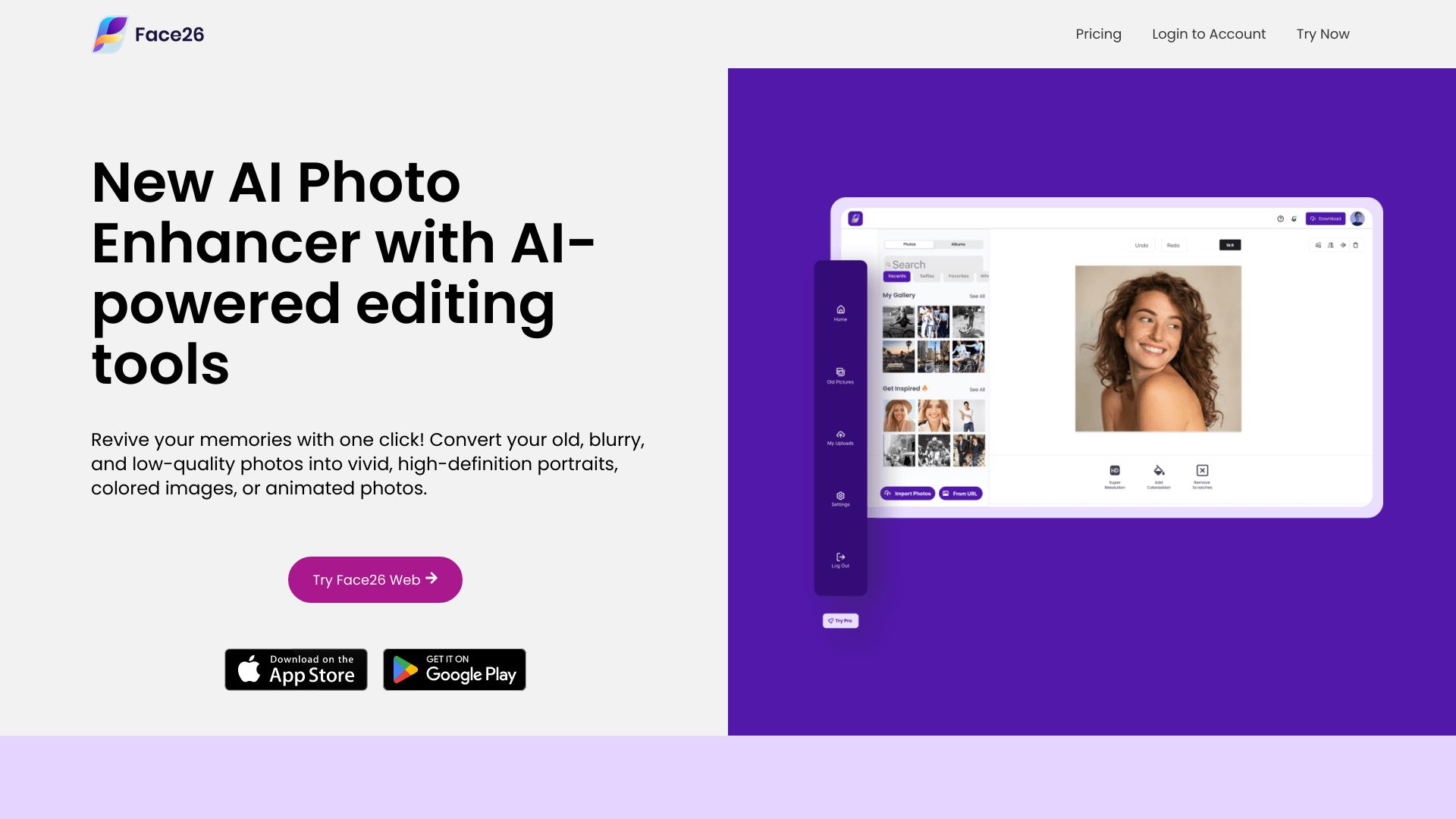
Pixelmator Pro, Adobe Photoshop, Affinity Photo, Adobe Lightroom, GIMP and Face26 are among the top-rated Photo Editors picks.
Photo Editors are software tools designed for manipulating and enhancing digital images. They cater to a wide range of users, from professional photographers and graphic designers to hobbyists and social media enthusiasts. These tools solve the problem of transforming raw photos into stunning visuals, making them perfect for various applications, including advertising, social media, and personal projects. The key differences between Photo Editors lie in their features, pricing models, and system requirements. For instance, Adobe Photoshop and Affinity Photo offer advanced tools for professionals, while GIMP and PaintShop Pro provide more affordable alternatives with similar functionality. Meanwhile, Adobe Lightroom and Capture One focus on photo management and editing for photographers, with a more streamlined workflow and specialized tools. Choosing the right Photo Editor can be overwhelming, given the numerous options available. Findalternative.net's comparison tool helps narrow down the field by allowing users to filter software based on their specific needs, such as operating system, pricing, and features. By comparing different Photo Editors, users can make informed decisions and find the perfect tool for their photo editing requirements.
Raster graphics, like those edited in Adobe Photoshop, are composed of pixels, while vector graphics, like those created in Adobe Illustrator, are made up of lines and shapes. Raster graphics are ideal for photos, while vector graphics are better suited for logos and illustrations.
While some Photo Editors, like Adobe Photoshop, require a subscription or one-time payment, others, like GIMP, are completely free and open-source. Additionally, some paid software, like Pixelmator Pro, offer a free trial or affordable pricing plans.
Yes, many Photo Editors, such as Adobe Lightroom and Capture One, offer cross-platform compatibility, allowing users to access and edit their photos on multiple devices, including desktop computers, laptops, and mobile devices.
System requirements vary depending on the software, but most Photo Editors require a relatively modern computer with a decent processor, RAM, and storage. For example, Adobe Photoshop requires at least 8GB of RAM and a 64-bit operating system.
While some Photo Editors, like Adobe Photoshop, offer tools for graphic design and digital painting, others, like Adobe Lightroom, are specifically designed for photo editing and management. However, many Photo Editors, such as Affinity Photo, offer a range of tools that can be used for various creative tasks.
Most Photo Editors offer tutorials, guides, and online resources to help users get started. Additionally, many software providers, like Adobe and Skylum, offer online courses, webinars, and workshops to help users improve their skills and master the software.
While some Photo Editors, like Adobe Photoshop, offer basic video editing tools, others, like Adobe Premiere Pro, are specifically designed for video editing. However, many Photo Editors, such as ACDSee, offer tools for editing and enhancing video frames, but may not provide full-fledged video editing capabilities.
Photo Editors splits into 6 related categories worth browsing on their own: Graphic Design (47), 3D Modeling (28), UI & UX Design (23), Photo Organizers (12), Icon & Font Tools (8), and Screen Capture (5) — worth a look if you already know roughly which kind you need.
Browsing by use case instead? These products also surface under Photo Editing (18), Image Editing (13), Background Removal (11), AI Photo Editor (8), AI-Powered (7), and Design (6) — topic pages that pull from the whole catalog, not just Photo Editors.
Comparing across more than just software? Findalternative.net also covers Hardware, Gadgets, Appliances, Games, and Hosting alternatives.
42% run on Web, 41% on Windows, 37% on Mac, and 19% on iOS — check platform support before committing if you need something specific.
Computed from real platform data across the category.
Across the Photo Editors products in our directory, 37% are free or freemium. 24% of products with a documented drawback cite pricing/cost concerns as a tradeoff worth knowing about going in.
Computed from real pricing and pros/cons data across the category — not a review aggregate.