Discover, compare, and save the best icon & font tools alternatives.
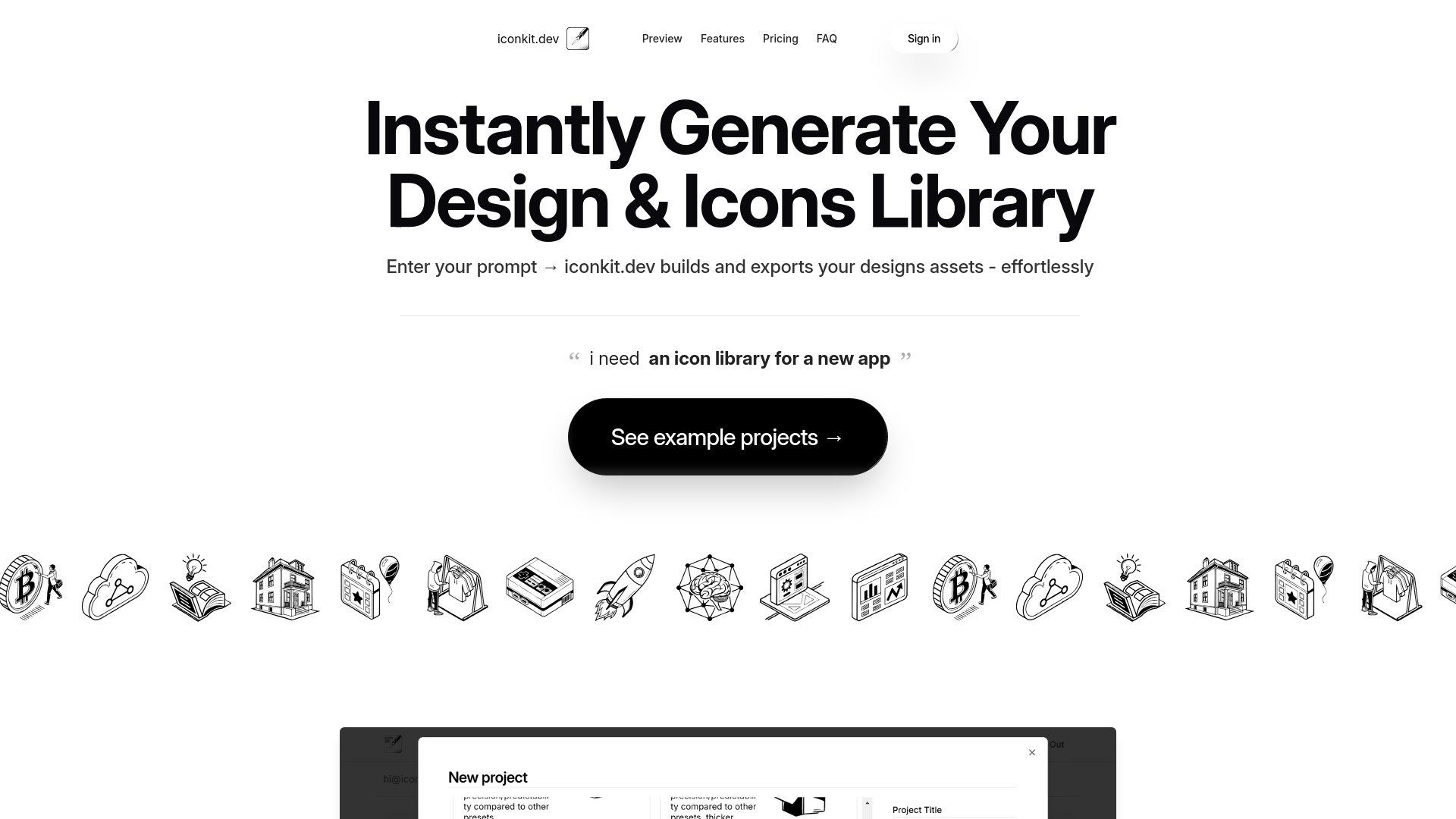
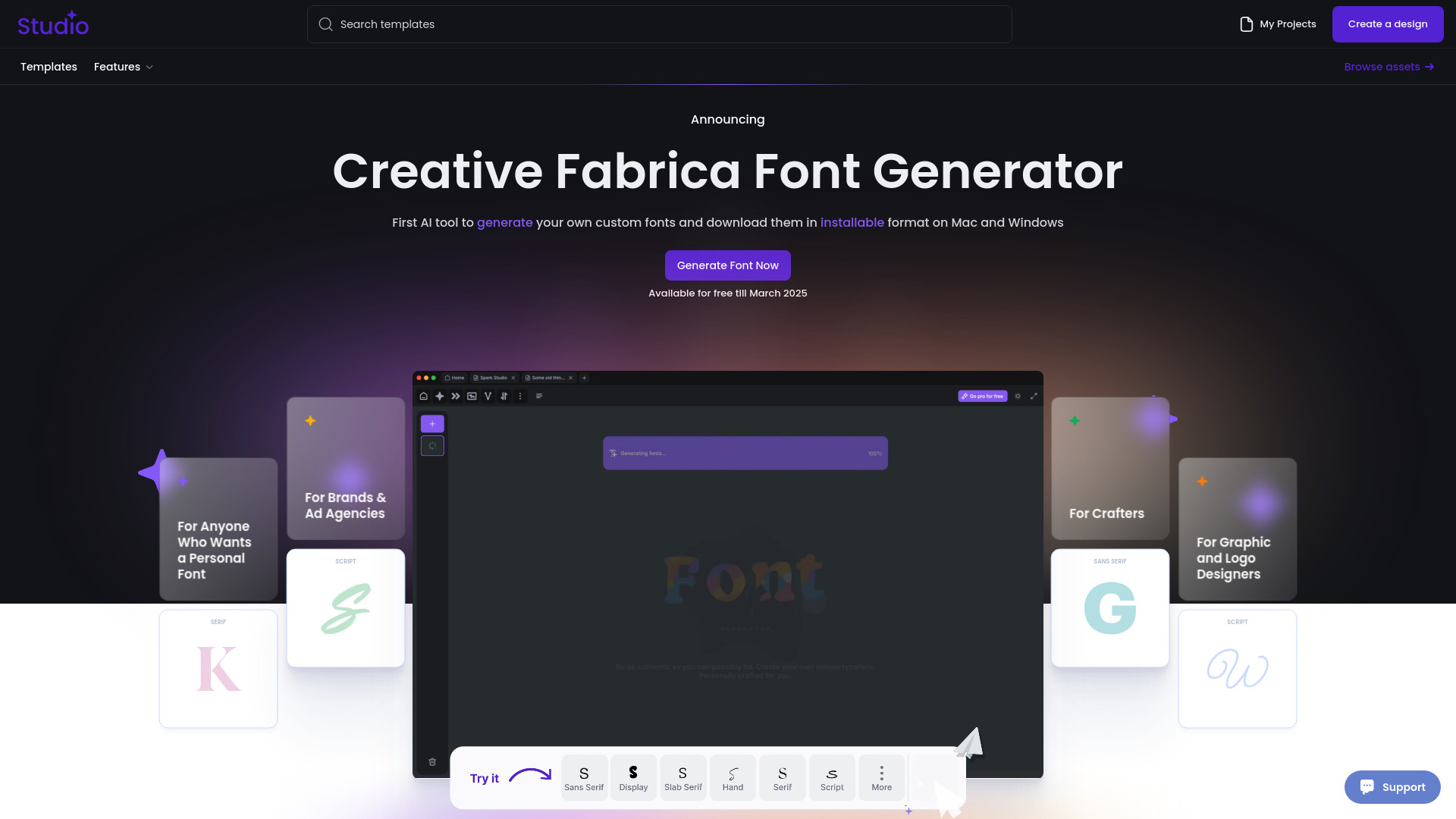
iconkit.dev, Fancy Text/Font Generator, Nucleo, Hugeicons, Glyphs and IconJar are among the top-rated Icon & Font Tools picks.
Icon & Font Tools are software solutions designed for graphic designers, developers, and digital artists who need to create, edit, and manage icons and fonts for various projects. These tools solve the problem of inefficient icon and font management, allowing users to streamline their workflow and focus on creative tasks. With Icon & Font Tools, users can easily design, customize, and optimize icons and fonts for different platforms and devices. The key differences between Icon & Font Tools lie in their features, pricing models, and user interfaces. For example, IcoFX offers advanced icon editing capabilities, while FontBase focuses on font management and organization. Some tools offer free versions or trials, while others require subscription or one-time payments. Understanding these differences is crucial to choosing the right tool for specific needs and budgets. To choose the best Icon & Font Tool, users can compare features, pricing, and user reviews on findalternative.net. Our platform provides a comprehensive directory of top Icon & Font Tools, allowing users to filter and sort options based on their requirements. By comparing tools like IcoFX and FontBase, users can make informed decisions and find the perfect alternative for their icon and font needs.
The primary function of Icon & Font Tools is to create, edit, and manage icons and fonts for various projects, including web design, mobile app development, and digital art.
Some Icon & Font Tools offer free versions or trials, while others require subscription or one-time payments. It's essential to check the pricing model of each tool before choosing the one that suits your budget.
To choose the best Icon & Font Tool, consider your specific requirements, such as icon editing capabilities, font management features, and compatibility with your operating system. Compare top tools on findalternative.net and read user reviews to make an informed decision.
Key features to look for in an Icon & Font Tool include icon editing and creation capabilities, font management and organization, compatibility with various file formats, and user-friendly interface. Some tools may also offer additional features like batch processing, effects, and plugins.
Yes, Icon & Font Tools can be used for web design to create and optimize icons and fonts for websites and web applications. Many tools offer features like icon resizing, formatting, and optimization for web use.
Some Icon & Font Tools are designed for beginners, offering user-friendly interfaces and intuitive features. However, others may require more advanced skills and knowledge of graphic design and font management. It's essential to choose a tool that suits your level of expertise.
Some Icon & Font Tools offer cross-platform compatibility, allowing you to use them on multiple devices, including Windows, Mac, and Linux. Check the system requirements of each tool to ensure it meets your needs.
Icon & Font Tools splits into 6 related categories worth browsing on their own: Photo Editors (59), Graphic Design (47), 3D Modeling (28), UI & UX Design (23), Photo Organizers (12), and Screen Capture (5) — worth a look if you already know roughly which kind you need.
Browsing by use case instead? These products also surface under IDE (2), and Design (2) — topic pages that pull from the whole catalog, not just Icon & Font Tools.
Comparing across more than just software? Findalternative.net also covers Hardware, Gadgets, Appliances, Games, and Hosting alternatives.