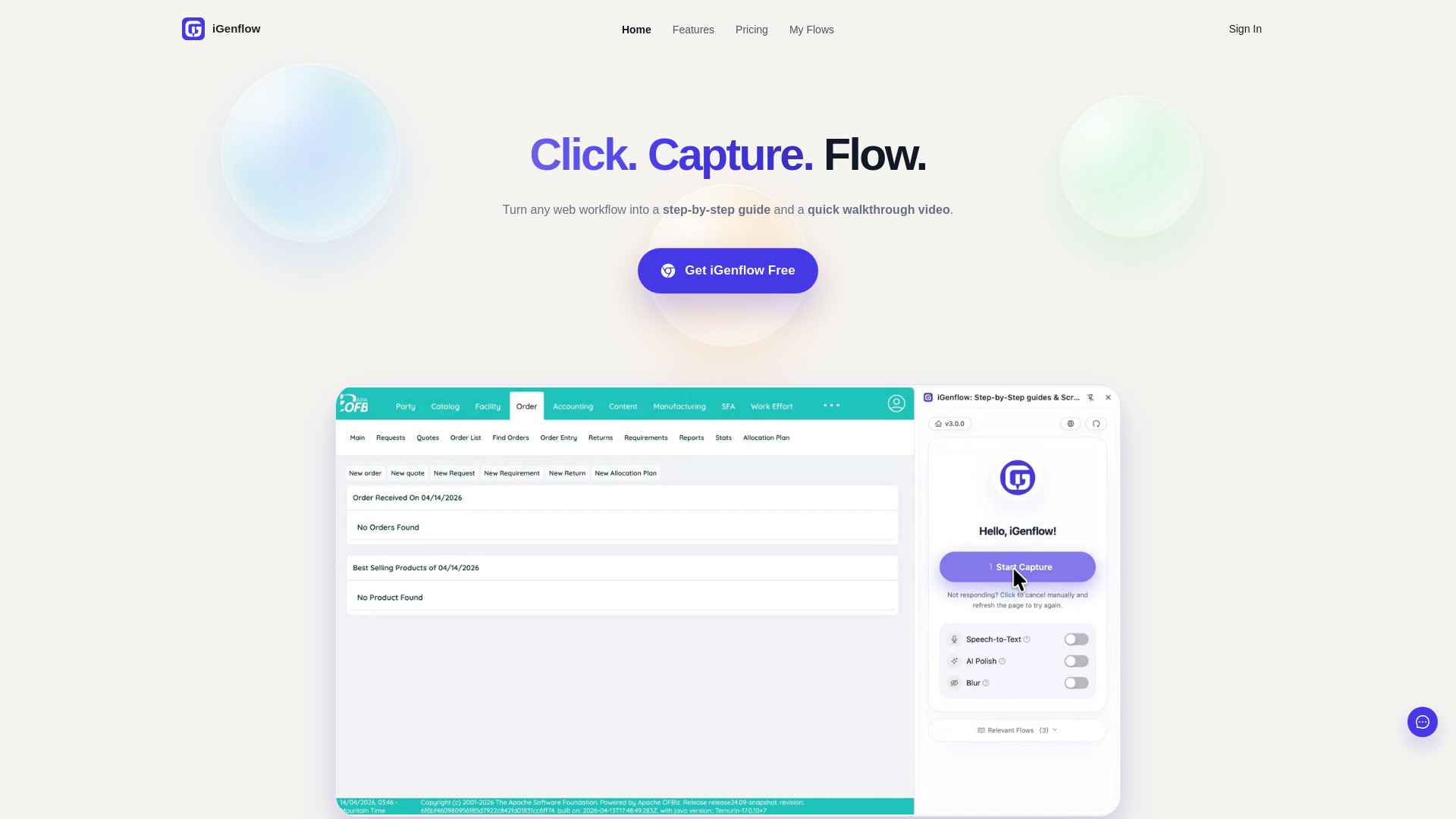
Discover, compare, and save the best screen capture alternatives.
iGenflow, Greenshot, Gyazo, Cleanshot X and SnapX are among the top-rated Screen Capture picks.
Screen Capture software is designed for individuals and professionals who need to take screenshots and edit them for various purposes, such as documentation, tutorials, or social media sharing. These tools solve the problem of cumbersome screenshot processing by providing features like annotation, cropping, and sharing. They are particularly useful for developers, technical writers, and marketers who need to communicate complex information visually. The main differences between Screen Capture options lie in their features, pricing models, and system compatibility. For instance, Gyazo and SnapX offer cloud-based screenshot storage, while Greenshot and Cleanshot X focus on offline editing capabilities. Pricing models vary, with some tools offering free versions with limited features and others requiring subscription or one-time payments. Users must weigh these tradeoffs to find the best fit for their workflow and budget. To choose the right Screen Capture software, consider your specific needs, such as the type of editing features you require, the frequency of use, and the desired output formats. Findalternative.net's comparison tool helps narrow down the options by providing a side-by-side feature comparison, user reviews, and pricing information. By using our directory, you can quickly identify the top alternatives to popular Screen Capture software and make an informed decision.
Free Screen Capture software often has limited features, watermarks, or time limits, while paid versions offer more advanced editing tools, cloud storage, and priority support. Consider your needs and budget to decide which option is best for you.
Yes, many Screen Capture software options allow commercial use, but be sure to check the licensing terms and conditions. Some tools, like Gyazo, offer specific plans for businesses and enterprises.
Consider your internet connectivity and collaboration needs. Cloud-based tools like Gyazo and SnapX are ideal for teams and those who need to access screenshots from anywhere, while offline tools like Greenshot and Cleanshot X are better suited for individuals with limited internet access or who prefer local storage.
Most Screen Capture software supports popular image formats like PNG, JPEG, and GIF, as well as PDF and other document formats. Check the software's specifications to ensure it supports your required output formats.
Yes, be cautious when using cloud-based Screen Capture software, as your screenshots may be stored on external servers. Choose a reputable provider with robust security measures, and consider using offline tools or encrypting your screenshots for sensitive information.
Yes, many Screen Capture software options offer cross-platform compatibility, allowing you to use them on Windows, Mac, or Linux devices. Some tools, like Gyazo, also have mobile apps for on-the-go screenshot capture and editing.
Most Screen Capture software offers a range of annotation tools, such as arrows, text, and shapes, as well as editing features like cropping, resizing, and color adjustment. Experiment with different tools to find the one that best suits your editing needs.
Screen Capture splits into 6 related categories worth browsing on their own: Photo Editors (59), Graphic Design (47), 3D Modeling (28), UI & UX Design (23), Photo Organizers (12), and Icon & Font Tools (8) — worth a look if you already know roughly which kind you need.
Browsing by use case instead? These products also surface under Screen Recording (2) — topic pages that pull from the whole catalog, not just Screen Capture.
Comparing across more than just software? Findalternative.net also covers Hardware, Gadgets, Appliances, Games, and Hosting alternatives.