



iGenflow
Click. Capture. Flow. Turn any web workflow into a step-by-step guide and a quick walkthrough video.
What is iGenflow?
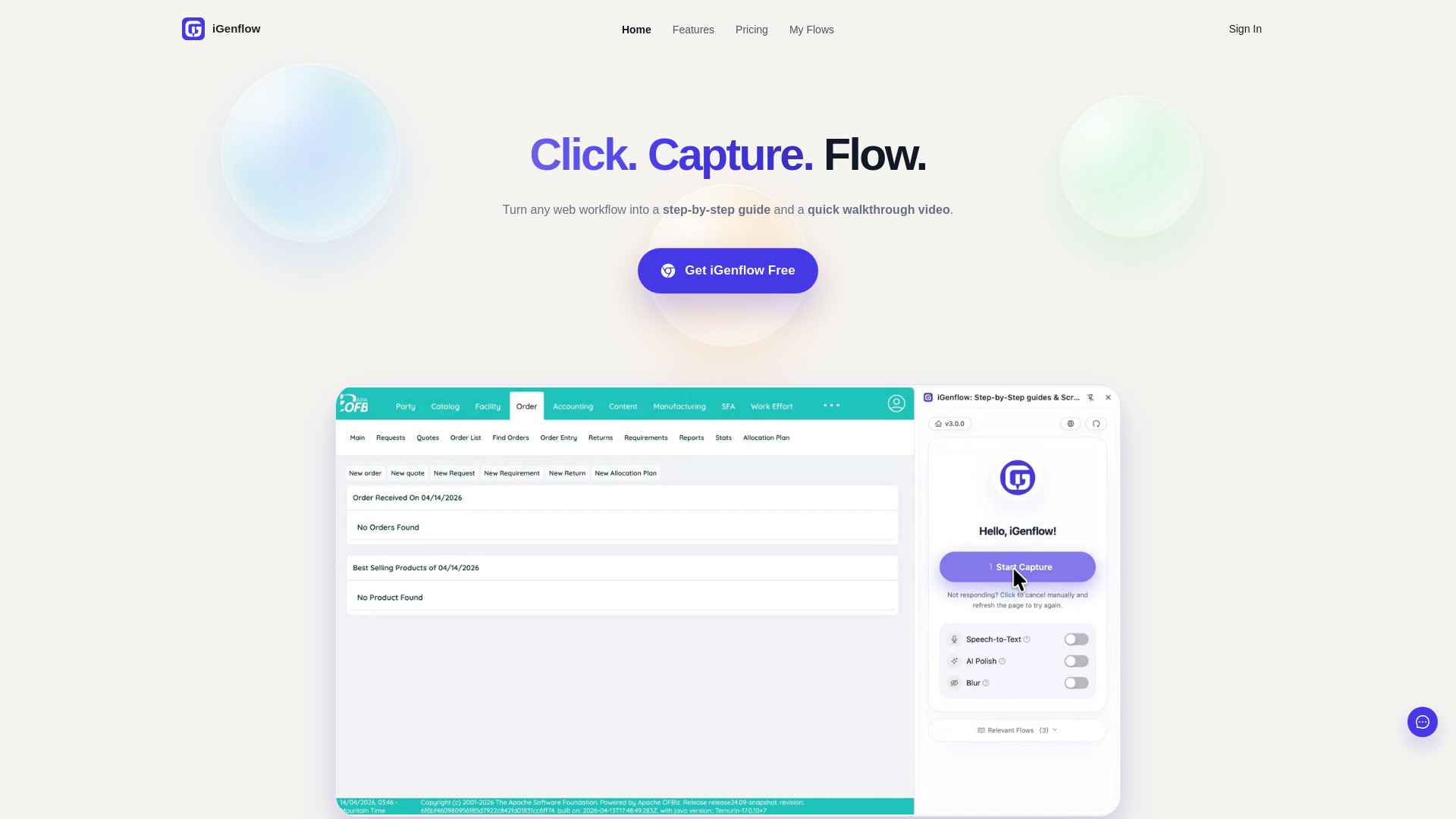
iGenflow is a screen capture and workflow documentation tool that turns any web workflow into step-by-step guides and quick walkthrough videos. It helps teams create SOPs, onboarding materials, feature demos, training docs, and customer self-service guides in minutes.
Key Features of iGenflow
Use Cases for iGenflow
Customer go-live
Create clear operating guides for customers before they go live by recording the full path once and adding notes for their environment.
Feature demo guides
Capture a flow once, make a few edits, and prepare a simple demo guide in under an hour.
New-hire systems training
Turn frequent tasks into guides new hires can revisit whenever they get stuck.
Internal system SOPs
Preserve step order and handoff details for access requests, account setup, and other internal processes.
Customer self-service
Create visual self-service guides for common setup questions and reduce the need for live walkthroughs.
Software tutorials and release documentation
Record key paths once and reuse the material across tutorials, release notes, operations, and support.
How to use iGenflow?
Capture
Click record and walk through the web workflow you want to document.
Edit
Refine each step, add notes, highlight required fields, and blur sensitive information as needed.
Publish
Generate a step-by-step guide and/or walkthrough video, then export, share, or save it to your workspace.
Pros & Cons of iGenflow
Pros
- Free plan with no credit card required
- One-click capture turns recordings into structured guides
- Built-in sensitive information blurring during capture
- Automatic walkthrough video generation with smart zooming
- Multiple export formats including PDF, TXT, images, Word, PowerPoint, Markdown, and HTML
- AI-powered credits for recording analysis, translation, step descriptions, and auto-redaction
- Useful across many use cases: onboarding, SOPs, customer go-live, training, handoffs, and tutorials
Cons
- Free plan limited to 50 steps per workflow
- Advanced exports and longer workflows require the $10/month Pro plan
- AI credits are limited on the free plan
Pricing Overview
View full pricing →iGenflow offers a free Standard plan and a paid Pro Personal plan at $10 per month.
Reviews & Ratings0.0
No reviews yet. Be the first to write one!
Top Alternatives & Similar Software
View all alternatives & similar software→



People also viewed



Related searches
About the Product
Is this your tool?
Claim this page to update details, reply to user reviews, and drive more traffic to your product.
Claim this Product →
Tags
Keep up with iGenflow alternatives
New alternatives, pricing changes and the week's biggest movers - one email every Tuesday.