



Face26
One-click AI photo enhancer that restores, unblurs, colorizes, and upscales your images online.
What is Face26?
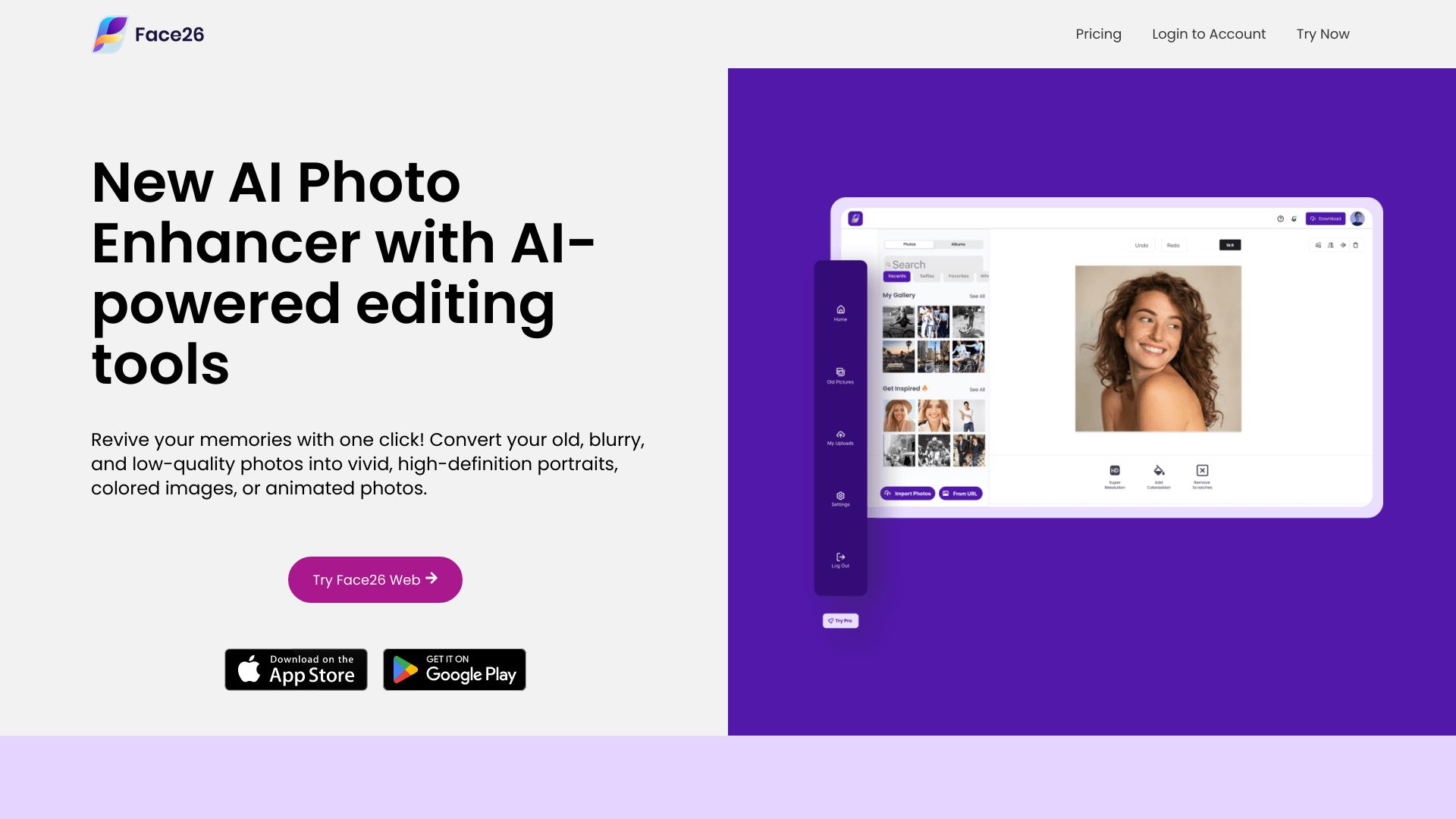
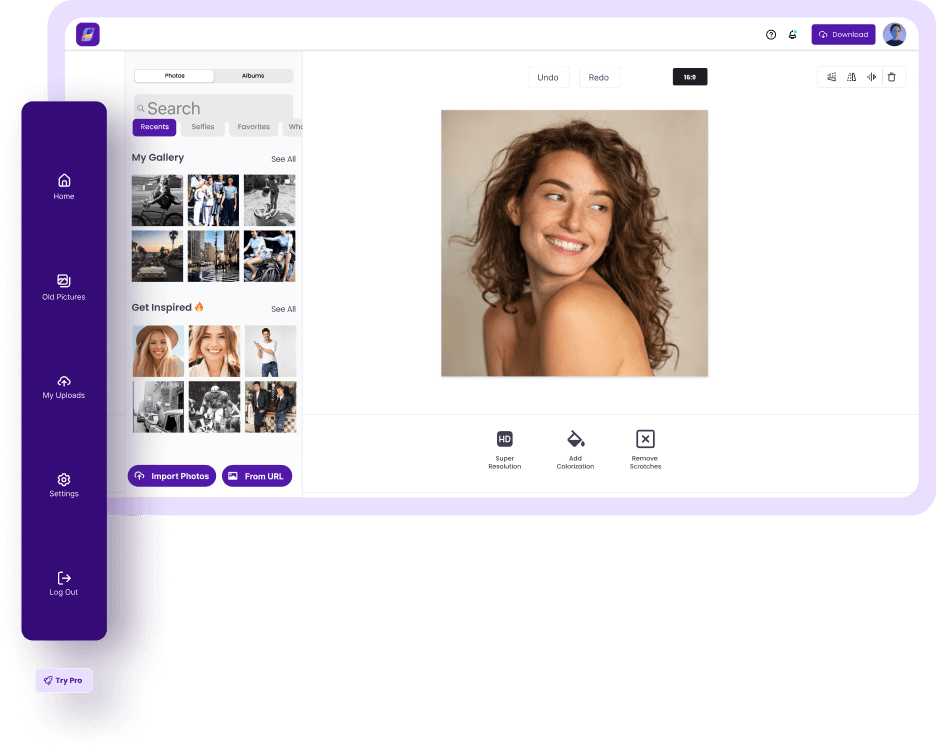
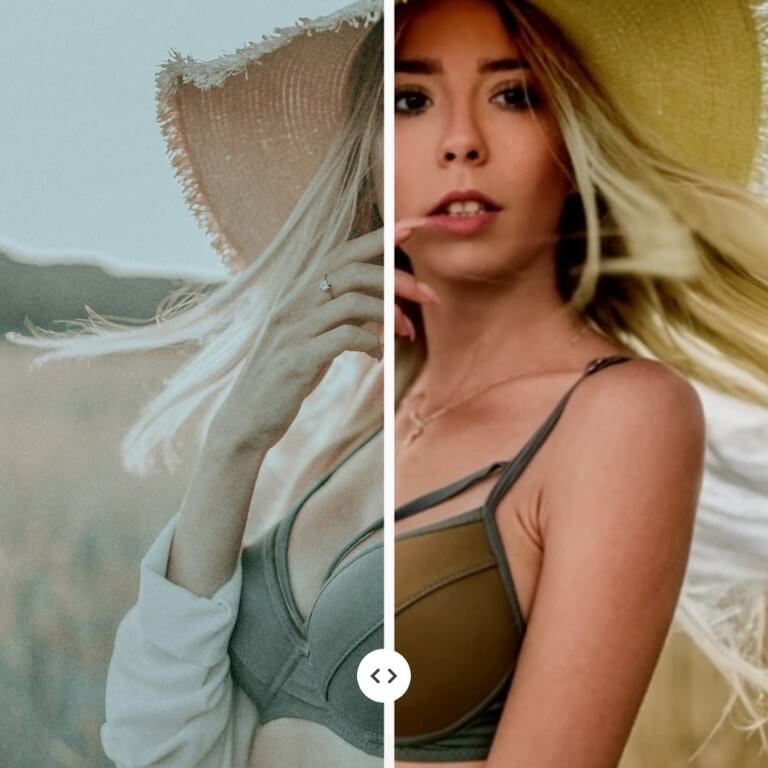
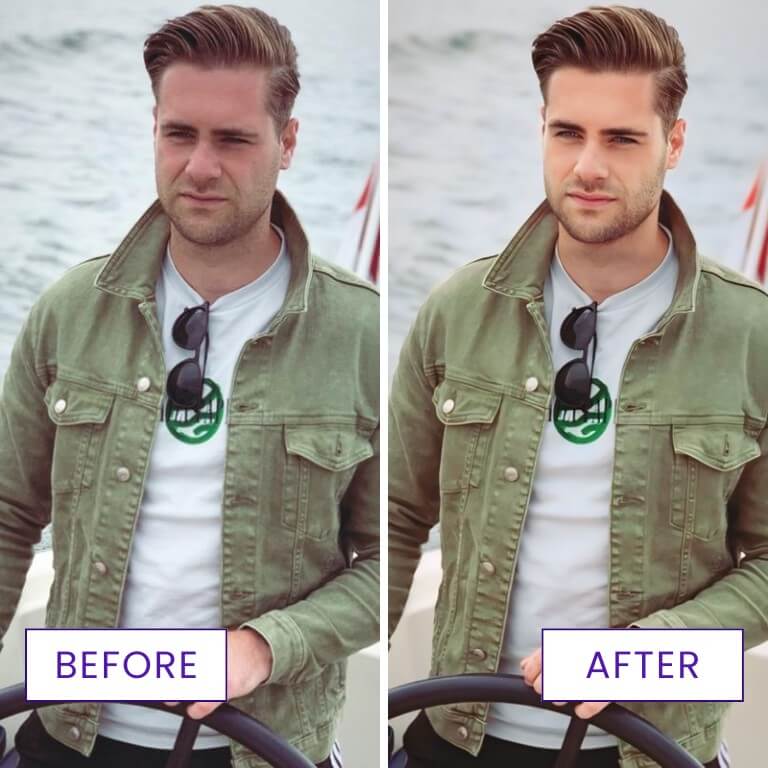
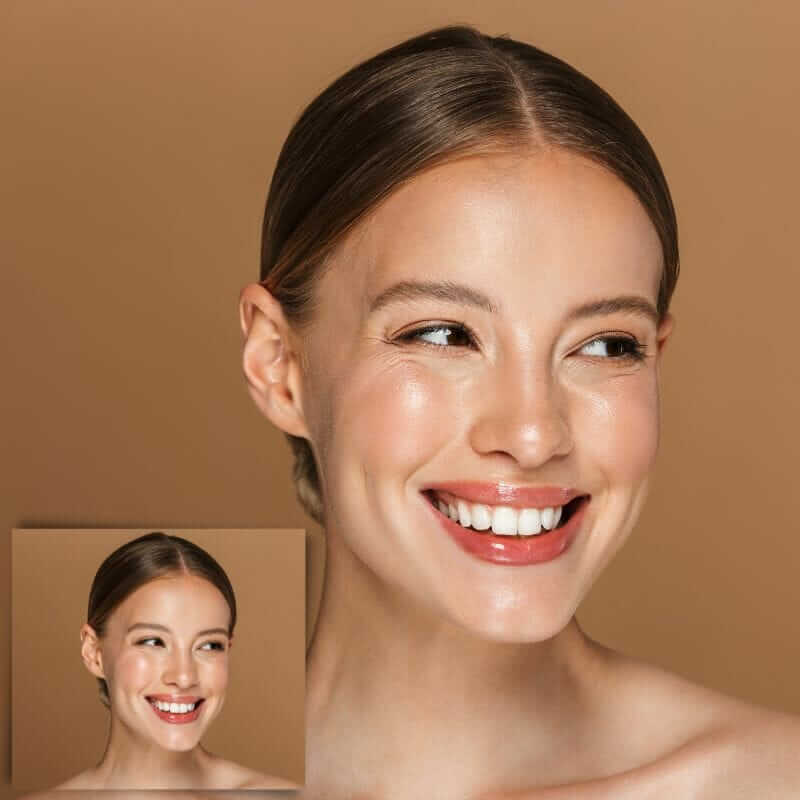
Face26 is an online AI-powered photo enhancer that lets you revive old, blurry, and low-quality images with one click. Built for everyday users as well as professionals, it combines artificial intelligence with a suite of photo editing tools to transform ordinary pictures into vivid high-definition portraits, colored images, or animated photos. The service is fully browser-based, so you can enhance photos on your desktop PC or smartphone without installing heavy software or learning complex editing workflows. The platform's core AI algorithm was trained on over two million high-resolution images, allowing it to automatically improve color, sharpness, lighting, and detail. Face26 includes tools for unblurring faces, denoising grainy shots, upscaling small images to 4K, colorizing black-and-white photos, recoloring objects, correcting colors, restoring old family photos, removing backgrounds, and retouching faces. It also offers AI generation features such as professional headshots, dating profile photos, ecommerce product shots, photo-realistic art, and animated GIFs. Face26 is a privacy-first service: uploads are encrypted, photos are not shared or accessed without permission, and users can delete their images or accounts. Since its founding in 2021, Face26 has optimized more than one million photos and earned strong user reviews. Whether you want to rescue memories from old photo albums, create a professional headshot, or make your product photos look better, Face26 aims to deliver high-quality results in just a few clicks.
SpecificationsAI-estimated
Key Features of Face26
Use Cases for Face26
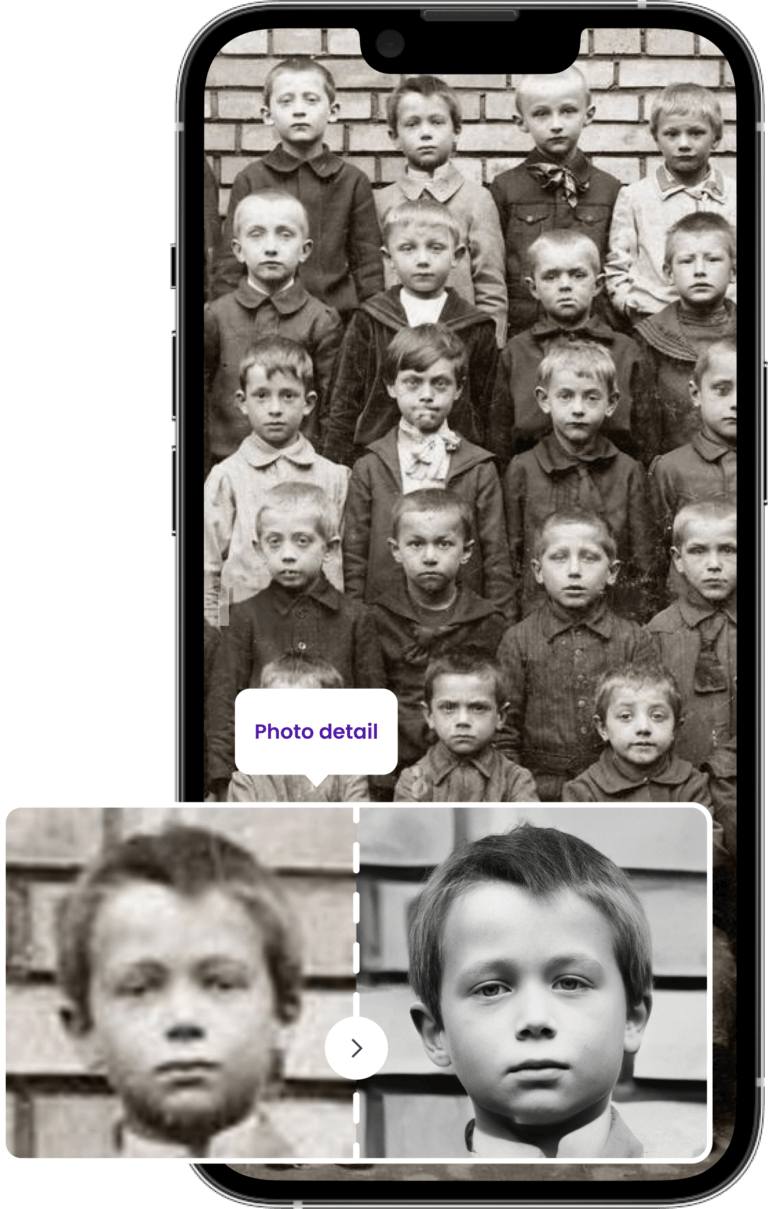
Restoring old family photos
Repair and enhance old, damaged, or faded family pictures so they can be preserved in high quality.
Unblurring and upscaling images
Sharpen blurry faces and upscale low-resolution photos to HD or 4K without losing quality.
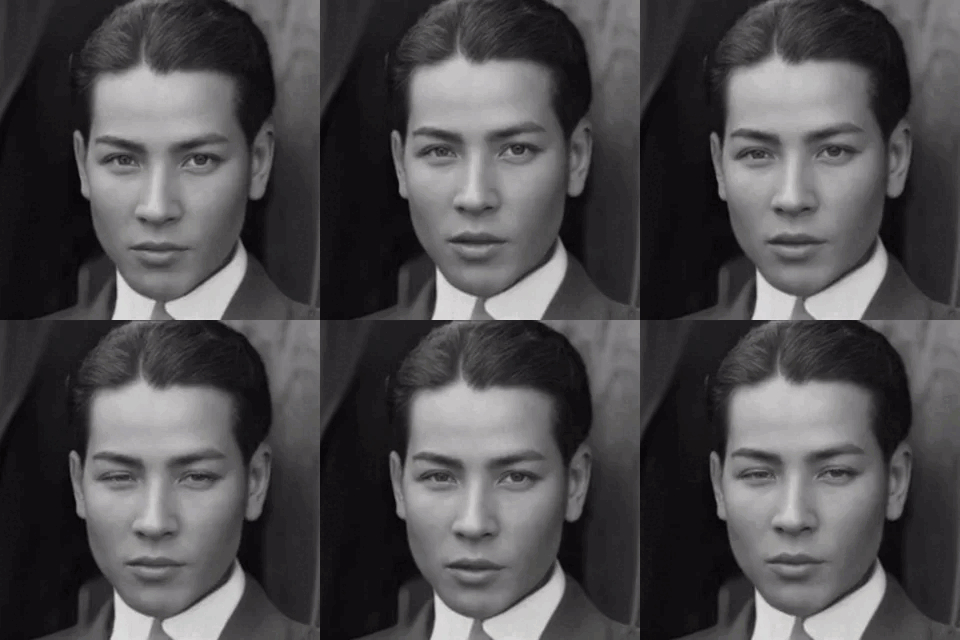
Colorizing black-and-white photos
Bring vintage black-and-white images to life with realistic, natural-looking colors.
Creating professional headshots
Generate polished professional headshots without needing to visit a photographer.
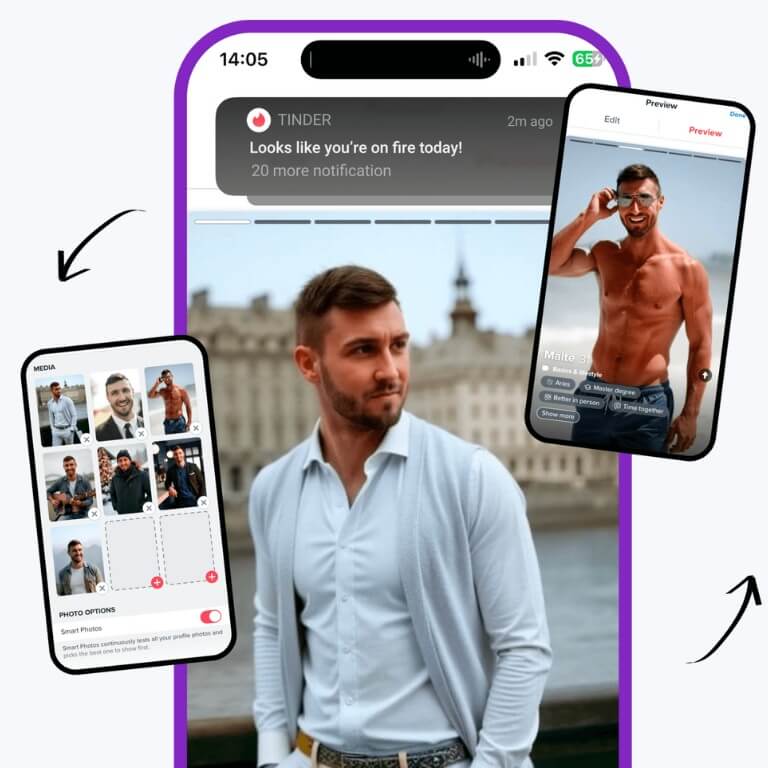
Improving dating profile photos
Create high-quality dating photos with multiple variations to make your profile stand out.
Ecommerce product photography
Turn basic white product shots into custom photos showing products in different settings.
Enhancing AI-generated images
Improve the lighting and colors of AI-generated photos to make them look more realistic.
Creating animated photos
Animate still photos and bring them to life with just a few clicks.
How to use Face26?
Upload a Photo
Upload a photo into Face26's online photo enhancer editor from your desktop or smartphone.
Enhance Automatically
Enhance your photo automatically with only one click, without losing quality.
Save and Download
Save and download the enhanced image directly to your desktop or smartphone.
Pros & Cons of Face26
Pros
- One-click automatic enhancement makes photo editing easy for everyone
- Wide range of tools: upscaling, unblur, denoise, colorize, restore, background removal, and more
- Privacy-first design with encrypted uploads and no unauthorized sharing
- Works in the browser on desktop and smartphone, no installation required
- AI trained on over 2 million high-resolution images for high-quality results
Cons
- Editing requires an internet connection and happens online, so offline use is not possible
- AI enhancement results can vary depending on the quality and condition of the original image
- The homepage does not provide detailed pricing or free-tier limits, making it unclear what is included before signing up
Frequently Asked Questions
Is Face26 free to use?
Face26 presents itself as a free AI picture improver, and the core photo enhancement workflow can be done online without photo editing skills. Detailed pricing and free-tier limits are not listed on the homepage, so you may need to check the app for specific paid features.
Do I need photo editing experience to use Face26?
No. Face26 is designed as a one-click AI photo enhancer, so you simply upload an image and the tool automatically improves colors, sharpness, and resolution.
Can I use Face26 on my smartphone?
Yes. Face26 works through a web browser application on both PCs and smartphones, so you can enhance images on the go and save them directly to your device.
Is my data safe when I upload photos to Face26?
Face26 says it is a privacy-first photo enhancer. Uploaded images are encrypted, are not shared or accessed, and users can delete their photos or accounts when they want.
What types of photos can Face26 enhance?
Face26 can handle old, blurry, pixelated, black-and-white, yellowed, underexposed, and low-resolution photos. It can also improve AI-generated images, product photos, headshots, and casual everyday shots.
Does Face26 work on old or damaged photos?
Yes. Face26 includes an old photo restoration tool that repairs and restores old images, along with colorization, unblurring, denoising, and upscaling features to bring vintage pictures back to life.
What AI generation features does Face26 offer?
Face26 offers professional headshot generation, dating photo generation, ecommerce product photos, photo-realistic art from drawings, and the ability to realify AI-generated images with better lighting and colors.
Reviews & Ratings0.0
No reviews yet. Be the first to write one!
Top Alternatives & Similar Software
View all alternatives & similar software→No alternatives available yet.
People also viewed

Related searches
About the Product
Is this your tool?
Claim this page to update details, reply to user reviews, and drive more traffic to your product.
Claim this Product →
Tags
Keep up with Face26 alternatives
New alternatives, pricing changes and the week's biggest movers - one email every Tuesday.